HDR video and motion graphics
Combine HDR footage with editable graphics and effects, then prepare the output for the screen where it will play.
Explore HDRSee what each tool does, watch a real example, and try it with your AI agent. Start with a prompt you can adapt and keep the result editable.
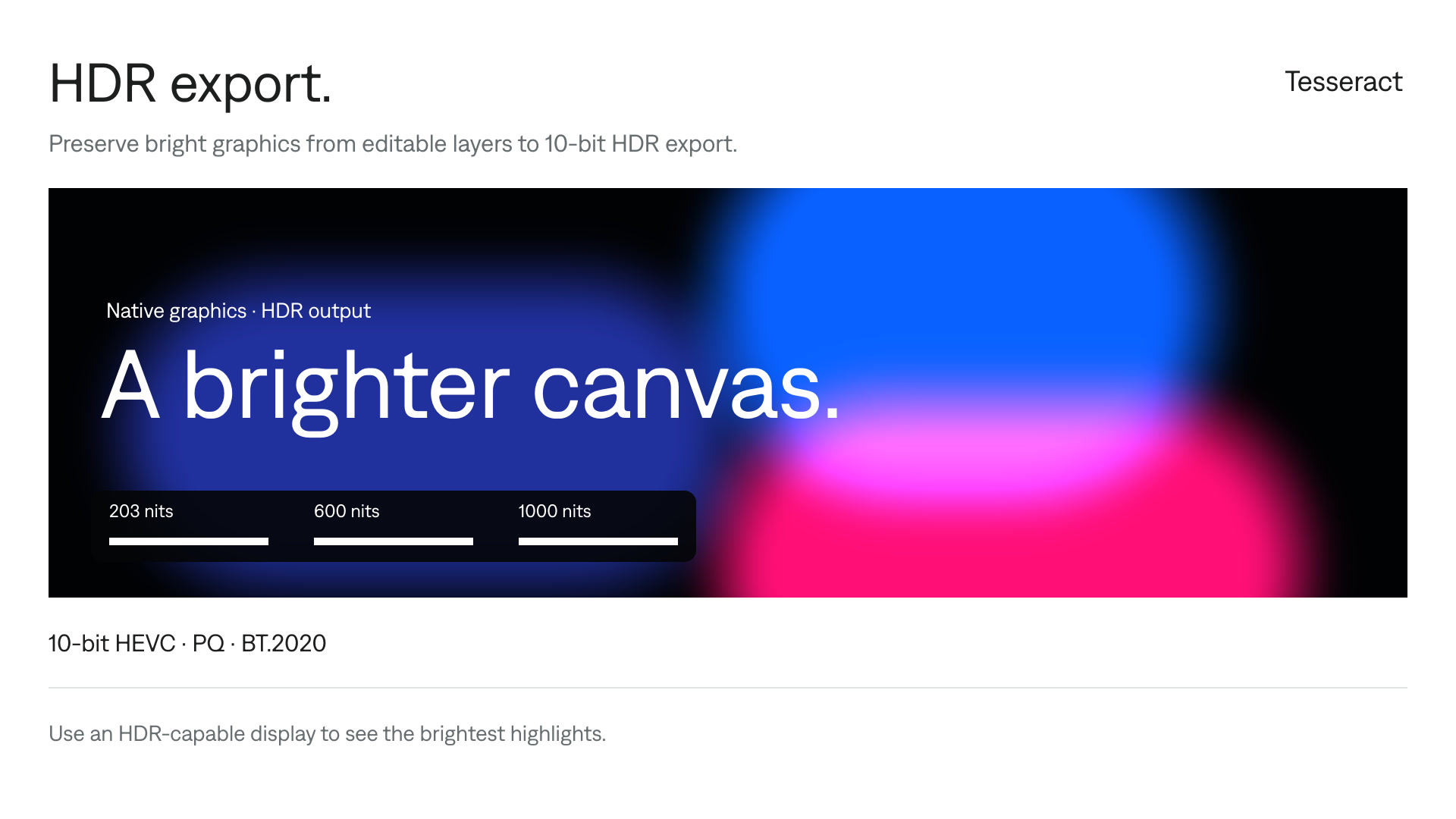
Export footage and graphics together in HDR.
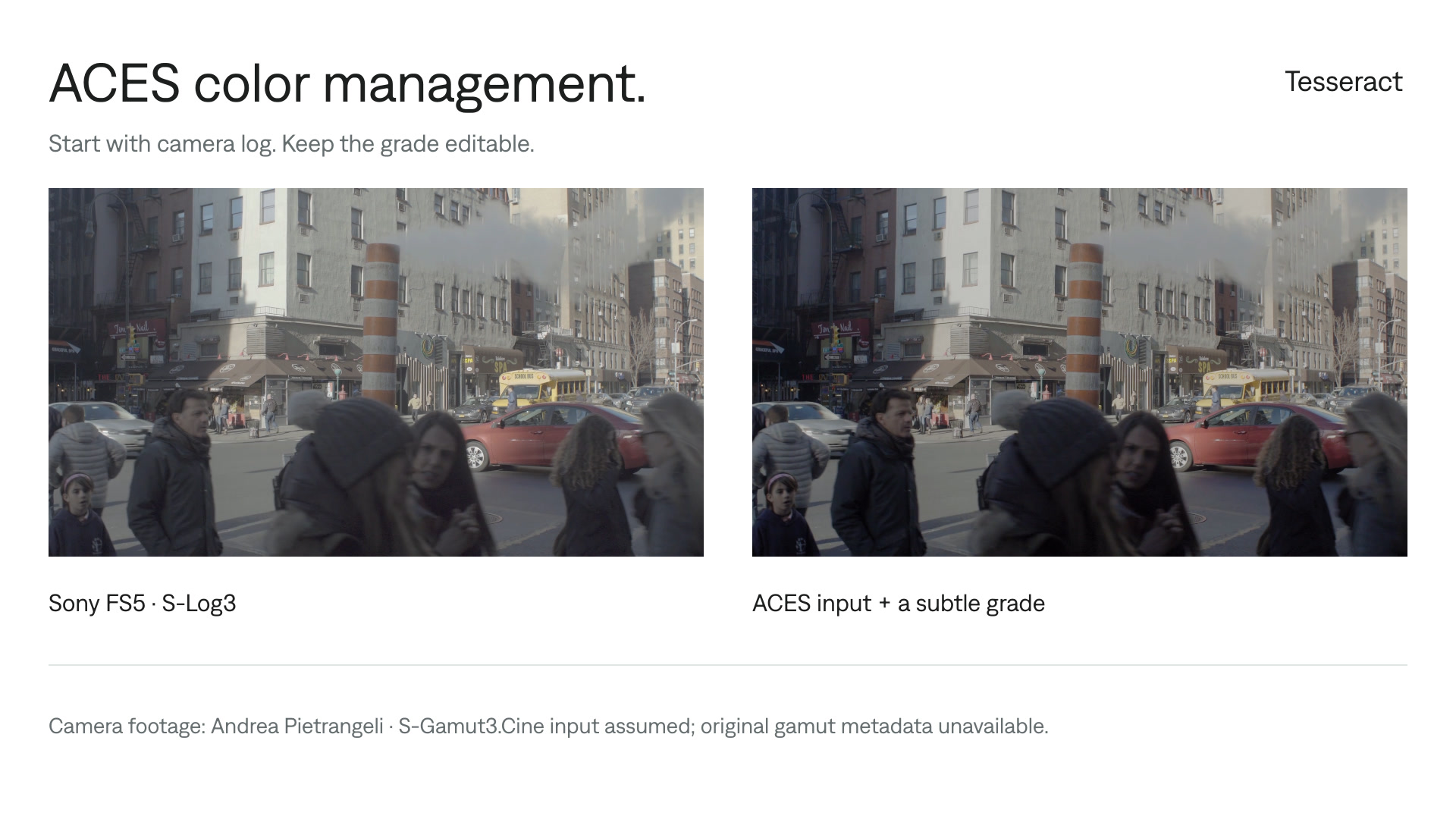
Color grade camera log footage with ACES.
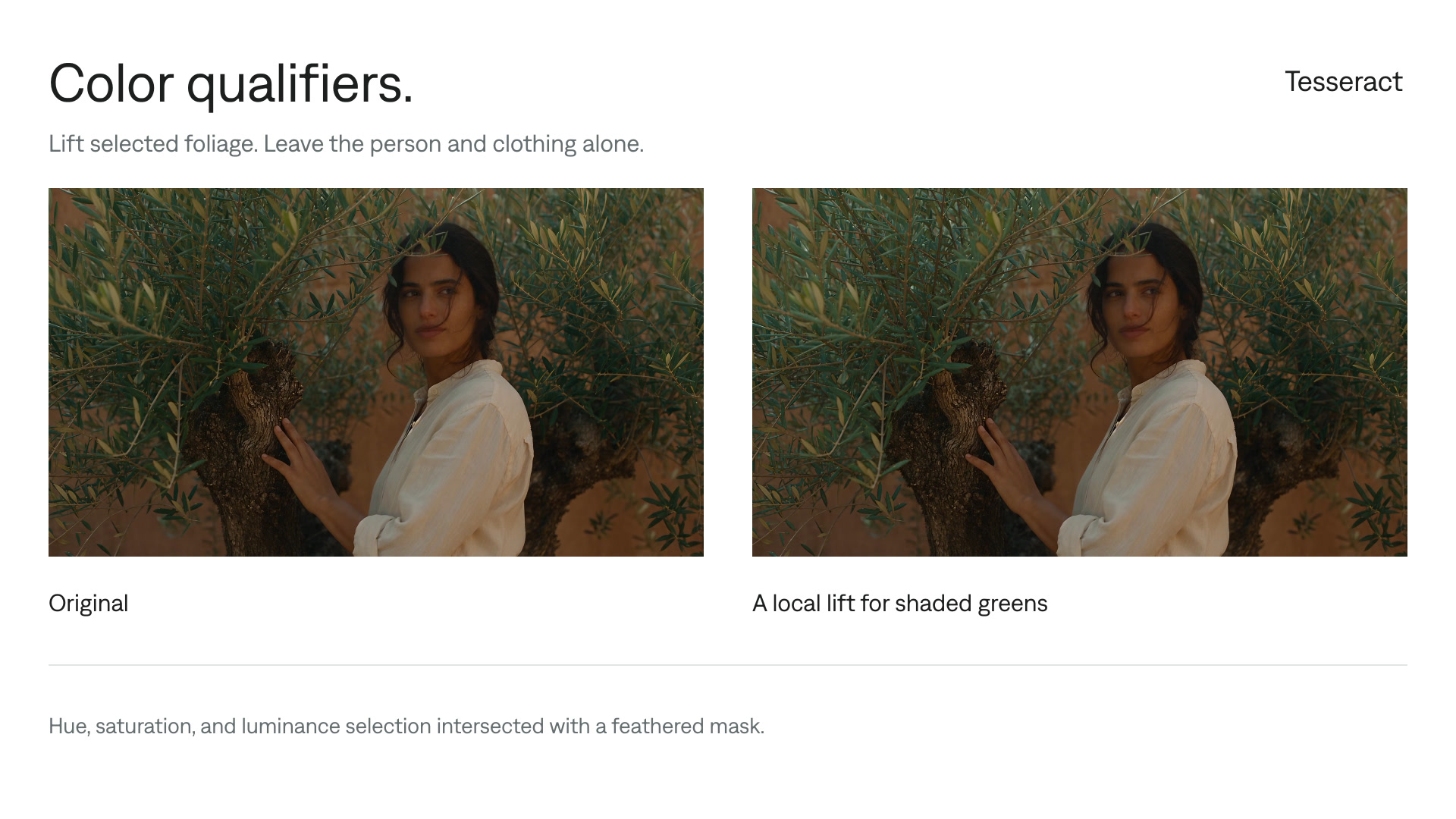
Limit color corrections with qualifiers and masks.
Watch the examples and follow the steps to use these tools with your agent.
Combine HDR footage with editable graphics and effects, then prepare the output for the screen where it will play.
Explore HDRConvert camera log footage, apply LUTs, and adjust contrast and individual colors in an editable project.
Explore color gradingWatch a feature in motion, then adapt the prompt to make something of your own.
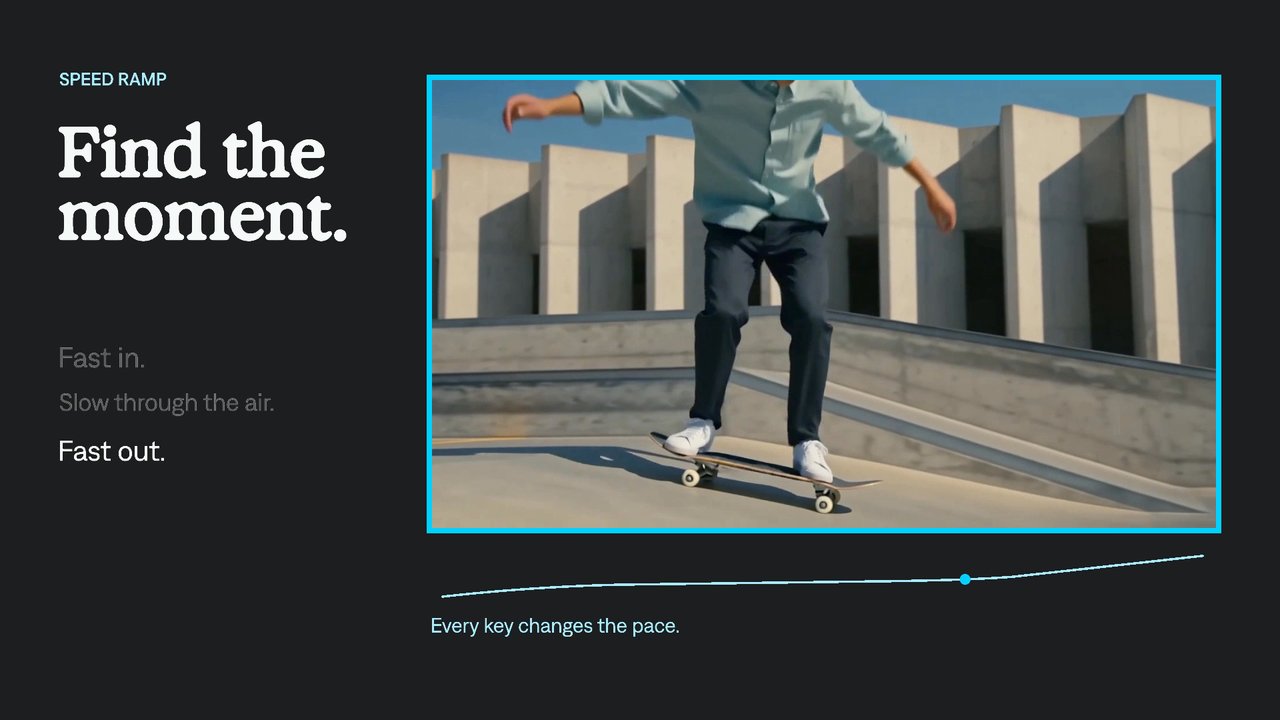
Change the pace within a shot.
Apply one treatment across several layers.
Control where motion starts, lands, and pauses.
Draw a line on screen over time.
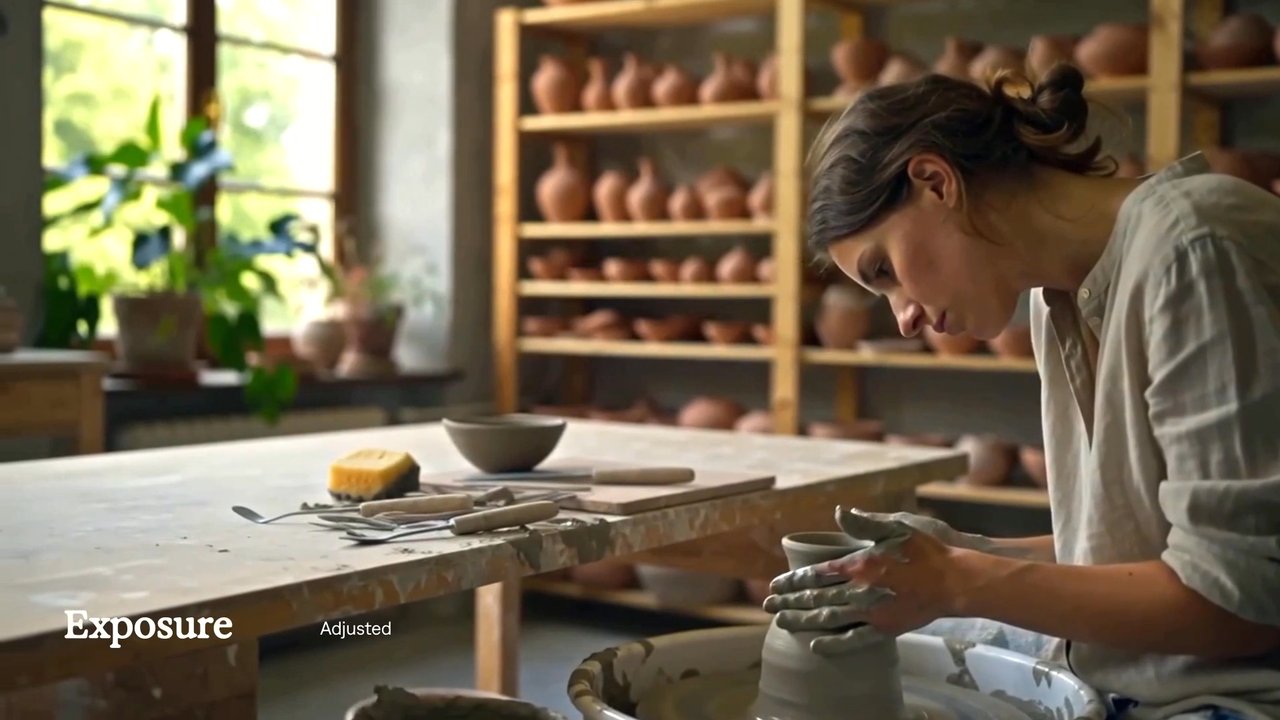
Adjust a shot’s brightness in stops.
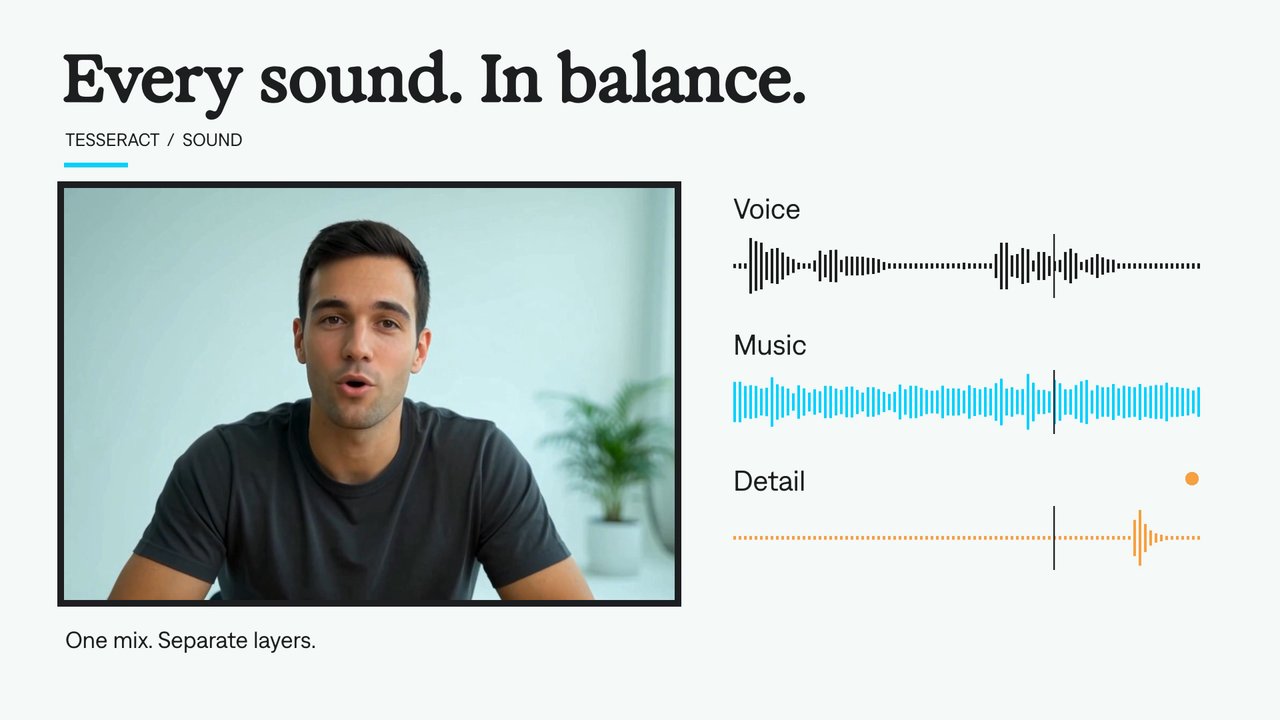
Mix voice, music, and effects in one project.
Explore the controls behind footage editing, motion graphics, compositing, and sound.
Cut, trim, arrange, and retime footage.
Build movement with editable keyframes, curves, and procedural controls.
Shape text and animate letters, words, and lines.
Draw and refine shapes, paths, fills, and strokes.
Combine layers with effects, masks, and mattes.
Build blur, glow, distortion, texture, and custom treatments.
Normalize footage, shape a grade, and refine selected colors.
Explore how a layer interacts with the colors beneath it.
Arrange supplied audio and control its timing and levels.
Combine editable tools into complete visual treatments.
Choose delivery settings and keep the source project editable.
Try a broader term, such as “text,” “blur,” or “audio,” or clear the filters.
Adobe project conversion
Use the Tesseract skill to import or export Premiere Pro and After Effects projects. Check which layers, effects, and timing controls transfer before starting your conversion.
Explore project conversionSupport is partial; After Effects export is experimental. See what transfers.
Install Tesseract in your agent, bring a brief, and start creating.
Free on Mac, Windows, and Linux. Your agent’s costs are separate.
Set up Tesseract by Mirage so you can create editable designs, edit videos, and make motion graphics in this agent’s environment. Read https://github.com/mirage-hq/Tesseract and check the requirements for this local or hosted environment. If it is supported, follow the official plugin or skills installation guide, use its required runtime version, verify the download checksum, and confirm a short preview renders correctly. Then ask what I want to make and which brand references or source assets I have. Keep the editable project and source assets with the finished render.