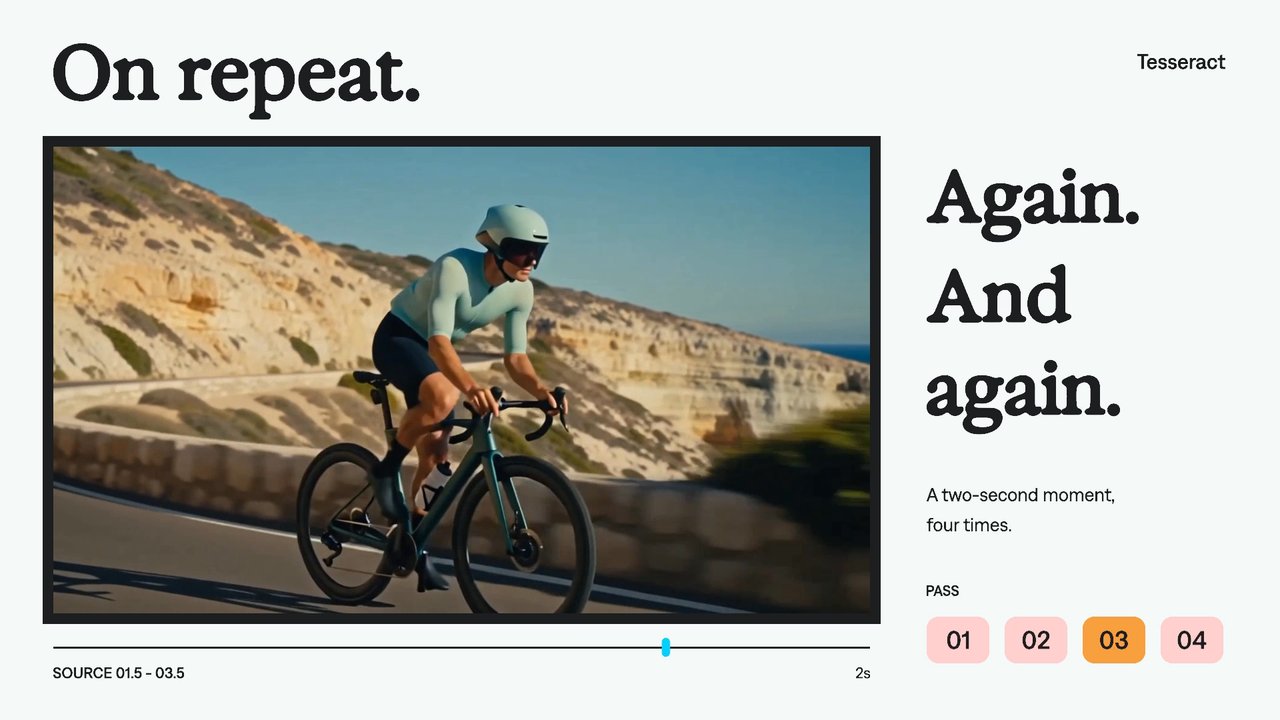
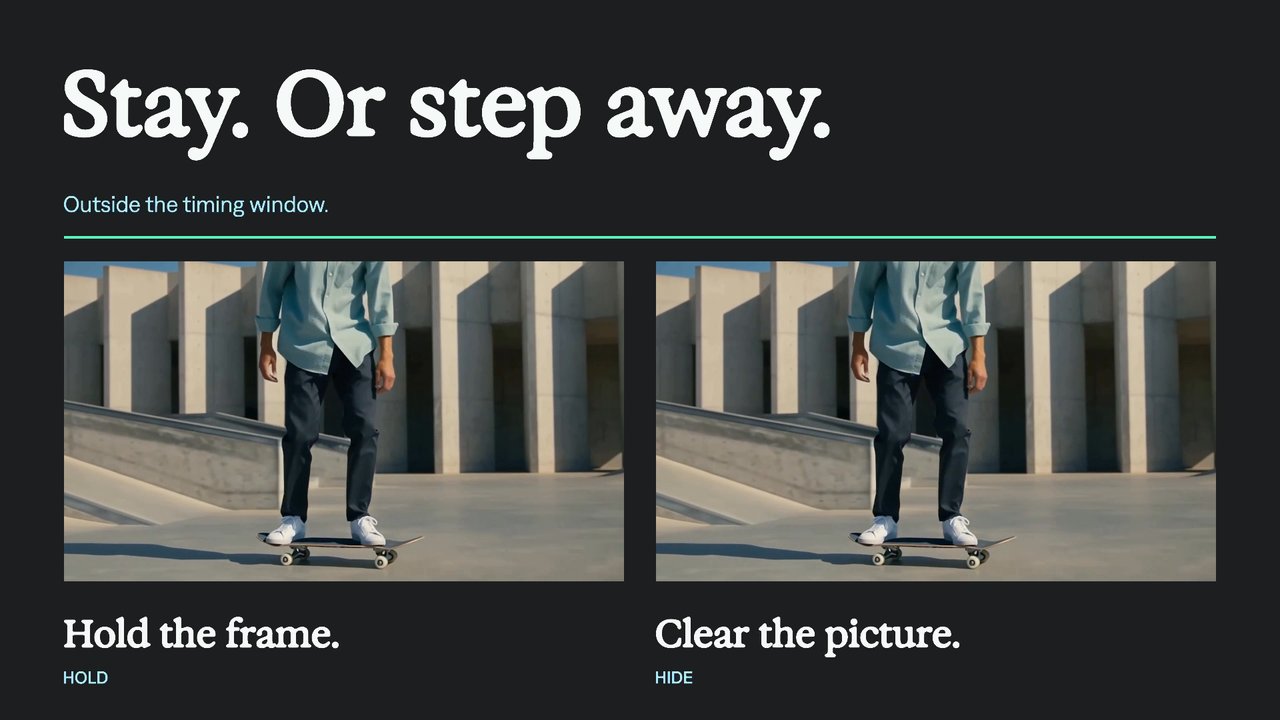
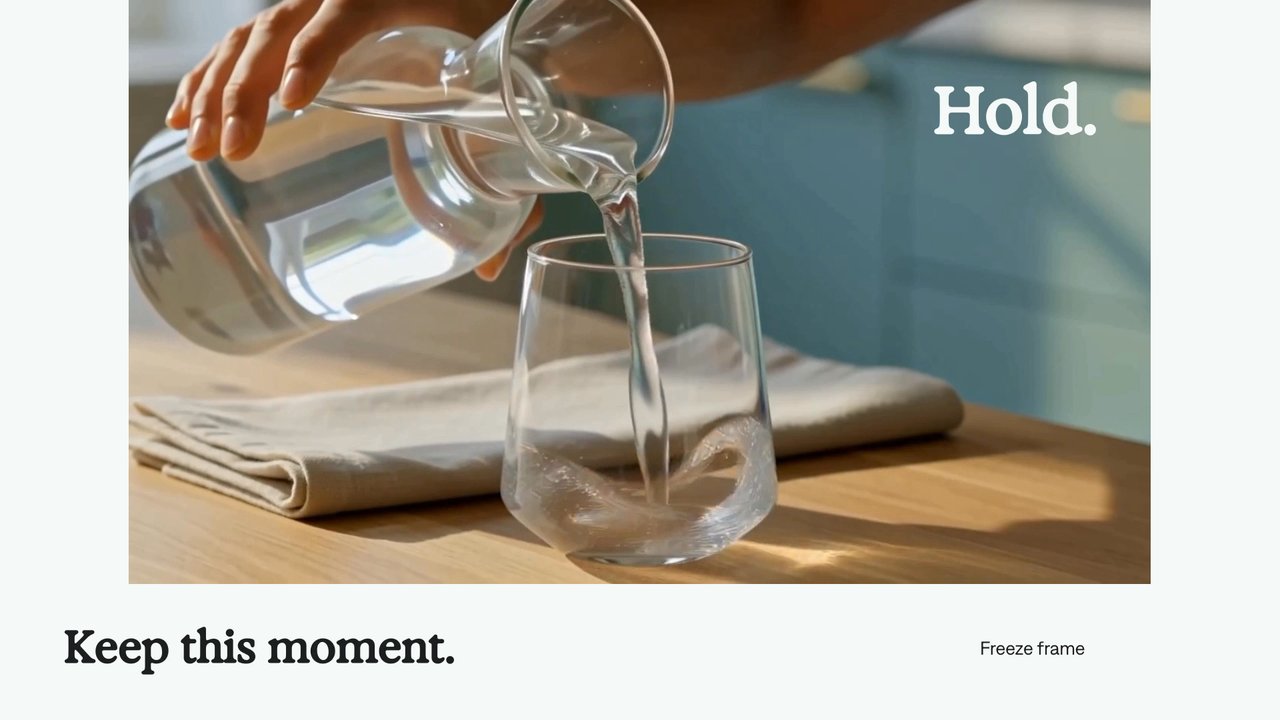
Continue a time curve.
Continue the motion beyond the last time-remap key using the speed at the edge of the curve.
Try it in your agent.
Use this prompt as a starting point. Review the result, then ask for the details you want to change.
A prompt to start from
Use Tesseract. # Continue outside keyframes Create an eight-second, silent, horizontal Mirage motion study using the supplied coastal cycling footage. Place two equally sized, uncropped views on a Bone canvas beneath a generous Exposure headline. Let both play normally until four seconds; hold the left view there while the right continues to the end. Keep the comparison labels and moving rules restrained, with generous space around every text element.
New to Tesseract? Find the setup for your agent.
A few useful details.
How do I try this with my agent?
Install or update Tesseract in a supported agent, attach your source files, and copy the prompt. Review the preview, then ask for the changes you want. The composition stays editable as you refine it.
Where does the video render?
Tesseract renders in the environment where your agent runs it, including supported local computers and hosted Linux environments. The engine is free; your agent’s subscription or usage costs are separate.
Try these next.
Your next video, made with your agent.
Install Tesseract in your agent, bring a brief, and start creating.
Free on Mac, Windows, and Linux. Your agent’s costs are separate.
Read the prompt
Set up Tesseract by Mirage so you can create editable designs, edit videos, and make motion graphics in this agent’s environment. Read https://github.com/mirage-hq/Tesseract and check the requirements for this local or hosted environment. If it is supported, follow the official plugin or skills installation guide, use its required runtime version, verify the download checksum, and confirm a short preview renders correctly. Then ask what I want to make and which brand references or source assets I have. Keep the editable project and source assets with the finished render.