Color grade camera log footage with ACES.
Convert supported camera log footage into an ACES grading workflow, then prepare SDR or HDR output. Edit the footage grade separately from titles and graphics.
Camera footage by Andrea Pietrangeli, offered by its creator for stock use. Source gamut is assumed S-Gamut3.Cine for this example. View source.
Try it in your agent.
Use this prompt as a starting point. Review the result, then ask for the details you want to change.
A prompt to start from
Use Tesseract to color grade my footage with ACES color management. First identify the source color space and log profile; ask me if the files do not identify them reliably. Normalize each supported input once, then make the image warm and natural while retaining highlight detail. Keep the title and logo out of the footage grade. Show me a preview before exporting and keep the project editable.
New to Tesseract? Find the setup for your agent.
Keep control of the result.
- Input color space
- Identify the footage’s camera profile before applying creative corrections.
- Editable grade
- Refine exposure, color balance, and the look within the managed project.
- Output target
- Choose the supported SDR or HDR output treatment for the intended delivery.
A few useful details.
What does ACES change about the workflow?
ACES separates source normalization, grading, and display output. The camera profile defines how footage enters the workflow; your creative grade defines its look; the output transform prepares it for the target display.
Which camera log profiles are supported?
Built-in transforms include Apple Log, ARRI LogC3 at EI 800 and LogC4, Blackmagic Film Gen 5, Canon Log 3 with Cinema Gamut, Panasonic V-Log, RED Log3G10, and Sony S-Log3 with S-Gamut3 or S-Gamut3.Cine. Provide the exact profile when it is not available in reliable metadata.
Can I load any OpenColorIO configuration?
No. Tesseract provides a built-in ACES workflow and supported input and output transforms. It is not a general OpenColorIO configuration loader.
How do I try this with my agent?
Install or update Tesseract in a supported agent, attach your source files, and copy the prompt. Review the preview, then ask for the changes you want. The composition stays editable as you refine it.
Where does the video render?
Tesseract renders in the environment where your agent runs it, including supported local computers and hosted Linux environments. The engine is free; your agent’s subscription or usage costs are separate.
Put it to work in a video.
See how this tool fits into a complete, editable project.
Try these next.
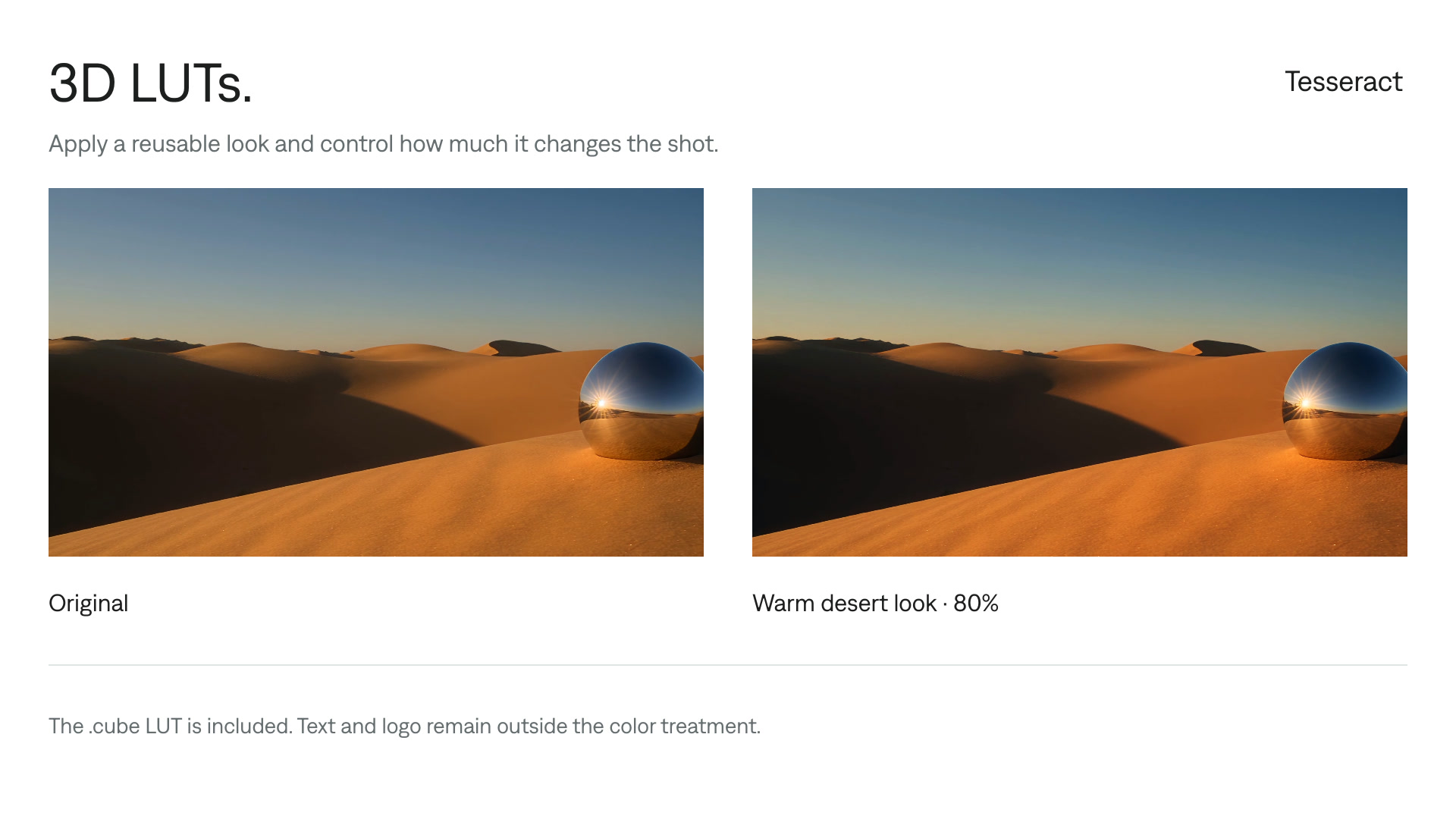
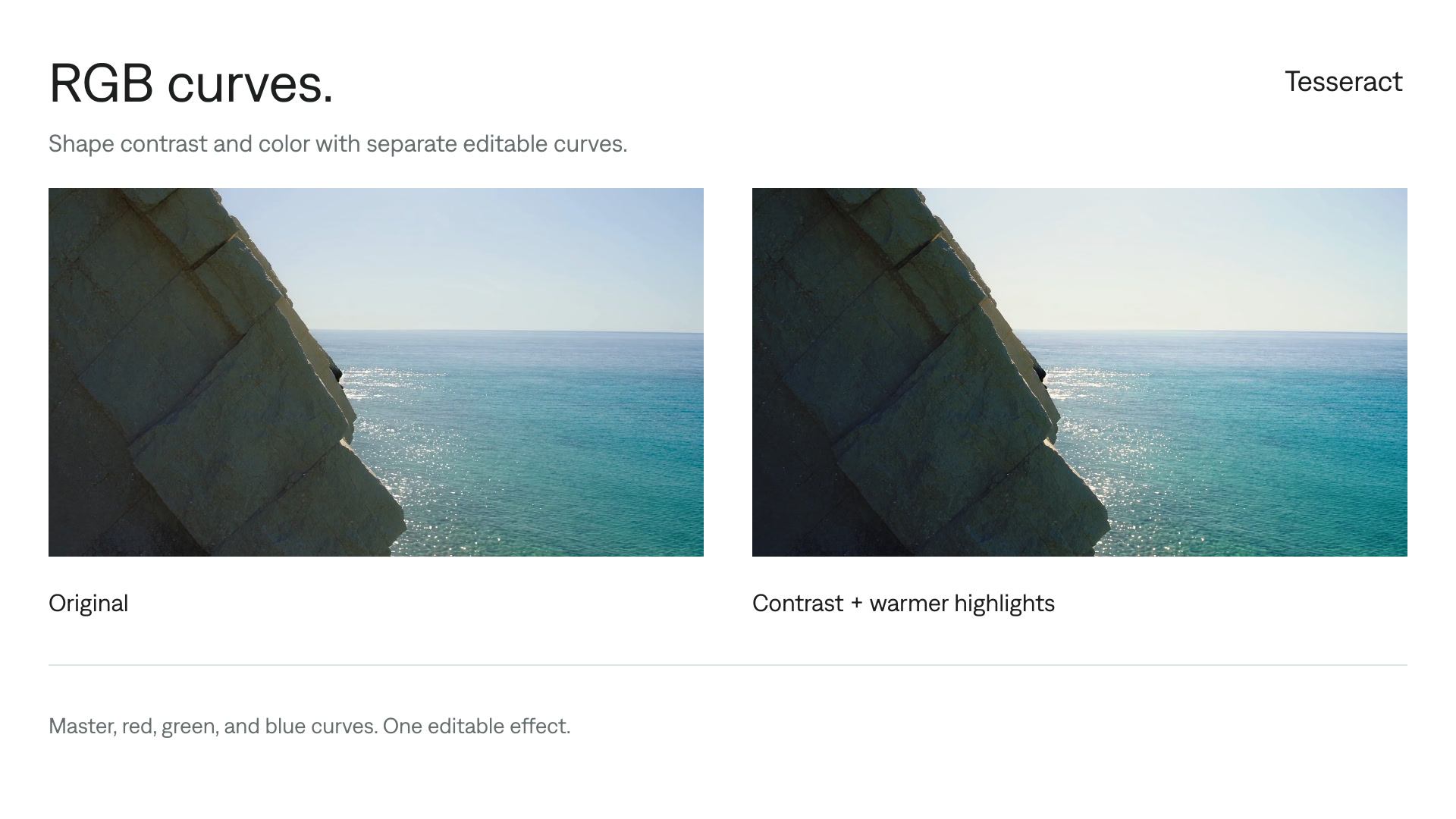
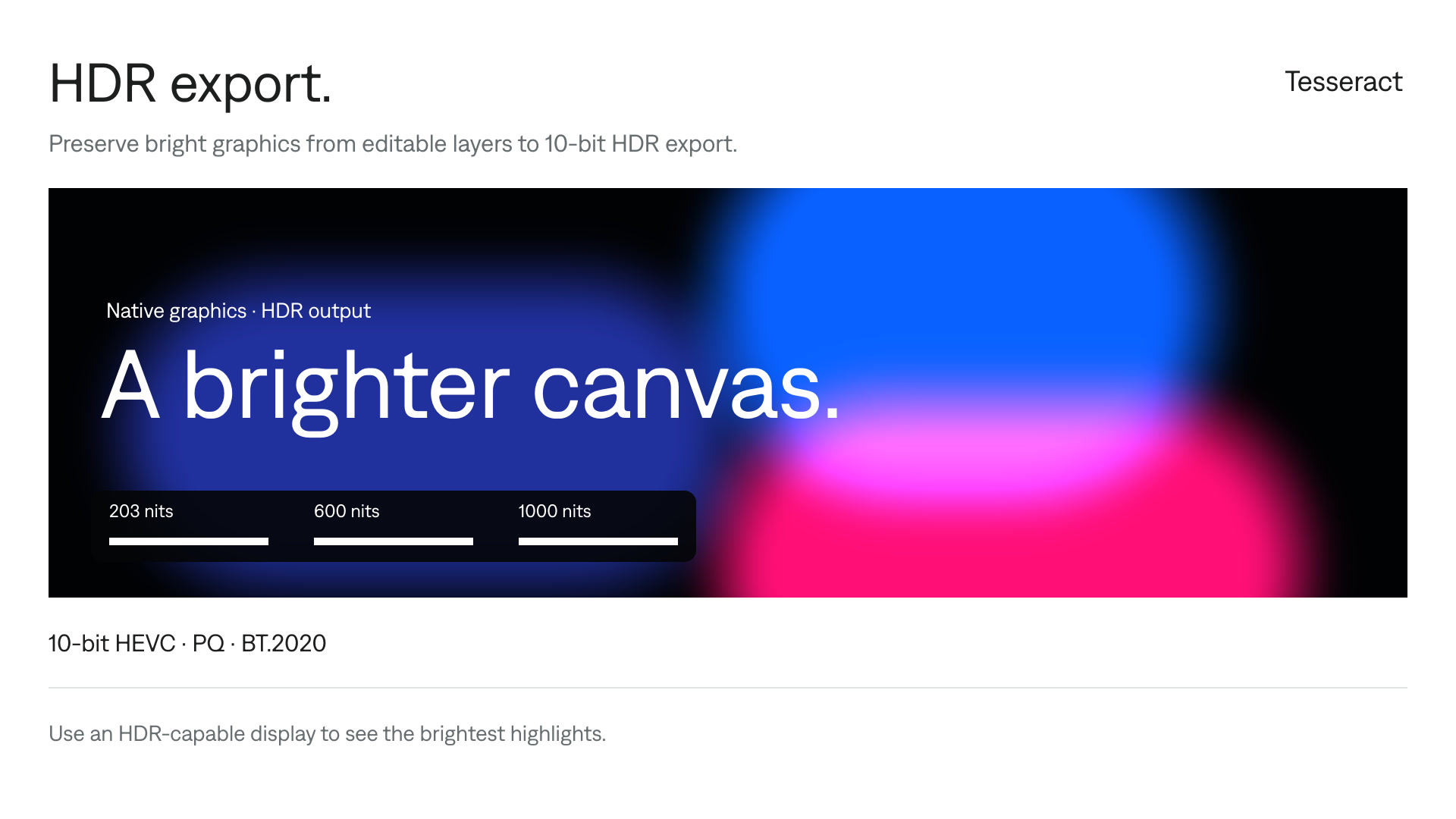
Your next video, made with your agent.
Install Tesseract in your agent, bring a brief, and start creating.
Free on Mac, Windows, and Linux. Your agent’s costs are separate.
Read the prompt
Set up Tesseract by Mirage so you can create editable designs, edit videos, and make motion graphics in this agent’s environment. Read https://github.com/mirage-hq/Tesseract and check the requirements for this local or hosted environment. If it is supported, follow the official plugin or skills installation guide, use its required runtime version, verify the download checksum, and confirm a short preview renders correctly. Then ask what I want to make and which brand references or source assets I have. Keep the editable project and source assets with the finished render.