HDR video and motion graphics
Your agent can create motion graphics in HDR.
Combine HDR footage with editable typography, animated graphics, and effects. Create and refine an HDR video with your AI agent and Tesseract.
Read the prompt
Set up Tesseract by Mirage so you can create editable designs, edit videos, and make motion graphics in this agent’s environment. Read https://github.com/mirage-hq/Tesseract and check the requirements for this local or hosted environment. If it is supported, follow the official plugin or skills installation guide, use its required runtime version, verify the download checksum, and confirm a short preview renders correctly. Then ask what I want to make and which brand references or source assets I have. Keep the editable project and source assets with the finished render.
About this example
Footage generated with Seedance 2.5 and converted from SDR to HDR with Topaz. Text, animation, and compositing were created in Tesseract. This is converted footage, not native HDR capture. The HDR master is encoded from native 16-bit PQ Tesseract frames.
The embedded player shows an SDR version. Review the HDR master on a compatible display and player to see the highlight range.
The example
HDR footage with animated text and highlights.
A rainy city, luminous typography, and an animated light line share one editable composition. This example combines footage converted to HDR with graphics whose brightness can be adjusted separately.
Adjust highlight brightness.
Preserve bright reflections and light sources in HDR footage. Set the brightness of your graphics deliberately, instead of lifting the whole image.
Combine footage and graphics.
Combine animated text, shapes, masks, and effects with the footage. Build the visual treatment in layers your agent can continue to revise.
Revise individual layers.
Revise a headline, soften a glow, or change the timing. Keep the footage, graphics, and approved creative decisions in the same editable project.
One editable composition
Edit footage, text,
and effects separately.
Ask your agent to change the title, adjust an effect, or grade the footage. Each remains editable in the same project, so you can revise one without rebuilding the others.
Follow the motion-graphics workflowExample project structure
Illustrated structure. Download the example project above to inspect the actual layers.
How to create and review your video.
Provide footage and describe the video you want. Review the layout, motion, and brightness before export.
- 01
Provide footage and references.
Share your HDR clips, brand assets, and visual references. Tell the agent where the video will be shown and which parts should draw attention.
- 02
Build and review the layers.
Ask for a storyboard, then editable graphics over the footage. Review the composition and timing in a draft, and check highlight brightness on an HDR display.
- 03
Export for the destination.
Choose PQ or HLG for the HDR master. Prepare a separate SDR version for placements that do not preserve HDR, and keep the editable project.
Try it with your footage
Copy this prompt to your agent.
Install or update Tesseract, attach your files, and replace the bracketed details. Ask the agent to confirm that its runtime supports this workflow before it begins.
Find your setup guideCreate an HDR video
Use the attached footage to create a [duration]-second HDR video in Tesseract for [purpose]. First inspect the source color information and confirm the HDR workflow is supported by the installed runtime. Propose a storyboard with editable typography and motion graphics. Keep the footage, graphics, and effects on separate layers. Use bright highlights selectively, keep the text readable, and preserve detail in the footage. Show preview frames and a draft before final export. After approval, export a 10-bit HEVC PQ HDR master and a separate SDR viewing copy, and save the editable project with its assets.
Check these details before export.
Review a few representative frames, then watch the complete sequence. Point out the differences instead of prescribing every setting.
Highlight brightness
Reserve the strongest highlights for selected details. Faces and ordinary text should remain comfortable to view.
SDR playback
Check the fallback independently. The composition, contrast, and graphics still need to work when HDR is unavailable.
The delivered file
Verify the actual exported file in a compatible player. Check the display and platform, as well as the video’s format and color metadata.
Example follow-up
Keep the edit, colors, and timing. The title is too bright compared with the face, and the glow obscures the detail behind it. Adjust those two issues and show a new preview. Leave everything else unchanged.
HDR questions and answers
What does HDR change in a video?
HDR gives a video more room for bright highlights and a wider range of colors. On a compatible display, reflections, light sources, and luminous graphics can look brighter while the rest of the image stays balanced. The result depends on the source, creative treatment, export, and playback device.
Can I combine HDR footage with text and motion graphics?
Yes. Tesseract can composite HDR footage with editable text, shapes, animation, and effects. Keep graphics on separate layers so your agent can adjust their brightness, timing, and appearance independently of the footage.
Does the example on this page play in HDR?
The embedded video is an SDR preview for consistent browser playback. Use the HDR master link where available to review the HDR export in a compatible player on an HDR display. A brighter-looking preview is not proof of HDR playback.
Which HDR formats can Tesseract export?
The HDR video workflow exports 10-bit HEVC MP4 with PQ or HLG transfer characteristics. Choose the format for your delivery platform and check its current requirements. This is not Dolby Vision mastering or an HDR ProRes export workflow.
Does converting SDR footage to HDR recover the original highlights?
No. SDR-to-HDR conversion creates an expanded interpretation of the source. It cannot recover detail that was already clipped or discarded. Native HDR capture and converted SDR footage should be labeled differently, and both should be reviewed before delivery.
Related examples and guides.
See how to apply these tools to other video projects.
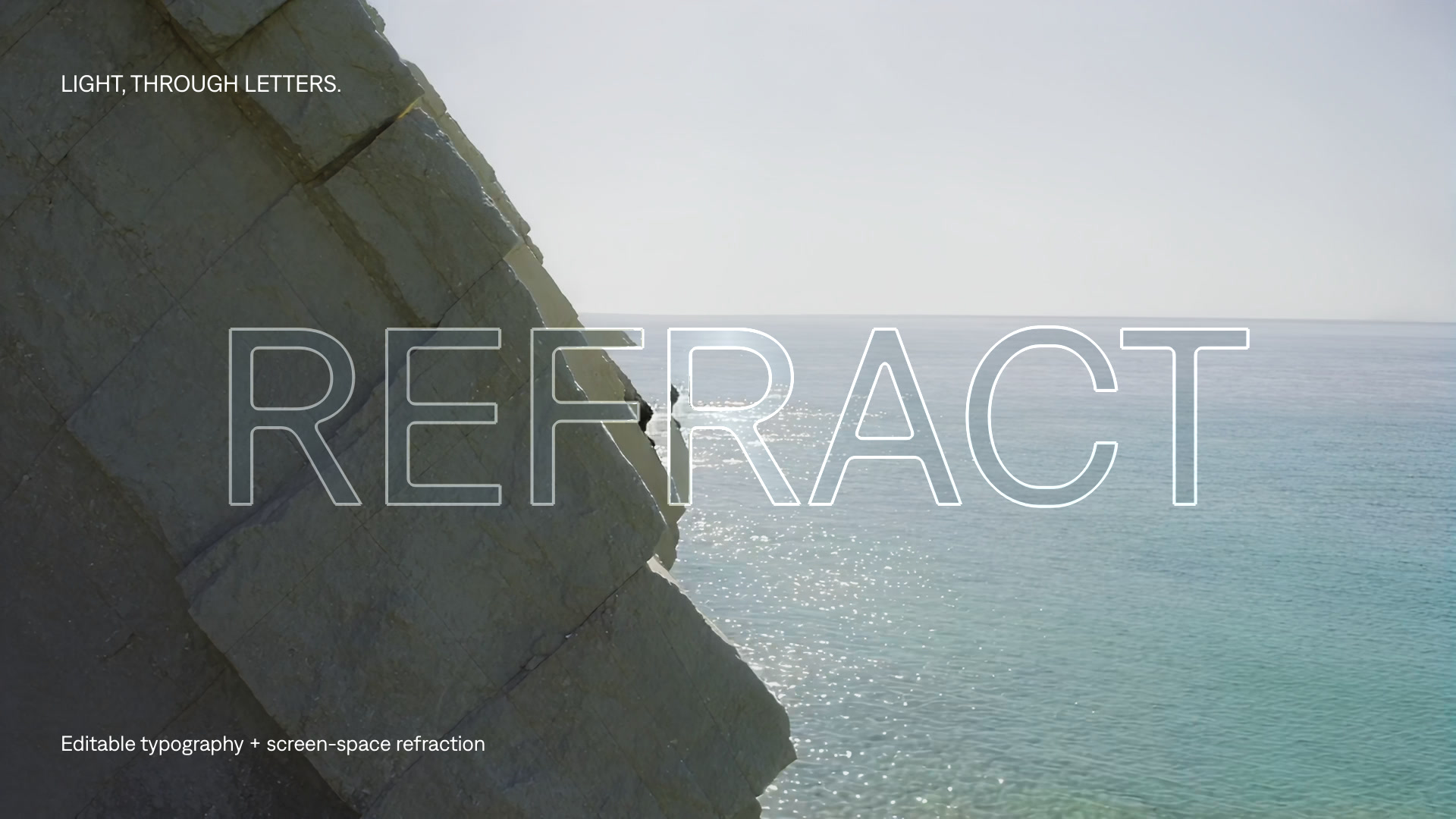
Make HDR motion graphics
Build animated typography and effects over HDR footage with your AI agent. Follow an editable Tesseract example and copy a practical prompt.
Explore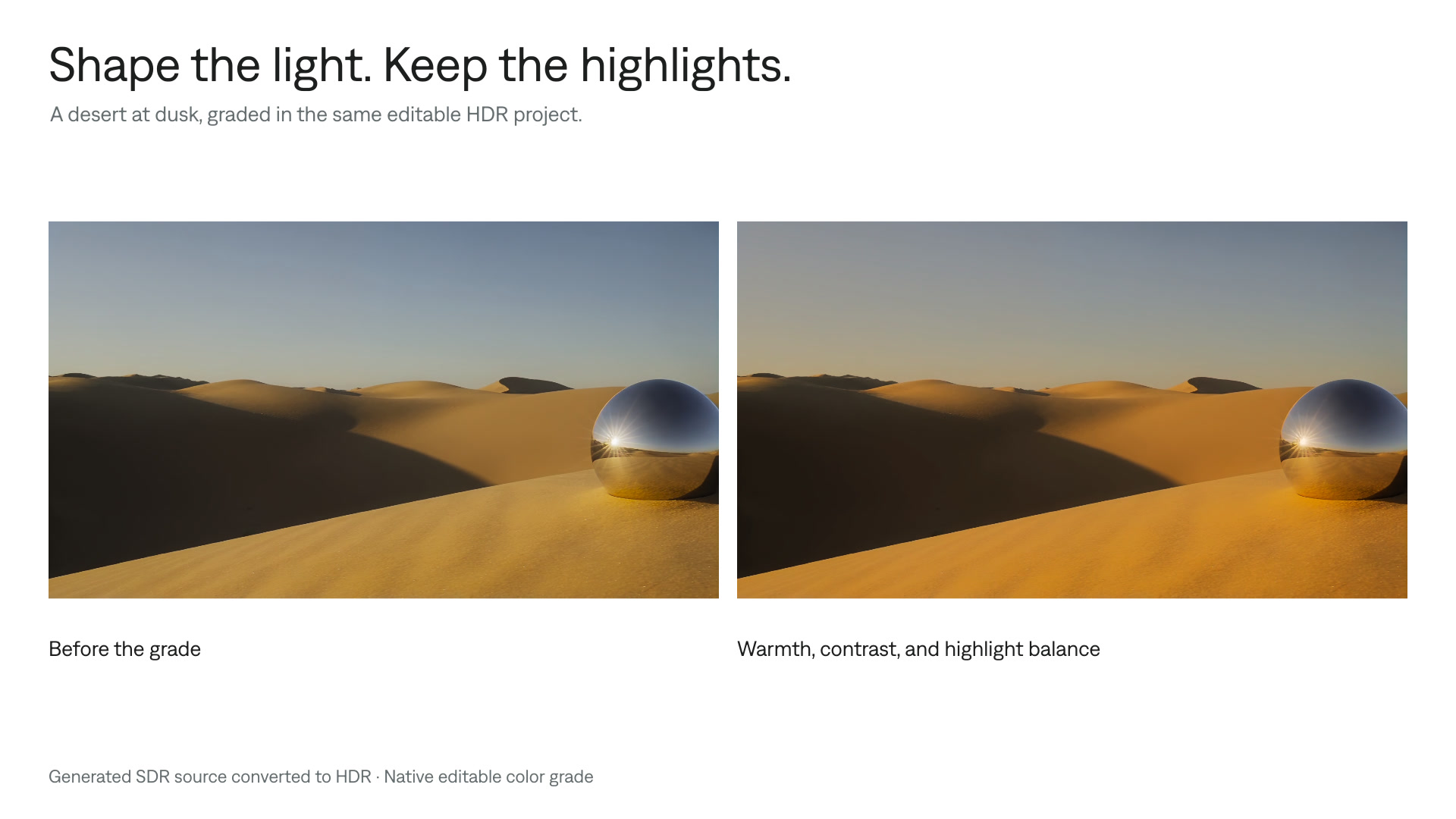
Color grade HDR video
Refine the color of HDR footage while preserving bright details. Follow a Tesseract workflow for grading, previewing, and delivering HDR and SDR versions.
Explore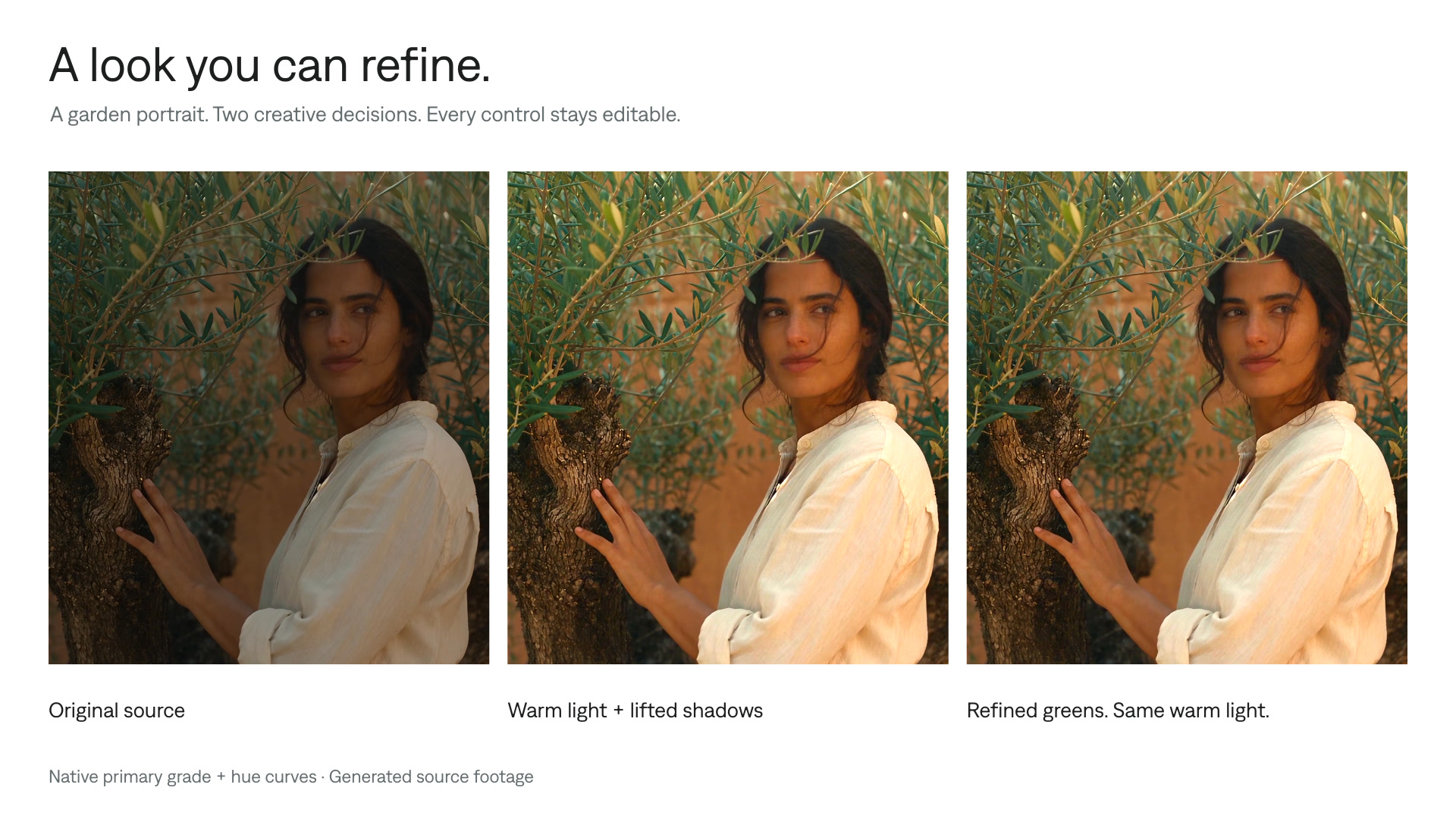
Color grading
Color grade videos with your AI agent. Work with supported camera log footage, ACES, 3D LUTs, curves, selective corrections, and HDR in editable Tesseract projects.
Explore