Room for the details.
Deliver high-resolution graphics and typography alongside your footage.
Tesseract features / Export
Export your Tesseract projects in 4K at 60 FPS. Keep fine typography crisp and motion smooth in the finished video.
Export this Tesseract project with --resolution 4k and --fps 60. Preserve its aspect ratio and audio mix. On Linux, use the external-ffmpeg-command backend with an absolute path to FFmpeg with libx264 and AAC. Verify the exported dimensions, frame rate, and audio. Keep the editable source project.
4K landscape, portrait, or square. Up to 60 FPS.
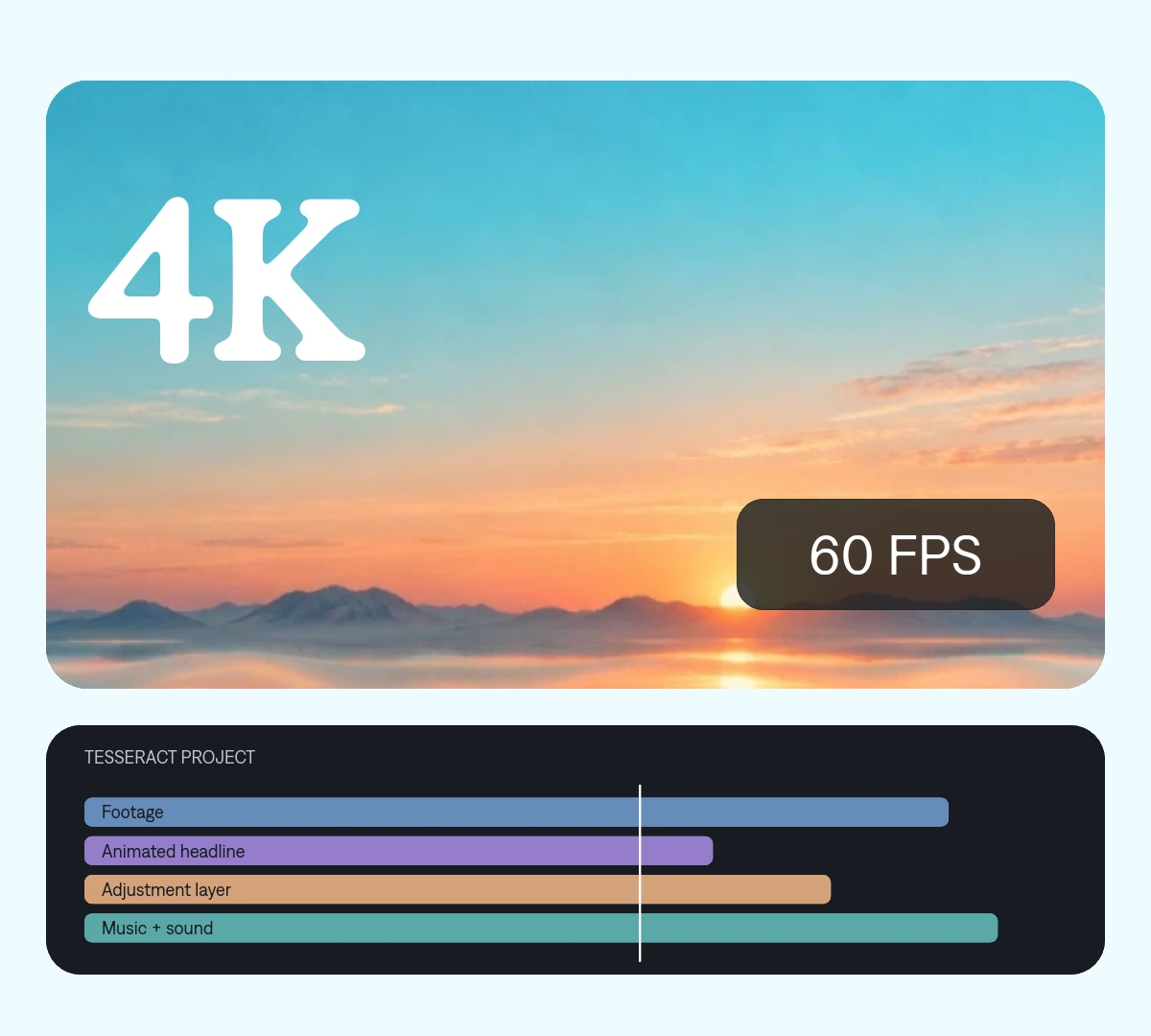
Deliver high-resolution graphics and typography alongside your footage.
Export animation and supported footage at 60 frames per second.
Revise the composition or timing and export another version from the same project.
Set delivery resolution and frame rate without flattening the source project.
 Make every frame count.
 One project your agent can revise. Change a cut, a headline, or a keyframe without rebuilding the entire video.
Start from the editable project and source media.
Use --resolution 4k and --fps 60. The export keeps your project’s aspect ratio.
Check the resolution, frame rate, timing, and audio before sharing.
Choose the delivery size and frame rate. Keep the source canvas unchanged.
tsrct export \
  --project project.tsrct \
  --resolution 4k --fps 60 \
  --output finished.mp4
Use your installed tsrct path. On Linux, also supply FFmpeg with libx264 and AAC using --encoder-backend external-ffmpeg-command and --ffmpeg-path.
Version 0.2.0 export guideMake it yours. Add your media, your audience, and the result you want.
Export this Tesseract project with --resolution 4k and --fps 60. Preserve its aspect ratio and audio mix. On Linux, use the external-ffmpeg-command backend with an absolute path to FFmpeg with libx264 and AAC. Verify the exported dimensions, frame rate, and audio. Keep the editable source project.
Choose 720p, 1080p, or 4K, at 24, 30, or 60 FPS. The default is 1080p at 30 FPS. HDR and fractional frame rates are not exposed by this release.
No. Export resolution describes the output file. The quality of the original footage still matters.
Not by itself. Export frame rate is different from frame interpolation. Use appropriate source footage and animation timing.
Yes. Export settings leave the authoring canvas and editable source unchanged. Revise the project and render another version.