Add halation around bright highlights.
Add a warm halo around highlights. Adjust its spread, intensity, and color while keeping the source footage and halation effect separately editable.
Sample footage generated with Seedance 2.5. The demonstrated correction is applied with native Tesseract controls.
Try it in your agent.
Use this prompt as a starting point. Review the result, then ask for the details you want to change.
A prompt to start from
Use Tesseract to add restrained halation to the bright signs and reflections in this night shot. Keep dark areas clean and avoid turning the whole image into a haze. Make the halo warm, with a small radius and subtle intensity. Show a full-frame preview and a close detail of a highlight, then keep threshold, radius, intensity, tint, and saturation editable.
New to Tesseract? Find the setup for your agent.
Keep control of the result.
- Highlight threshold
- Choose which bright areas contribute to the halo.
- Radius and intensity
- Control the spread and strength of the treatment.
- Tint and saturation
- Make the highlight halo warmer, cooler, or more restrained.
A few useful details.
How is halation different from glow?
Halation is a film-inspired highlight treatment, usually with a warm color around bright boundaries. A general glow can create a broader, more graphic lighting effect.
Does it work with HDR footage?
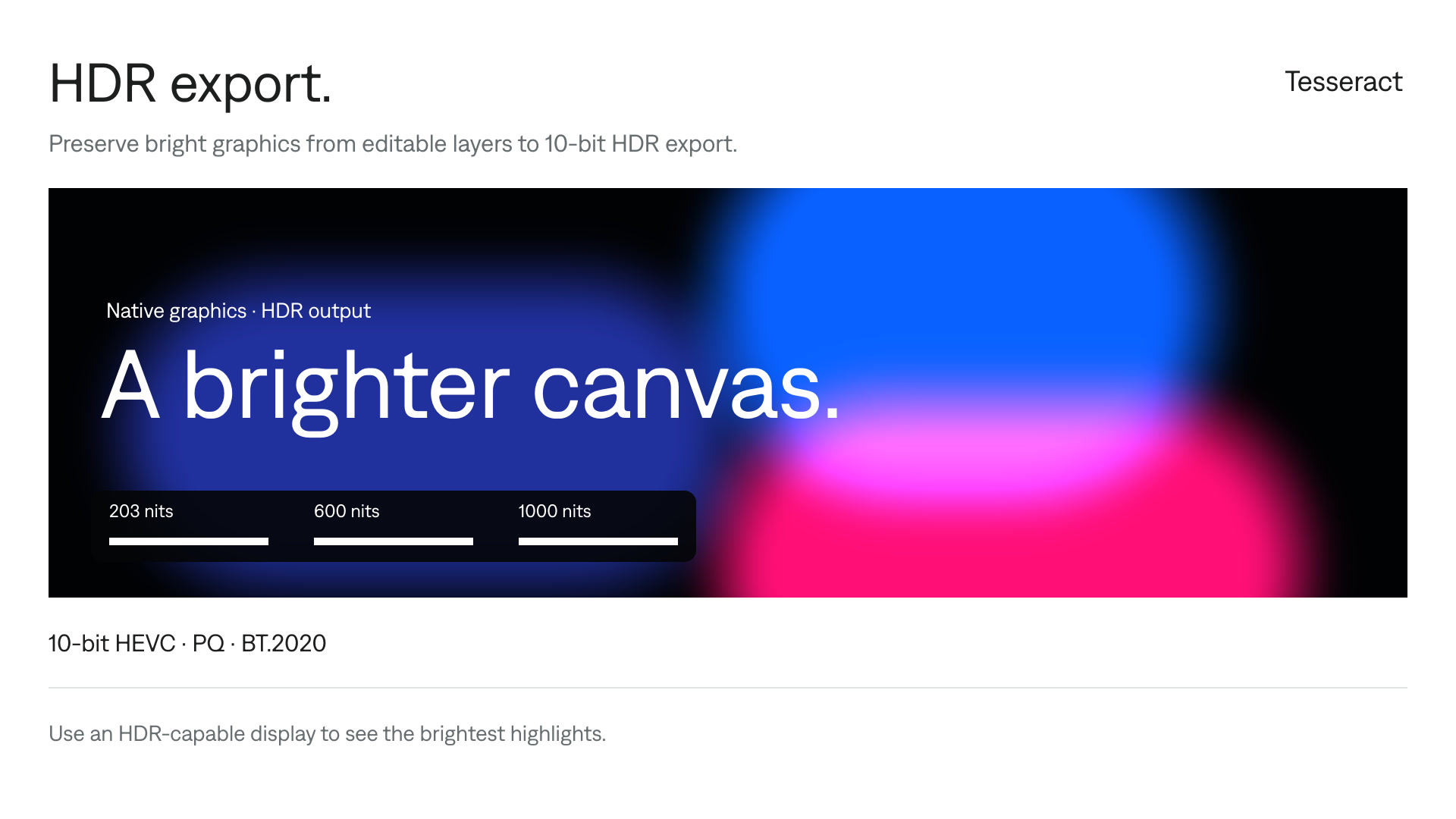
The HDR pipeline can apply halation to scene-light highlights above standard white. Review the HDR output on compatible hardware; a normal web preview may be tone-mapped to SDR.
Is this an exact simulation of a particular film stock?
No. It is an editable film-style treatment. Judge the result visually and adjust the highlight selection, radius, and color to suit the scene.
How do I try this with my agent?
Install or update Tesseract in a supported agent, attach your source files, and copy the prompt. Review the preview, then ask for the changes you want. The composition stays editable as you refine it.
Where does the video render?
Tesseract renders in the environment where your agent runs it, including supported local computers and hosted Linux environments. The engine is free; your agent’s subscription or usage costs are separate.
Put it to work in a video.
See how this tool fits into a complete, editable project.
Try these next.
Your next video, made with your agent.
Install Tesseract in your agent, bring a brief, and start creating.
Free on Mac, Windows, and Linux. Your agent’s costs are separate.
Read the prompt
Set up Tesseract by Mirage so you can create editable designs, edit videos, and make motion graphics in this agent’s environment. Read https://github.com/mirage-hq/Tesseract and check the requirements for this local or hosted environment. If it is supported, follow the official plugin or skills installation guide, use its required runtime version, verify the download checksum, and confirm a short preview renders correctly. Then ask what I want to make and which brand references or source assets I have. Keep the editable project and source assets with the finished render.