Tesseract for design
Create editable designs
with your AI agent.
Define your visual system. Make the assets around your video. Adapt and refine every layout in an editable Tesseract project.
Read the prompt
Set up Tesseract by Mirage so you can create editable designs, edit videos, and make motion graphics in this agent’s environment. Read https://github.com/mirage-hq/Tesseract and check the requirements for this local or hosted environment. If it is supported, follow the official plugin or skills installation guide, use its required runtime version, verify the download checksum, and confirm a short preview renders correctly. Then ask what I want to make and which brand references or source assets I have. Keep the editable project and source assets with the finished render.
Works through your agent. Free engine. Your agent’s costs are separate.
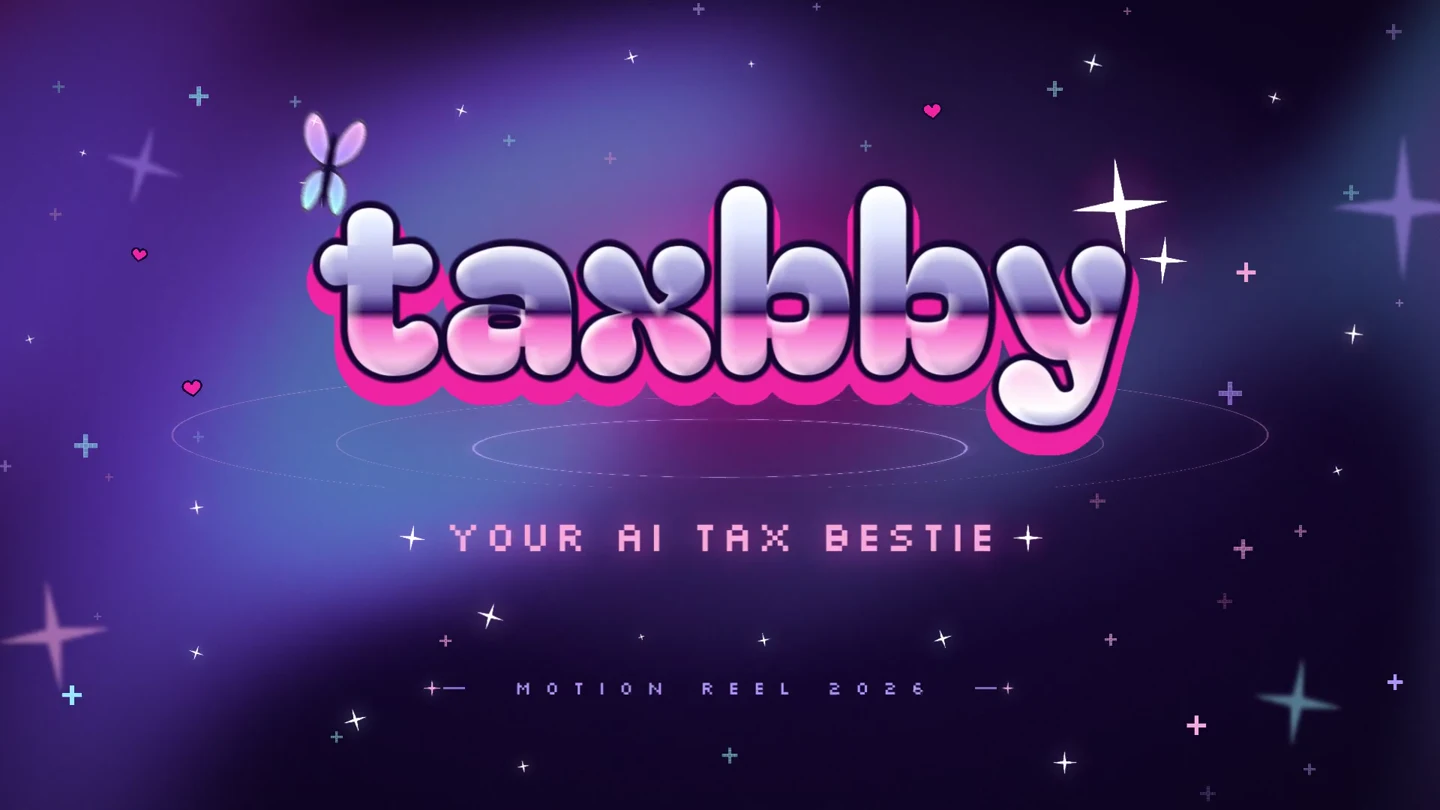
Y2K pop · Animated typography · Social templates
Taxbby
Taxbby’s bubblegum colors, chrome lettering, and Y2K graphics carry through a 15-second launch video and a set of matching social designs.
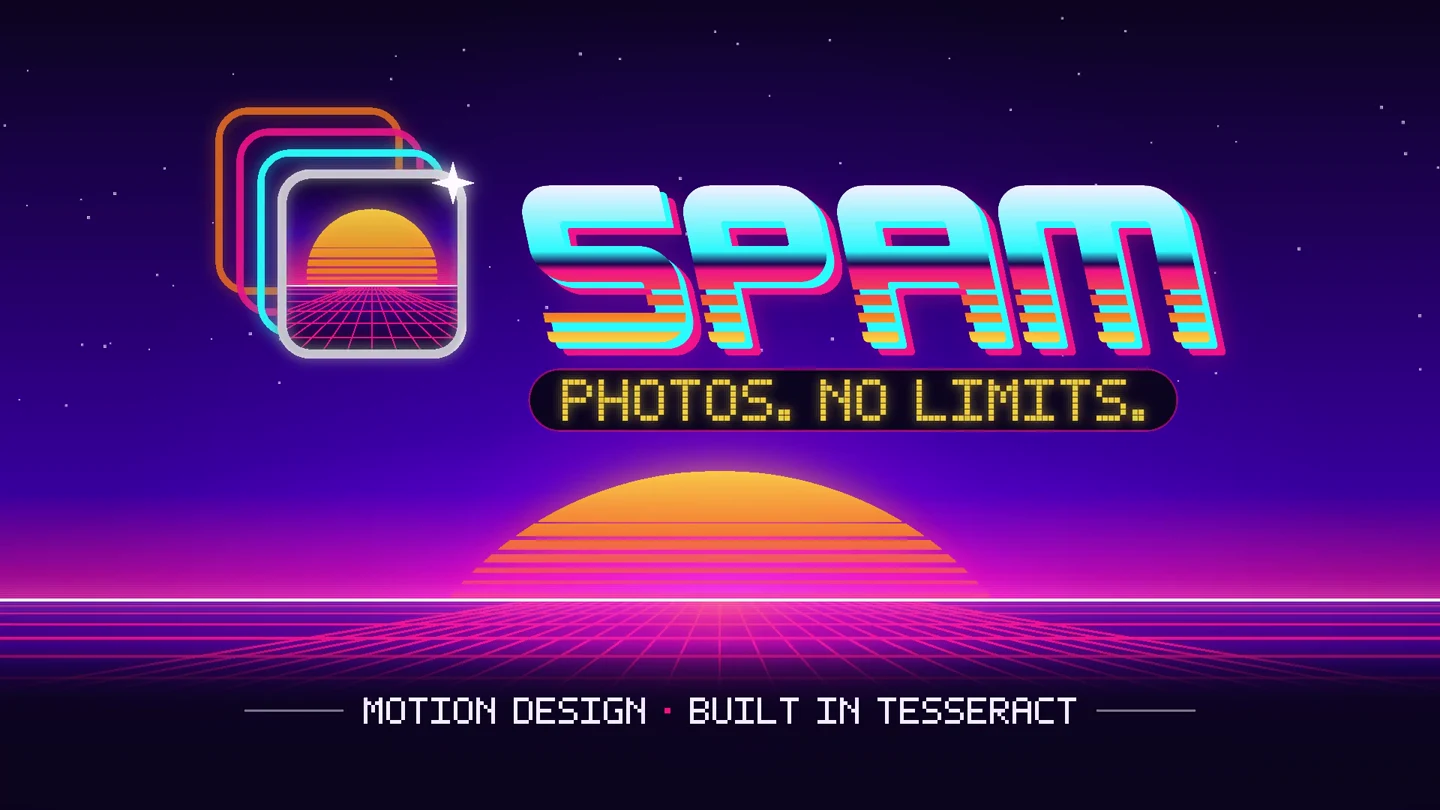
Arcade / synthwave · Product interfaces · Multiple formats
Spam
Spam’s photo trails, arcade lettering, and neon landscapes become a 15-second app launch video, with matching designs in four social formats.
Two example identities. Different visual directions. Editable brand assets, videos, and layouts.
Around your video
One visual direction.
More ways to use it.
Build on what you have already made. Bring your brand guide, video, or approved project into the next brief.
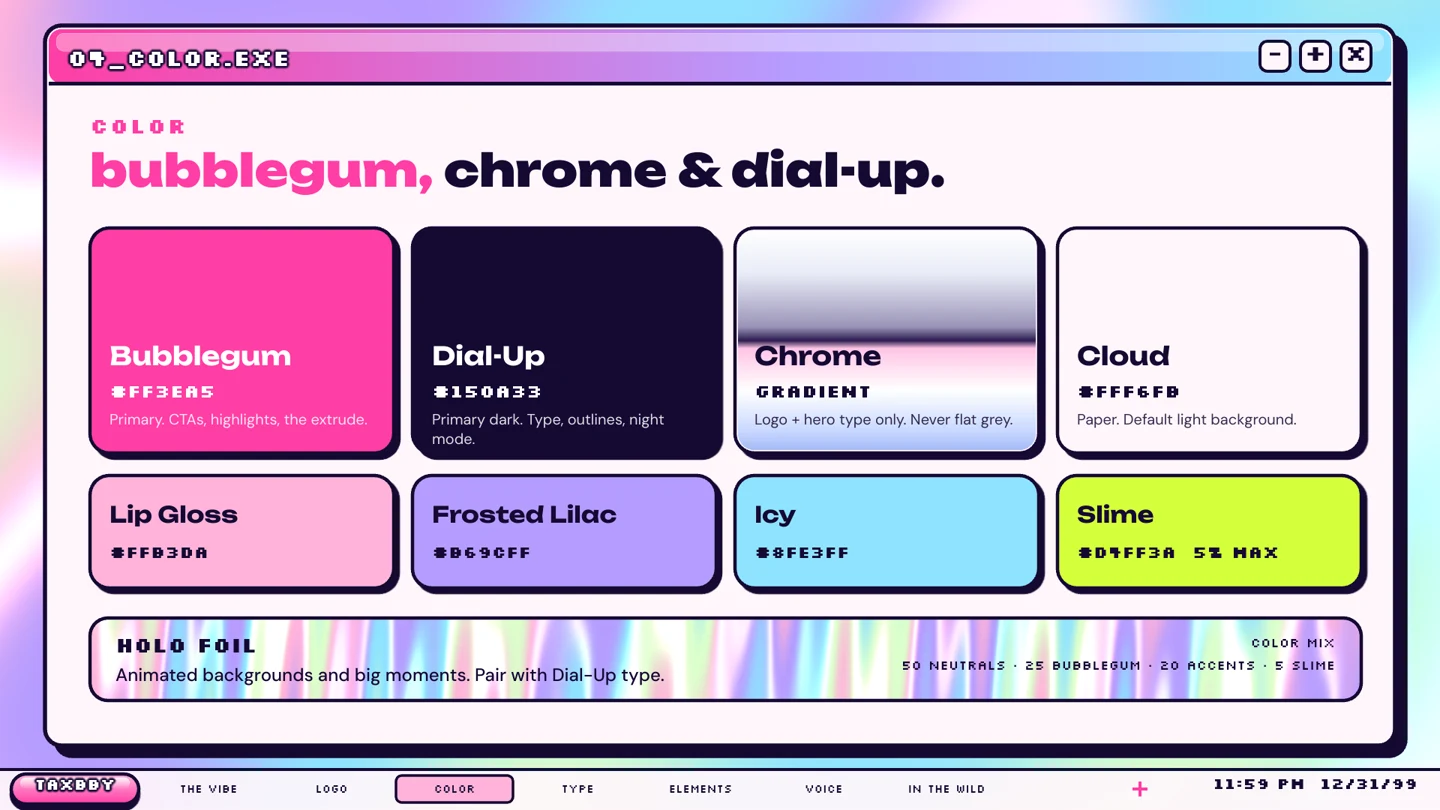
Define your visual system.
Choose typography, colors, graphic elements, and layouts that keep your videos and designs consistent.
See the workflowCreate the assets around your video.
Make the thumbnail, cover, social graphics, and static ads that carry your video’s visual direction into the launch.
See the workflow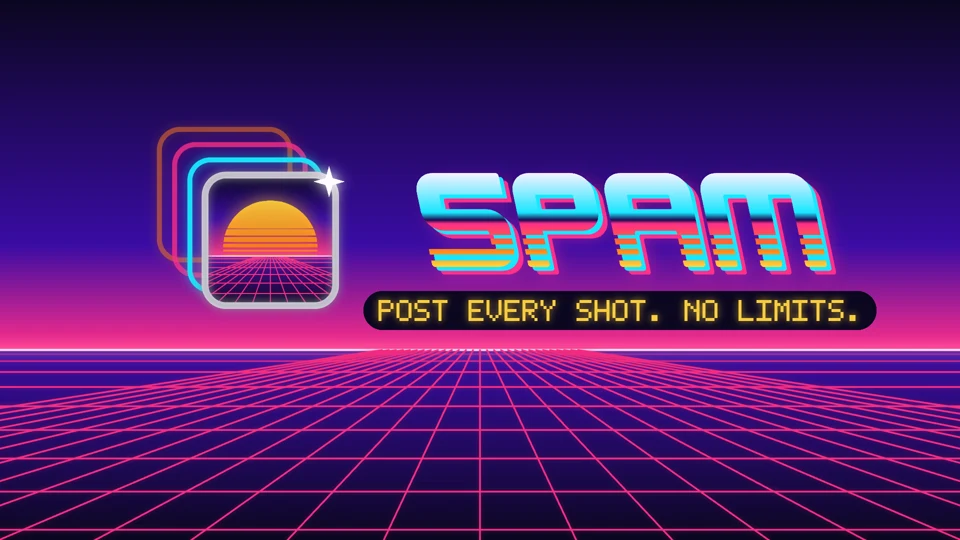
Adapt and revise them.
Change the size, headline, framing, or composition. Keep the layers editable and the approved work intact.
See the workflowFrom guidelines to motion
Turn your brand kit into a video.
Your logo is one part of the identity. Bring the type, palette, graphic elements, and motion rules into every scene.
See the workflow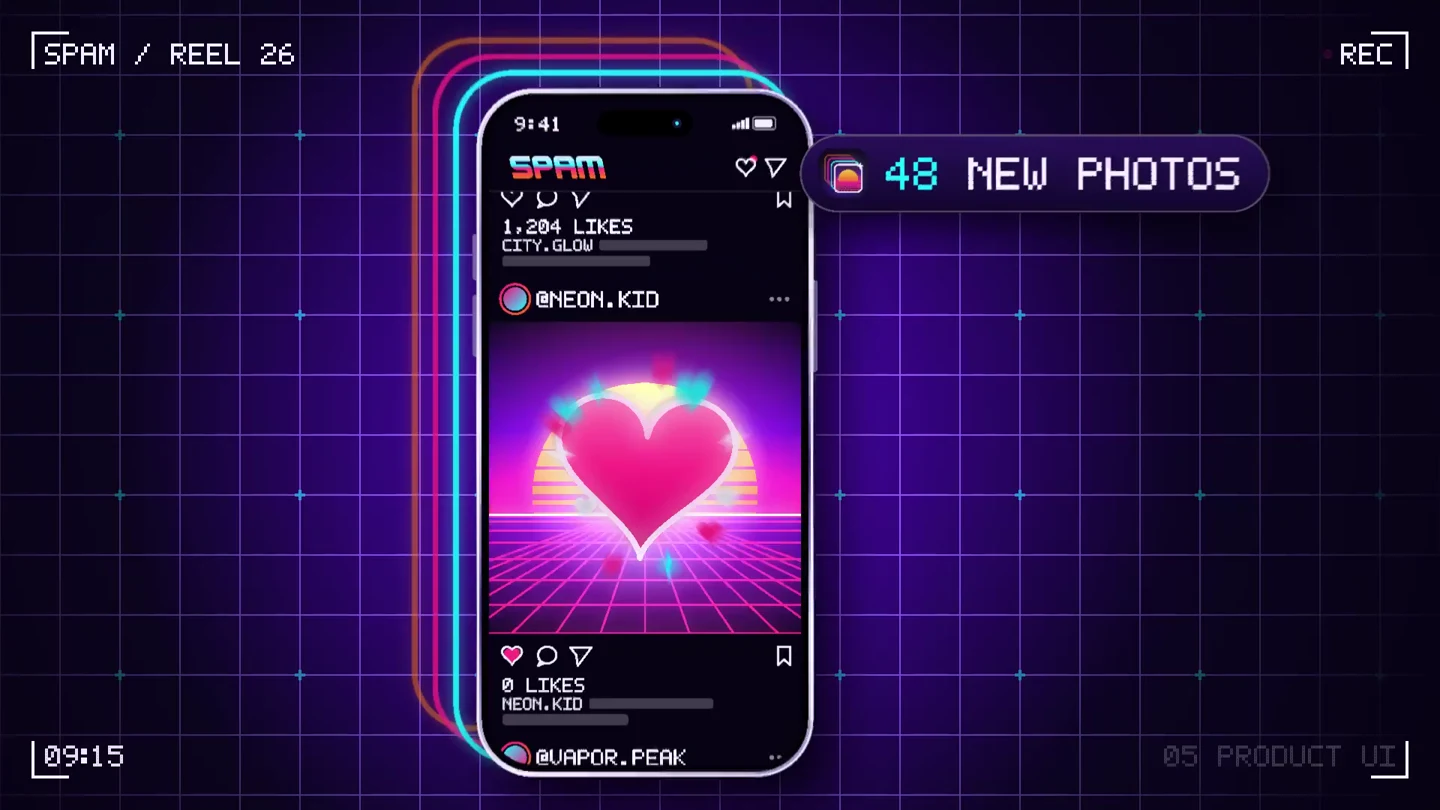 Explore the Spam example
 A layout for each placement.
Recompose the text, graphics, and imagery for each format. These editable Spam templates show how one identity can work across four sizes.
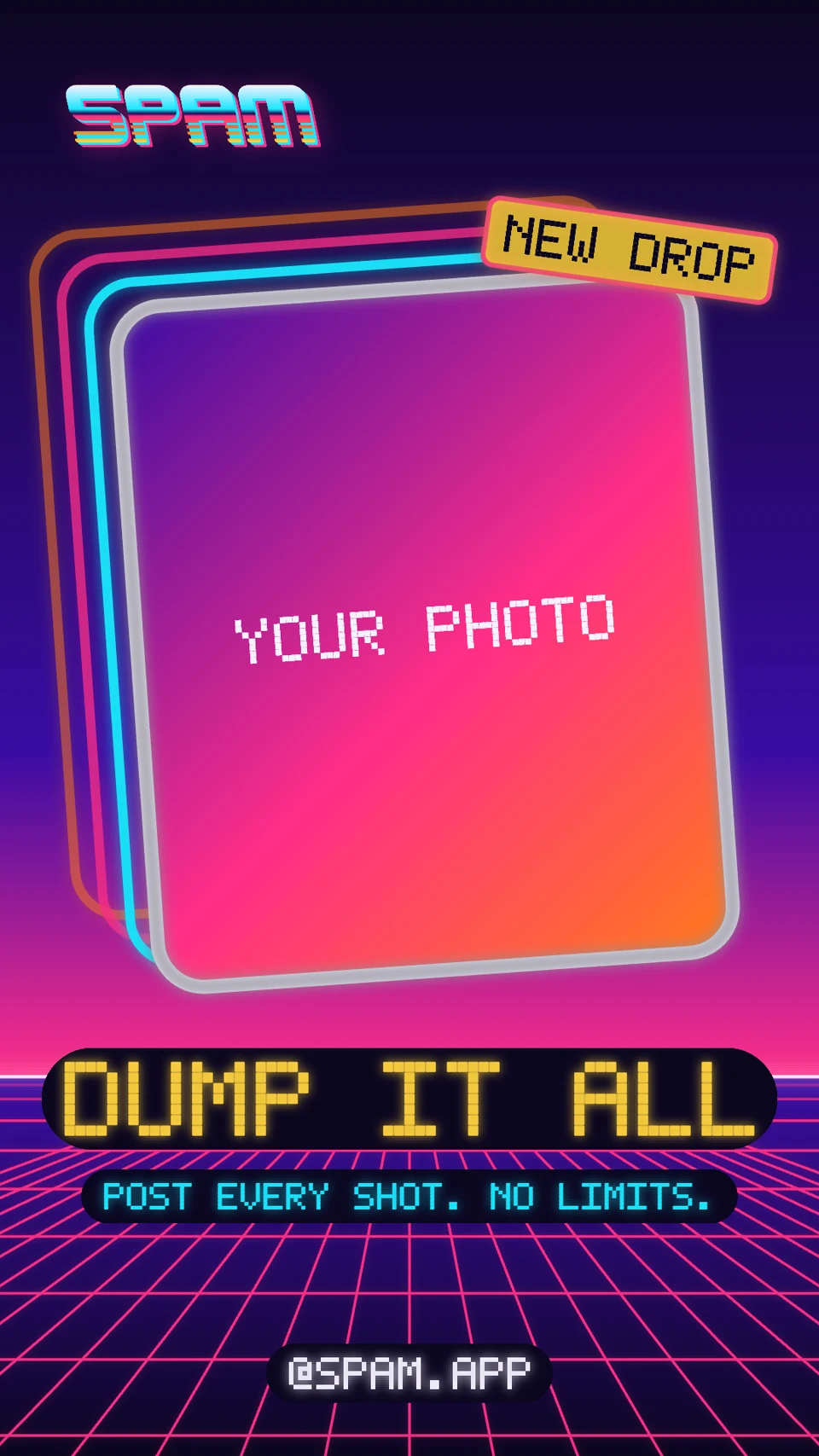
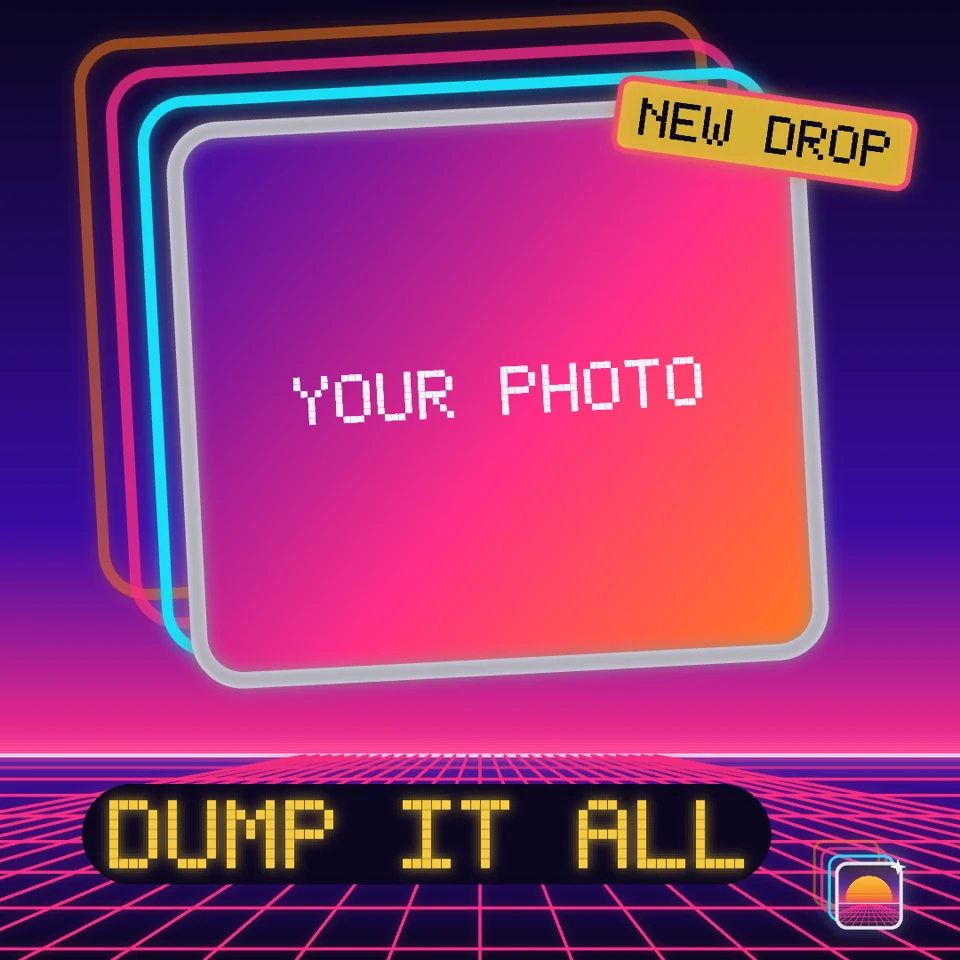
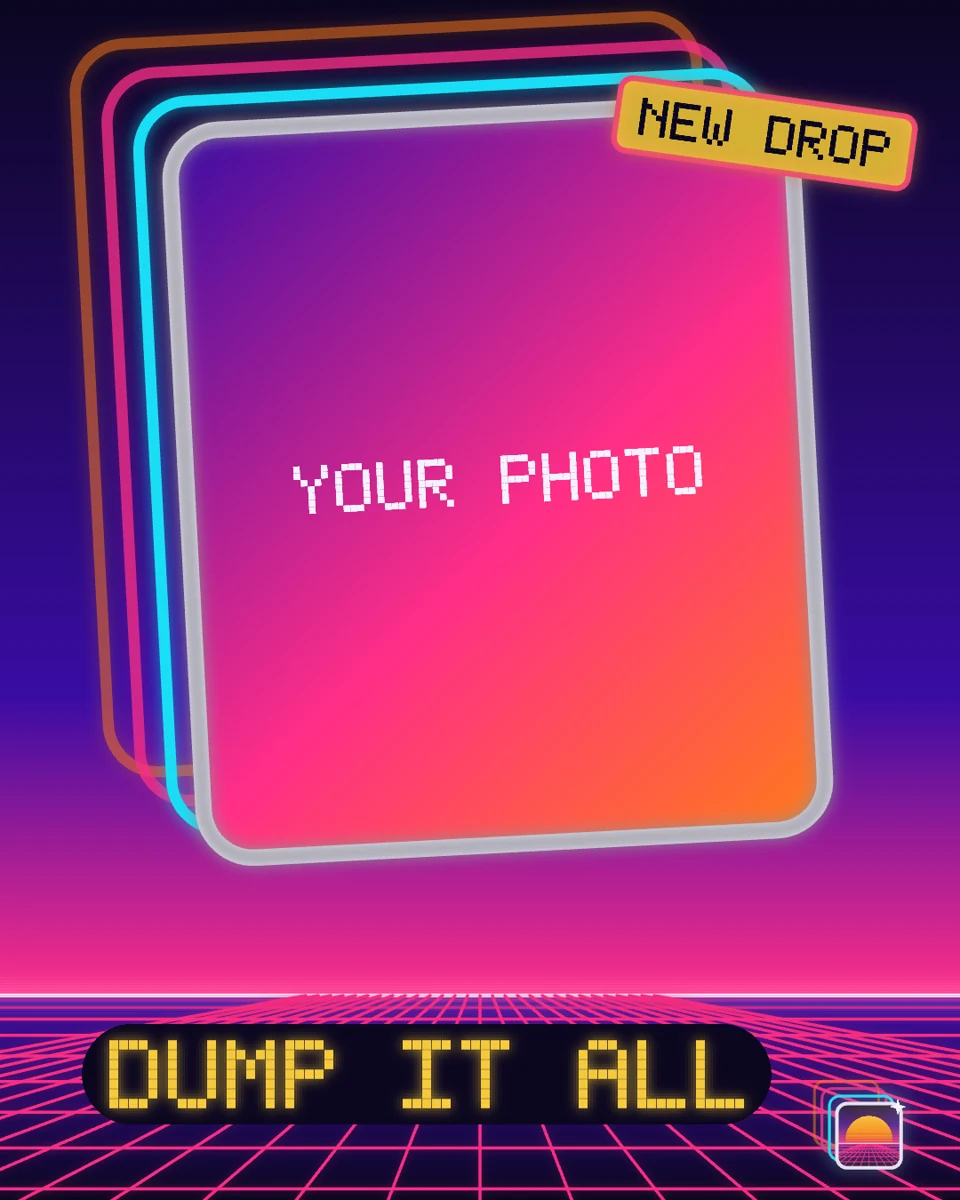
Example templates include photo placeholders. Replace them with your own imagery before publishing.
Practical prompts
Tell your agent what you want to make.
Copy a starting prompt, add your references, and learn how to give useful feedback on the result.
Design with Tesseract.
What can I design with Tesseract?
Create visual brand kits, title cards, thumbnails, covers, social posts, and static ads through your AI agent. Build them with editable text, shapes, imagery, and effects, and add motion when the project calls for it.
Can I use my existing brand guidelines?
Yes. Supply an accessible brand guide, logos, fonts, imagery, and approved examples. Existing Tesseract projects give the agent reusable layers as well as a visual reference. Ask it to flag missing files before starting.
Does an exported PNG stay editable?
The PNG is a flat image. Keep the Tesseract project and its required assets to continue editing the text, graphics, layout, and motion. A supplied image remains an image unless the agent rebuilds its contents as separate elements.
Can I animate a design?
Yes. Ask your agent to add keyframes and timing to the editable elements, preview the motion, and render a video. Keep the source project so you can revise the still design and the animation.
Do I need Figma or Canva?
No. Your agent can create and revise these designs with Tesseract. The deliverable is a Tesseract project with rendered images or video, not a Figma document or a Canva template.
Which agent should I use?
Use the Tesseract plugin or skills in a supported ChatGPT, Claude, or other compatible agent environment. The agent needs access to your assets and an environment that can run the runtime. Follow the setup guide for your platform.
Your next design.
Made with your agent.
Professional creative tools for your AI agent.
Read the prompt
Set up Tesseract by Mirage so you can create editable designs, edit videos, and make motion graphics in this agent’s environment. Read https://github.com/mirage-hq/Tesseract and check the requirements for this local or hosted environment. If it is supported, follow the official plugin or skills installation guide, use its required runtime version, verify the download checksum, and confirm a short preview renders correctly. Then ask what I want to make and which brand references or source assets I have. Keep the editable project and source assets with the finished render.