
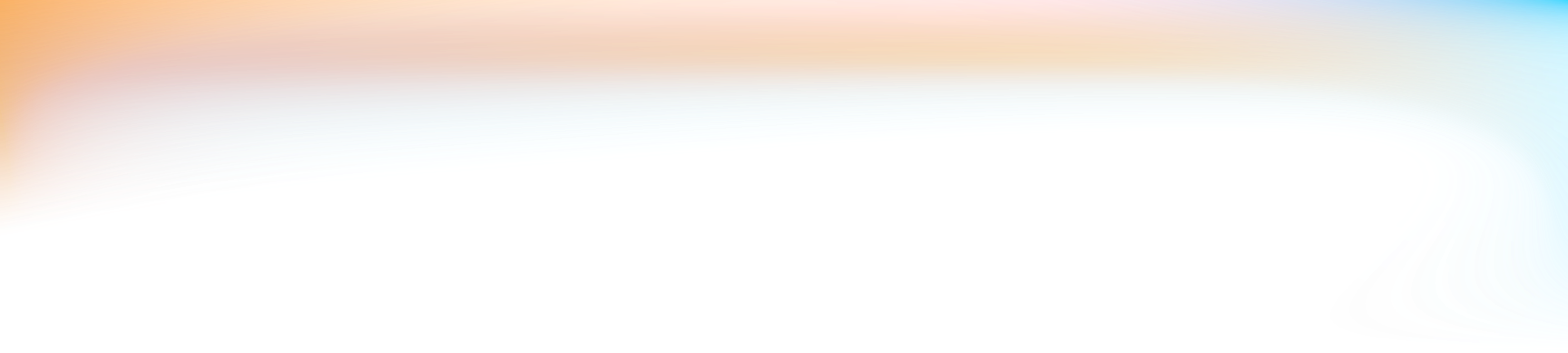

Start with a working example.
Use the plugin’s documentation and example projects to give your agent a concrete starting point.
Create videos, motion graphics, and the designs around them. Direct the work through your agent, then refine the text, layers, timing, and sound in an editable Tesseract project.
Set up Tesseract by Mirage so you can create editable designs, edit videos, and make motion graphics in this agent’s environment. Read https://github.com/mirage-hq/Tesseract and check the requirements for this local or hosted environment. If it is supported, follow the official plugin or skills installation guide, use its required runtime version, verify the download checksum, and confirm a short preview renders correctly. Then ask what I want to make and which brand references or source assets I have. Keep the editable project and source assets with the finished render.
Tesseract lets your agent edit projects and render video without opening Premiere or After Effects. That means more focus on creative decisions, less on clicking through menus.
Explore direct engine access
Work with editable text, shapes, masks, adjustment layers, and keyframes. Change the headline, refine an effect, or adjust the timing while keeping the rest of the project in place.
Explore the editing tools
Make the cut, animate the graphics, shape the audio, and create the supporting designs through your agent. Reuse the same brand direction and approved assets across the work.
See how a social ad was made
Tesseract is a free creative engine. Use it with a supported local or hosted agent, or download the runtime and connect through its documented interfaces.
Explore Tesseract RuntimeYour agent’s own subscription or usage costs are separate.

Adobe project conversion
Bring a Premiere Pro or After Effects project to your agent. Make changes in Tesseract, then export a new editable Adobe project to continue the work with your team.
Explore project conversionSupport is partial; After Effects export is experimental. See what transfers.
Tesseract for design
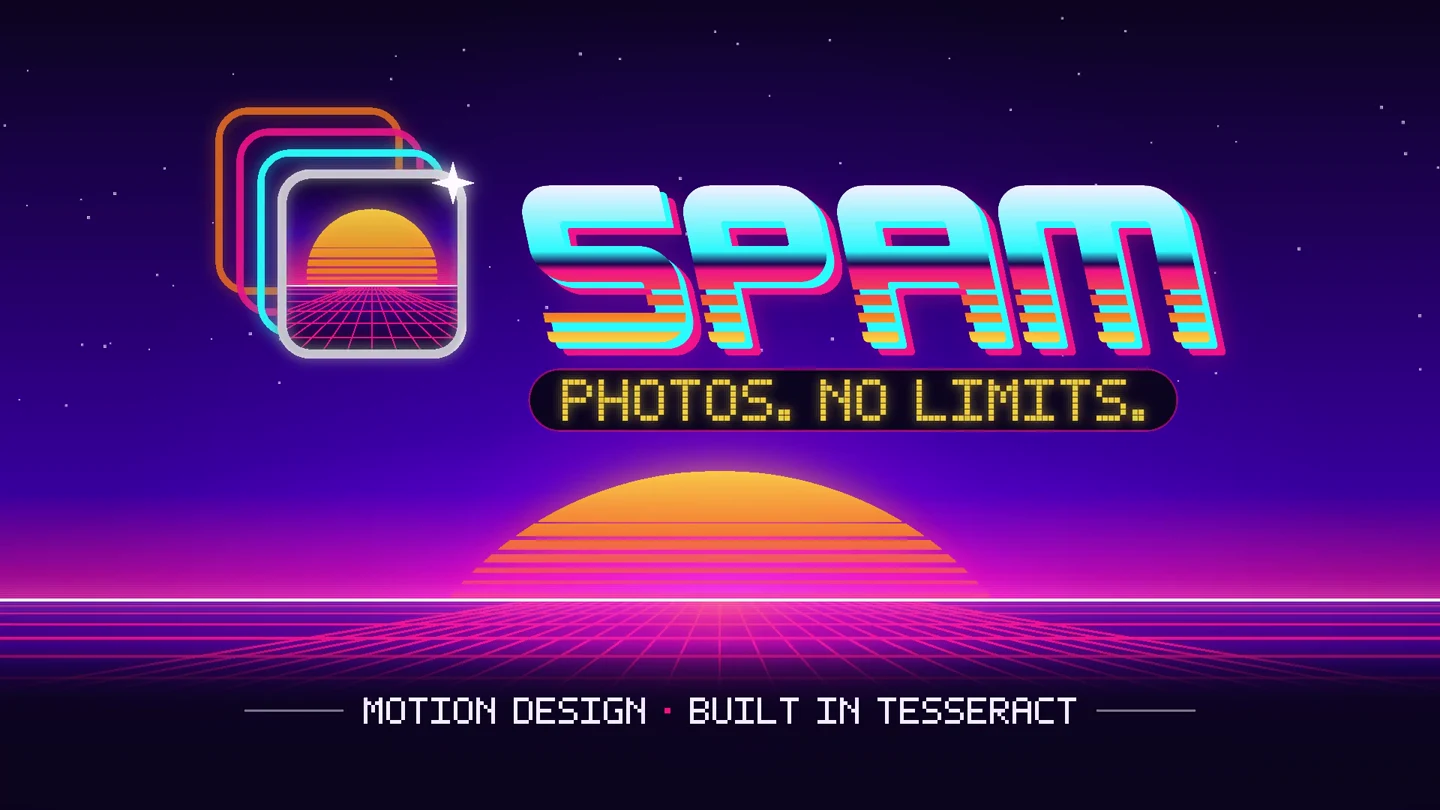
Define your visual system, create thumbnails and social graphics, and adapt the layouts for each placement. Keep the text, graphics, and motion editable.
Explore Tesseract for design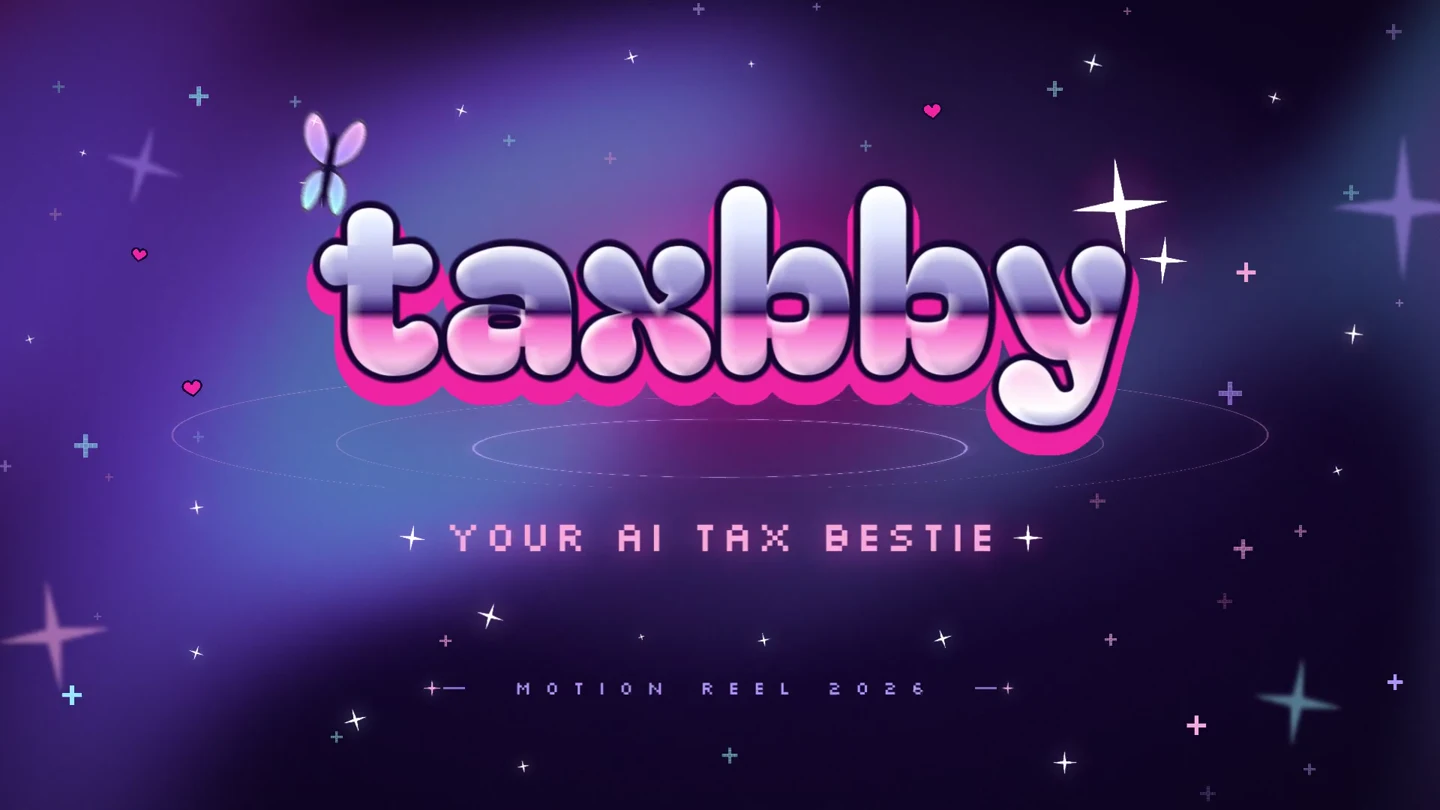
Bring your references, review what your agent makes, and direct the next revision.
Use the plugin’s documentation and example projects to give your agent a concrete starting point.
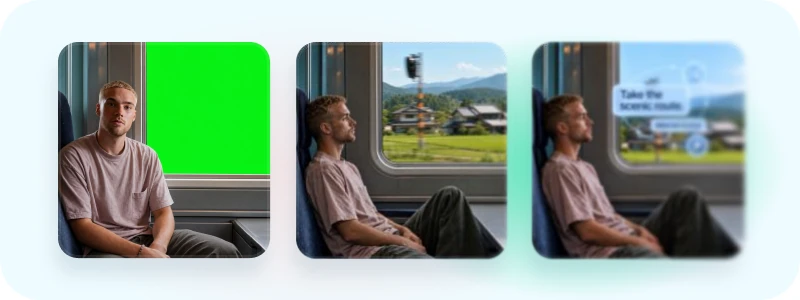
Preview frames and motion before the final render. Give feedback while the project is still taking shape.
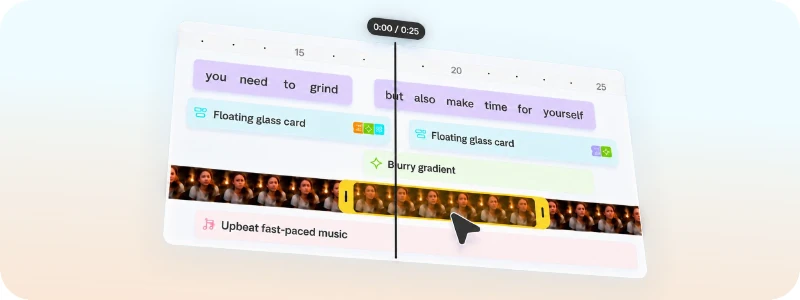
Refine a specific layer or moment without changing the rest of your project.
Step-by-step prompts for music, storyboards, and editable video with ChatGPT.
Practical briefs for brand kits, layouts, and focused revisions.
Tesseract powers Captions across iOS and web. The same engine has already produced millions of videos and served millions of users.

Start with your agent. Keep your creative judgment in the loop.
Add the plugin or skills to your agent, then let it set up the free local engine.
Share your brand guide, media, and direction for the video or design you want to make.
Review the previews, ask for changes, and export the finished work. Keep the editable source.
What you can make, how it works, and what you need to get started.
Tesseract is a creative suite built for AI agents. Create editable designs, edit video, animate graphics, composite layers, and shape sound. Its native engine runs on macOS, Windows, and Linux, including supported hosted agent environments.
Yes. Use Tesseract for visual brand kits, thumbnails, covers, social graphics, and static ads. Ask your agent to adapt layouts for different formats. Keep the Tesseract project to revise its text, graphics, and animation; exported PNGs are flat images.
Use the Tesseract plugin or skills in a supported agent environment. Give your agent footage and a brief, review a preview, then revise and render the same editable project. ChatGPT Mobile can use its hosted environment; local agents can use a supported computer.
Yes. Tesseract supports full motion-design scenes and overlays on footage, including animated typography, keyframes, easing, compositions, and adjustment layers. Describe the result and refine its timing and design with your agent.
Yes. Bring footage, screen recordings, brand assets, and audio. Direct your agent to combine the edit with graphics and sound, then revise the hook, pacing, or framing for the campaign you are making.
Yes. Tesseract keeps the project editable. Your agent can change a title, adjust a keyframe, move a clip, or rebalance audio while keeping the rest of the project in place.
Tesseract uses a native creative project model built around video layers, compositions, timing, and sound. Agents work directly with editing concepts rather than representing the video as a webpage or a React application.
The local creative engine is free, including local preview and rendering. Your AI agent’s subscription or model usage costs are separate. You do not need an Adobe subscription to use Tesseract.
Tesseract runs on macOS, Windows, and Linux. Your local agent needs access to the project files and permission to run tools. ChatGPT Mobile and supported hosted agents can run the engine in their own environments. Follow your platform guide and the official release requirements.
You can direct the creative work in plain language through the plugin. Tesseract gives the agent editing documentation and examples. Developers can also use the binary and documented interfaces directly.
Yes. The standalone engine has documented interfaces and runnable examples. Connect another agent, or ask it to build manual controls for timing, typography, color, and framing around the same editable project.
Tesseract focuses on editing existing media and creating motion graphics. Bring recorded or generated footage, images, and audio into the project. Footage generation and avatar creation are separate tools.
Mirage makes both products. Tesseract is the engine and agent product. Captions is the app and cloud workspace, powered by Tesseract. Local Tesseract use requires no Mirage account. Captions services are separate from the local plugin release.
Yes. Set the project’s delivery resolution to 4K and frame rate to 60 FPS, then render the finished video. Keep the editable source for future revisions. Output settings do not add missing detail or new motion frames to low-resolution or low-frame-rate source footage.
Yes. Tesseract has dedicated setup pages for Muse, Grok Bot, and Instinct. The agent needs a compatible execution environment and access to your media. Keep the project and source assets when you download the finished video.
Set up Tesseract by Mirage so you can create editable designs, edit videos, and make motion graphics in this agent’s environment. Read https://github.com/mirage-hq/Tesseract and check the requirements for this local or hosted environment. If it is supported, follow the official plugin or skills installation guide, use its required runtime version, verify the download checksum, and confirm a short preview renders correctly. Then ask what I want to make and which brand references or source assets I have. Keep the editable project and source assets with the finished render.
Professional creative tools for your AI agent. Free on Mac, Windows, and Linux.