 A practical Tesseract guide
Create a video
with
ChatGPT,
Suno, and
Tesseract.
Choose music in Suno, generate storyboard images in ChatGPT, and use Tesseract to build an editable video. You can start with an idea or bring your own footage.
Before you start
Have your brand
guidelines ready.
For a branded video, share the colors, fonts, logos, and design rules before storyboarding. Attach a PDF brand guide, or point ChatGPT to the Figma guide open in Chrome and ask it to inspect it with browser access.
Ask it to summarize the rules and flag any missing fonts or assets. If it cannot access the guide, upload the relevant pages.
Use previous videos and projects.
Add a few approved videos and their Tesseract projects as brand references. A video shows the look and pacing; the project shows how it was built. Ask the agent to carry over the relevant choices.
Continue in the same chat.
Develop related videos in the same chat so the agent can refer back to approved work, your preferences, and earlier feedback. Each project gives it more context to work from. Point to the examples you want it to follow.
01 / Choose the music
Choose an instrumental track in Suno.
Ask ChatGPT to work in Suno, or make the tracks yourself. Generate a few instrumental options and choose one before planning the visuals.
In advanced mode, set the duration. Describe the genre, mood, instruments, BPM, and key. Listen for an opening you can cut to, changes in energy, and a clear ending.
Create music in SunoExample music brief
A 15-second instrumental for a running-app launch. UK garage with a melodic hook, crisp drums, warm bass, and a bright, forward-moving feel. Aim for 120 BPM in F minor. A clear opening, a lift in energy, and a decisive ending. No vocals.
Use the finished audio for timing. Don’t assume it exactly matches the BPM or key in your prompt.
02 / Map the timing
Map the beats and energy changes.
Ask ChatGPT to listen to the track and inspect its waveform. Have it return a timestamped list of beats, subdivisions, accents, pauses, and changes in energy. Plan every visual change against those times.
Illustrative timing map
Scene changes
Use major changes in energy to time scene transitions, reveals, and the ending.
Small animations
Assign a musical cue to each word reveal, graphic entrance, zoom, effect, and animation landing.
Movement and holds
Use subdivisions for quick details. Give longer movements a start and end cue, and plan where the frame holds still.
03 / Imagine the scenes
Generate a storyboard
image for each scene.
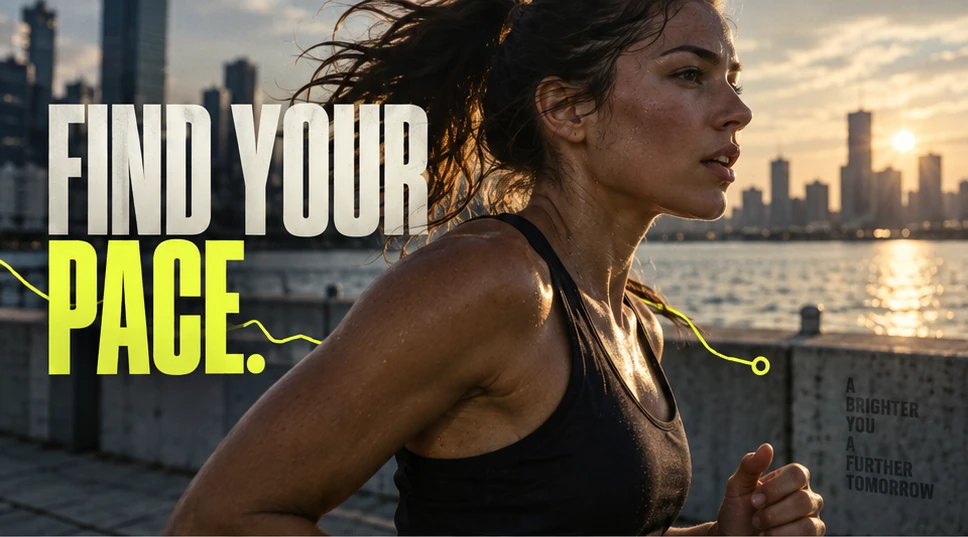
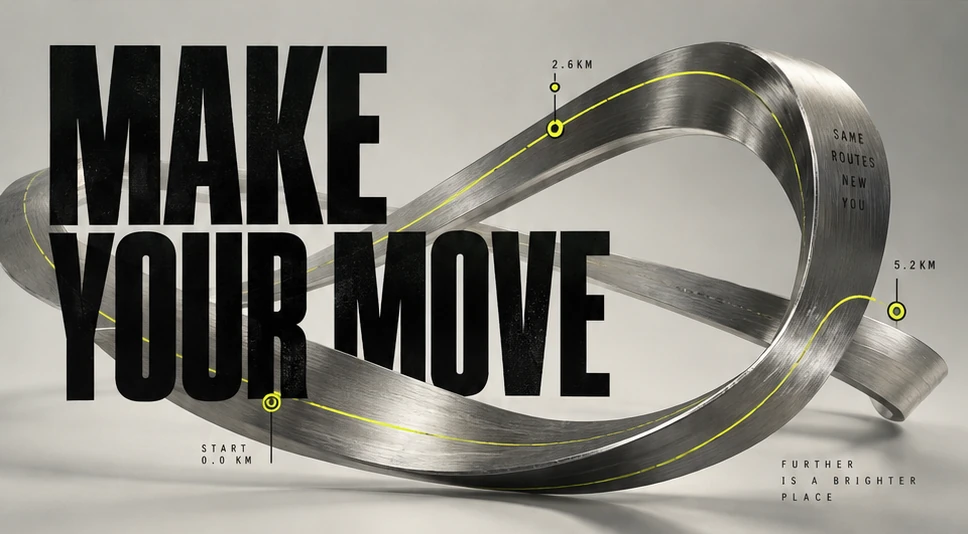
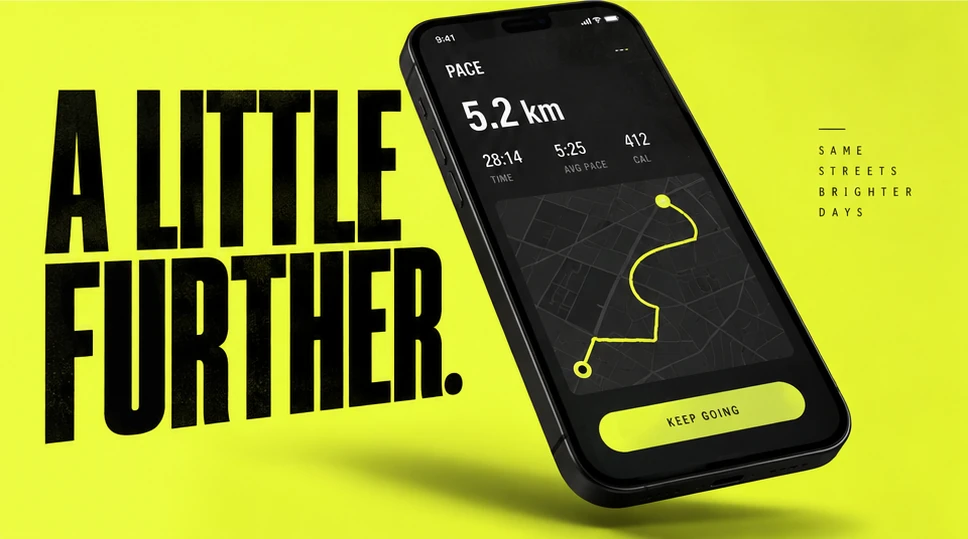
Ask ChatGPT’s image generation for a polished image of every scene, in your video’s aspect ratio. Include the final text, layout, imagery, lighting, and effects. Add extra frames for major changes within a scene, and approve the images before building.
Why storyboards help
Models tend to reproduce a clear reference more reliably than they invent a design while building. Use image generation to explore the look first, then refine the frames. The agent now has a specific design to match in Tesseract.
04 / Build in Tesseract
Rebuild the storyboard in Tesseract.
Give ChatGPT the approved frames and music timing map. Ask it to build, inspect, and revise the same editable Tesseract project before exporting.
Create the first cut.
Match the approved frames with separate text, graphics, media, and effect layers.
Render frames or a filmstrip.
Include the hook, midpoint, and end card.
Inspect the visuals.
Have the agent check framing, text hierarchy, transitions, and visual continuity.
Watch a draft with sound.
Check the pacing, the full sequence, and the audio mix. Keep speech clear.
Revise only the affected parts.
Preserve approved work. Continue editing the same project and preview the changed sections before final export.
- Headline
- Route graphic
- Photo / source media
- Music + sound
Example revision request
Keep the structure and music. Change only these items: 1. Shorten the opening shot by 0.5 seconds. 2. Move the headline into the upper safe area. 3. Reduce the transition intensity between shots two and three. Continue editing the same project. Preserve everything else and render a new preview of those sections only.
05 / Review and refine
Compare the video
to your storyboard.
Compare a paused video frame with its storyboard reference. Check the text size, placement, color, and depth. Tell ChatGPT what looks different; you do not need to explain the technical fix.
Storyboard target
What to flag
Illustrative comparison, not a captured model result.
Look
“The headline is too small.” “The graphics crowd the face.”
Timing
“The headline lands after the beat.” “The transition feels abrupt.”
Detail
“The title sits in front of the person.” “The reference’s texture is missing.”
Include the scene or timestamp in your feedback. Compare the revised frame with the same reference. Then watch with sound and check that every visual change lands on its intended musical cue.
Use this prompt
in ChatGPT.
Connect Tesseract, paste this into ChatGPT, and replace the brackets. Attach any footage, logos, brand assets, or visual references you want to use.
Review each stage before moving on: choose the track, approve the images, then check the video. Expect follow-up revisions rather than a finished result from one prompt.
Get TesseractComplete workflow prompt
Help me create a [length]-second [aspect ratio] video for [audience] about [idea or product], using Tesseract. I may provide footage, brand assets, and visual references. Read any brand guide I provide as a PDF or Figma file, using browser access if needed. Use my approved videos and Tesseract projects as additional brand references, along with relevant preferences and feedback from this chat. Confirm the colors, fonts, logos, and design rules you will follow. Flag missing fonts or assets. If you cannot access the guide, ask me to upload it. Start with music. Use browser control to work in Suno and create a few instrumental options that suit the brief. Use its duration control and describe the genre, mood, instruments, BPM, and key. Let me choose the track before planning the visuals. If you cannot access Suno, ask me to provide the track. Listen to the chosen track and inspect its waveform. Map beats, subdivisions, accents, pauses, and major energy changes. Use those exact times for every visual change, including small text reveals, graphic movements, and animation landings. If I provide footage, cut it to the music first while keeping speech natural and words intact. Use frames from that edit as storyboard references. Otherwise, create the visual direction from scratch. Use ChatGPT’s image generation to make a polished, high-fidelity storyboard image for every scene, plus key poses for major changes within scenes. These should look like finished video frames, with final typography, color, imagery, lighting, and composition. No wireframes. Let me review and revise them before building. Rebuild the approved storyboard closely in Tesseract as an editable, layered project. Keep text, graphics, footage, and effects separate wherever possible. Sync every visual change to the music and add purposeful sound effects without overwhelming the track. Before final export, render preview frames or a filmstrip for the hook, midpoint, and end card. Inspect them against the storyboard for framing, text hierarchy, transitions, and continuity. Correct mismatches, then render a draft video and review its pacing, full sequence, and audio mix before showing it to me. I’ll point out anything that looks different or feels off. Make targeted revisions in the same project, preserve everything already approved, and preview the changed sections. Once approved, deliver the finished video and editable Tesseract project.
Questions about
this workflow
Do I need footage to start?
No. Start with an idea, a product, or a brief. You can make a motion-led video from scratch, or bring footage and design graphics around it. The music-first process works for both.
Why use ChatGPT for this workflow?
This guide uses ChatGPT’s built-in image generation to create polished storyboard references in the same conversation. Tesseract then gives the agent tools to build and revise an editable video project.
Can I use music I already have?
Yes. Provide a track you have permission to use and start with the timing map. Suno is the recommended starting point here when you need original music; it is separate from Tesseract.
Does everything need to move on the beat?
Every visual change should have a deliberate musical cue: a beat, subdivision, accent, pause, or energy change. This includes small details. Continuous motion can connect those cues; a quiet moment can hold still.
What if the result does not match the storyboard?
Point to the scene or timestamp and describe the difference you see. You do not need to explain the technical fix. Ask ChatGPT to revise that part and compare the next preview with the same reference.
Will the finished video still be editable?
Yes. Continue editing the same Tesseract project across follow-up messages instead of rebuilding it. Ask for the project as well as the final video. Text, layers, timing, and effects remain editable; imported images and other media remain assets.
Try this workflow
in ChatGPT.
Copy the prompt, add your brief, and review each stage with your agent.