Taxbby / Made with Tesseract
From Taxbby’s brand kit to an editable launch video.
Taxbby’s bubblegum colors, chrome lettering, and Y2K graphics carry through a 15-second launch video and a set of matching social designs.
An example identity developed and refined in Tesseract. Explore the brand kit and editable source below.
The starting point
The brand kit.
An eight-page guide covers the logo, palette, typography, graphic elements, voice, and example applications. The download includes the guide, logo exports, and an editable logo project.
Download brand kit Read the brand guide PDF#FF3EA5#150A33#B69CFF#8FE3FFWhere the guidelines show up.
The visual identity shapes the scenes, typography, and motion throughout the film.
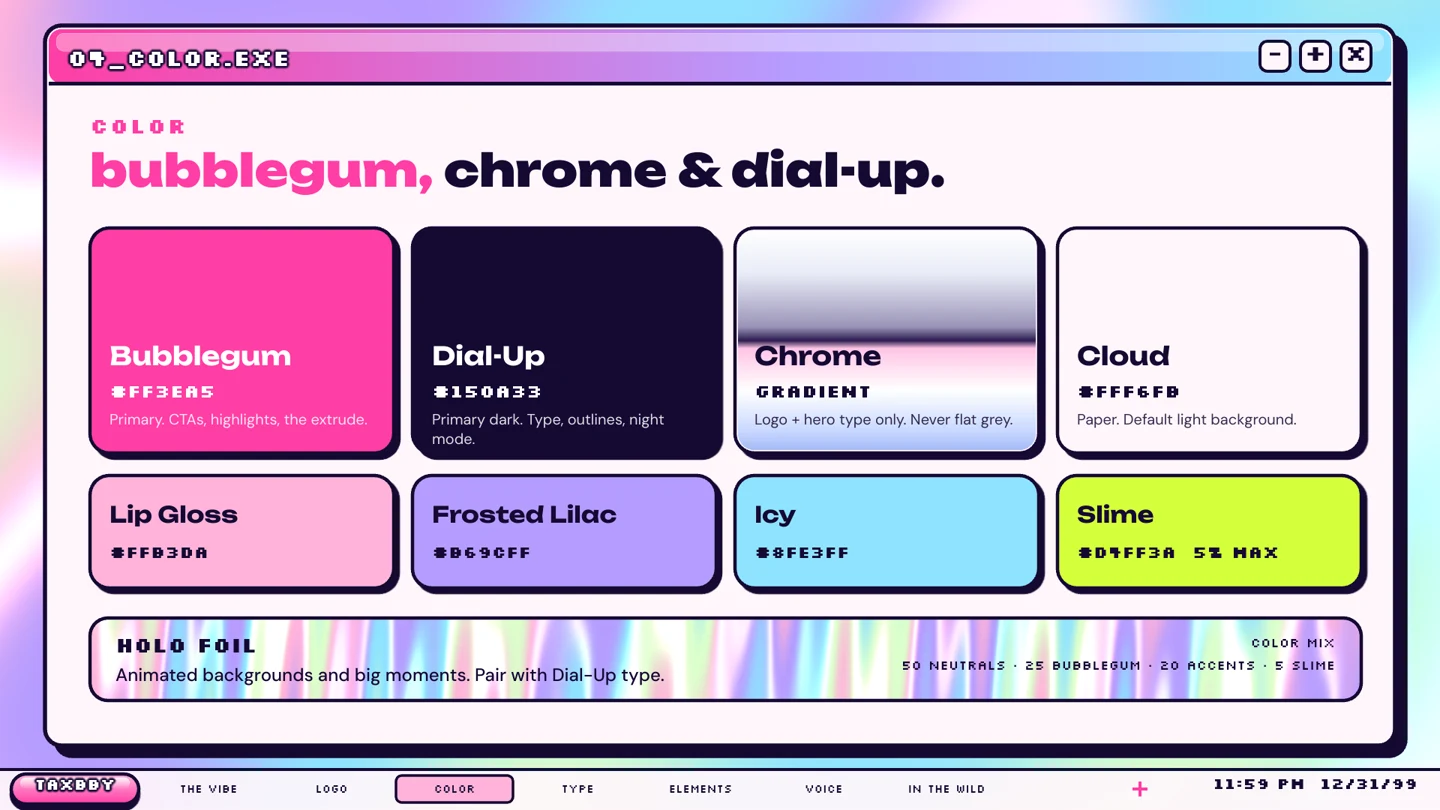
A palette with a job for each color.
Bubblegum is the highlight, Dial-Up anchors the type, and lilac and icy blue support the backgrounds. The chrome treatment belongs to the logo and hero lettering.
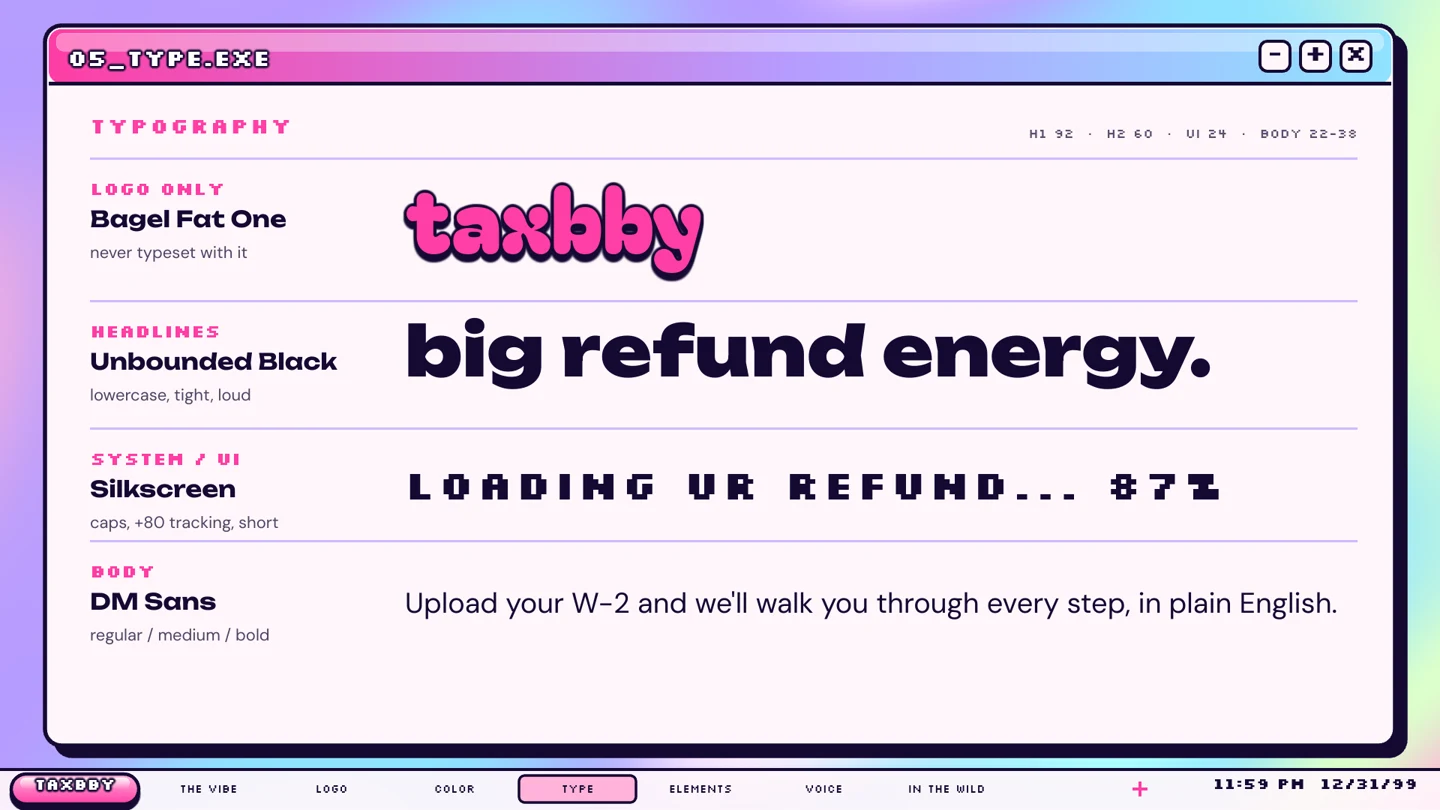
Type that stays recognizable in motion.
Bagel Fat One is reserved for the logo. Unbounded carries the headlines; Silkscreen gives the popup interfaces their pixel-like character. DM Sans handles longer copy.
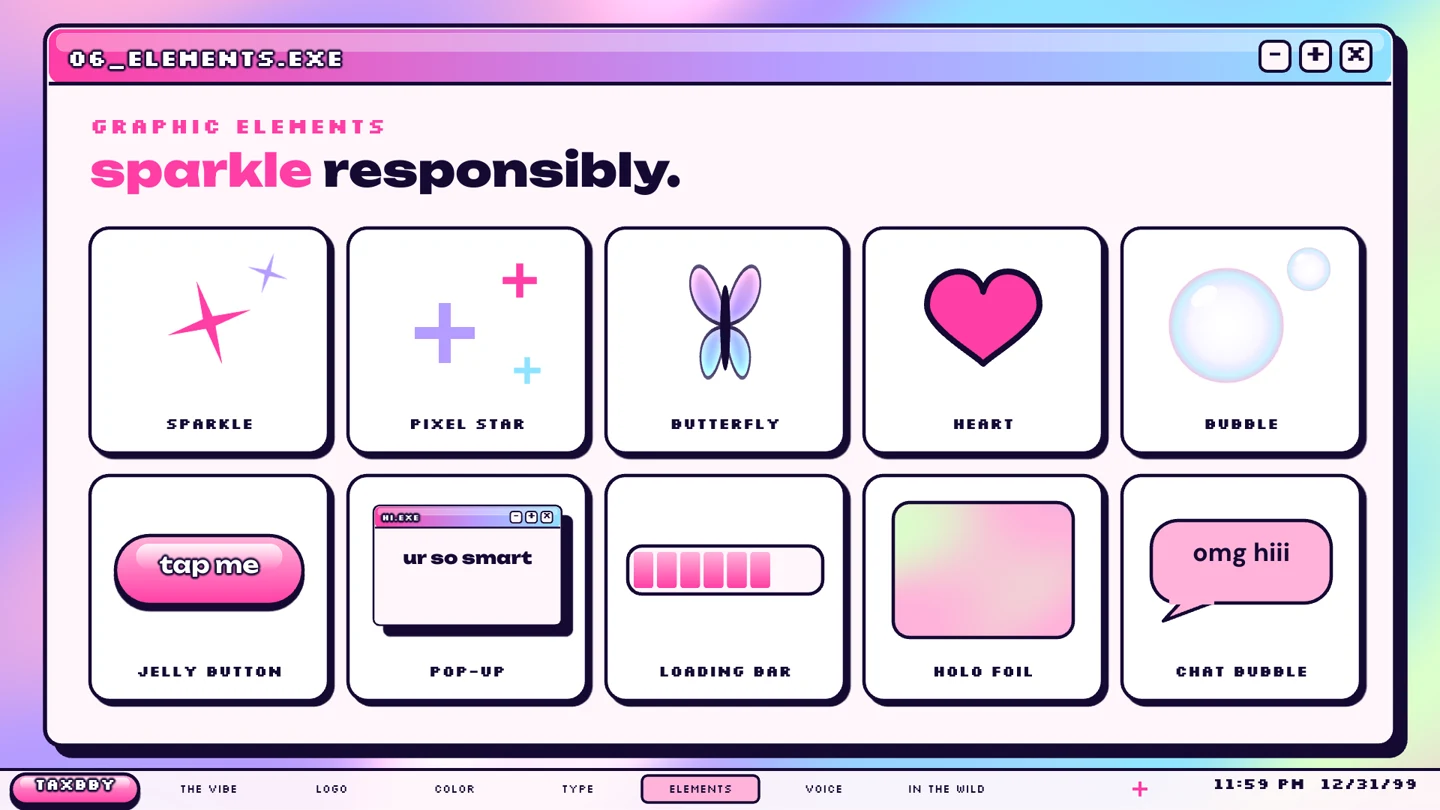
Graphic elements that connect the scenes.
Butterflies, sparkles, jelly buttons, and loading bars recur in the film and social assets. The brand extends beyond placing the logo on an end card.
Keep the source
A render you can watch.
A project you can keep editing.
The showreel includes an editable Tesseract project. Ask your agent to inspect the composition and change a headline, graphic treatment, or animation while preserving the rest.
The project contains native creative elements and its required media. Supplied images and audio remain media assets.
- 01Typography and lettering
Edit text or adjust the vector shapes used for custom letterforms.
- 02Graphics and effects
Inspect shapes, groups, gradients, and layer treatments.
- 03Timing and motion
Revise animation and scene timing in the project.
The designs around the video.
A portrait post and story carry Taxbby’s colors, type, and graphic elements into social placements.
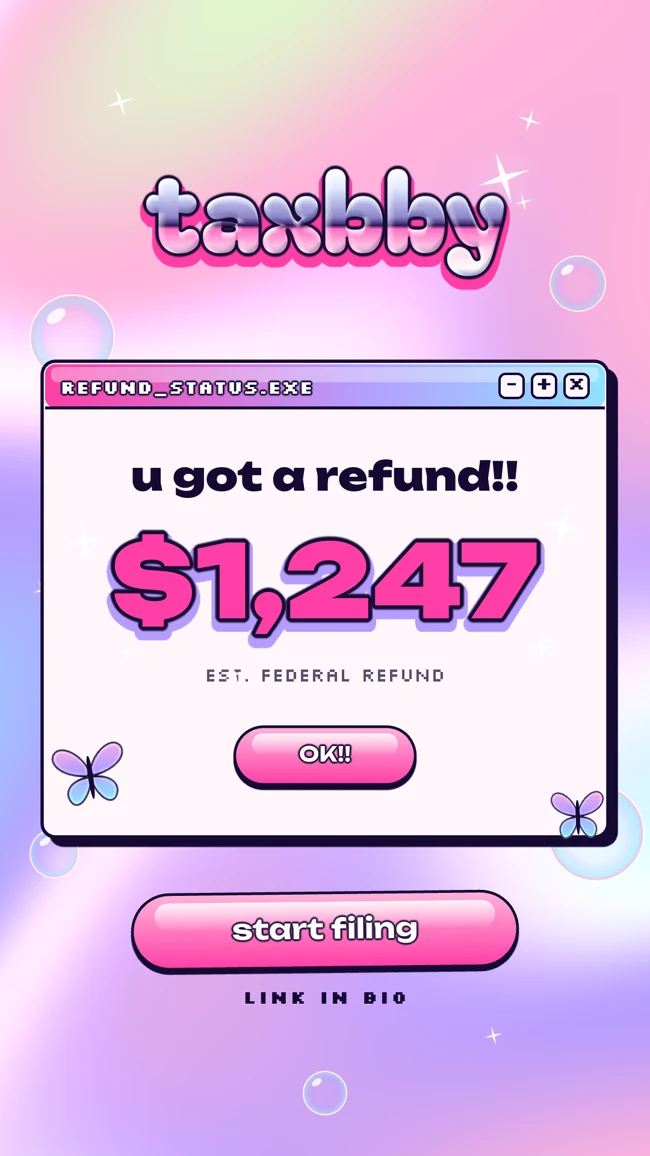
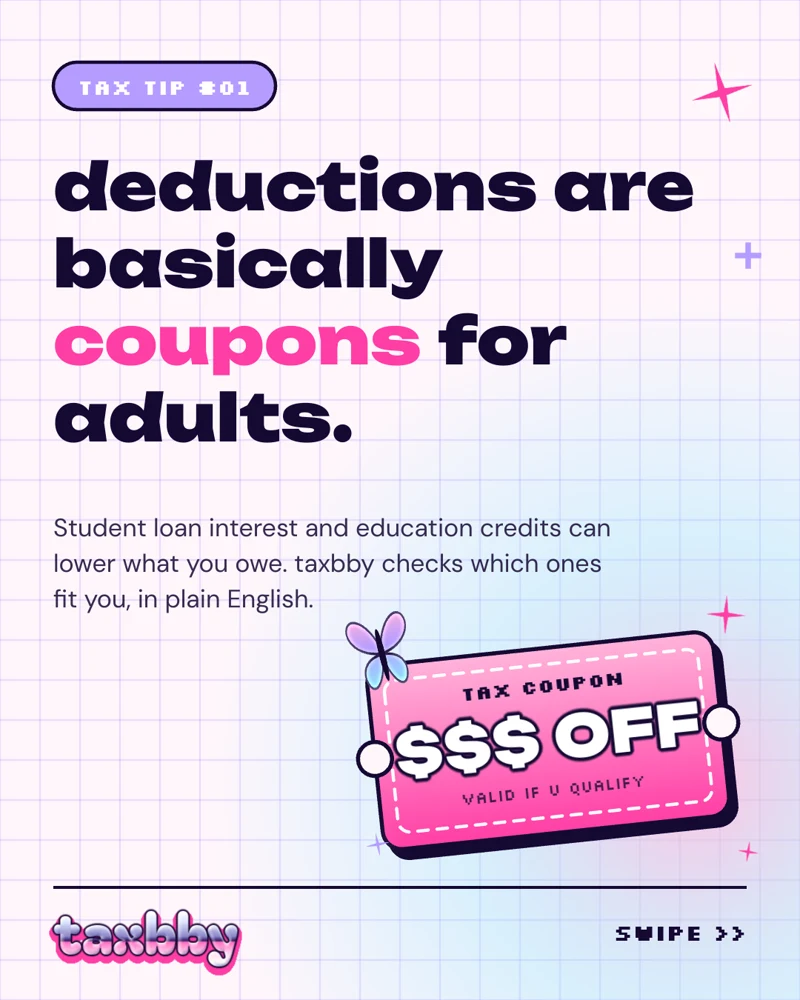
Tax amounts and copy are illustrative placeholders.
Start with the example files.
Download the references and editable sources. Open the projects through an agent with Tesseract installed.
Use this as a reference
Try a similar brief.
Attach the kit and your chosen music. For a different brand, replace the visual direction with your own guidelines.
Suggested starting prompt. These examples were developed through iteration.
Taxbby video brief
Use the attached Taxbby brand kit to create a 15-second launch video in Tesseract. Follow its logo rules, bubblegum and navy palette, chrome treatments, Unbounded headlines, and Silkscreen UI labels. Use the butterflies, sparkles, and Y2K popup windows as recurring graphic elements. With the music I provide, map the beats and time the cuts and smaller animations to them. Show me a storyboard before building. Keep text, graphics, effects, and animation editable. Render a draft, inspect it against the guide, and revise before the final export. Treat any tax amounts as illustrative placeholders.