Spam / Made with Tesseract
From Spam’s app identity to a launch video.
Spam’s photo trails, arcade lettering, and neon landscapes become a 15-second app launch video, with matching designs in four social formats.
An example identity developed and refined in Tesseract. Explore the brand kit and editable source below.
The starting point
The brand kit.
The browser-based guide documents custom letterforms, logo variants, the palette, pixel typography, and motion rules. The download includes the guide with its media and editable logo projects.
Download brand kit#0B0620#FF2E88#19E6FF#FFD23FWhere the guidelines show up.
The visual identity shapes the scenes, typography, and motion throughout the film.
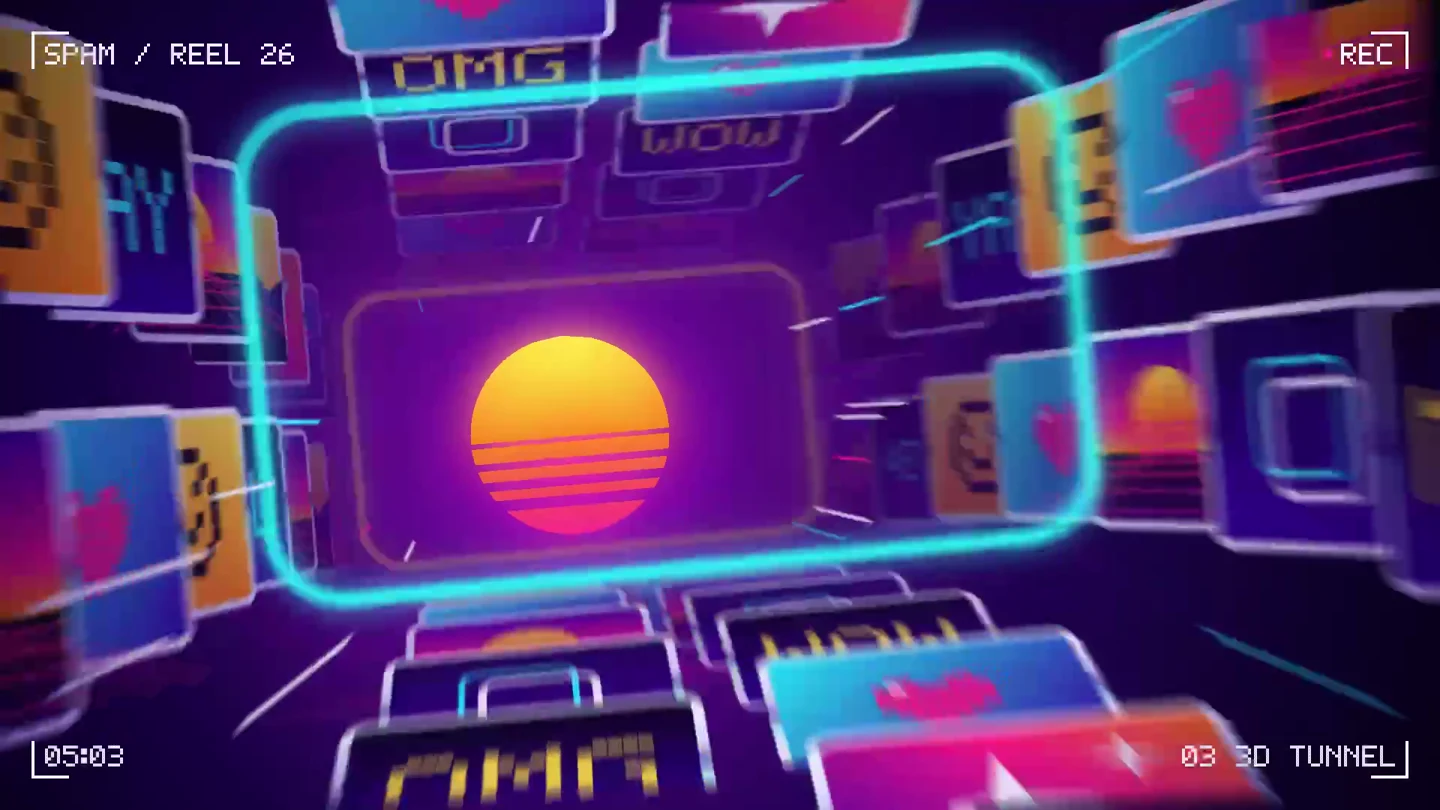
The photo trail becomes the transition.
The icon’s stacked frames become depth, repetition, and movement in the film. The same recognizable shape connects the identity to the photo-sharing product.
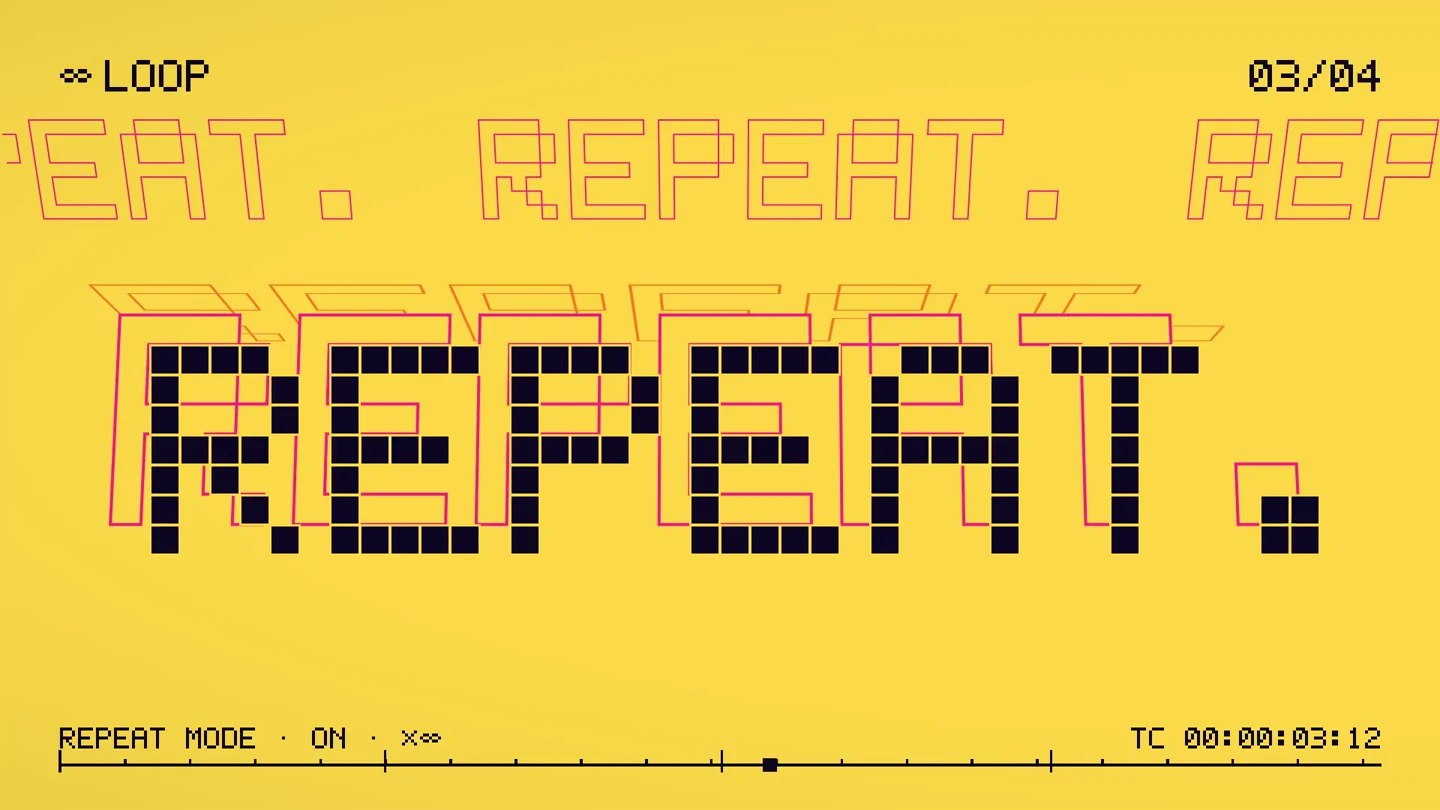
Custom lettering sets the tone.
The kit defines a chrome wordmark and a custom pixel alphabet. The film uses large, short phrases and bright color changes to give that typography room to work.
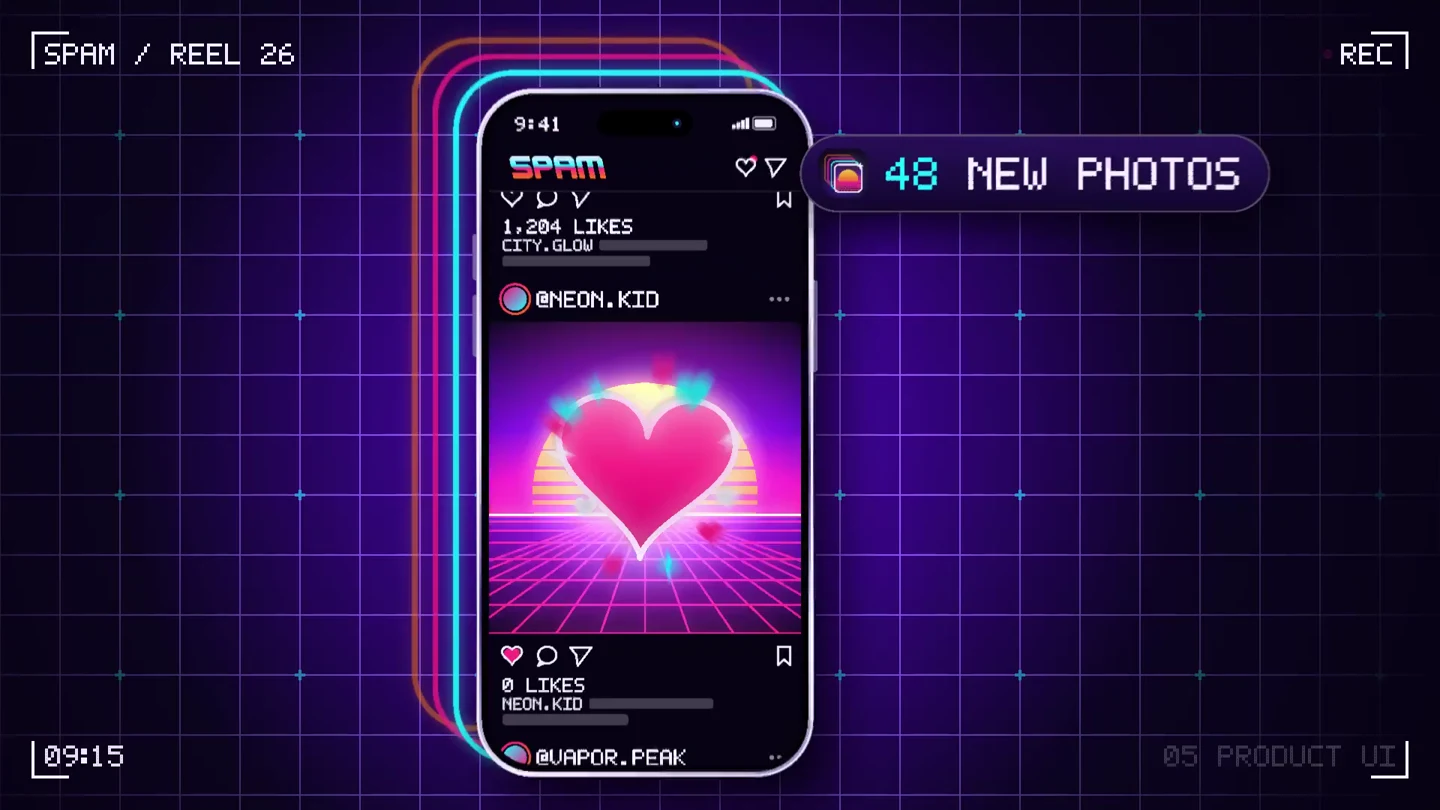
Motion rules carry into the product scene.
Staggered frames, interface callouts, and layered graphics extend the identity around a phone. The guide describes how elements enter and settle, as well as how they look.
Keep the source
A render you can watch.
A project you can keep editing.
The showreel includes an editable Tesseract project. Ask your agent to inspect the composition and change a headline, graphic treatment, or animation while preserving the rest.
The project contains native creative elements and its required media. Supplied images and audio remain media assets.
- 01Typography and lettering
Edit text or adjust the vector shapes used for custom letterforms.
- 02Graphics and effects
Inspect shapes, groups, gradients, and layer treatments.
- 03Timing and motion
Revise animation and scene timing in the project.
The designs around the video.
Spam’s templates adapt the identity for stories, square posts, portrait posts, and banners.
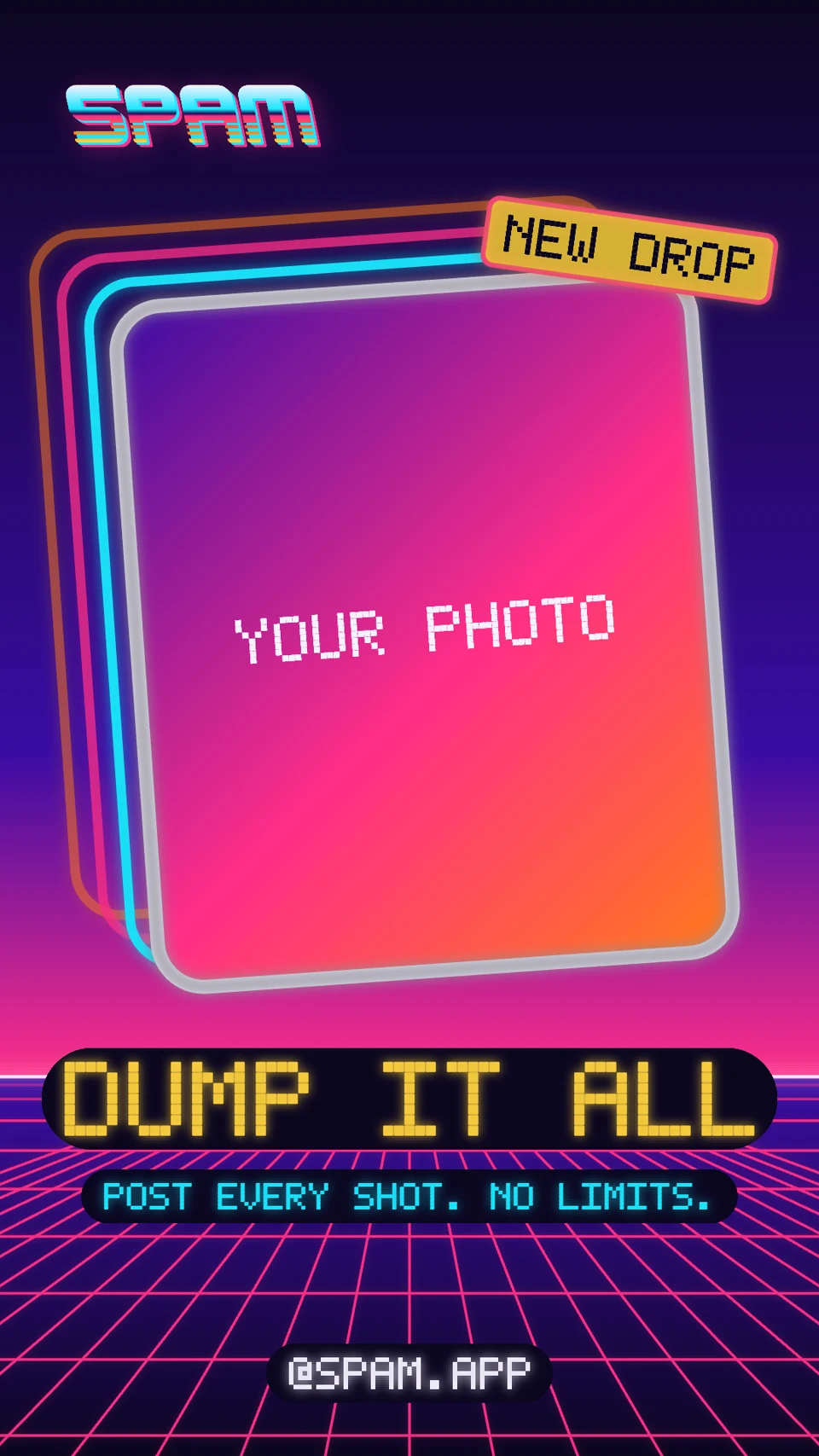
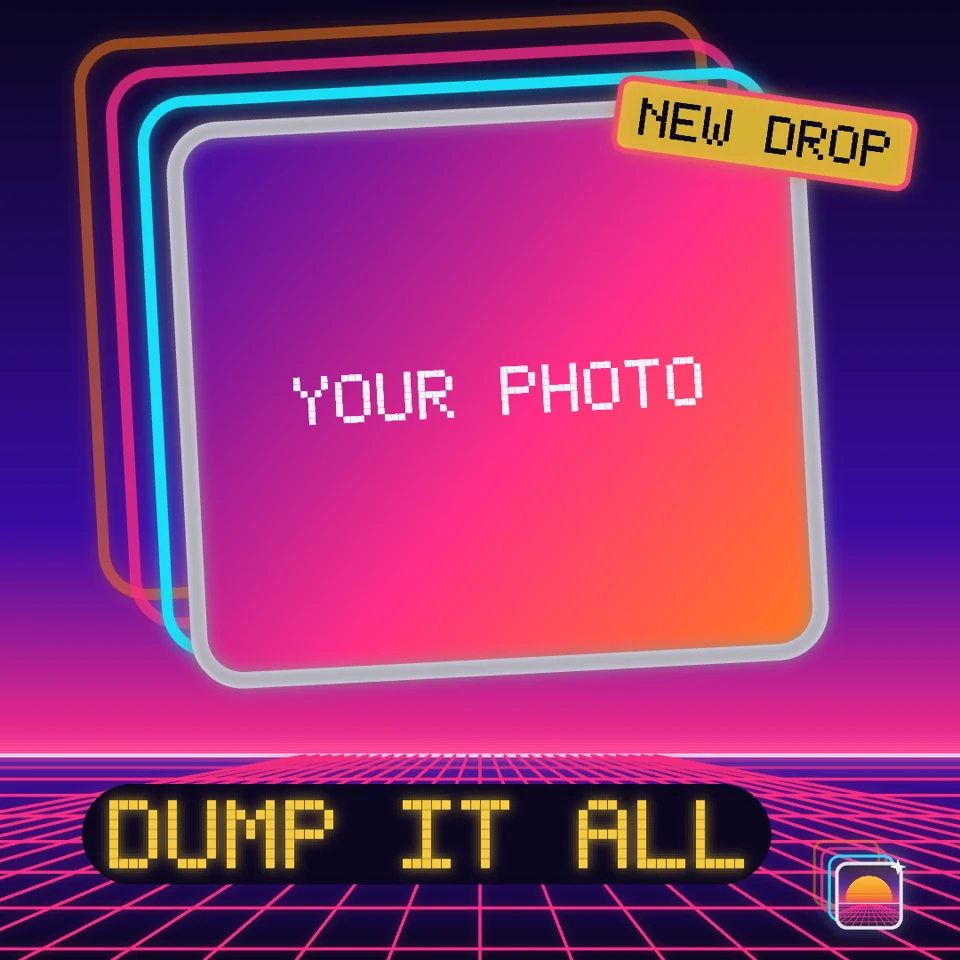
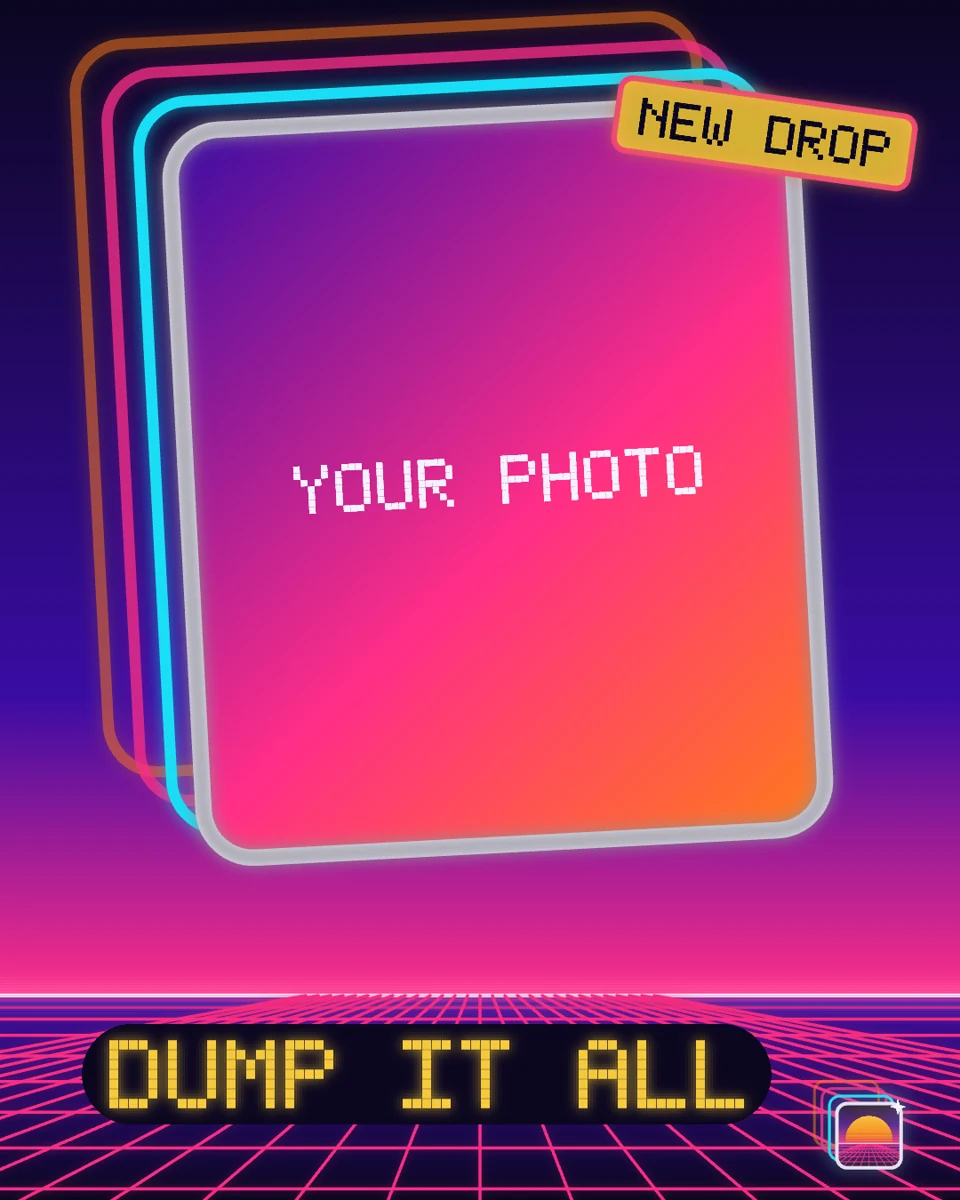
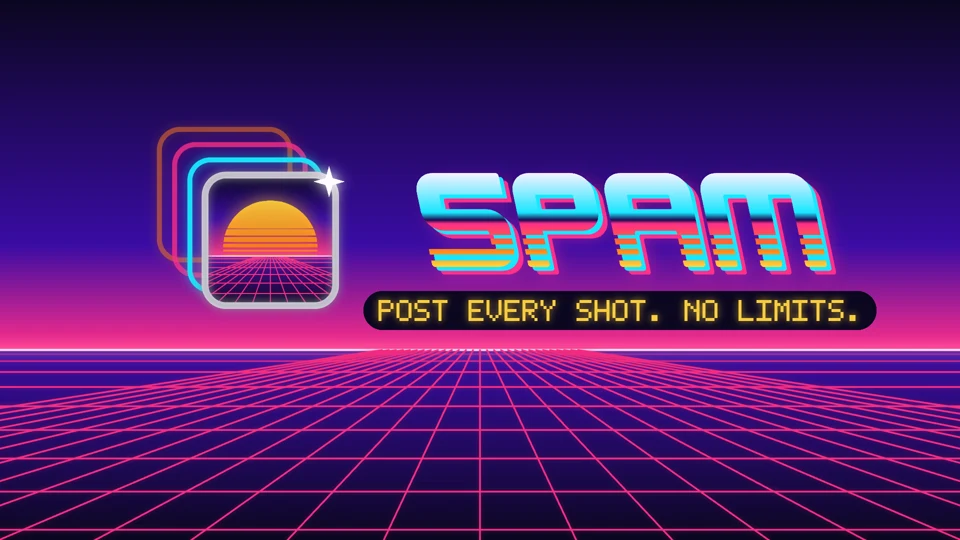
Photo areas are placeholders. Add your imagery before publishing.
Start with the example files.
Download the references and editable sources. Open the projects through an agent with Tesseract installed.
Use this as a reference
Try a similar brief.
Attach the kit and your chosen music. For a different brand, replace the visual direction with your own guidelines.
Suggested starting prompt. These examples were developed through iteration.
Spam video brief
Use the attached Spam brand kit to create a 15-second app launch video in Tesseract. Preserve the custom chrome wordmark, pixel lettering, neon photo trails, and synthwave setting. Follow the guide’s motion rules: stagger the frames, unfold the echoes, and give the lettering a deliberate overshoot. Include a product-interface scene using the assets I supply; label any invented interface as a concept. Plan the sequence to my chosen music, with a cue for each cut and animation. Keep the compositions, graphics, text, and timing editable. Preview the opening, product scene, and end card before rendering a draft for review.