Create the assets around your video
Your video is ready. Make everything that goes with it.
Use the same typography, colors, and imagery to create thumbnails, covers, social posts, and static ads. Give each asset a composition made for where it will appear.
Read the prompt
Set up Tesseract by Mirage so you can create editable designs, edit videos, and make motion graphics in this agent’s environment. Read https://github.com/mirage-hq/Tesseract and check the requirements for this local or hosted environment. If it is supported, follow the official plugin or skills installation guide, use its required runtime version, verify the download checksum, and confirm a short preview renders correctly. Then ask what I want to make and which brand references or source assets I have. Keep the editable project and source assets with the finished render.
How to make it.
- 01
Bring the video and its editable project.
Share the finished film, the Tesseract project if you have it, and your brand kit. Identify the scene or message you want each asset to communicate.
- 02
Brief each format.
Specify the destination, dimensions, headline, and CTA. A thumbnail needs to read at a small size; a social post may need more context. Ask for layouts suited to those different jobs.
- 03
Review the assets as a set.
Compare the typography, framing, and color across the video and stills. Keep the text and graphic layers editable so a new headline does not require starting over.
A matching set of social designs.
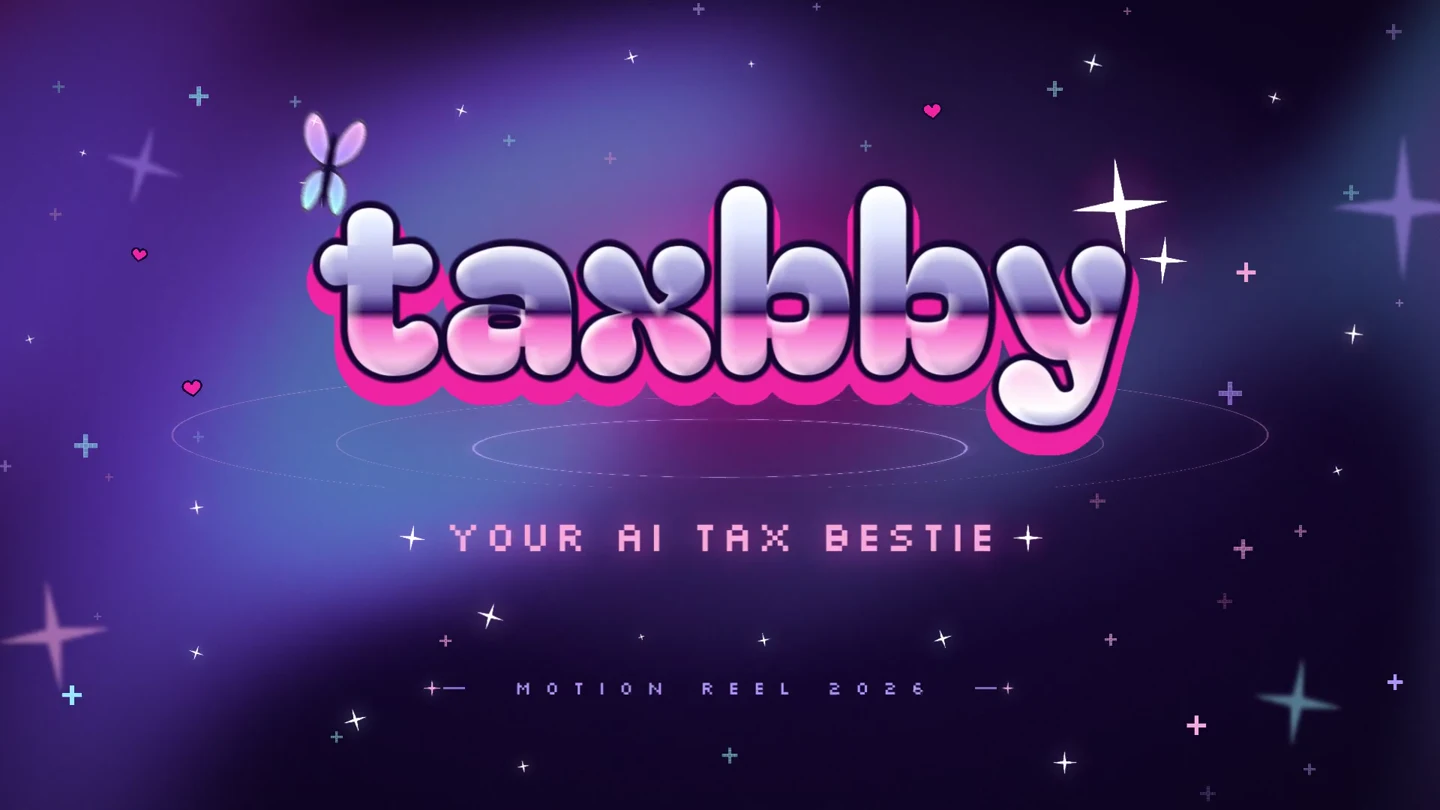
Taxbby’s story and portrait post reuse the visual identity from the film. Both have editable Tesseract sources.
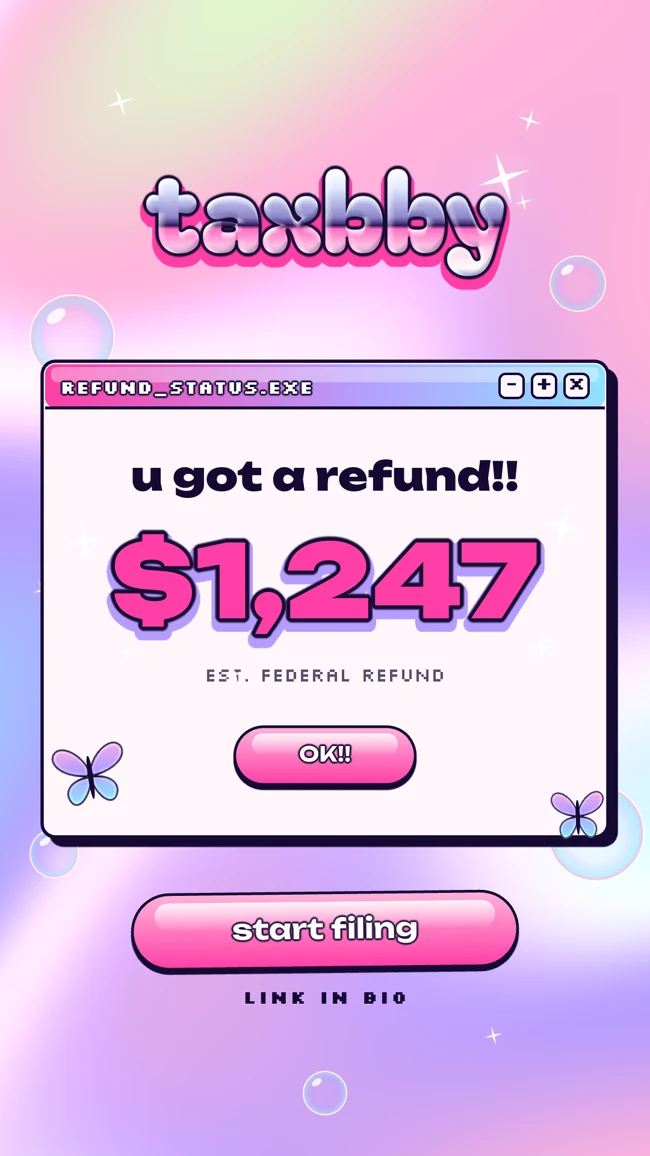
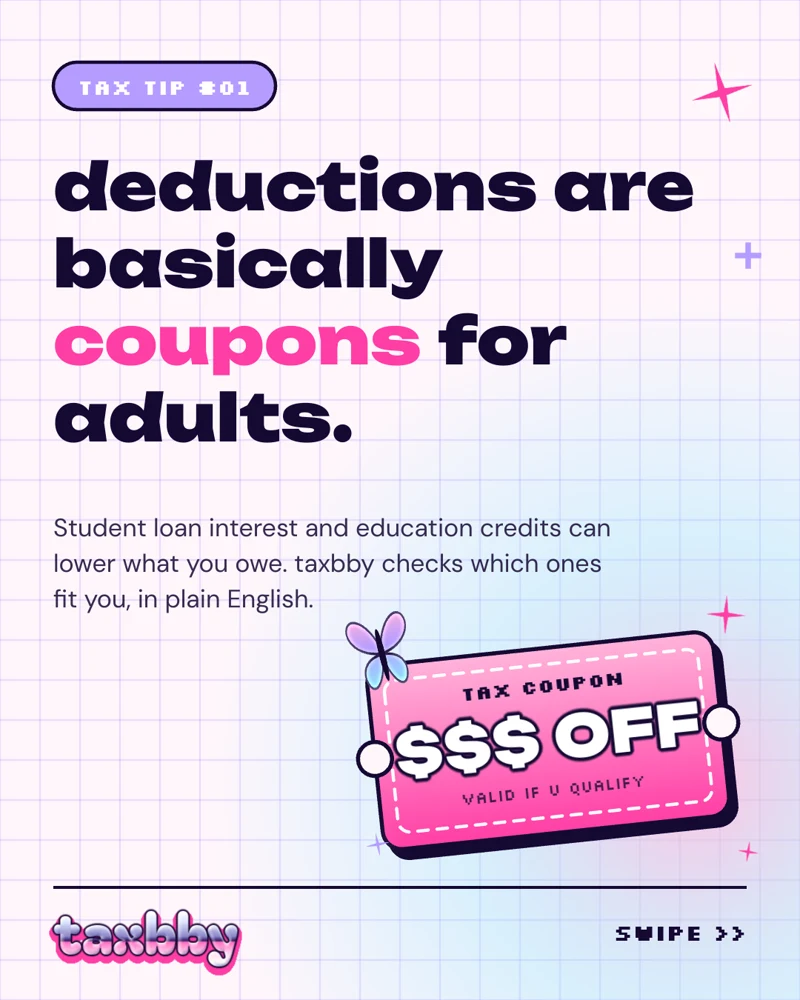
Example templates. Adapt the message and replace any placeholders with your own content.
Try it in your agent
A prompt to start from.
Attach your references, replace the bracketed details, and review the previews before exporting.
This is a suggested starting prompt, not a transcript of how the examples were created.
Copy and adapt this brief
Use this video, its Tesseract project, and our brand guide to create a 1920 × 1080 YouTube thumbnail, a 1080 × 1350 launch post, and a 1080 × 1920 story. Reuse the approved typography, colors, and graphic elements. Give each format its own readable composition rather than stretching or cropping one flat image. Propose short headlines appropriate for each placement. Keep text and graphics editable. Render a contact sheet for review and export the approved stills as PNGs alongside their Tesseract projects.
What to check in the preview.
Design for the actual placement.
Check small thumbnails at their display size. Leave room for platform controls and keep essential text away from areas likely to be cropped.
Use the project when it is available.
An editable source lets your agent reuse individual layers. A rendered video is a visual reference; extracting a frame does not recover its original layers.
Show the final artwork.
The sample Spam templates contain photo placeholders. Replace those with your supplied imagery and review the final composition before publishing.
See the files and finished work.
Explore the brand guides, showreels, and editable projects behind two distinct visual identities.
Y2K pop · Animated typography · Social templates
Taxbby
Taxbby’s bubblegum colors, chrome lettering, and Y2K graphics carry through a 15-second launch video and a set of matching social designs.
Arcade / synthwave · Product interfaces · Multiple formats
Spam
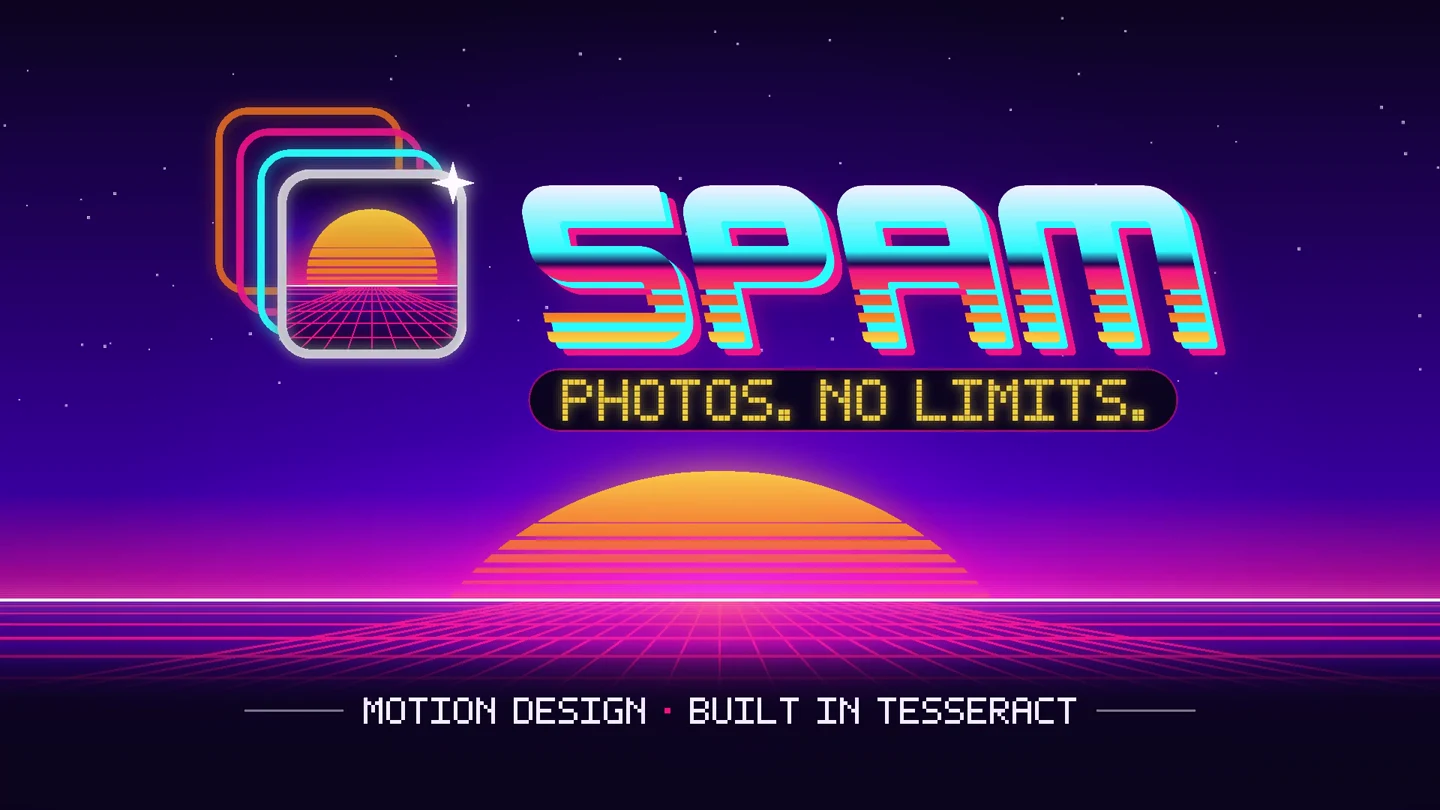
Spam’s photo trails, arcade lettering, and neon landscapes become a 15-second app launch video, with matching designs in four social formats.
Keep building.
Adapt and revise designs
Adapt a design for stories, square posts, portrait posts, and banners. Revise headlines, framing, and composition while preserving your brand in Tesseract.
ExploreTaxbby
Explore Taxbby’s Y2K brand guide, watch the 15-second showreel, and download the brand kit, editable video, and matching social templates made with Tesseract.
Explore