Brand kit to video
Turn your brand kit into an editable video.
Give your agent the rules and references that make your brand recognizable. Use Tesseract to carry them through the typography, graphics, transitions, and motion of a finished video.
Read the prompt
Set up Tesseract by Mirage so you can create editable designs, edit videos, and make motion graphics in this agent’s environment. Read https://github.com/mirage-hq/Tesseract and check the requirements for this local or hosted environment. If it is supported, follow the official plugin or skills installation guide, use its required runtime version, verify the download checksum, and confirm a short preview renders correctly. Then ask what I want to make and which brand references or source assets I have. Keep the editable project and source assets with the finished render.
How to make it.
- 01
Share the guide and source assets.
Attach the brand PDF or point your agent to an accessible guide. Include logos, licensed fonts, approved imagery, and previous Tesseract projects. Ask it to summarize the rules and identify anything it cannot access.
- 02
Choose music and approve a storyboard.
Bring a track or make one first. Map the beats and energy changes, then plan every scene and smaller visual change to those cues. In ChatGPT, generated storyboard images can give the agent a concrete visual target to reproduce.
- 03
Build, preview, and compare.
Ask for editable text, graphics, effects, and timing. Review frames against the guide and storyboard, then watch the draft with sound. Identify differences, preserve approved work, and revise the same project.
Try it in your agent
A prompt to start from.
Attach your references, replace the bracketed details, and review the previews before exporting.
This is a suggested starting prompt, not a transcript of how the examples were created.
Copy and adapt this brief
Use the attached brand kit to create a [duration] video for [purpose] in Tesseract. Follow the typography, palette, logo rules, graphic elements, and tone of voice. Use the track I supply, map its beats and energy changes, and time every visual change to those cues. First summarize the brand rules and show me a storyboard. After approval, build an editable layered project. Render preview frames for the opening, midpoint, and end card, then a draft with sound. Compare it against the guide and storyboard, fix differences, and keep approved elements unchanged. Save the project with its required assets and final render.
What to check in the preview.
Look beyond the logo.
Check typefaces, color roles, spacing, image treatment, and recurring motifs across every scene. A correct end card does not make the rest of a film on-brand.
Keep the music in the review.
Look at whether entrances, cuts, and animation landings meet the intended musical cues. Listen for effects that compete with dialogue or overwhelm the track.
Build a reference library.
Save approved videos and Tesseract projects beside the guide. Reuse them in the same chat when practical, while continuing to attach the files and rules the agent needs.
See the files and finished work.
Explore the brand guides, showreels, and editable projects behind two distinct visual identities.
Y2K pop · Animated typography · Social templates
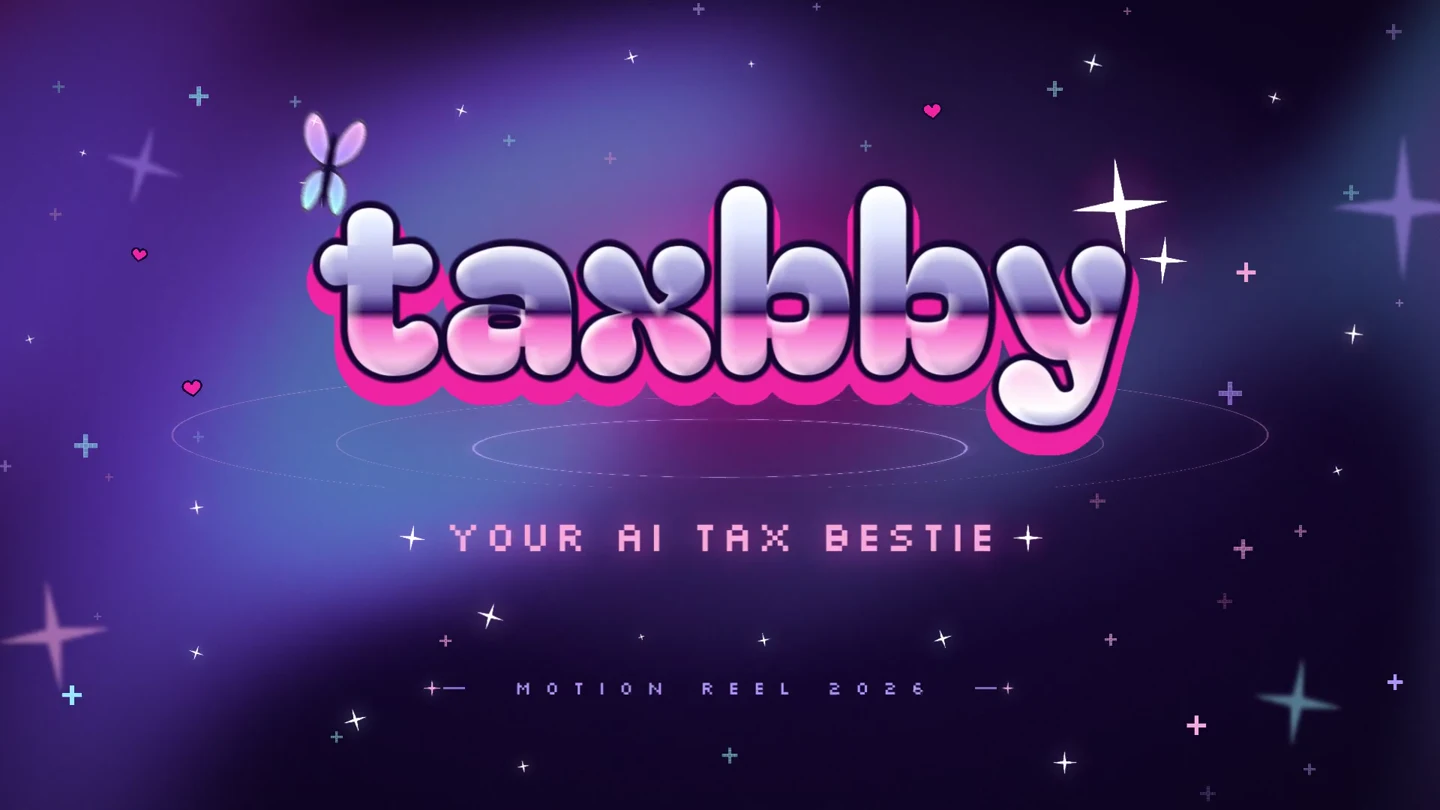
Taxbby
Taxbby’s bubblegum colors, chrome lettering, and Y2K graphics carry through a 15-second launch video and a set of matching social designs.
Arcade / synthwave · Product interfaces · Multiple formats
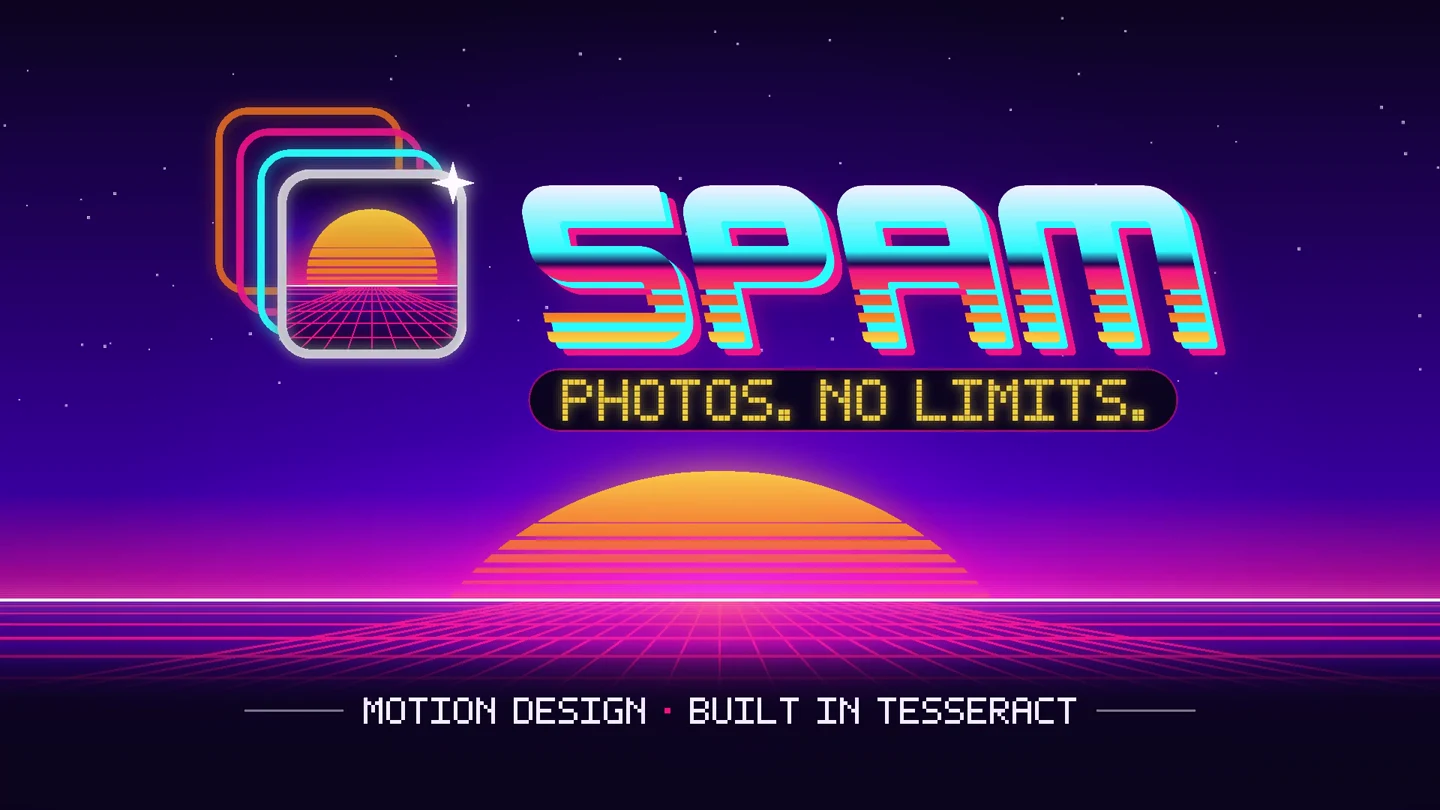
Spam
Spam’s photo trails, arcade lettering, and neon landscapes become a 15-second app launch video, with matching designs in four social formats.
Keep building.
Create a video with ChatGPT
Choose music, map its beats, generate polished storyboards in ChatGPT, and build an editable video in Tesseract. Copy the workflow prompt and learn how to review and revise.
ExploreCreate assets around your video
Use the typography, colors, and imagery from your video to create editable thumbnails, covers, social posts, and static ads with your AI agent.
Explore