Adapt and revise
Change the format. Keep the design intentional.
Make a story, square post, portrait post, or banner from an approved design. Ask your agent to rearrange the layers, rework the headline, and preserve the brand rules.
Read the prompt
Set up Tesseract by Mirage so you can create editable designs, edit videos, and make motion graphics in this agent’s environment. Read https://github.com/mirage-hq/Tesseract and check the requirements for this local or hosted environment. If it is supported, follow the official plugin or skills installation guide, use its required runtime version, verify the download checksum, and confirm a short preview renders correctly. Then ask what I want to make and which brand references or source assets I have. Keep the editable project and source assets with the finished render.
How to make it.
- 01
Keep the approved version.
Start from its Tesseract project and save a separate version for each delivery format. Tell the agent what must stay fixed, such as the logo treatment, palette, or campaign message.
- 02
Recompose for each size.
Ask it to adjust text wrapping, scale, image framing, margins, and CTA position. Inspect each format individually; a layout that works wide may need a different hierarchy in portrait.
- 03
Revise only what needs changing.
Point out a crowded headline, weak contrast, or misplaced subject. Keep the approved elements and render a new preview of the changed layouts.
Four formats, separately composed.
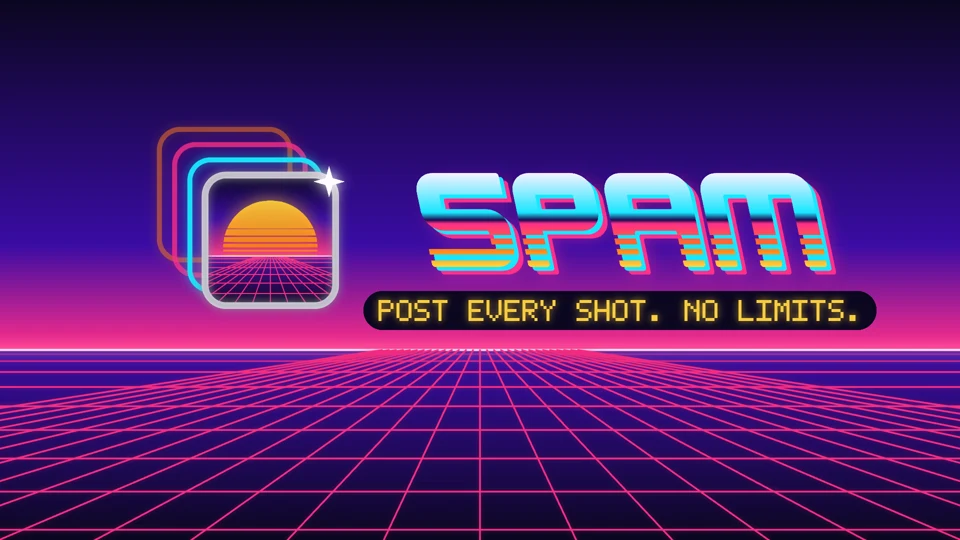
Spam’s story, square post, portrait post, and banner keep the identity while changing the arrangement.
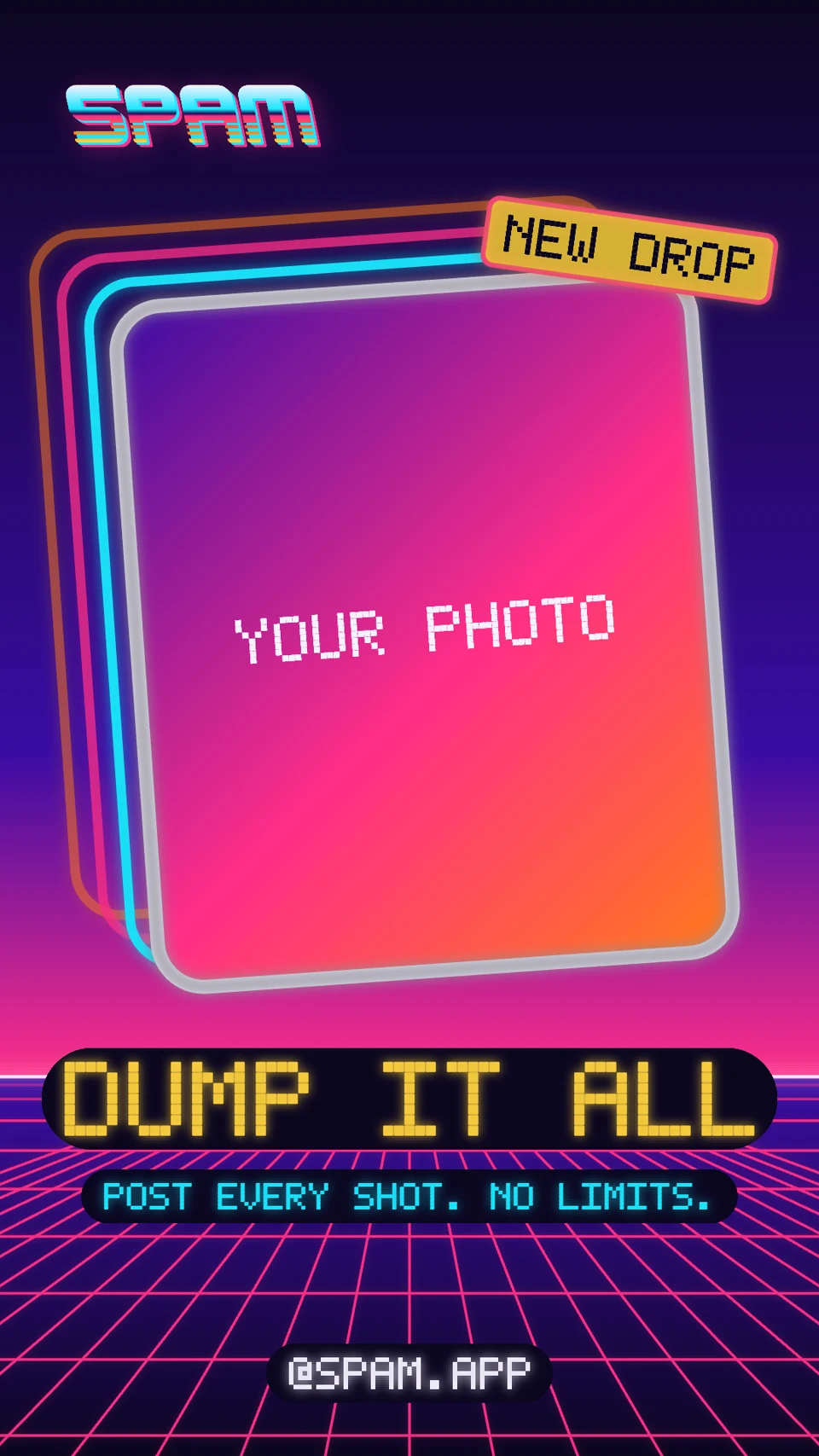
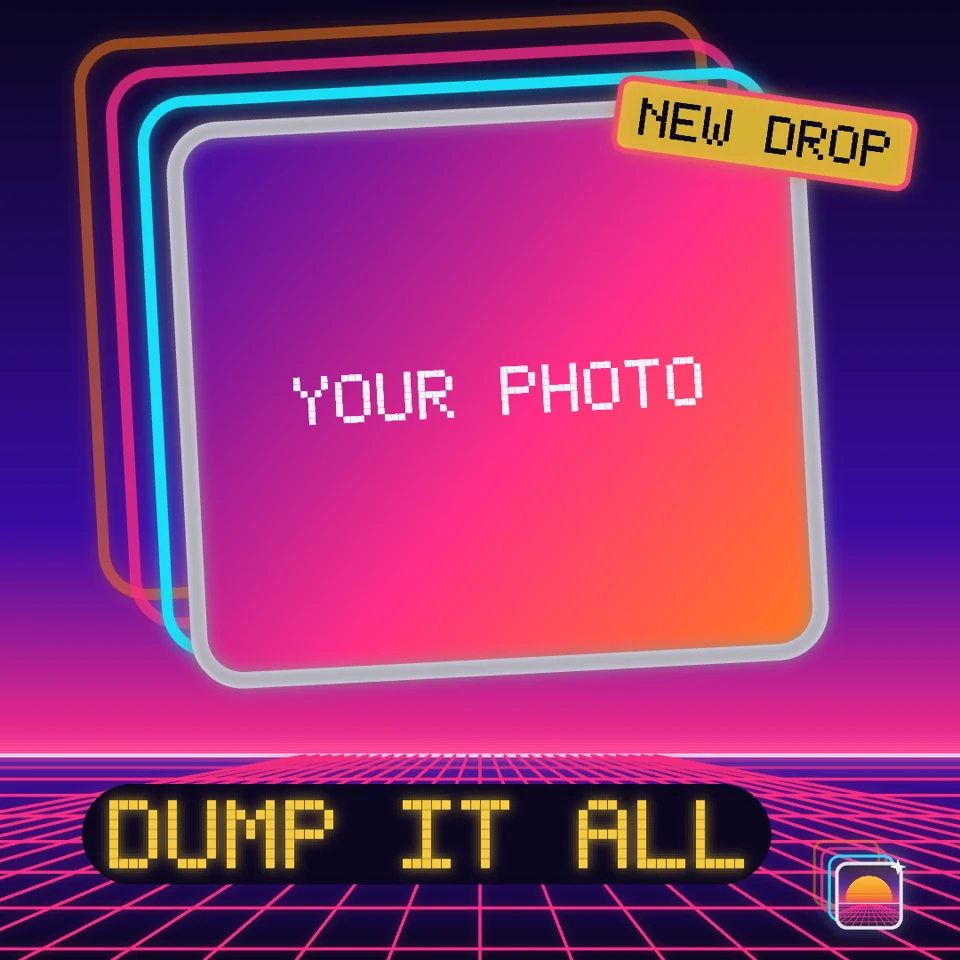
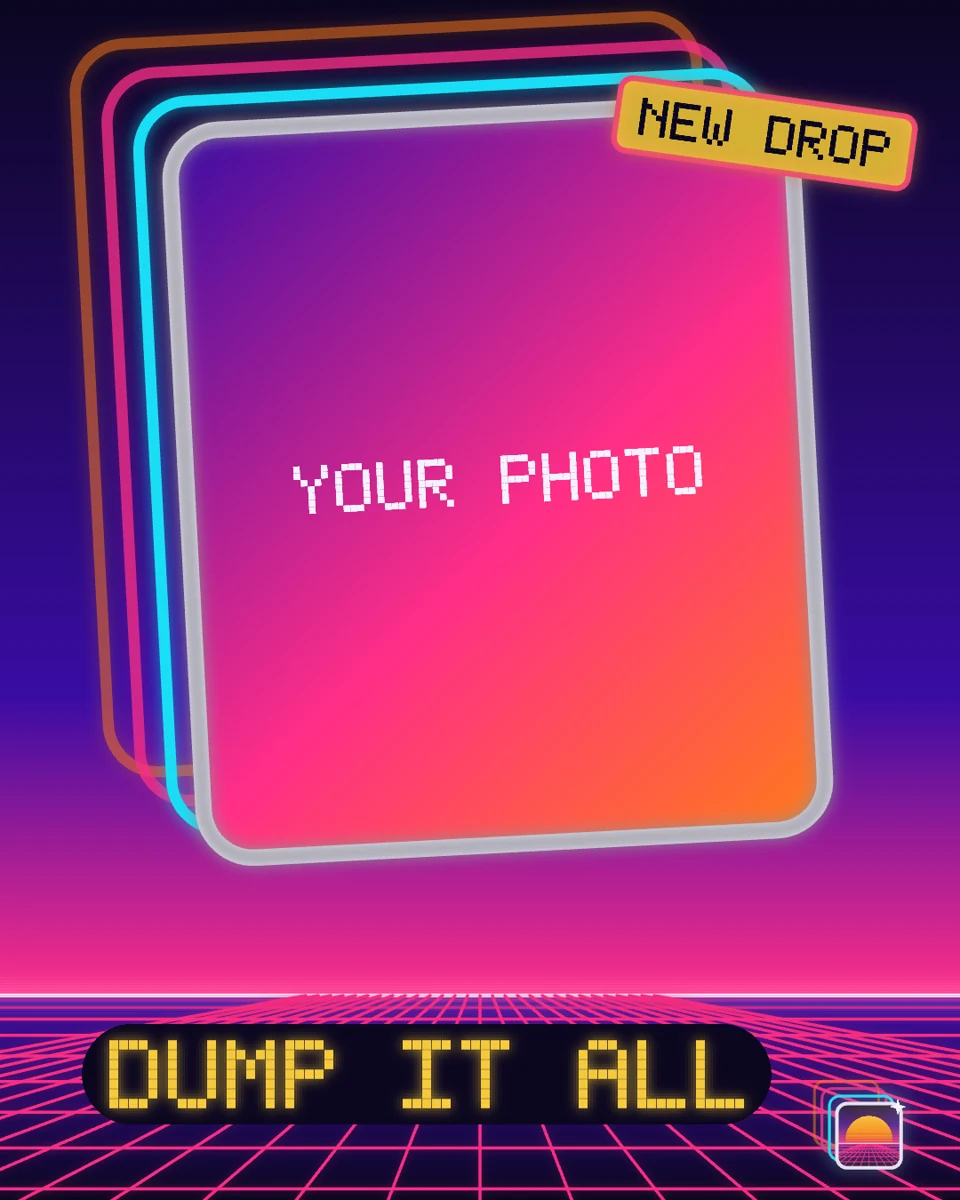
Example templates. Adapt the message and replace any placeholders with your own content.
Try it in your agent
A prompt to start from.
Attach your references, replace the bracketed details, and review the previews before exporting.
This is a suggested starting prompt, not a transcript of how the examples were created.
Copy and adapt this brief
Adapt this approved Tesseract design into 1080 × 1920, 1080 × 1080, 1080 × 1350, and 1920 × 1080 layouts. Preserve the logo, colors, imagery, and visual style. Recompose the editable layers for each format; do not stretch the artwork or simply crop a flat export. Adjust headline wrapping, subject framing, and CTA placement as needed. Keep the original project unchanged and save each variant separately. Show all four previews together, then wait for my feedback before exporting the final assets.
What to check in the preview.
Check alignment and breathing room.
Compare the space around text and the distance between related elements. Look for buttons whose labels sit too high or too low.
Check what gets lost at the edges.
Keep faces, logos, and key words inside the useful area of each format. Verify the destination’s current safe areas for your placement.
Give focused feedback.
“Keep the square version. In the story, the headline crowds the logo.” Describe what looks wrong; the agent can decide how to adjust the layout.
See the files and finished work.
Explore the brand guides, showreels, and editable projects behind two distinct visual identities.
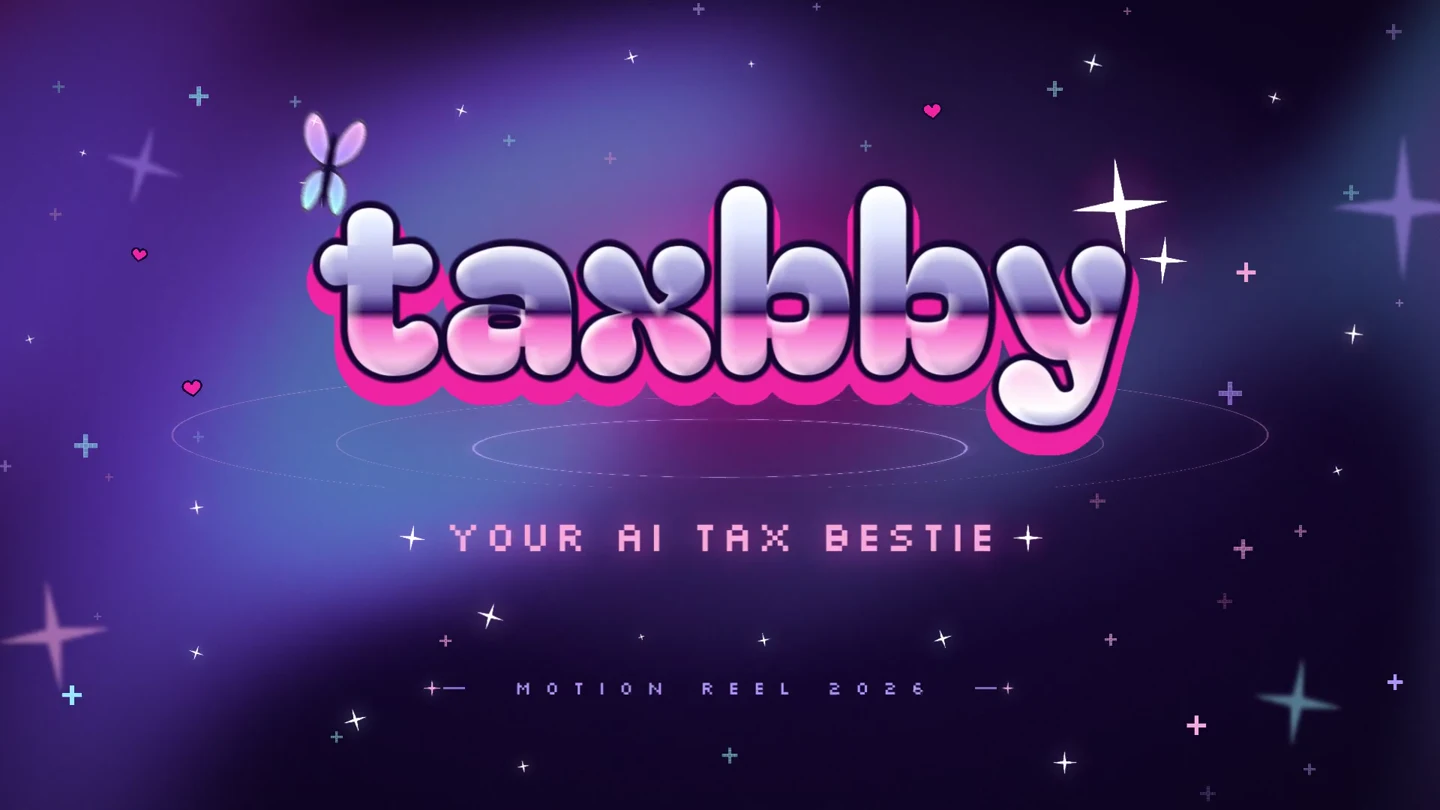
Y2K pop · Animated typography · Social templates
Taxbby
Taxbby’s bubblegum colors, chrome lettering, and Y2K graphics carry through a 15-second launch video and a set of matching social designs.
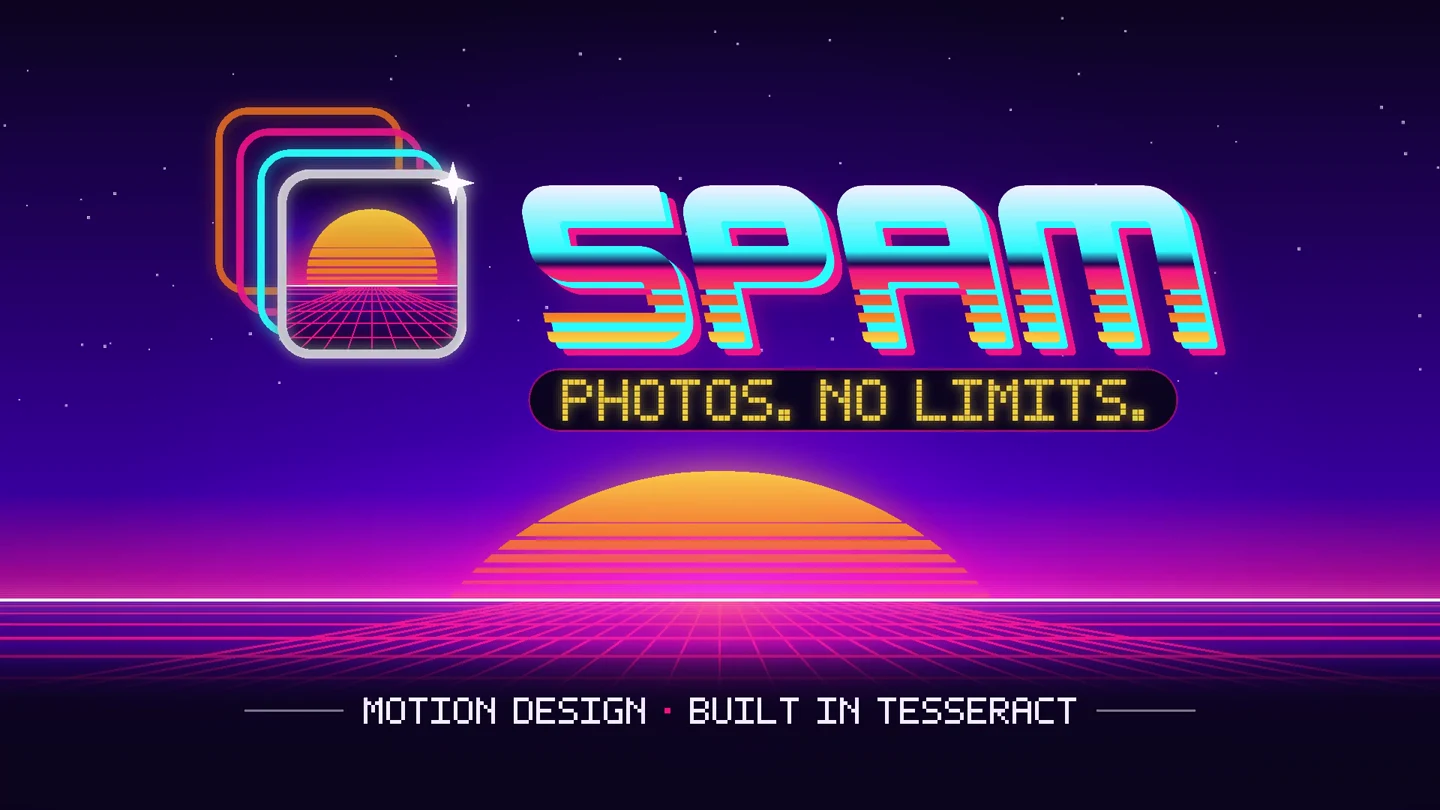
Arcade / synthwave · Product interfaces · Multiple formats
Spam
Spam’s photo trails, arcade lettering, and neon landscapes become a 15-second app launch video, with matching designs in four social formats.
Keep building.
Spam
See Spam’s arcade identity become an app launch video. Explore custom lettering and motion rules, and download the brand kit, editable showreel, and social templates.
ExploreDesign prompt guide
Copy practical prompts for brand kits, video thumbnails, social graphics, layout adaptations, and precise design revisions in editable Tesseract projects.
Explore