Define your visual system
Give every video and design the same visual foundation.
Work with your agent to define typography, colors, graphic elements, and reusable layouts. Keep the rules and editable examples together so the next project has a clear starting point.
Read the prompt
Set up Tesseract by Mirage so you can create editable designs, edit videos, and make motion graphics in this agent’s environment. Read https://github.com/mirage-hq/Tesseract and check the requirements for this local or hosted environment. If it is supported, follow the official plugin or skills installation guide, use its required runtime version, verify the download checksum, and confirm a short preview renders correctly. Then ask what I want to make and which brand references or source assets I have. Keep the editable project and source assets with the finished render.
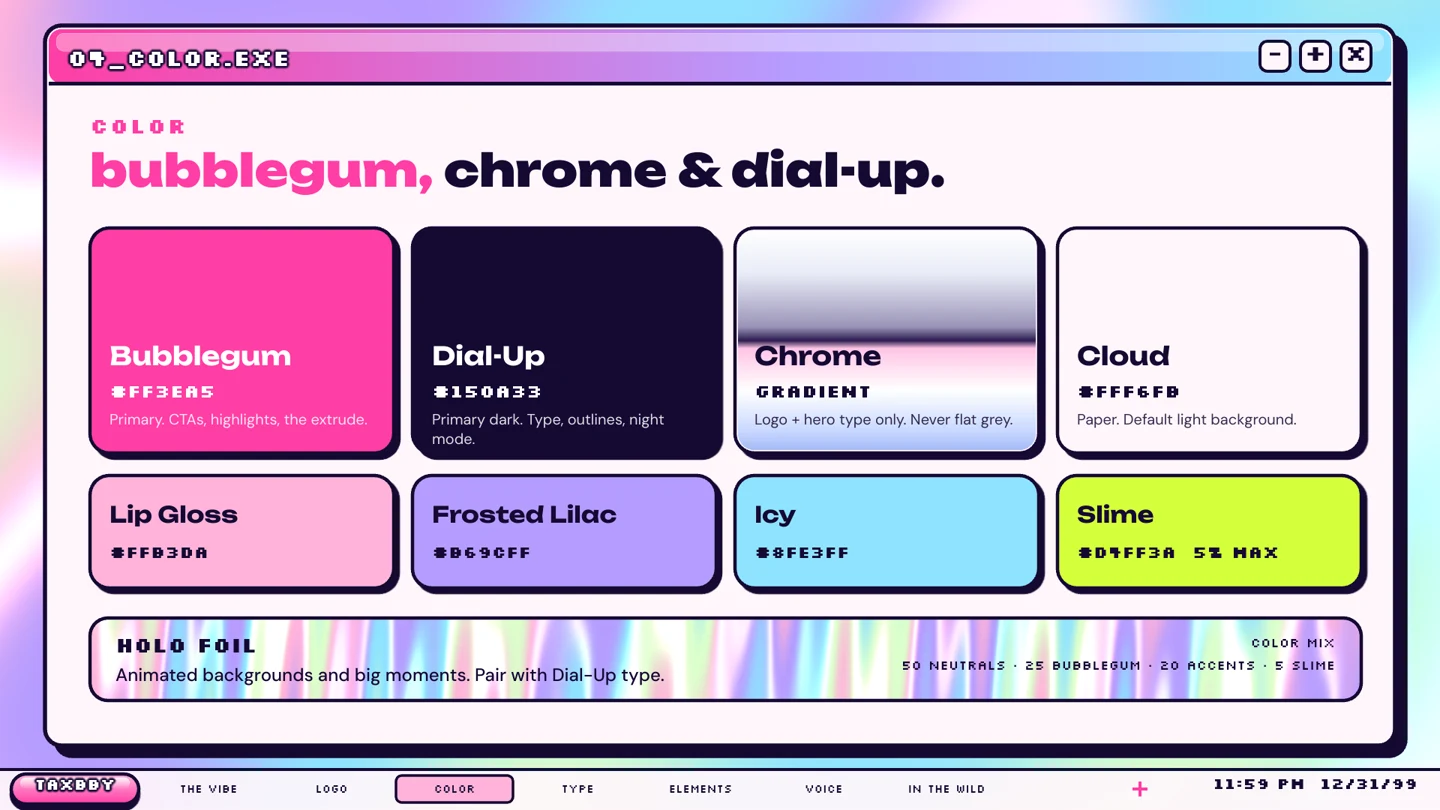
How to make it.
- 01
Start with the brand and its audience.
Share what you make, who it is for, and a few visual references. Bring any approved logos, fonts, previous videos, or Tesseract projects. Tell the agent which decisions are already fixed.
- 02
Define rules you can actually use.
Choose a type hierarchy, palette, logo treatments, graphic elements, and example layouts. For a brand that appears in video, include rules for timing, transitions, and how elements enter and settle.
- 03
Test the system on real formats.
Ask for a title card, a social post, and a short motion sample. Compare them before approving the guide. Keep the guide and editable examples to reuse in future work.
Try it in your agent
A prompt to start from.
Attach your references, replace the bracketed details, and review the previews before exporting.
This is a suggested starting prompt, not a transcript of how the examples were created.
Copy and adapt this brief
Help me define a visual system for [brand], which makes [product] for [audience]. Use the attached references and preserve our existing [logo/fonts/colors]. Propose typography, a color palette with usage rules, reusable layouts, and graphic elements. Include motion rules for our videos. Build a title card, a social post, and a short animated sample in editable Tesseract projects so I can judge the system in use. Show previews before preparing the final brand guide. Call out any missing assets or decisions you need from me.
What to check in the preview.
Check the hierarchy.
Can you distinguish a headline, supporting copy, and a CTA at a glance? Check both a phone-sized preview and the full-resolution design.
Keep rules specific.
State which fonts and colors belong to which elements. Save examples of approved layouts and movement alongside the guide.
Save the reusable pieces.
Keep editable logos, graphic elements, title cards, and sample layouts with the guide. Your agent can use those source projects in the next brief.
See the files and finished work.
Explore the brand guides, showreels, and editable projects behind two distinct visual identities.
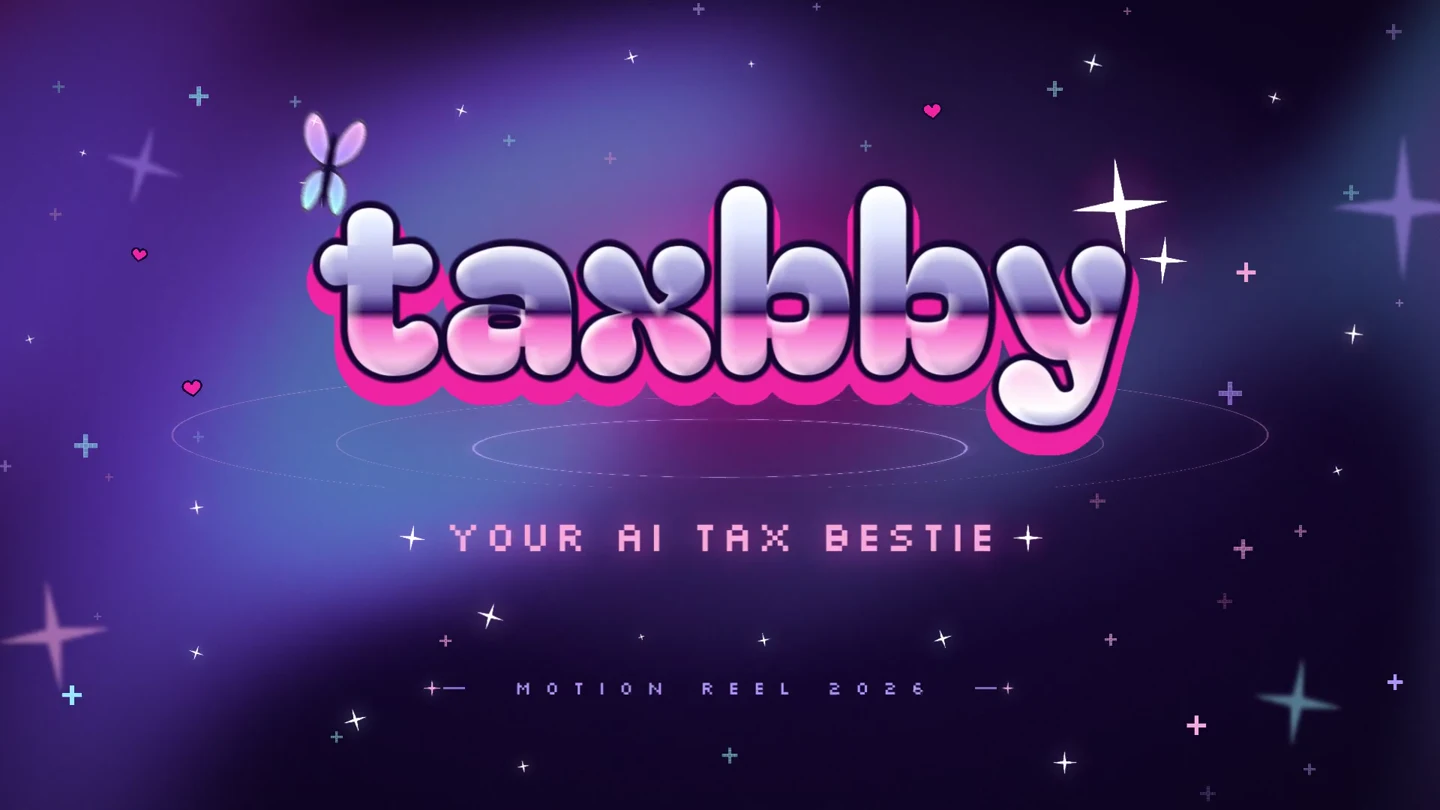
Y2K pop · Animated typography · Social templates
Taxbby
Taxbby’s bubblegum colors, chrome lettering, and Y2K graphics carry through a 15-second launch video and a set of matching social designs.
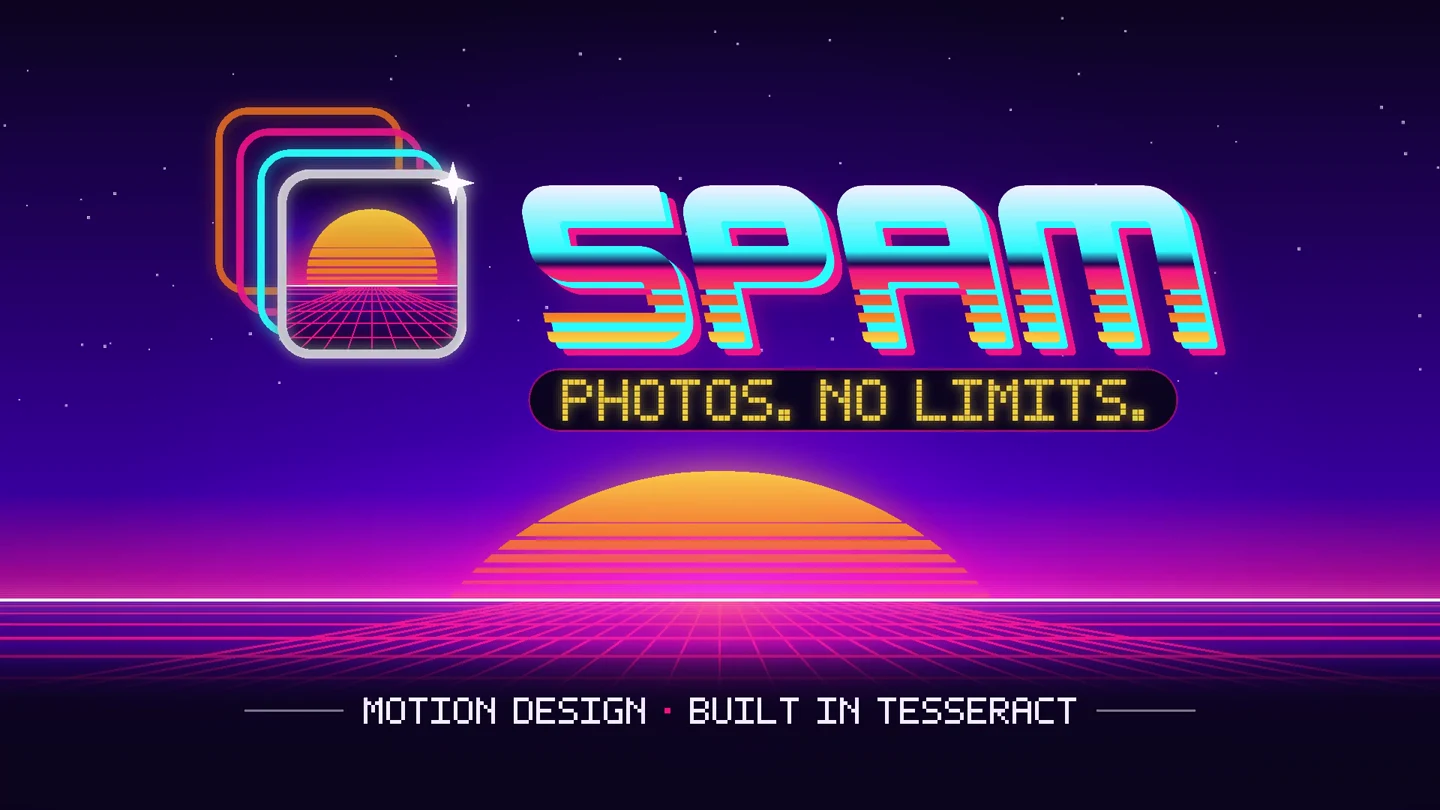
Arcade / synthwave · Product interfaces · Multiple formats
Spam
Spam’s photo trails, arcade lettering, and neon landscapes become a 15-second app launch video, with matching designs in four social formats.
Keep building.
Brand kit to video
Give your AI agent a brand kit and create an editable video in Tesseract. See how Taxbby and Spam carry typography, color, graphics, and motion into finished films.
ExploreDesign prompt guide
Copy practical prompts for brand kits, video thumbnails, social graphics, layout adaptations, and precise design revisions in editable Tesseract projects.
Explore