Product update / Tesseract for design
Your agent can now
create editable designs.
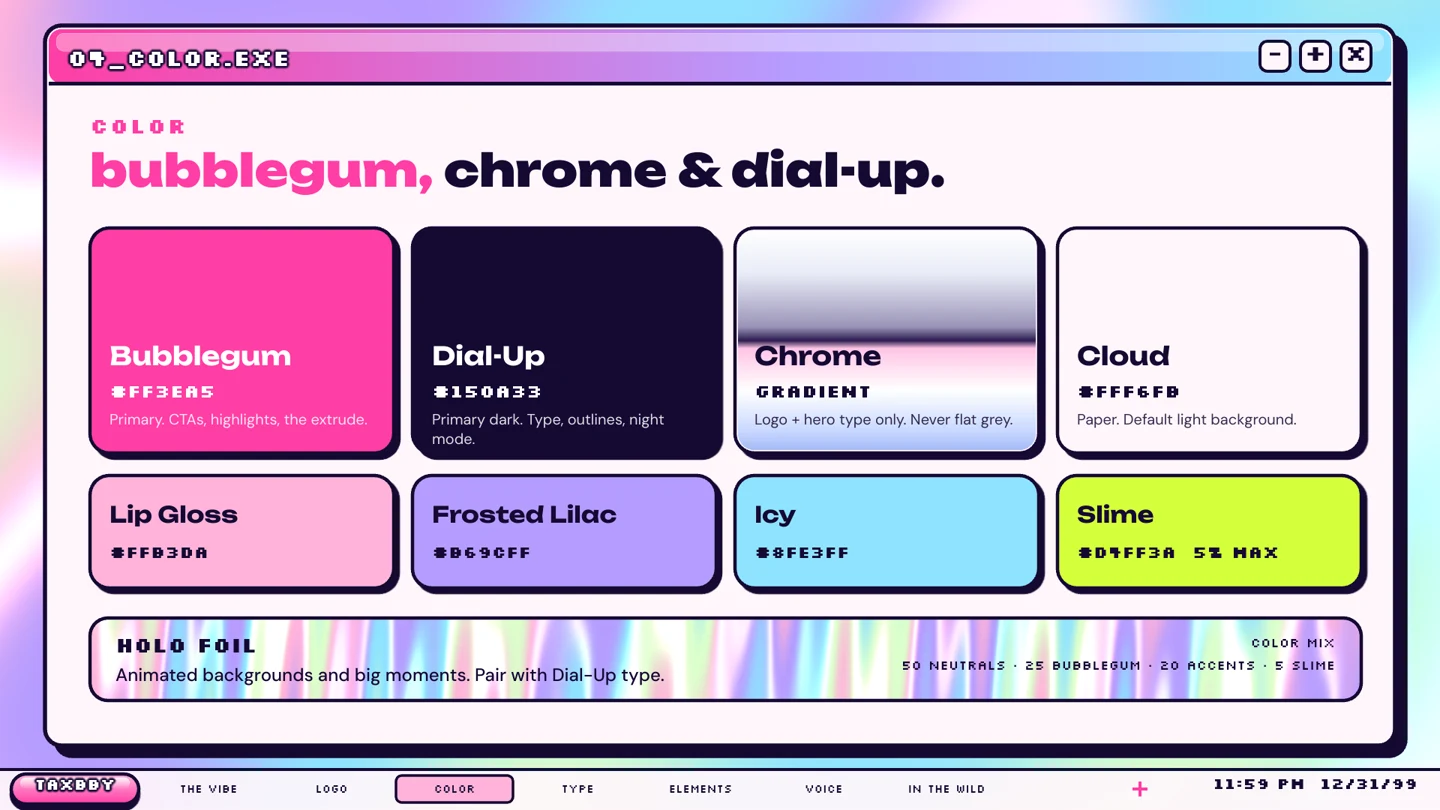
Create the visual system, thumbnails, covers, and social graphics around your videos. Refine the design and add motion in editable Tesseract projects.
Three things to try.
Start with the creative work around your next video.
- 01
Define your visual system.
Decide on typography, colors, and reusable layouts. Apply them across videos and designs.
See how - 02
Create the assets around your video.
Make the thumbnail, cover, social posts, and static ads that carry your visual direction into the launch.
See how - 03
Adapt and revise them.
Change the format, headline, or composition while keeping the layers editable and the brand consistent.
See how
Two brands. The files behind the work.
Explore the guides, watch the films, and download the editable source projects.
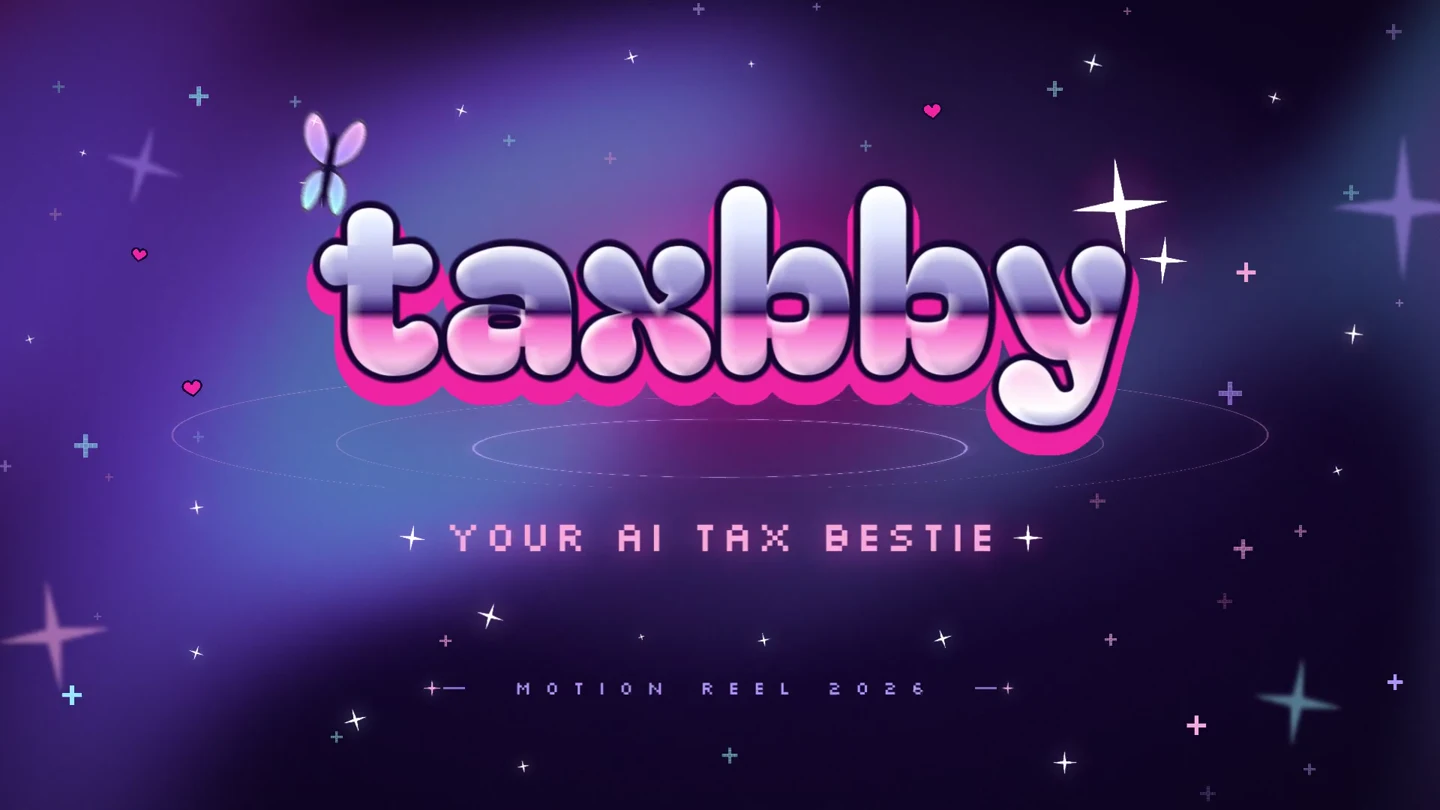
Y2K pop · Animated typography · Social templates
Taxbby
Taxbby’s bubblegum colors, chrome lettering, and Y2K graphics carry through a 15-second launch video and a set of matching social designs.
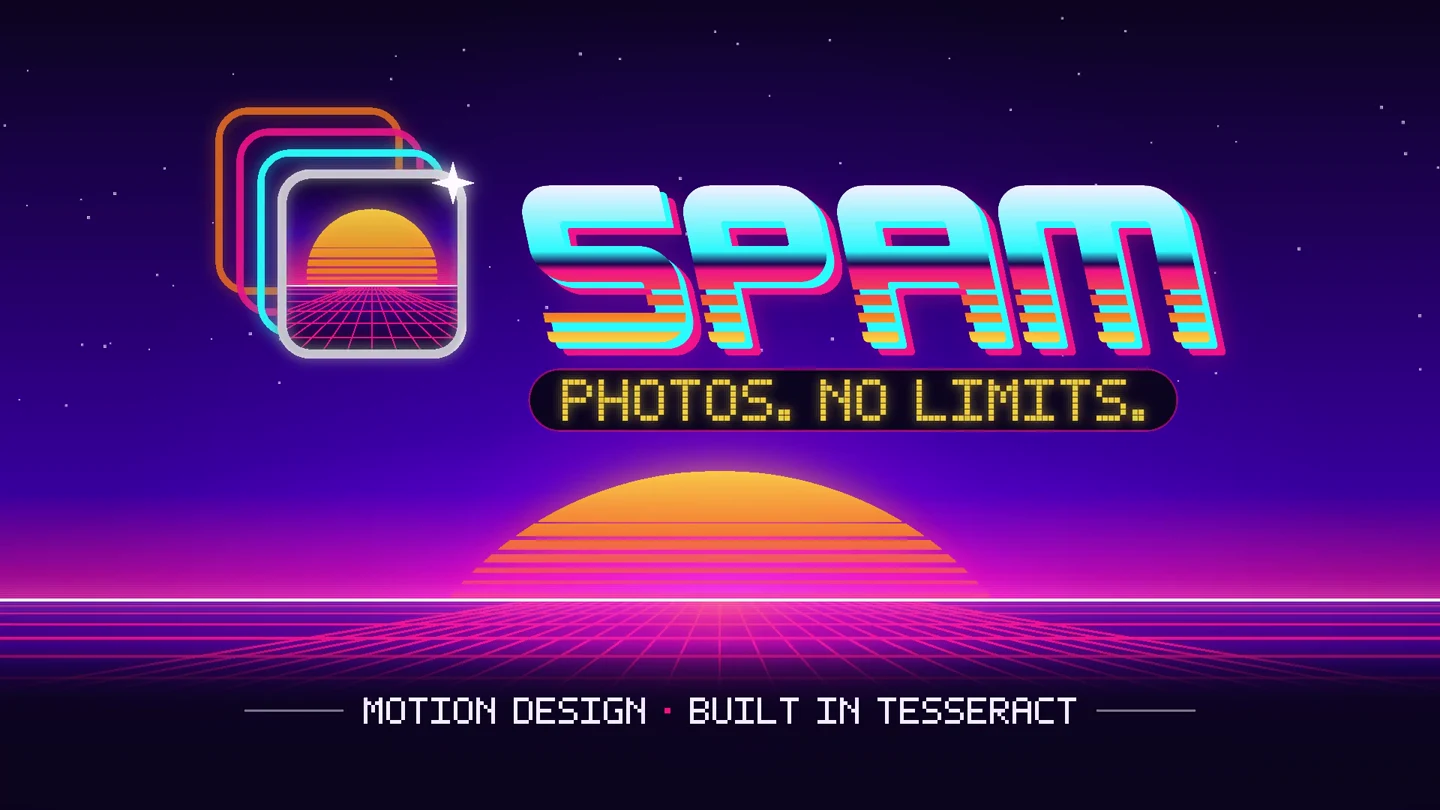
Arcade / synthwave · Product interfaces · Multiple formats
Spam
Spam’s photo trails, arcade lettering, and neon landscapes become a 15-second app launch video, with matching designs in four social formats.
Start with a useful brief.
The design prompt guide covers references, layouts, format adaptations, and feedback.