HDR motion graphics · Worked example
Add animated text and effects to HDR video.
Build animated typography and effects over HDR footage with your AI agent. Follow an editable Tesseract example and copy a practical prompt.
Read the prompt
Set up Tesseract by Mirage so you can create editable designs, edit videos, and make motion graphics in this agent’s environment. Read https://github.com/mirage-hq/Tesseract and check the requirements for this local or hosted environment. If it is supported, follow the official plugin or skills installation guide, use its required runtime version, verify the download checksum, and confirm a short preview renders correctly. Then ask what I want to make and which brand references or source assets I have. Keep the editable project and source assets with the finished render.
About this example
Footage generated with Seedance 2.5 and converted from SDR to HDR with Topaz. Editable text supplies the mask for a Tesseract shader that distorts the footage and adds highlight detail. This is screen-space refraction, not physical ray tracing. The HDR master is encoded from native 16-bit PQ Tesseract frames.
The embedded player shows an SDR version. Review the HDR master on a compatible display and player to see the highlight range.
The example
A glass-text effect over HDR footage.
The word REFRACT distorts the coastal footage inside its letter shapes, while a moving highlight passes across the title. The wording, mask, and shader remain editable in Tesseract.
- 01Editable type
- 02Screen-space refraction
- 03HDR highlights
The workflow
Follow these steps with your agent.
Review the preview at each stage before asking your agent to continue.
- 01
Plan the composition around the footage.
Choose a clip with useful movement and clear areas for text. Share the message, typeface, and any reference for the treatment. Ask for a still composition before animation.
- 02
Build the typography as editable layers.
Keep the wording, shape, motion, and effects independently adjustable. Describe the desired visual interaction, such as a reflective edge or a distortion of the image through the title.
- 03
Review the effect against the actual image.
Check legibility over both bright and dark frames. Look for hard mask edges, excessive distortion, distracting flicker, or a glow that hides the footage.
- 04
Check both versions before delivery.
Review the HDR master on a compatible display, then the SDR copy. Keep the project so the wording and timing can be revised for another placement.
Try this workflow
Copy this prompt to your agent.
Attach your footage, project, and relevant references. Replace the bracketed details and keep the first render as a draft for review.
Install or update TesseractStart the project
Create a [duration]-second motion-graphics sequence in Tesseract using the attached HDR footage. Put the editable headline [headline] over the scene in [typeface/style]. First show a still composition. Then animate the type and build a restrained glass-like treatment that distorts the footage inside the letter shapes, with selective bright edges. Keep the title, masks, animation, and effects editable. Check the result over the brightest and darkest parts of the clip. Show preview frames and a draft, then revise before exporting a PQ HDR master and a separate SDR copy.
Check these details before export.
Tell your agent what looks wrong and what to keep. Use the follow-up below as an example.
Text readability
Read the full headline at phone size. The effect should support the message, including where the background is busiest.
Effect edges and movement
Compare the graphic against the actual footage throughout the clip. Check the mask edges and places where bright reflections move behind it.
Editable text and effects
Ask for a wording or timing change as a final check. Keep text as text and preserve the project’s separate graphics and effects.
Example follow-up
Keep the typeface and composition. The distortion makes the middle letters hard to read, and the moving highlight is too strong. Improve those two areas without changing the approved layout.
HDR questions and answers
Do I need an HDR clip to begin?
Native HDR footage is a good starting point, but you can also build graphics-led HDR compositions or use converted footage. Label converted footage accurately. SDR-to-HDR conversion does not recover detail missing from the source.
Is a glass title a 3D ray-traced object?
This workflow uses a layered, screen-space effect that samples and distorts the image. It is not a physically ray-traced glass simulation. Review the visual result against your reference rather than assuming physical lighting behavior.
Does the example on this page play in HDR?
The embedded video is an SDR preview for consistent browser playback. Use the HDR master link where available to review the HDR export in a compatible player on an HDR display. A brighter-looking preview is not proof of HDR playback.
Which HDR formats can Tesseract export?
The HDR video workflow exports 10-bit HEVC MP4 with PQ or HLG transfer characteristics. Choose the format for your delivery platform and check its current requirements. This is not Dolby Vision mastering or an HDR ProRes export workflow.
Related examples and guides.
See how to apply these tools to other video projects.
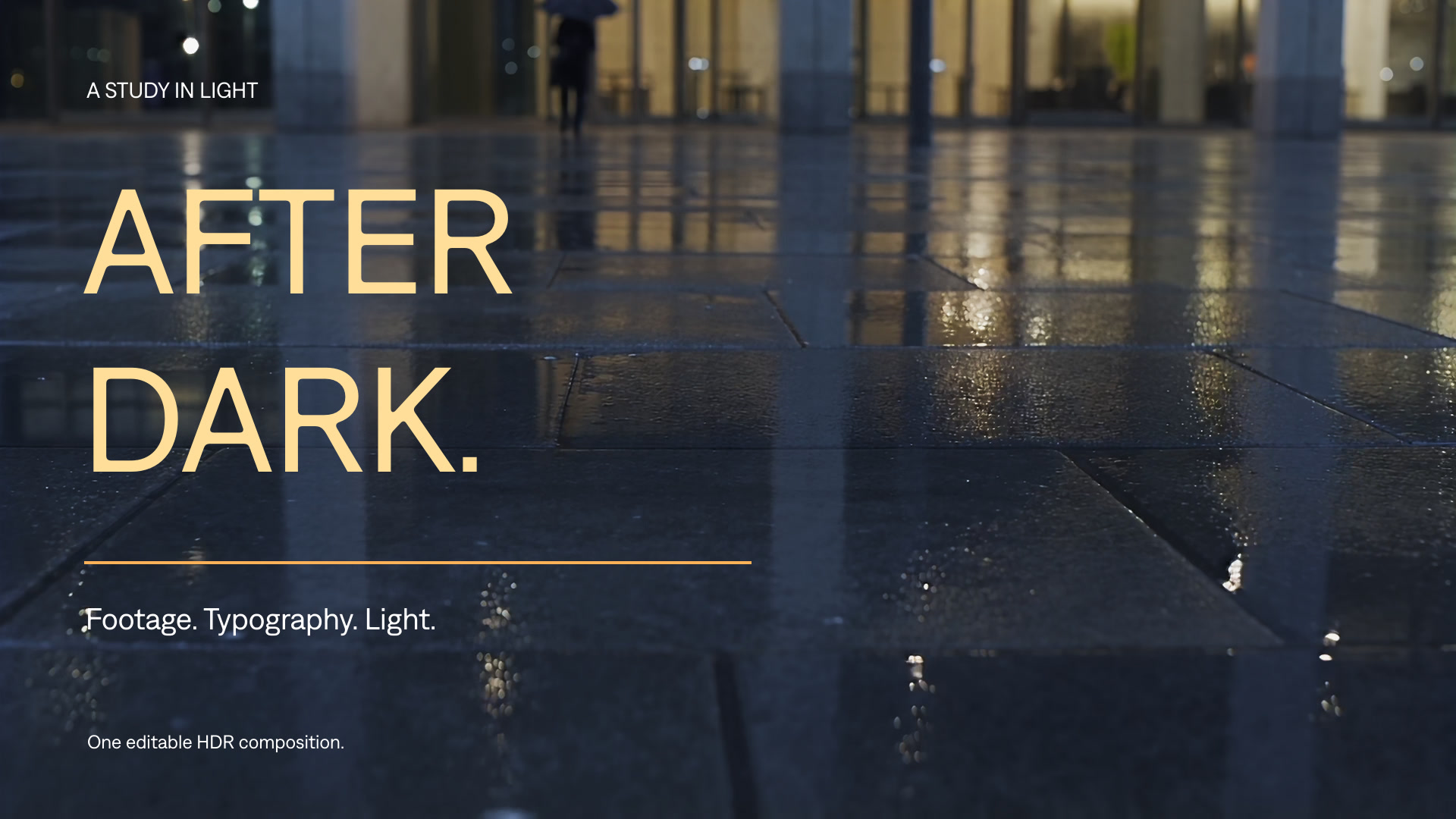
HDR video and motion graphics
Combine HDR footage with editable typography, animated graphics, and effects. Create and refine an HDR video with your AI agent and Tesseract.
Explore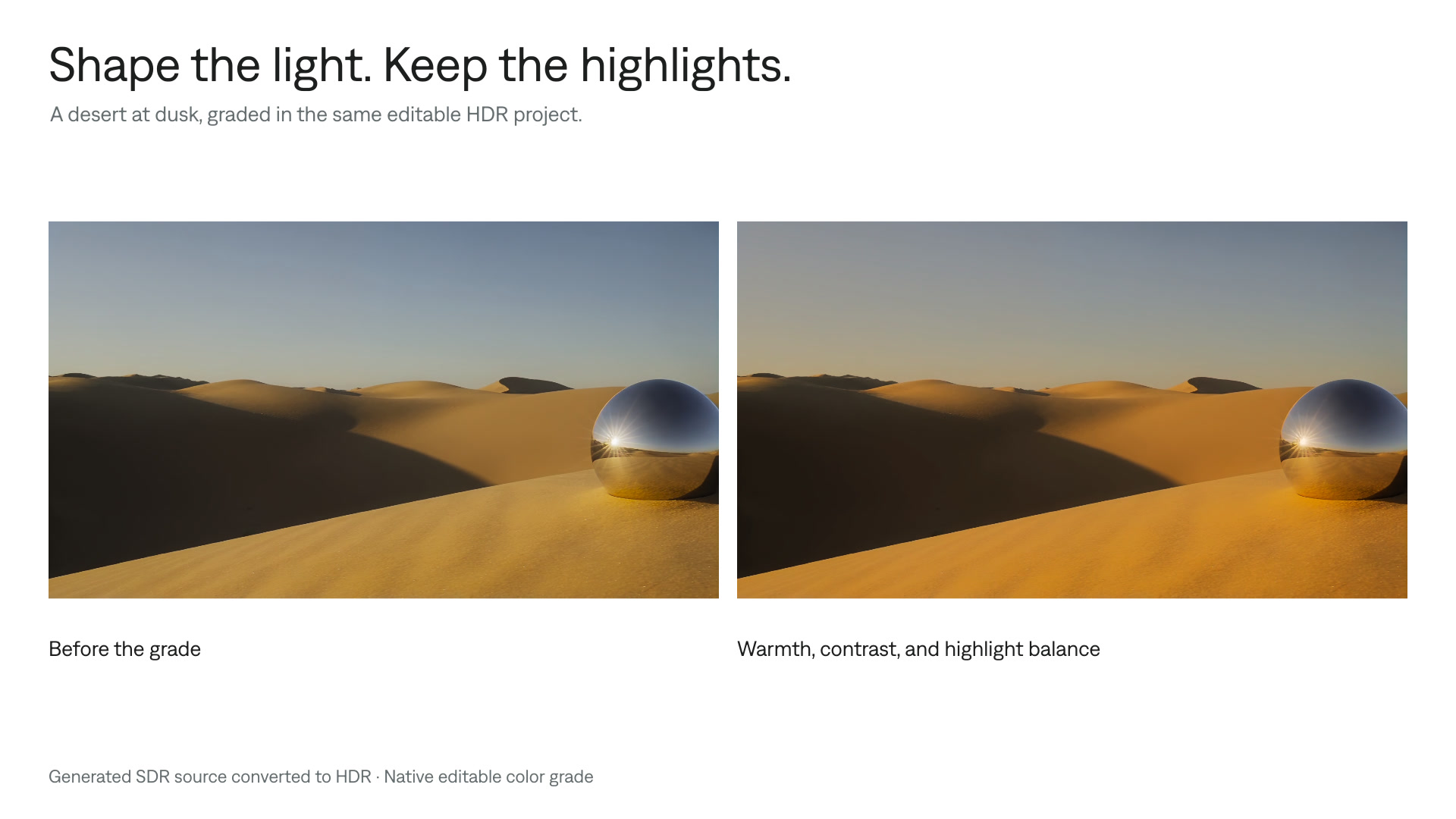
Color grade HDR video
Refine the color of HDR footage while preserving bright details. Follow a Tesseract workflow for grading, previewing, and delivering HDR and SDR versions.
Explore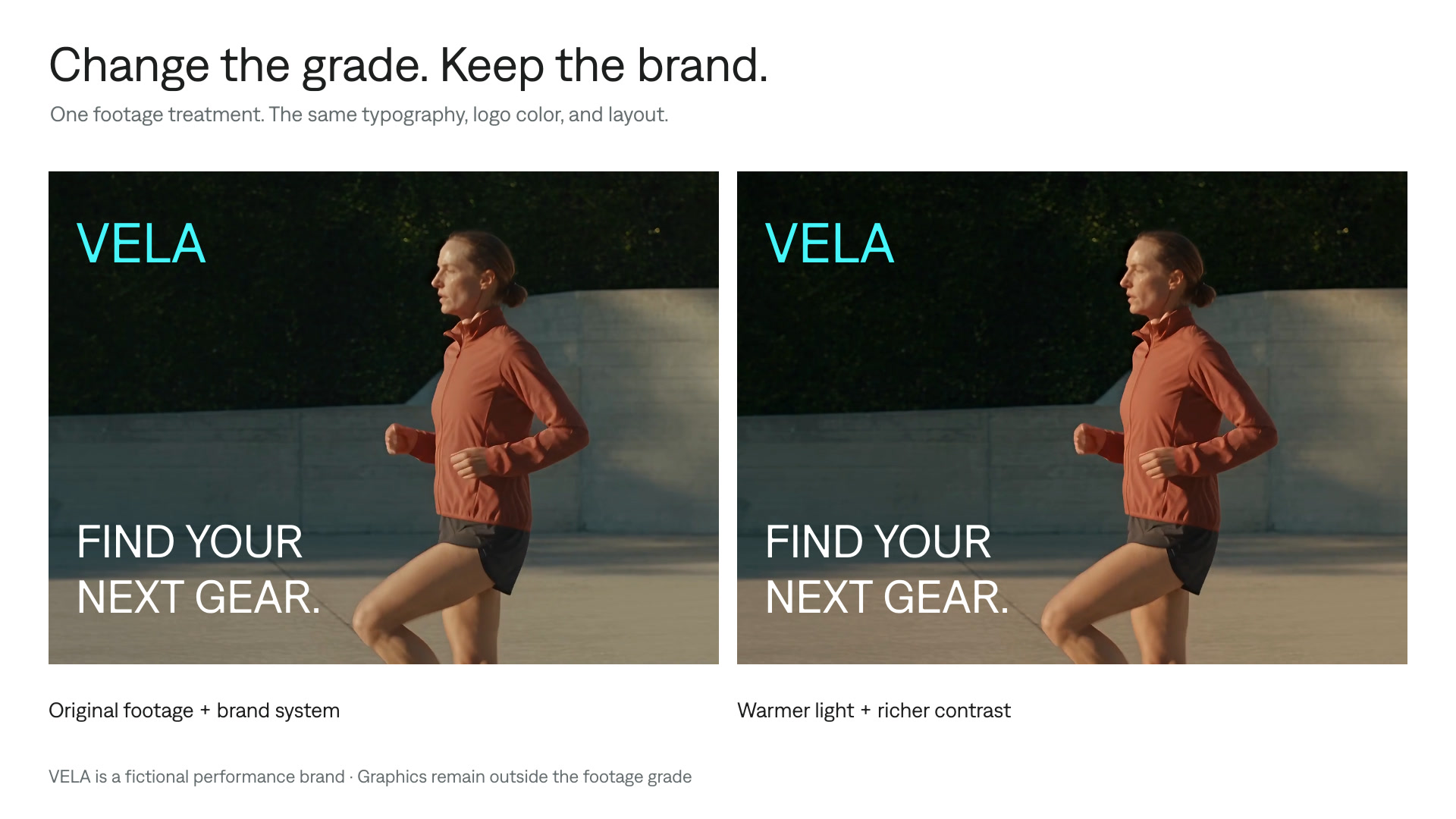
Grade footage, preserve brand colors
Give an ad or social video a new look while preserving approved logos, captions, and graphics. Apply a footage-only grade in an editable Tesseract project.
Explore