Blend between a model’s animation clips.
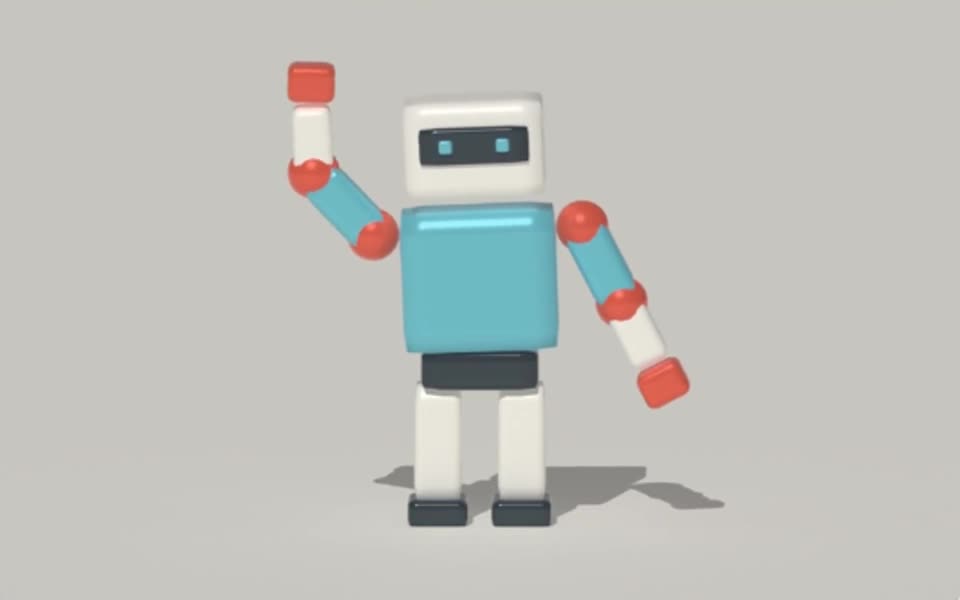
Crossfade imported 3D animation clips in Tesseract. Adjust timing, blend masks and root motion through your agent while preserving the scene.
Rendered in Tesseract with path tracing at 128 samples per pixel. Download the editable project to revise the scene.
Give your agent this .tsrct file, then ask for a specific change.
Try it in your agent.
Use this prompt as a starting point. Review the result, then ask for the details you want to change.
A prompt to start from
Use a supplied model with compatible idle and walk clips. In Tesseract, hold the idle briefly, blend into the walk and finish with a readable hold. Inspect the transition and feet in a draft. If the blend is abrupt, lengthen only the transition while preserving the camera and clip speeds. Keep the project editable.
New to Tesseract? Find the setup for your agent.
Keep control of the result.
- Clip timing
- Select clips, loop them and control their playback time.
- Blend amount
- Crossfade between supported animation sources.
- Node masks
- Restrict the blend to selected model nodes and descendants with weights.
- Root motion
- Choose source motion, an in-place cycle or accumulated movement across loops.
A few useful details.
Does Tesseract generate the source clips?
This feature blends available animation clips. You can also author supported animation and rig controls, but blending alone does not invent a missing performance.
Can I blend only part of a character?
Yes. Weighted model-node masks can limit the blend. Check the transitions near the mask boundary for unwanted pose changes.
How do I stop a walk cycle drifting?
Choose the appropriate root-motion behavior and inspect the full sequence. In-place motion keeps the cycle local; accumulated motion can carry travel across loops.
How do I try this with my agent?
Install or update Tesseract in a supported agent, attach your source files, and copy the prompt. Review the preview, then ask for the changes you want. The composition stays editable as you refine it.
Where does the video render?
Tesseract renders in the environment where your agent runs it, including supported local computers and hosted Linux environments. The engine is free; your agent’s subscription or usage costs are separate.
Put it to work in a project.
See how this tool fits into a complete, editable project.
Try these next.


Your next creative project, made with your agent.
Install Tesseract in your agent, bring a brief, and start creating.
Free on Mac, Windows, and Linux. Your agent’s costs are separate.
Read the prompt
Set up Tesseract by Mirage so you can create editable designs and 3D scenes, edit videos, and make motion graphics in this agent’s environment. Read https://github.com/mirage-hq/Tesseract and check the requirements for this local or hosted environment. If it is supported, follow the official plugin or skills installation guide, use its required runtime version, verify the download checksum, and confirm a short preview renders correctly. Then ask what I want to make and which brand references or source assets I have. Keep the editable project and source assets with the finished render.