Layer animation without replacing the approved motion.
Combine editable animation sources and masks in Tesseract. Ask your agent to revise selected objects, joints or properties while preserving the rest of the scene.
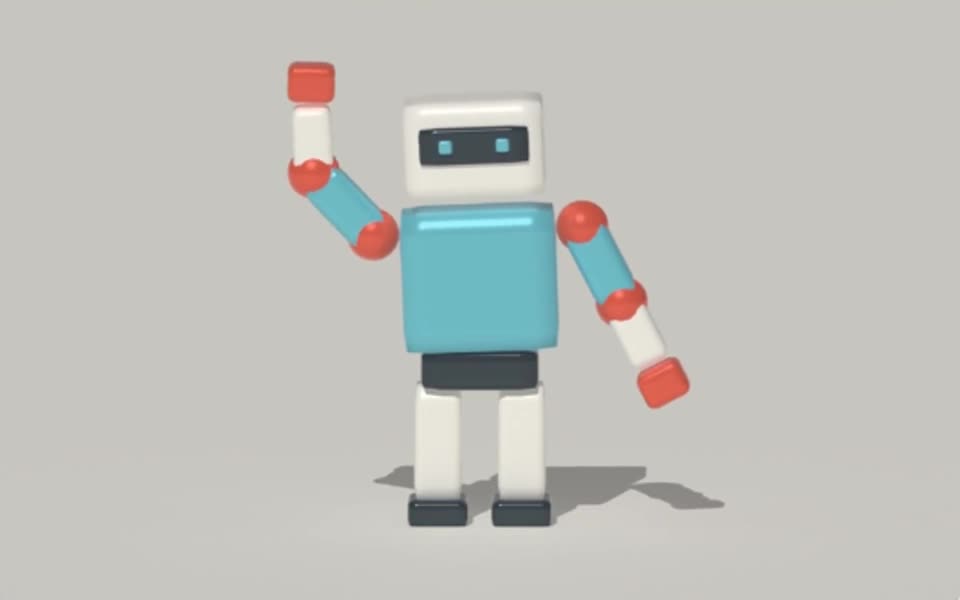
Rendered in Tesseract with path tracing at 128 samples per pixel. Download the editable project to revise the scene.
Give your agent this .tsrct file, then ask for a specific change.
Try it in your agent.
Use this prompt as a starting point. Review the result, then ask for the details you want to change.
A prompt to start from
Build a Tesseract animation with a slow base rotation and a separate short accent movement. Keep them as distinct animation sources and limit the accent to the intended object. Render a draft. Then shorten only the accent’s timing while preserving the base rotation, camera, materials and total duration.
New to Tesseract? Find the setup for your agent.
Keep control of the result.
- Source reuse
- Reuse supported animation sources with their own playback timing and influence.
- Layer order
- Arrange contributions in the intended evaluation order.
- Target masks
- Limit changes to supported objects, properties, model nodes or morph targets.
- Linked properties
- Use supported keyframes or expressions to connect 3D motion, materials and lights; bake evaluated model motion when needed.
A few useful details.
How is this different from blending two model clips?
Clip blending combines available model animations. The broader layer system can organize reusable animation sources and masks across supported scene properties.
Can I change a material and a light together?
Supported property sources and expressions can link their behavior. Keep the relationship explicit and avoid cycles so later edits remain understandable.
Can every property be animated?
No. Structural fields and some controls have different editing rules. Ask the agent to use the installed runtime’s supported property targets rather than guessing.
How do I try this with my agent?
Install or update Tesseract in a supported agent, attach your source files, and copy the prompt. Review the preview, then ask for the changes you want. The composition stays editable as you refine it.
Where does the video render?
Tesseract renders in the environment where your agent runs it, including supported local computers and hosted Linux environments. The engine is free; your agent’s subscription or usage costs are separate.
Put it to work in a project.
See how this tool fits into a complete, editable project.
Try these next.


Your next creative project, made with your agent.
Install Tesseract in your agent, bring a brief, and start creating.
Free on Mac, Windows, and Linux. Your agent’s costs are separate.
Read the prompt
Set up Tesseract by Mirage so you can create editable designs and 3D scenes, edit videos, and make motion graphics in this agent’s environment. Read https://github.com/mirage-hq/Tesseract and check the requirements for this local or hosted environment. If it is supported, follow the official plugin or skills installation guide, use its required runtime version, verify the download checksum, and confirm a short preview renders correctly. Then ask what I want to make and which brand references or source assets I have. Keep the editable project and source assets with the finished render.