Give a model joints your agent can control.
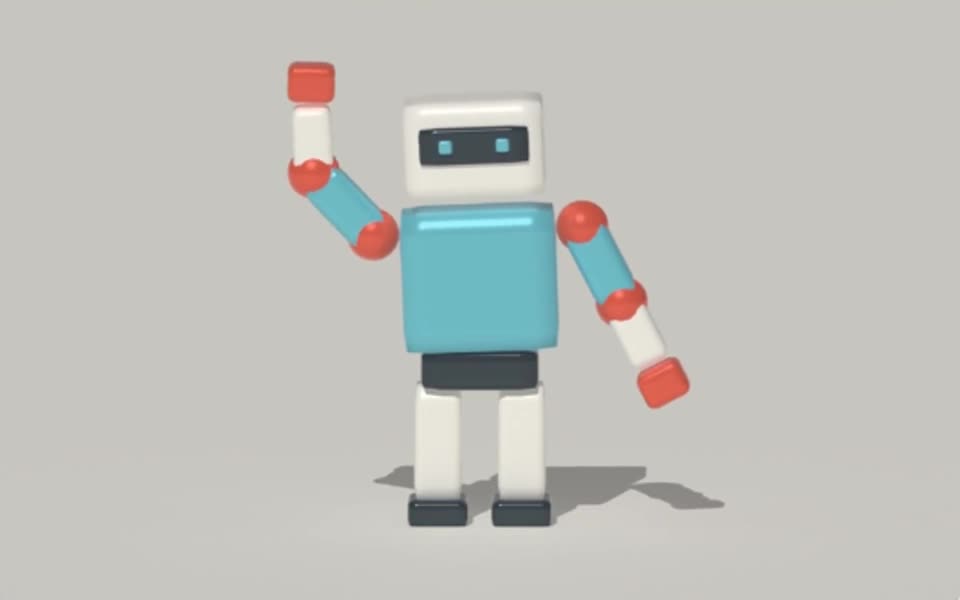
Build a supported rig recipe in Tesseract, bind a model and generate skin weights. Keep the rig and scene editable for posing and animation.
Rendered in Tesseract with path tracing at 16 samples per pixel. Download the editable project to revise the scene.
Give your agent this .tsrct file, then ask for a specific change.
Try it in your agent.
Use this prompt as a starting point. Review the result, then ask for the details you want to change.
A prompt to start from
Use Tesseract to prepare a simple rig for the supplied model. Identify the intended joints and landmarks before binding it, then generate supported skin weights. Render neutral and bent-pose previews so I can check the deformation. If one joint pinches the surface, revise only the relevant rig or weighting inputs while preserving the model proportions and camera.
New to Tesseract? Find the setup for your agent.
Keep control of the result.
- Rig recipe
- Define joints, hierarchy and the intended binding relationship.
- Landmark templates
- Use supported biped or quadruped templates with explicit landmarks where appropriate.
- Skin weights
- Generate supported heat-diffusion weights for deformable surfaces.
- Pose review
- Check rest poses, seams and bent joints before building a longer animation.
A few useful details.
Will it recognize any character automatically?
No. Your agent supplies the rig structure or landmarks. Templates provide a starting point, but the agent still needs to place and check joints for your model.
Can it rig rigid parts as well as soft surfaces?
Supported rigging can bind rigid model parts or deformable surfaces. Choose the binding that matches how the object should move.
Can I skip reviewing the generated weights?
No. Inspect representative poses, especially at joints and seams. Automatic weight generation is a starting point whose suitability depends on the model.
How do I try this with my agent?
Install or update Tesseract in a supported agent, attach your source files, and copy the prompt. Review the preview, then ask for the changes you want. The composition stays editable as you refine it.
Where does the video render?
Tesseract renders in the environment where your agent runs it, including supported local computers and hosted Linux environments. The engine is free; your agent’s subscription or usage costs are separate.
Put it to work in a project.
See how this tool fits into a complete, editable project.
Try these next.


Your next creative project, made with your agent.
Install Tesseract in your agent, bring a brief, and start creating.
Free on Mac, Windows, and Linux. Your agent’s costs are separate.
Read the prompt
Set up Tesseract by Mirage so you can create editable designs and 3D scenes, edit videos, and make motion graphics in this agent’s environment. Read https://github.com/mirage-hq/Tesseract and check the requirements for this local or hosted environment. If it is supported, follow the official plugin or skills installation guide, use its required runtime version, verify the download checksum, and confirm a short preview renders correctly. Then ask what I want to make and which brand references or source assets I have. Keep the editable project and source assets with the finished render.