Keep video, graphics and 3D in one project.
Combine footage, typography, sound and editable 3D scenes in Tesseract. Your agent can revise a scene or a graphic layer without rebuilding the whole video.
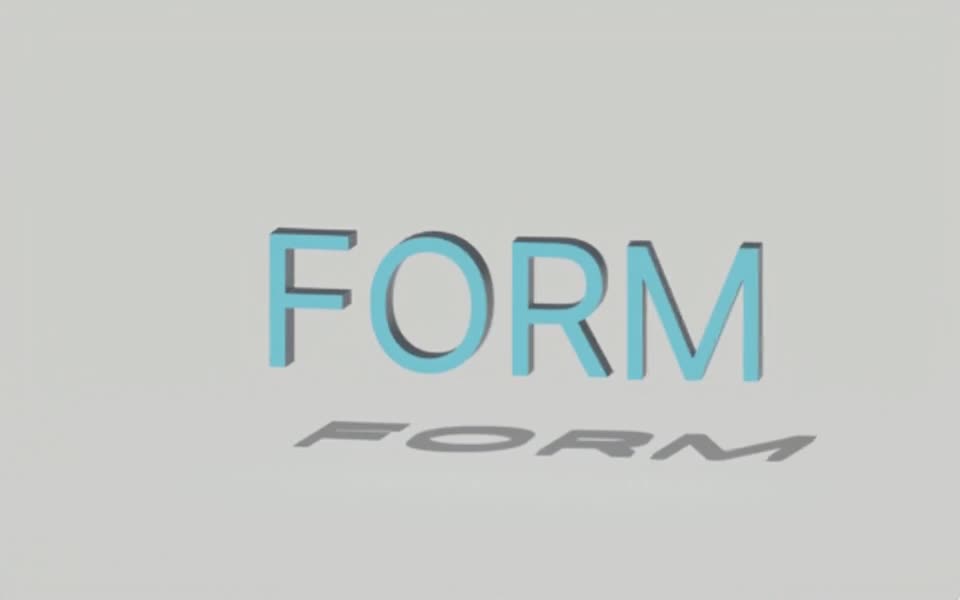
Rendered in Tesseract with the raster renderer. Download the editable project to revise the scene.
Give your agent this .tsrct file, then ask for a specific change.
Try it in your agent.
Use this prompt as a starting point. Review the result, then ask for the details you want to change.
A prompt to start from
Create a Tesseract product video with a 3D turntable, an editable 2D headline and a small graphic callout. Keep the text readable and outside the product silhouette. Render a draft with the supplied soundtrack. Revise only the headline wording and the final camera angle; preserve all other approved timing, graphics and audio.
New to Tesseract? Find the setup for your agent.
Keep control of the result.
- Layer order
- Place ordinary text and graphic layers above or below a 3D scene.
- Editable scene content
- Revise objects, lighting and camera settings within the 3D layer.
- Shared timing
- Coordinate scene animation, overlays and supplied audio in one composition.
- Project reuse
- Append or overlay compatible editable projects while keeping separate Scene3D layers intact.
A few useful details.
Can a flat layer appear between two objects inside a 3D scene?
Ordinary layers are composited around the Scene3D output. To participate in that scene’s depth or optical interactions, represent the content using a supported 3D surface or texture.
Can I combine separately built shots?
Compatible editable projects can be appended or overlaid. Their canvas, frame rate, color and composition-wide settings must agree; separate 3D scenes are not automatically fused into one scene graph.
Can the composition include HDR footage?
Supported 3D content can participate in the HDR pipeline alongside footage and graphics. Choose the intended HEVC PQ or HLG delivery and review it on compatible playback hardware.
How do I try this with my agent?
Install or update Tesseract in a supported agent, attach your source files, and copy the prompt. Review the preview, then ask for the changes you want. The composition stays editable as you refine it.
Where does the video render?
Tesseract renders in the environment where your agent runs it, including supported local computers and hosted Linux environments. The engine is free; your agent’s subscription or usage costs are separate.
Put it to work in a project.
See how this tool fits into a complete, editable project.
Try these next.


Your next creative project, made with your agent.
Install Tesseract in your agent, bring a brief, and start creating.
Free on Mac, Windows, and Linux. Your agent’s costs are separate.
Read the prompt
Set up Tesseract by Mirage so you can create editable designs and 3D scenes, edit videos, and make motion graphics in this agent’s environment. Read https://github.com/mirage-hq/Tesseract and check the requirements for this local or hosted environment. If it is supported, follow the official plugin or skills installation guide, use its required runtime version, verify the download checksum, and confirm a short preview renders correctly. Then ask what I want to make and which brand references or source assets I have. Keep the editable project and source assets with the finished render.