Export 3D overlays with transparency.
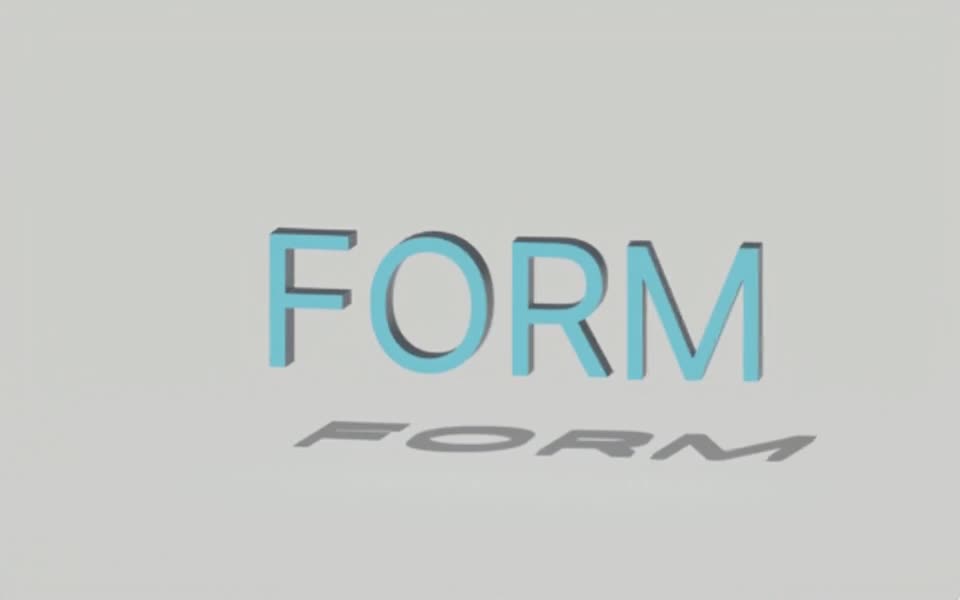
Render an editable Tesseract 3D animation as a transparent SDR overlay. Use ProRes 4444 MOV for supported video workflows or PNG for stills.
Rendered in Tesseract with the raster renderer. Download the editable project to revise the scene.
Give your agent this .tsrct file, then ask for a specific change.
Try it in your agent.
Use this prompt as a starting point. Review the result, then ask for the details you want to change.
A prompt to start from
Create an editable Tesseract 3D title animation intended to sit over existing footage. Keep the background transparent. Preview it over both light and dark backgrounds to check the edges, then export an SDR ProRes 4444 overlay. Save the project. If the title is too large, change only its scale and preserve the animation timing.
New to Tesseract? Find the setup for your agent.
Keep control of the result.
- Alpha channel
- Preserve transparency in the supported output rather than baking in a background.
- SDR ProRes 4444
- Use the supported MOV workflow for transparent video overlays.
- Still output
- Use PNG for supported transparent frame delivery.
- Isolated export
- Export a selected FX layer over its active window when a separate overlay is needed.
A few useful details.
Can an ordinary MP4 carry this transparency?
The transparent video workflow uses ProRes 4444 MOV. Do not expect an ordinary sharing MP4 to retain the same alpha channel.
Can I export HDR video with transparency?
The supported HDR video path uses HEVC Main10, while this transparent ProRes workflow is SDR. HDR video with transparency is not supported.
Does an isolated layer export contain audio?
No. The isolated FX export omits audio. Use a whole-project export when the finished video needs the project’s soundtrack.
How do I try this with my agent?
Install or update Tesseract in a supported agent, attach your source files, and copy the prompt. Review the preview, then ask for the changes you want. The composition stays editable as you refine it.
Where does the video render?
Tesseract renders in the environment where your agent runs it, including supported local computers and hosted Linux environments. The engine is free; your agent’s subscription or usage costs are separate.
Put it to work in a project.
See how this tool fits into a complete, editable project.
Try these next.


Your next creative project, made with your agent.
Install Tesseract in your agent, bring a brief, and start creating.
Free on Mac, Windows, and Linux. Your agent’s costs are separate.
Read the prompt
Set up Tesseract by Mirage so you can create editable designs and 3D scenes, edit videos, and make motion graphics in this agent’s environment. Read https://github.com/mirage-hq/Tesseract and check the requirements for this local or hosted environment. If it is supported, follow the official plugin or skills installation guide, use its required runtime version, verify the download checksum, and confirm a short preview renders correctly. Then ask what I want to make and which brand references or source assets I have. Keep the editable project and source assets with the finished render.