Start with your camera roll.
Pick clips that tell a story and share them with a supported agent.

ChatGPT Mobile
Turn footage on your phone into a finished video through your AI agent. Direct the cuts, animated text, and sound without opening a desktop editor.
Use Tesseract to edit these phone clips into a 20-second vertical highlight. Start with the strongest moment, keep the cuts purposeful, and add a short animated title. Preserve useful original sound. If I supply music, align the edit to it. Show me a preview before exporting.
Start with your clips. Keep directing the result.
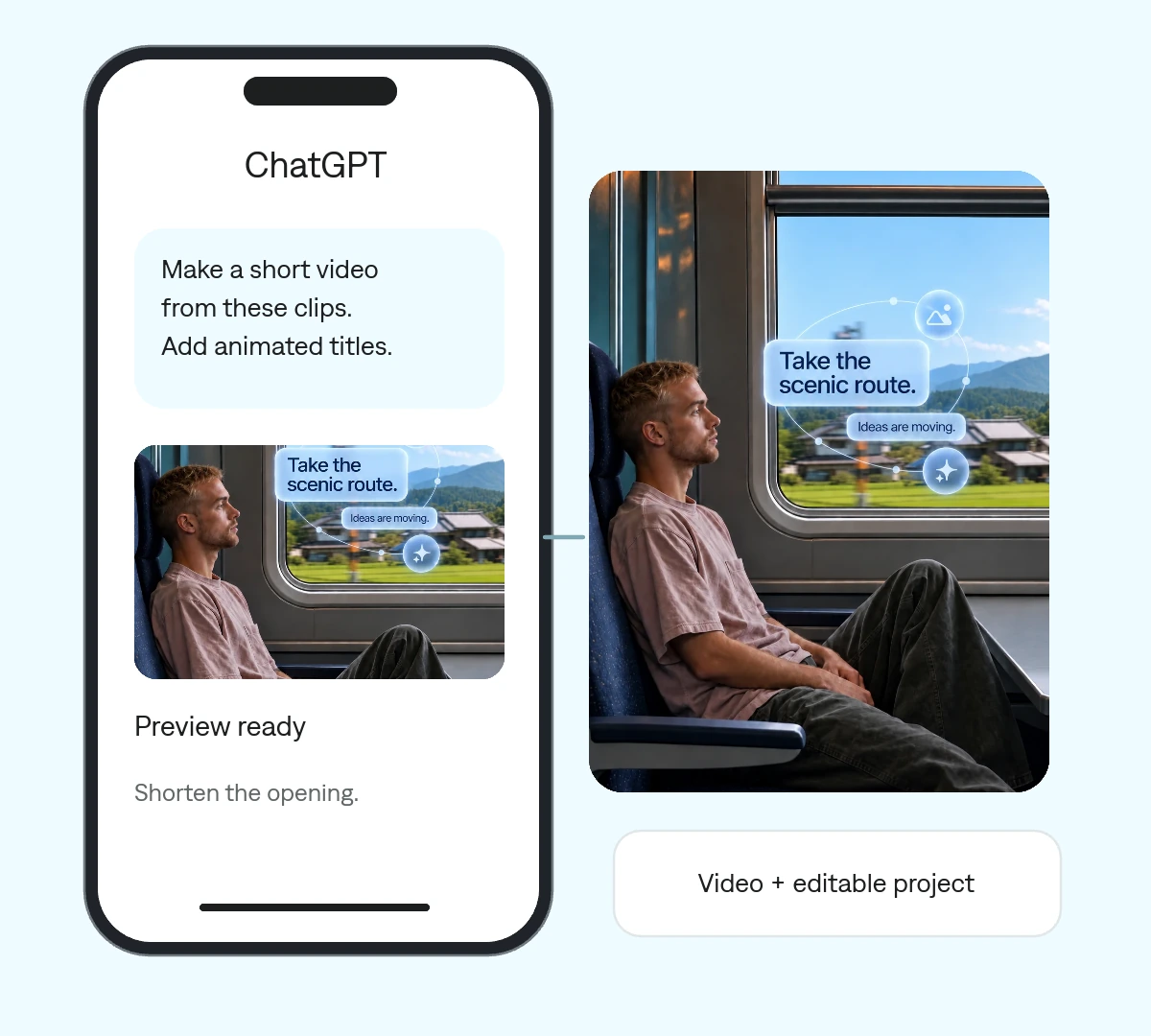
Pick clips that tell a story and share them with a supported agent.
Explain who it is for, where it will be posted, and the moments that matter.
Ask for changes to the opening, titles, pacing, or soundtrack.
A travel highlight is the starting example. The same approach works for a product clip, an event, or a social post.

One project your agent can revise. Change a cut, a headline, or a keyframe without rebuilding the entire video.
Share only the clips and assets you want included.
Specify the story, length, format, and audio you want.
Refine the preview and save the export and editable project.
Make it yours. Add your media, your audience, and the result you want.
Use Tesseract to edit these phone clips into a 20-second vertical highlight. Start with the strongest moment, keep the cuts purposeful, and add a short animated title. Preserve useful original sound. If I supply music, align the edit to it. Show me a preview before exporting.
The ChatGPT Mobile integration runs Tesseract in ChatGPT’s hosted environment. Other agents have their own setup requirements.
Yes. Tell the agent the output format and which subjects need to remain visible when reframing.
Give feedback and ask the agent to update the same project. Save the editable source for future changes.