Bring the footage you have.
Start with clips, screenshots, your logo, or a reference. Tell ChatGPT what you want to make.

ChatGPT Mobile
Give ChatGPT your footage and a brief. Tesseract edits the video, creates motion graphics, and shapes the sound in ChatGPT’s hosted environment.
Set up Tesseract by Mirage so you can edit videos and create motion graphics in this agent’s environment. Read https://github.com/mirage-hq/Tesseract and check the requirements for this local or hosted environment. If it is supported, follow the official plugin or skills installation guide, use its required runtime version, verify the download checksum, and confirm a short preview renders correctly. Then ask me for my footage or the video I want to make. Keep the editable project and source assets with the finished render.
Direct from your phone. Rendering happens in ChatGPT’s hosted environment.
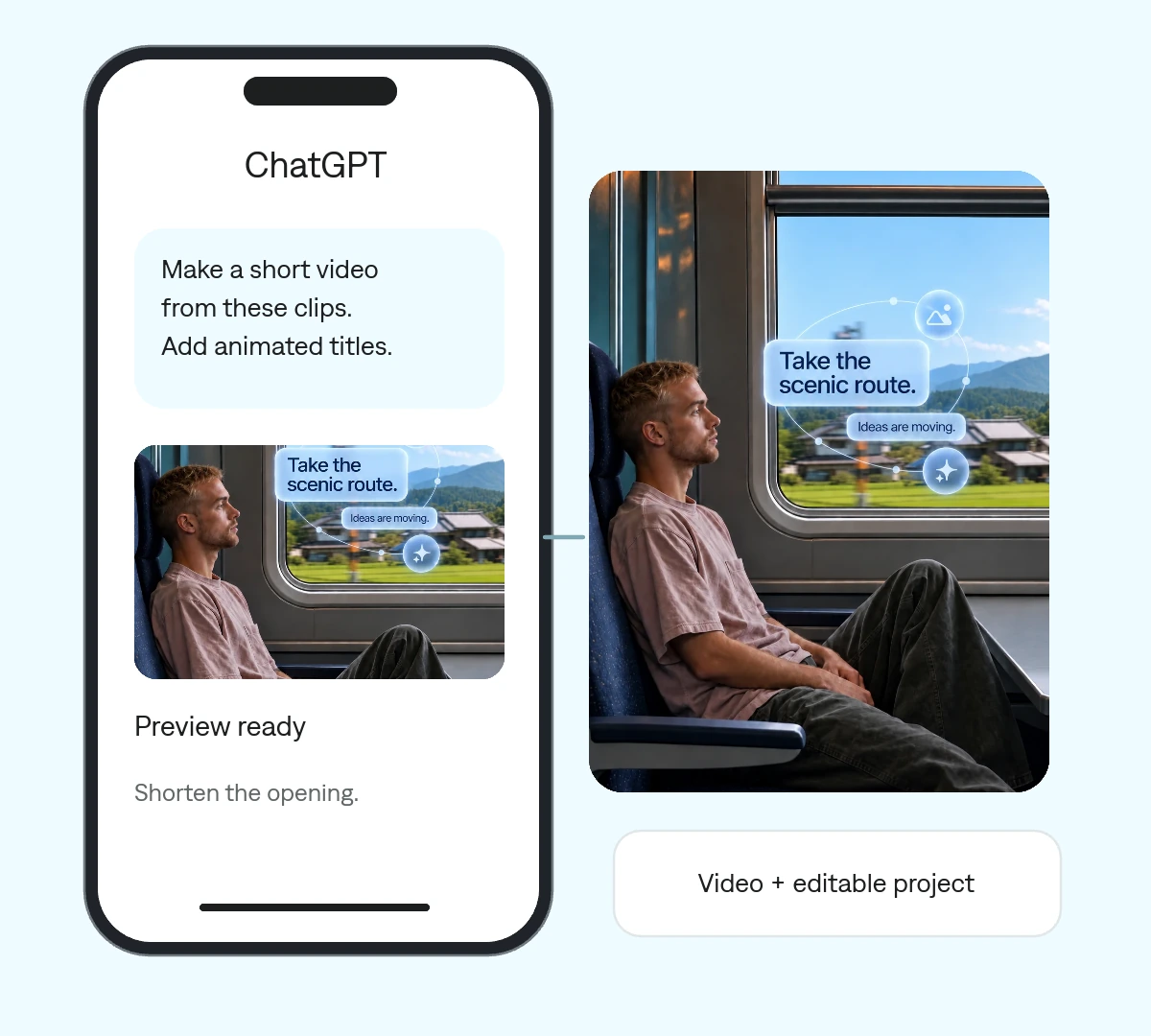
Start with clips, screenshots, your logo, or a reference. Tell ChatGPT what you want to make.
Ask for a tighter opening, a different type treatment, or a quieter music bed. Keep refining the same project.
Review the video in your conversation and download the finished export. Save the editable project for later.
A brief starts the project. Your feedback shapes the timing, graphics, and sound.
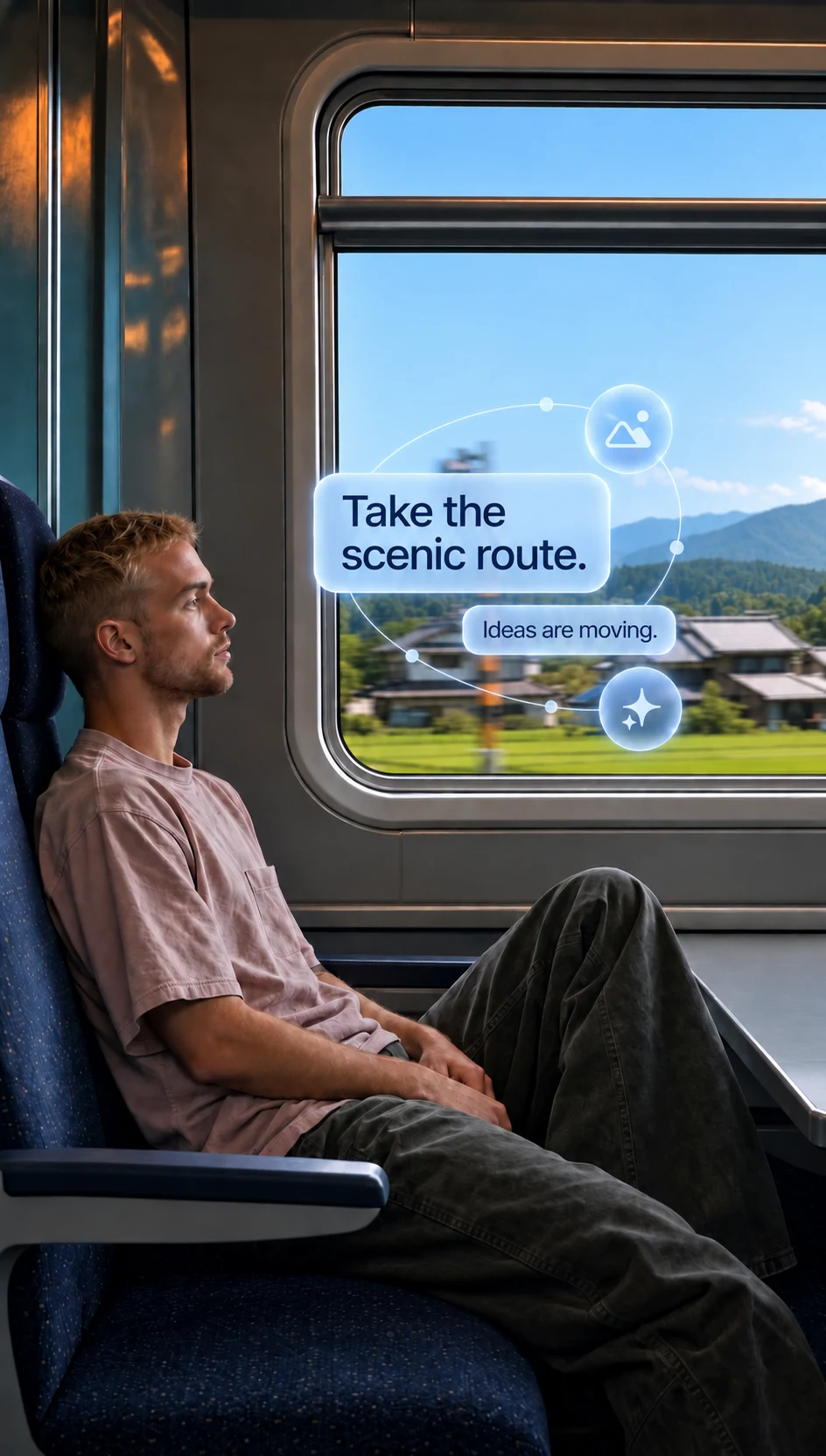
One project your agent can revise. Change a cut, a headline, or a keyframe without rebuilding the entire video.
Open the official plugin listing and follow the supported mobile setup flow.
Share your footage and describe the audience, length, format, and style.
Ask for a preview, request changes, and download the finished video and project.
Make it yours. Add your media, your audience, and the result you want.
Use Tesseract to turn the attached footage into a 20-second vertical video. Find a strong opening, tighten the edit, and add animated headlines that support the story. If I provide music, align the cuts to it. Show me a preview, then keep the project editable for revisions.
No. You direct the work from ChatGPT Mobile. Tesseract runs in ChatGPT’s hosted environment.
Yes. Provide the media you want to use and describe the changes. Tesseract can combine footage, text, motion graphics, and sound.
Yes. Ask ChatGPT to revise the same Tesseract project, from the opening sequence to a single keyframe.