Start with the result you want.
Describe the video, its audience, and where you want to share it. Supply the footage and assets.

Instinct
Share your footage and the result you have in mind. With Tesseract, Instinct can bring the edit, motion graphics, and sound together.
Set up Tesseract by Mirage so you can edit videos and create motion graphics in this agent’s environment. Read https://github.com/mirage-hq/Tesseract and check the requirements for this local or hosted environment. If it is supported, follow the official plugin or skills installation guide, use its required runtime version, verify the download checksum, and confirm a short preview renders correctly. Then ask me for my footage or the video I want to make. Keep the editable project and source assets with the finished render.
A creative conversation. An editable video project.
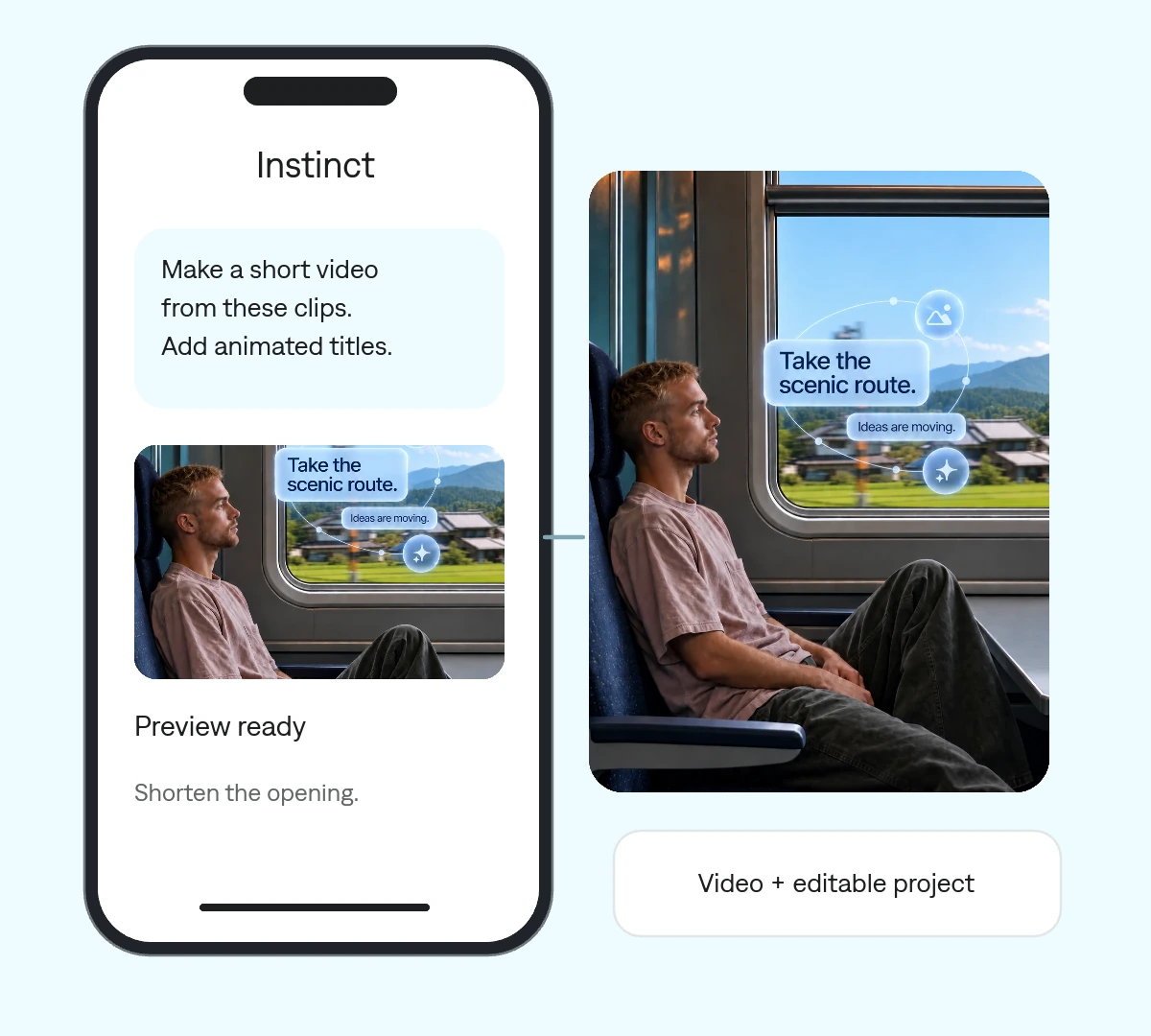
Describe the video, its audience, and where you want to share it. Supply the footage and assets.
Ask for a faster opening, less text, or a different ending. Your agent can revise the project.
Save the editable project alongside the export, ready for the next change.
Use a clear brief to turn a collection of clips into a sequence you can keep shaping.
 Make every frame count.
 One project your agent can revise. Change a cut, a headline, or a keyframe without rebuilding the entire video.
Give Instinct the Tesseract setup instructions for its environment.
Tell it what matters, the intended audience, and how long the video should be.
Review the preview, refine the edit, and save the export and project.
Make it yours. Add your media, your audience, and the result you want.
Use Tesseract to make a 20-second video from the clips I provide. Choose the strongest moments, build a clear beginning and ending, and add restrained animated titles. Use only the media I supply. Send a preview for feedback and keep the project editable.
The footage and assets you want to use, plus a short brief covering audience, length, format, and tone.
Yes. Ask for changes to individual cuts, text, timing, graphics, or sound in the same project.
Tesseract by Mirage provides the creative runtime. Instinct is the agent you use to direct it.