Make the opening count.
Start with the most compelling benefit or product moment, then build the sequence around it.
Tesseract / Creative workflows
Bring footage, product recordings, motion graphics, and sound into one editable launch video. Direct the whole production through your agent.
Use Tesseract to make a 30-second launch video from these assets. Open with the strongest product benefit, demonstrate it with the supplied footage and recordings, and use motion graphics to clarify the story. Align the edit to supplied music, keep dialogue clear, and end with my call to action. Show a preview and preserve the editable project.
One creative brief. A project you can keep refining.
Start with the most compelling benefit or product moment, then build the sequence around it.
Combine recordings, footage, animated type, and supplied audio in one project.
Refine the message or create a shorter cut without starting again from a flattened video.
Build a narrative with footage, product detail, motion, and a clear next step.
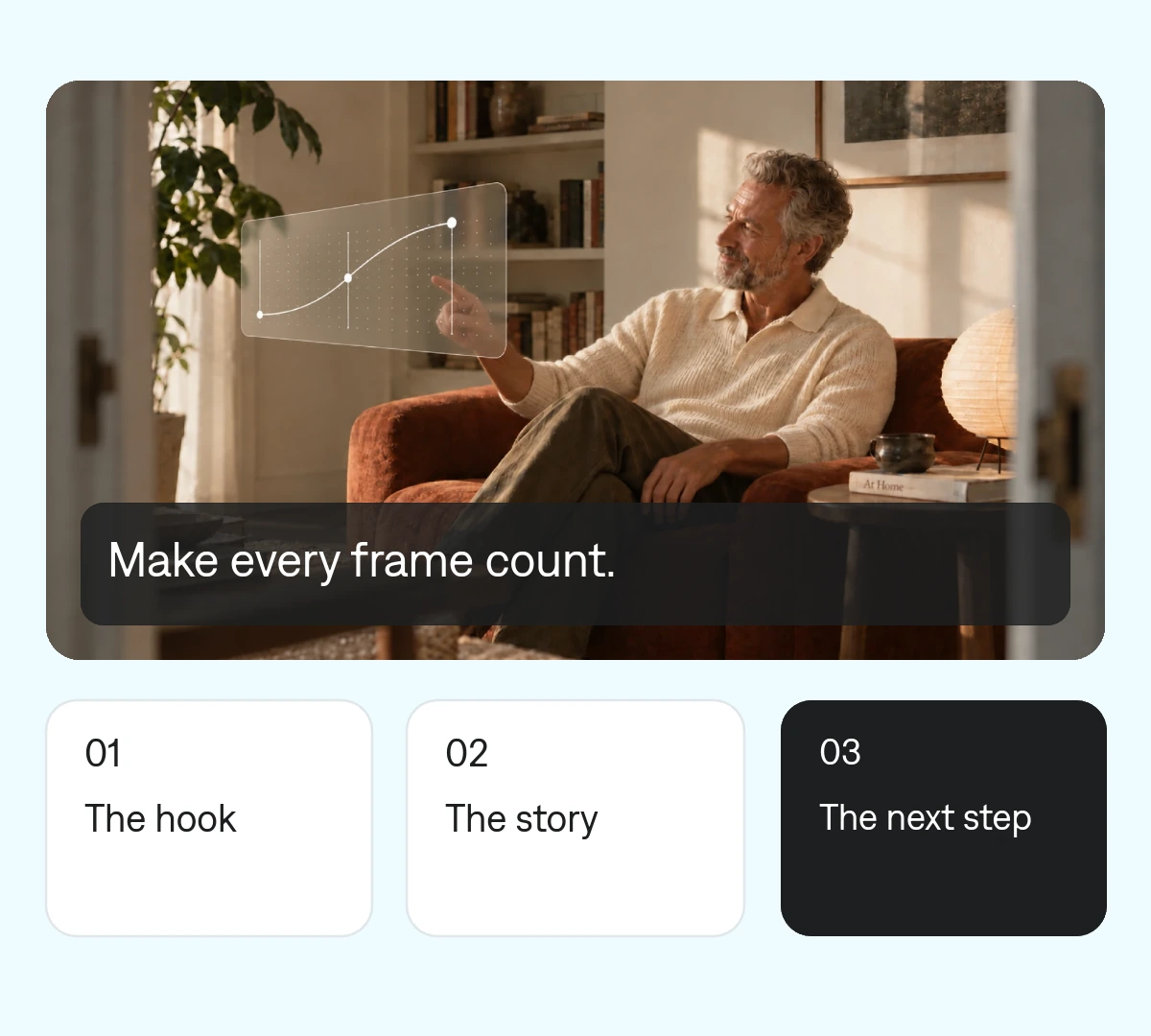
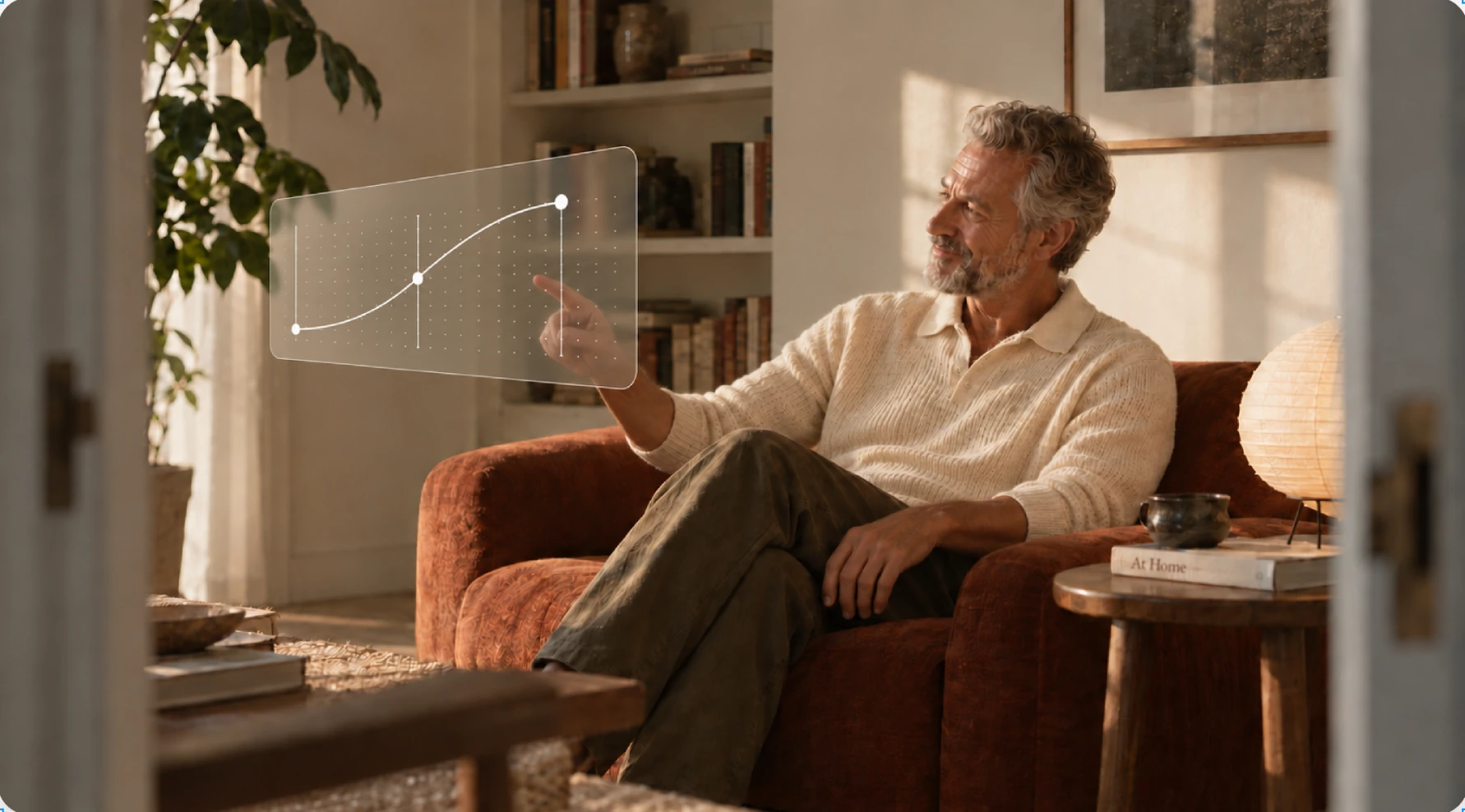 Make every frame count.
 One project your agent can revise. Change a cut, a headline, or a keyframe without rebuilding the entire video.
Choose the main benefit, target viewer, and call to action.
Provide approved footage, recordings, brand assets, and music.
Review the opening, pacing, titles, audio balance, and export.
Make it yours. Add your media, your audience, and the result you want.
Use Tesseract to make a 30-second launch video from these assets. Open with the strongest product benefit, demonstrate it with the supplied footage and recordings, and use motion graphics to clarify the story. Align the edit to supplied music, keep dialogue clear, and end with my call to action. Show a preview and preserve the editable project.
This workflow uses footage, recordings, and assets you provide. Tesseract assembles and edits them with motion graphics and sound.
Yes. Ask your agent to revise the same project for another message, duration, or output format.
Yes. Supply it as a reference and explain which pacing, typography, or visual ideas you want to draw from.