Work directly with video.
Give your agent editing and rendering tools it can use directly, with no editing application to click through.

Grok Bot
Turn footage and a brief into an editable video. Tesseract gives Grok Bot native controls for cuts, keyframes, compositions, and sound.
Set up Tesseract by Mirage so you can edit videos and create motion graphics in this agent’s environment. Read https://github.com/mirage-hq/Tesseract and check the requirements for this local or hosted environment. If it is supported, follow the official plugin or skills installation guide, use its required runtime version, verify the download checksum, and confirm a short preview renders correctly. Then ask me for my footage or the video I want to make. Keep the editable project and source assets with the finished render.
From the first cut to the final export, directed through your agent.
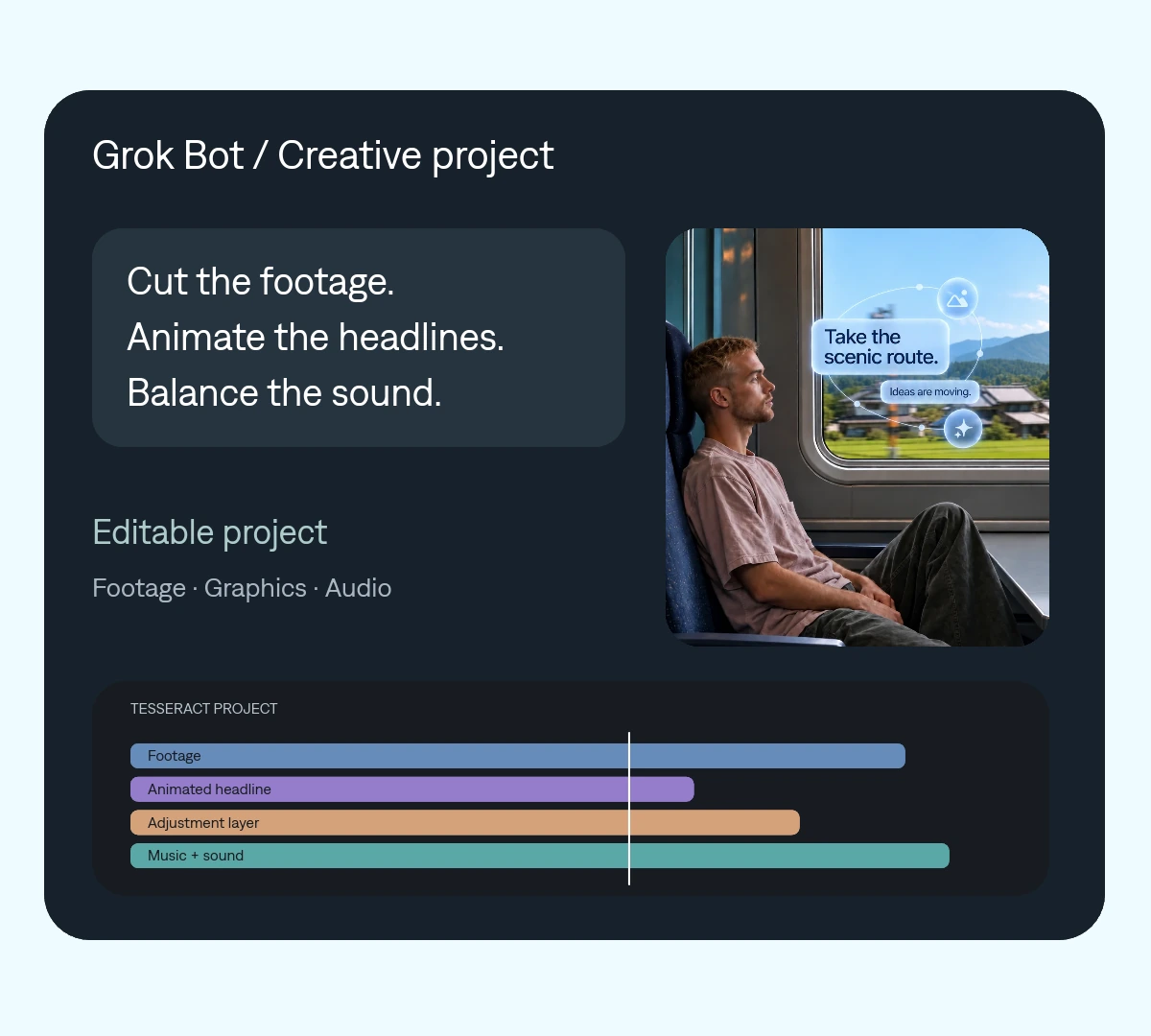
Give your agent editing and rendering tools it can use directly, with no editing application to click through.
Keep footage, animated headlines, compositing, and audio together in one project.
Ask for a shorter cut, a different headline, or a new format while retaining the underlying project.
Grok Bot can use Tesseract to assemble the edit and revise individual creative decisions.
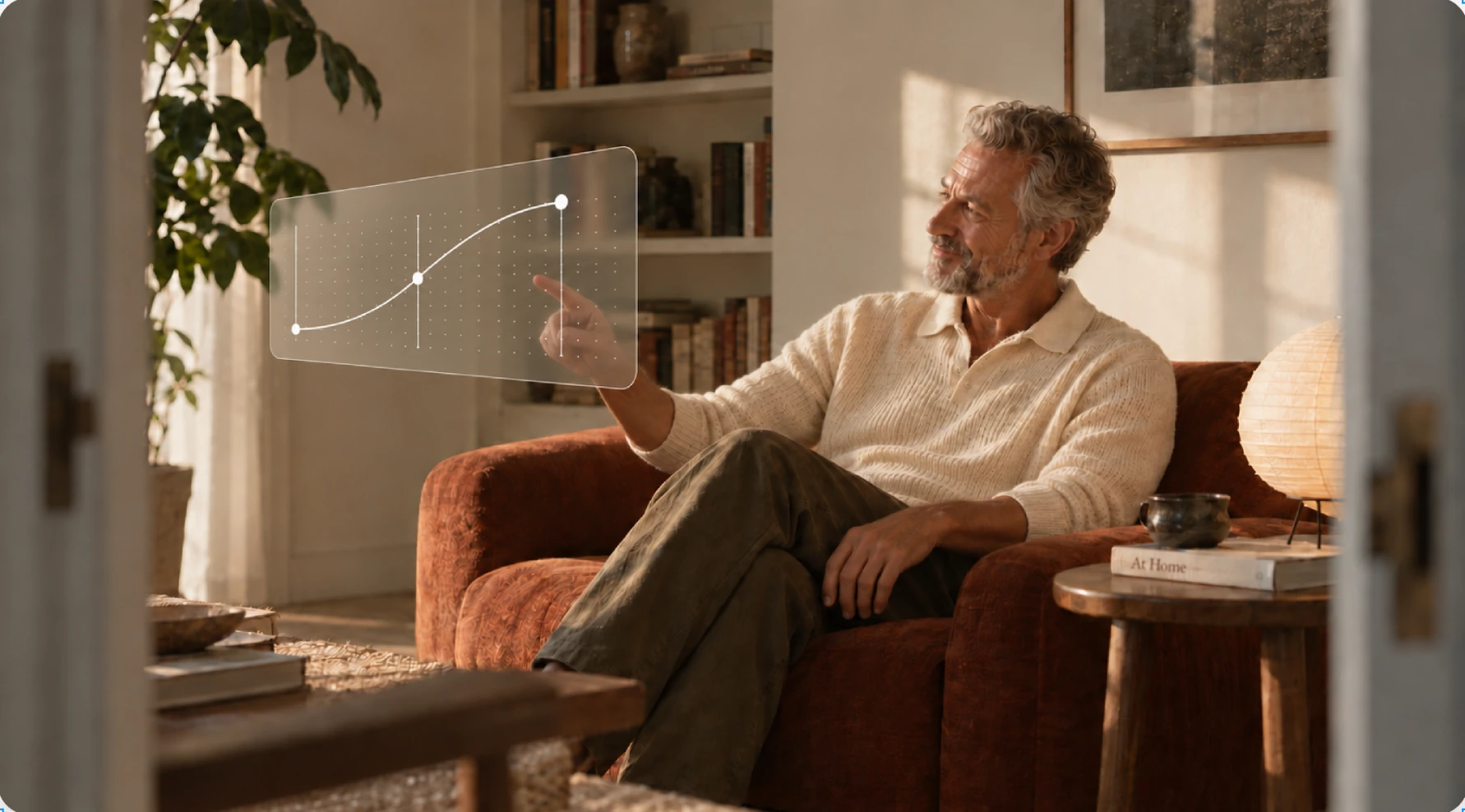 Make every frame count.
 One project your agent can revise. Change a cut, a headline, or a keyframe without rebuilding the entire video.
Give Grok Bot the official setup instructions for its environment.
Specify the audience, length, format, and assets to use.
Request changes, then save both the export and editable project.
Make it yours. Add your media, your audience, and the result you want.
Use Tesseract to edit the supplied footage into a 30-second launch video. Build a clear hook, add motion graphics for the key points, and balance the supplied dialogue and music. Show me the first cut before the final export. Keep the project editable so we can make a shorter version next.
Tesseract edits and assembles media in a structured project. It brings together footage, graphics, effects, and sound that you can revise.
With Tesseract, your agent can create animated text, shapes, compositions, and overlays using native video controls.
Yes. Save the editable Tesseract project and its media so your agent can continue the work.