Show the actual product.
Start with real screenshots or recordings so the video reflects what people will use.
Tesseract / Creative workflows
Turn app screenshots and screen recordings into an animated product demo. Add purposeful movement, clear typography, and sound with Tesseract.
Use Tesseract to turn these app screenshots into a 15-second product demo. Focus on one clear benefit, preserve the interface accurately, and add editable animated headlines and transitions. Use my supplied brand assets. Show a preview and keep all text and timing editable.
Use your real interface. Keep the graphics editable.
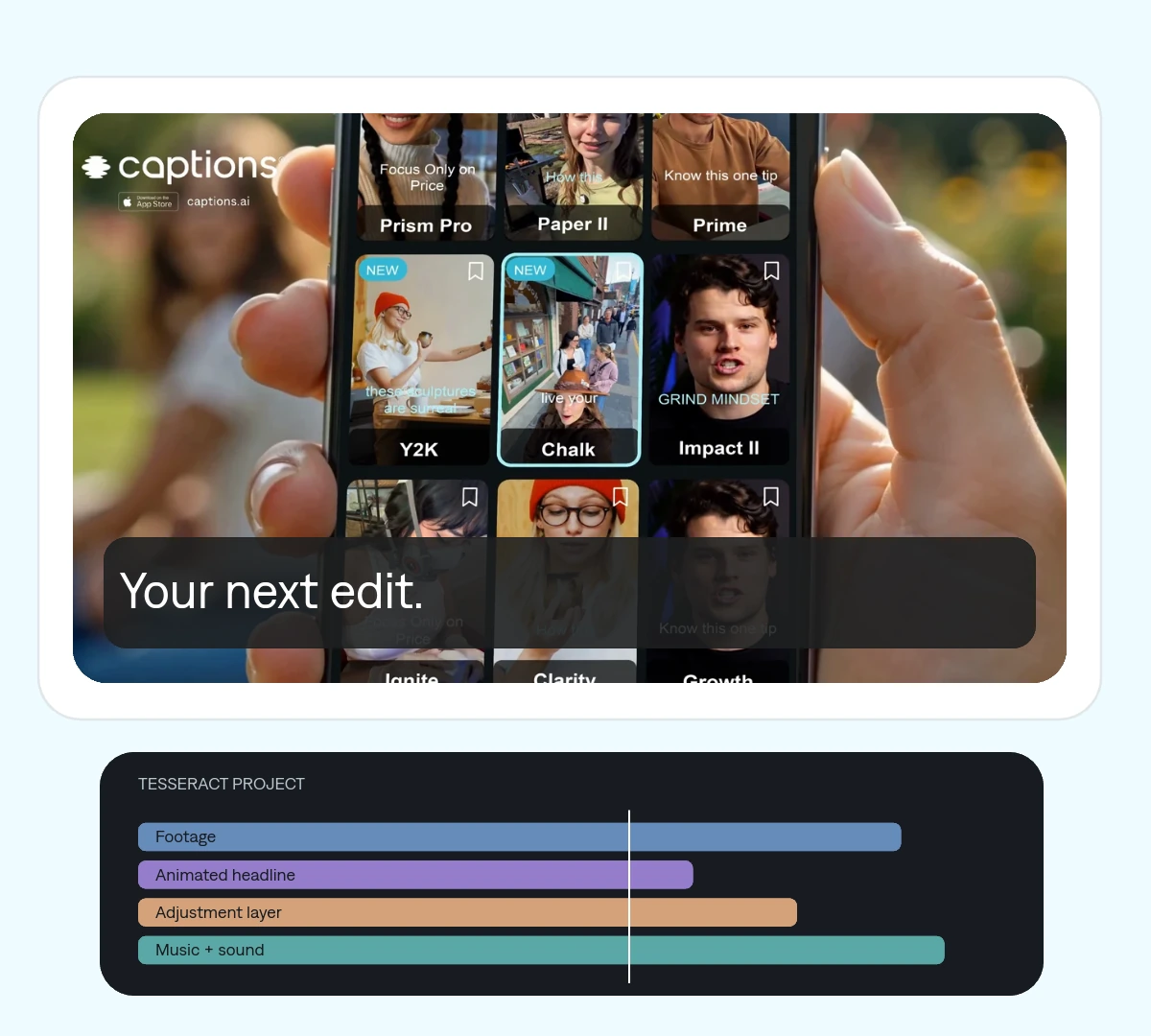
Start with real screenshots or recordings so the video reflects what people will use.
Frame a useful feature, animate a callout, or sequence screens around a clear story.
Replace screenshots and revise the graphics in the same editable project.
A sequence of product moments, animated headlines, and transitions built around the benefit.
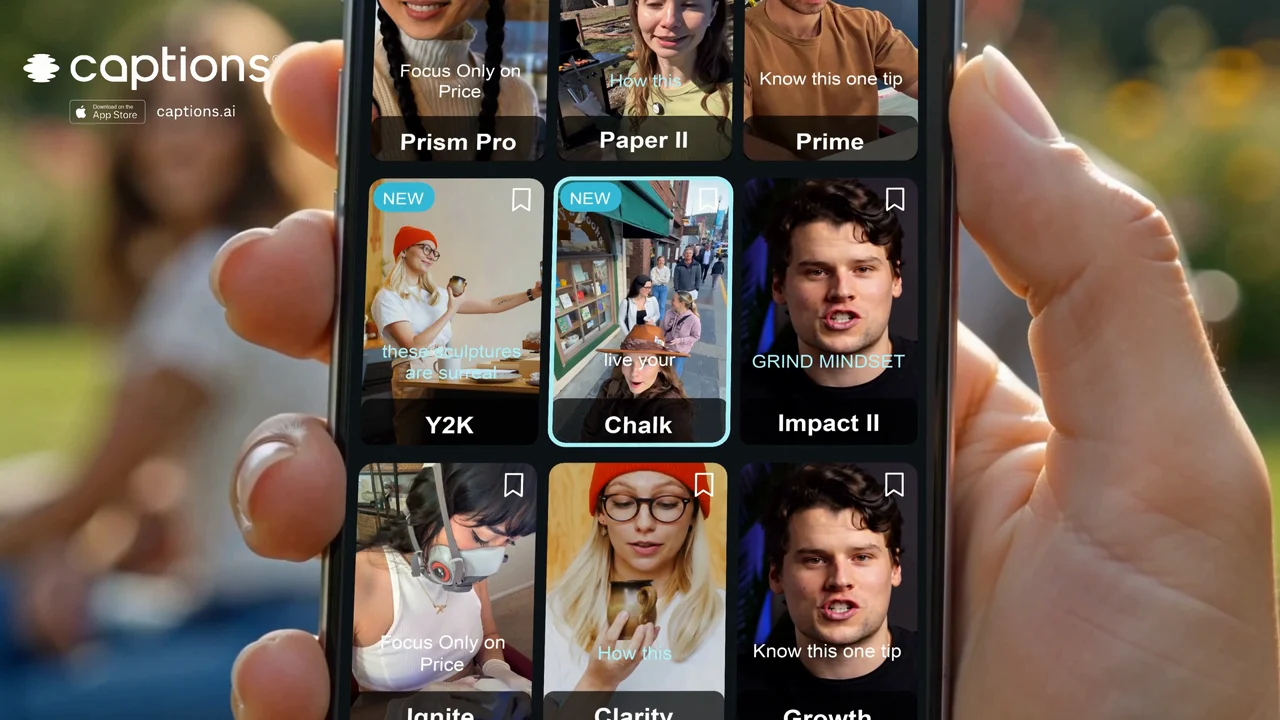 Your next edit.
 One project your agent can revise. Change a cut, a headline, or a keyframe without rebuilding the entire video.
Gather the screens that best explain it.
Supply fonts, colors, your logo, and the intended audience.
Review framing and text legibility at the final video size.
Make it yours. Add your media, your audience, and the result you want.
Use Tesseract to turn these app screenshots into a 15-second product demo. Focus on one clear benefit, preserve the interface accurately, and add editable animated headlines and transitions. Use my supplied brand assets. Show a preview and keep all text and timing editable.
The starting material is your supplied screenshots or recordings. Ask the agent to preserve the interface while animating its presentation.
Yes. Headlines, graphic layers, compositions, and timing can remain editable in the Tesseract project.
Yes. Keep the project and source media so you can update the visual assets and revise the sequence.