Turn a brief into a project.
Bring the clips, screenshots, brand assets, and direction. Let Muse assemble the first edit with Tesseract.
Muse
Tesseract gives Muse professional tools to edit footage, create motion graphics, and mix sound in one editable project.
Set up Tesseract by Mirage so you can edit videos and create motion graphics in this agent’s environment. Read https://github.com/mirage-hq/Tesseract and check the requirements for this local or hosted environment. If it is supported, follow the official plugin or skills installation guide, use its required runtime version, verify the download checksum, and confirm a short preview renders correctly. Then ask me for my footage or the video I want to make. Keep the editable project and source assets with the finished render.
Use your existing agent. Keep control of the creative details.
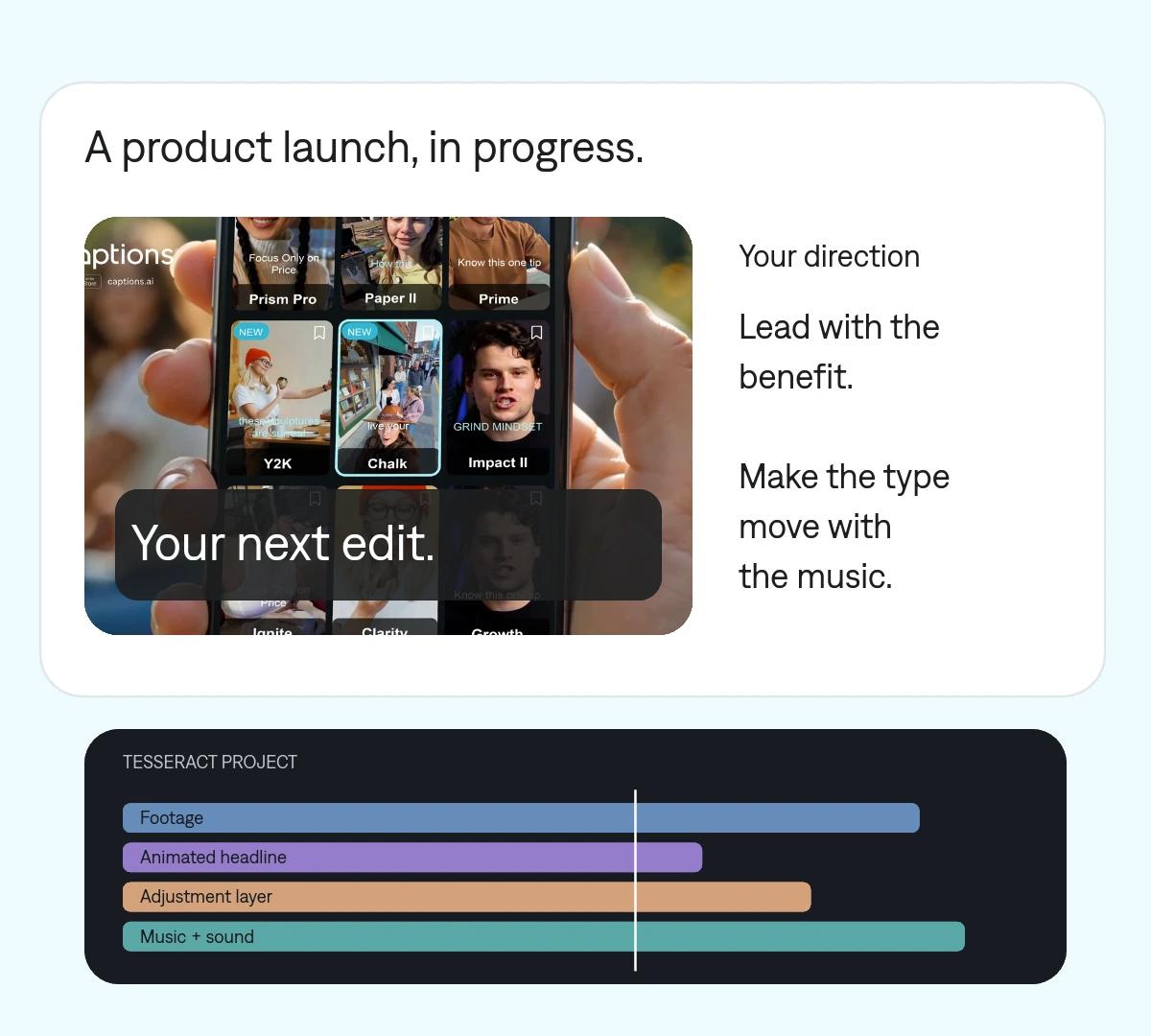
Bring the clips, screenshots, brand assets, and direction. Let Muse assemble the first edit with Tesseract.
Combine footage with animated text, compositions, and effects instead of treating graphics as an afterthought.
Change the message, replace a shot, or refine the timing in the same editable project.
Build a product story from screen recordings, then direct the details through Muse.
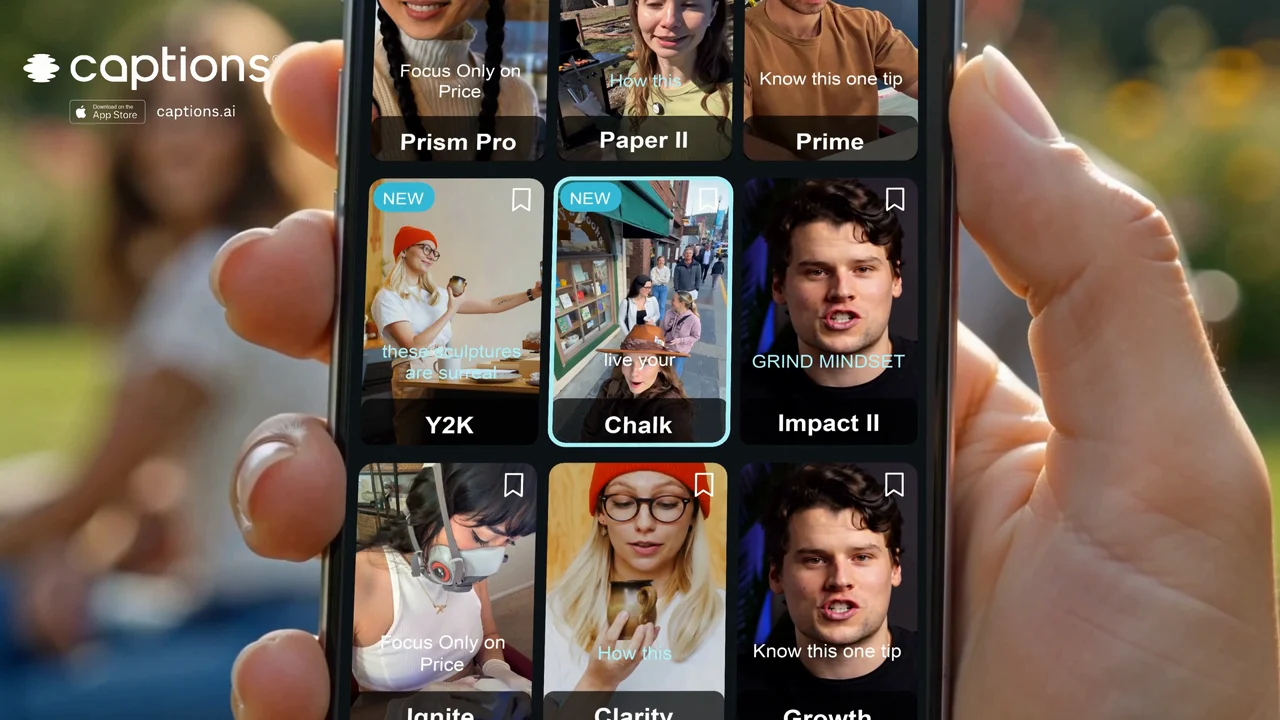 Your next edit.
 One project your agent can revise. Change a cut, a headline, or a keyframe without rebuilding the entire video.
Ask Muse to follow the official Tesseract instructions for its environment.
Provide media, brand references, and the format you need.
Review a preview, give feedback, and export the version you want.
Make it yours. Add your media, your audience, and the result you want.
Use Tesseract to create a 20-second product launch video from my screenshots and recordings. Lead with the most useful product benefit, animate the supporting text, and end with a clear call to action. Use my brand assets and supplied audio. Show a preview and preserve the editable project.
Native tools for video editing, motion graphics, compositing, and sound. Muse directs those tools through an editable Tesseract project.
You can direct the work through your agent. Describe the result and refine it with feedback.
Yes. Supply your logo, fonts, colors, footage, and other media you want included.