Render without a desktop.
Use a compatible Vulkan driver, or Mesa lavapipe for software rendering on a headless server.
Tesseract for Linux
Give your Linux agent native tools for video editing, motion graphics, compositing, and sound. Create an editable project and render without a desktop editor.
Linux x86_64 · glibc 2.35+ · Headless rendering
Use a compatible Vulkan driver, or Mesa lavapipe for software rendering on a headless server.
The runtime installs in your user directory without root access. Missing system libraries may need an administrator.
Produce a finished video and a project you can inspect, revise, and render again.
A runtime your agent can use directly. A project you can keep working on.
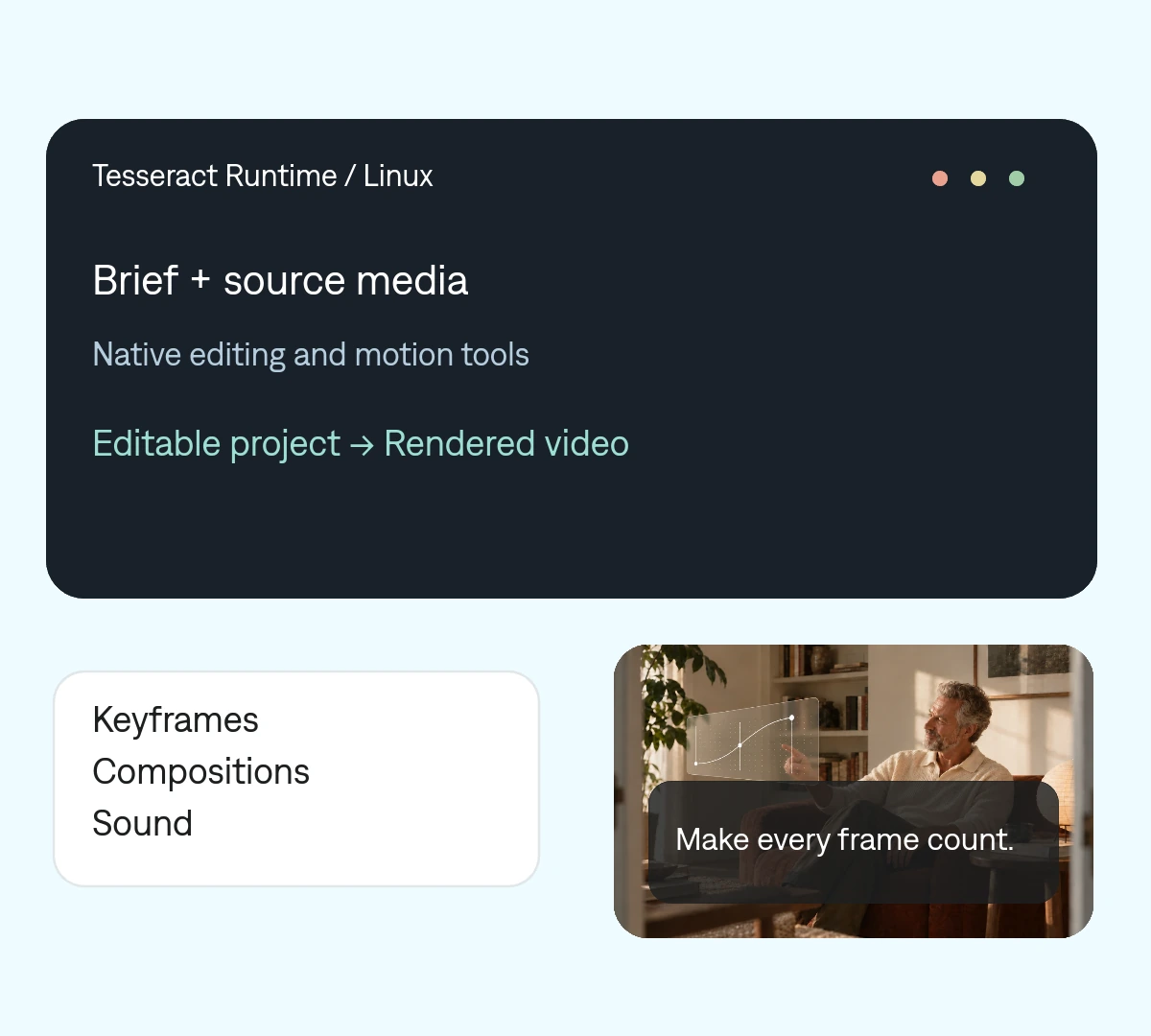
 Make every frame count.
 One project your agent can revise. Change a cut, a headline, or a keyframe without rebuilding the entire video.
Use x86_64 with glibc 2.35 or newer. Check the system libraries and a working Vulkan driver first.
Download the version pinned by your Tesseract skill, verify its checksum, and run the included installer.
Provide FFmpeg with libx264 and AAC. Select the external FFmpeg backend, then test a short export.
A native runtime, installed separately from your agent’s skill.
tsrct export \
  --project project.tsrct \
  --output finished.mp4 \
  --encoder-backend \
    external-ffmpeg-command \
  --ffmpeg-path /path/to/ffmpeg
Use the installed tsrct path and replace /path/to/ffmpeg with your FFmpeg executable’s absolute path. The Linux bundle does not include an H.264 encoder.
Version 0.2.0 export guideMake it yours. Add your media, your audience, and the result you want.
Set up Tesseract from mirage-hq/Tesseract in this Linux environment. Check x86_64, glibc 2.35+, system libraries, and a working Vulkan driver or Mesa lavapipe. Install the skill-pinned runtime and verify its checksum. For MP4, find FFmpeg with libx264 and AAC and use the external-ffmpeg-command backend with its absolute path. Create a short project from my media, render a preview, and verify the export before continuing.
The 0.2.0 Linux bundle supports x86_64 with glibc 2.35 or newer. A Linux ARM bundle is not included in this release.
No. Mesa lavapipe can provide software rendering. You still need the Vulkan loader and a compatible driver; CPU encoding alone does not replace the renderer.
The plugin supplies the agent instructions. The native runtime is a separate download of about 91 MB for Linux in version 0.2.0.
By default, under ~/.local/share/Tesseract. The command is bin/tsrct inside that folder. If XDG_DATA_HOME is set, the installer uses it instead.
The installer needs Python 3, bash, coreutils, and unzip. The runtime itself does not need Python or Node. Node and npm are only needed if you choose the npx skills installer.