Create color that changes with the viewing angle.
Use thin-film iridescence in Tesseract to create shifting surface color. Your agent can adjust the effect while preserving the base material and scene.
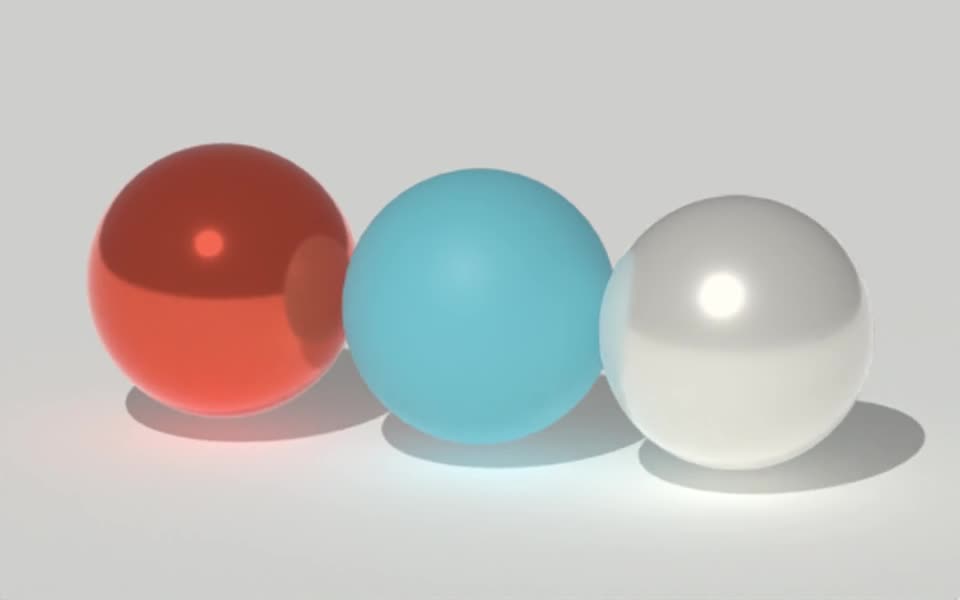
Rendered in Tesseract with the raster renderer. Download the editable project to revise the scene.
Give your agent this .tsrct file, then ask for a specific change.
Try it in your agent.
Use this prompt as a starting point. Review the result, then ask for the details you want to change.
A prompt to start from
Create a Tesseract product surface with restrained thin-film iridescence over a dark base material. Use a slow camera orbit and broad studio lighting. Use the raster renderer to preview the material from several angles. If the colors overwhelm the form, reduce only the iridescence weight while preserving the base finish, camera path and lights.
New to Tesseract? Find the setup for your agent.
Keep control of the result.
- Effect weight
- Balance iridescence with the base material.
- Film thickness
- Adjust supported thickness ranges and mixing controls.
- Optical properties
- Refine the supported thin-film refractive-index controls.
- View and light
- Review color shifts across the actual camera move and lighting setup.
A few useful details.
Is iridescence the same as changing the base color?
No. Iridescence depends on viewing and lighting angles. A fixed base-color change does not create the same angle-dependent behavior.
Is this the same as glass dispersion?
No. Dispersion separates refracted light by wavelength. Iridescence changes the thin-film surface response.
Can I use it subtly on a product finish?
Yes. Reduce its weight and choose the thickness range carefully. Review the object’s readability before increasing the effect.
Which renderer does this example use?
This example uses raster rendering. Some Metal devices cannot compile the v0.5.0 path-tracing pipeline for this material. Test a small preview on your rendering machine before planning a longer export.
How do I try this with my agent?
Install or update Tesseract in a supported agent, attach your source files, and copy the prompt. Review the preview, then ask for the changes you want. The composition stays editable as you refine it.
Where does the video render?
Tesseract renders in the environment where your agent runs it, including supported local computers and hosted Linux environments. The engine is free; your agent’s subscription or usage costs are separate.
Put it to work in a project.
See how this tool fits into a complete, editable project.
Try these next.

Your next creative project, made with your agent.
Install Tesseract in your agent, bring a brief, and start creating.
Free on Mac, Windows, and Linux. Your agent’s costs are separate.
Read the prompt
Set up Tesseract by Mirage so you can create editable designs and 3D scenes, edit videos, and make motion graphics in this agent’s environment. Read https://github.com/mirage-hq/Tesseract and check the requirements for this local or hosted environment. If it is supported, follow the official plugin or skills installation guide, use its required runtime version, verify the download checksum, and confirm a short preview renders correctly. Then ask what I want to make and which brand references or source assets I have. Keep the editable project and source assets with the finished render.