Video editing
Direct the edit. Keep every decision editable.
Bring footage, screen recordings, and a brief. Your agent can assemble the sequence, adjust the pace, and refine the cut in Tesseract.
Free on Mac, Windows, and Linux. Your agent’s costs are separate.
Read the prompt
Set up Tesseract by Mirage so you can create editable designs, edit videos, and make motion graphics in this agent’s environment. Read https://github.com/mirage-hq/Tesseract and check the requirements for this local or hosted environment. If it is supported, follow the official plugin or skills installation guide, use its required runtime version, verify the download checksum, and confirm a short preview renders correctly. Then ask what I want to make and which brand references or source assets I have. Keep the editable project and source assets with the finished render.
From raw footage to a finished sequence.
A good edit is a series of choices: where to begin, what to keep, when to cut, and how long to hold. Make those choices through your agent, then review the video and refine the details.
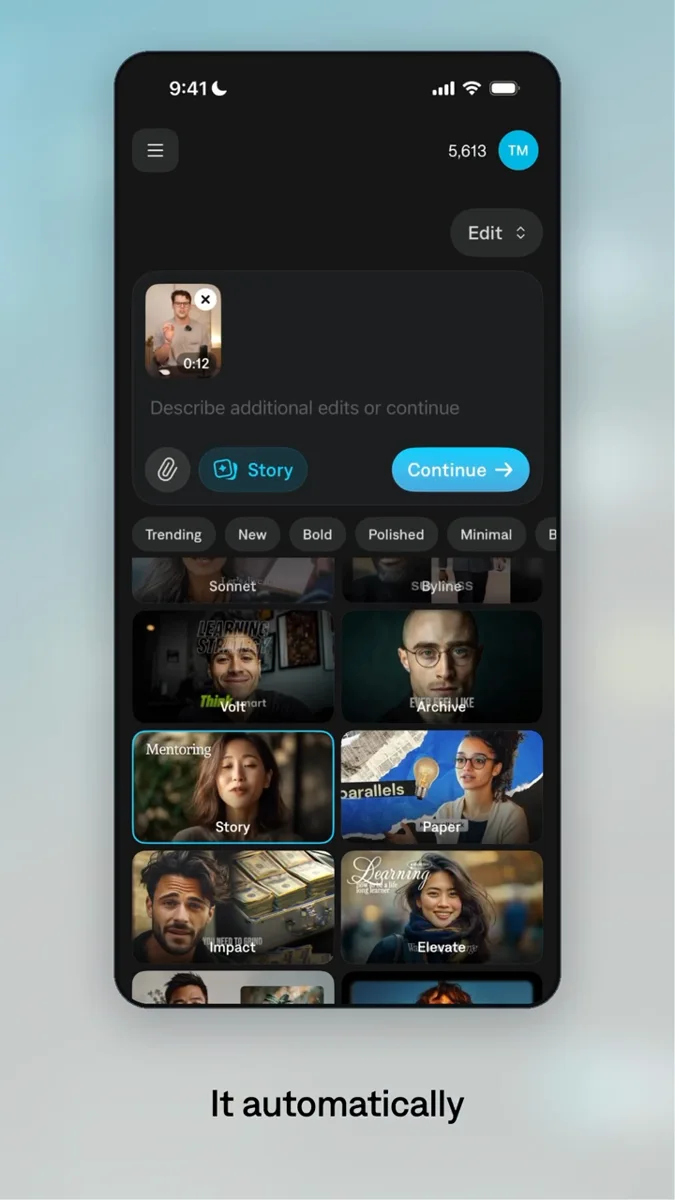
See a tool in action.
Move a clip without changing which source moment appears.
Bring the idea.
Direct the details.
Adapt this brief to your media and the result you want. Review the preview with your agent, then make a focused revision.
A prompt to start from
Use Tesseract to edit this talking-head footage into a 20-second social video. Keep the strongest opening, tighten pauses without clipping words, and align the speaker’s eyeline across cuts. Add a short title and show me the preview before rendering the final version.
Explore the tools behind the work.
All Tesseract features →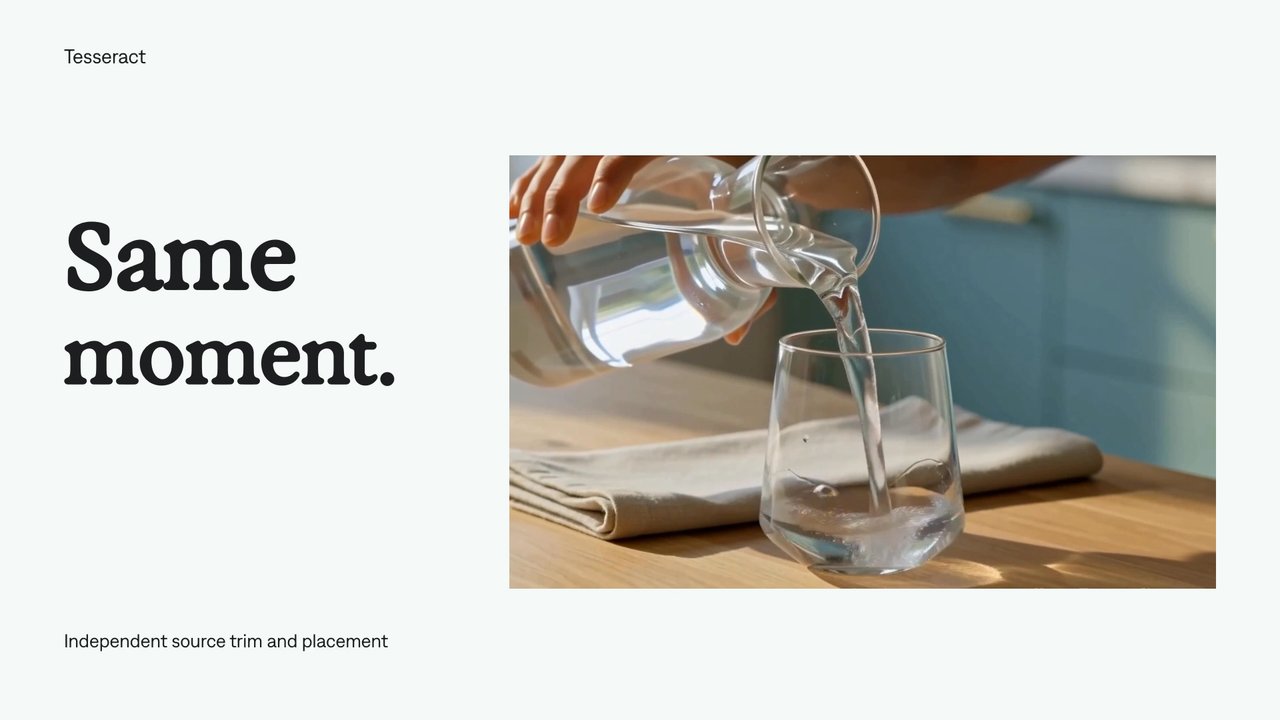
Source trim and placement
Move a clip without changing which source moment appears.
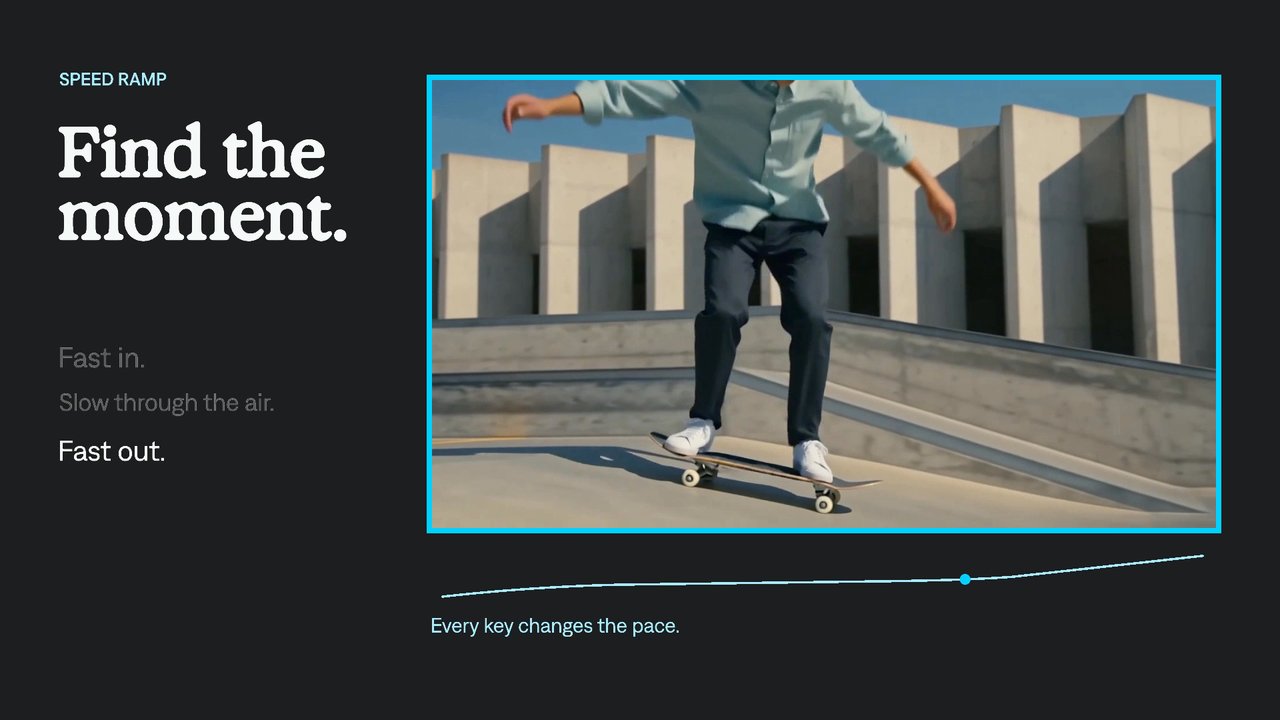
Speed ramps
Move from fast action into a slower moment, then accelerate again. Tesseract gives your agent an editable time-remap curve to control which source frame appears at each point.
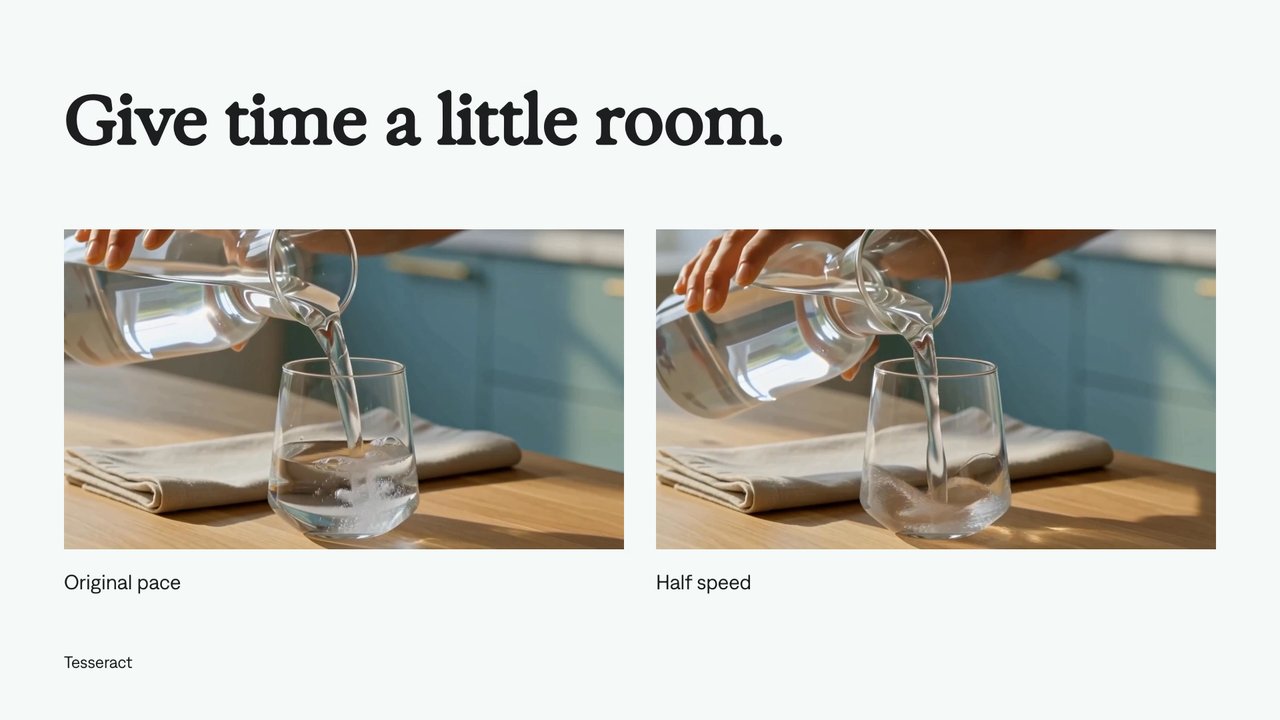
Video playback speed
Make a clip faster or slower using an absolute speed.
A few useful details.
Does the work stay editable?
Yes. The elements authored in Tesseract remain part of the project. Ask your agent to revise timing, layers, graphics, or audio without starting the full composition again.
Do I need to provide media?
Bring your recordings, screen captures, images, logos, music, and effects. Tesseract can author native text and graphics. Footage and voice generation are separate tools.
Can I try this without an Adobe subscription?
Yes. Tesseract previews and renders locally on macOS, Windows, or Linux without Adobe software. The local engine is free; your agent’s subscription or usage costs are separate.
Your next video.
Made with your agent.
Professional creative tools for your AI agent.
Free on Mac, Windows, and Linux. Your agent’s costs are separate.
Read the prompt
Set up Tesseract by Mirage so you can create editable designs, edit videos, and make motion graphics in this agent’s environment. Read https://github.com/mirage-hq/Tesseract and check the requirements for this local or hosted environment. If it is supported, follow the official plugin or skills installation guide, use its required runtime version, verify the download checksum, and confirm a short preview renders correctly. Then ask what I want to make and which brand references or source assets I have. Keep the editable project and source assets with the finished render.