Compositing
Build the image from editable layers.
Combine footage, typography, shapes, masks, and adjustment effects in a connected Tesseract project. Direct the whole scene or change one part.
Free on Mac, Windows, and Linux. Your agent’s costs are separate.
Read the prompt
Set up Tesseract by Mirage so you can create editable designs, edit videos, and make motion graphics in this agent’s environment. Read https://github.com/mirage-hq/Tesseract and check the requirements for this local or hosted environment. If it is supported, follow the official plugin or skills installation guide, use its required runtime version, verify the download checksum, and confirm a short preview renders correctly. Then ask what I want to make and which brand references or source assets I have. Keep the editable project and source assets with the finished render.
The effect belongs to the project.
Place a screen recording inside a layout, reveal footage through a mask, or apply a treatment across several layers. The structure remains available when you want to move, restyle, or animate a single element.
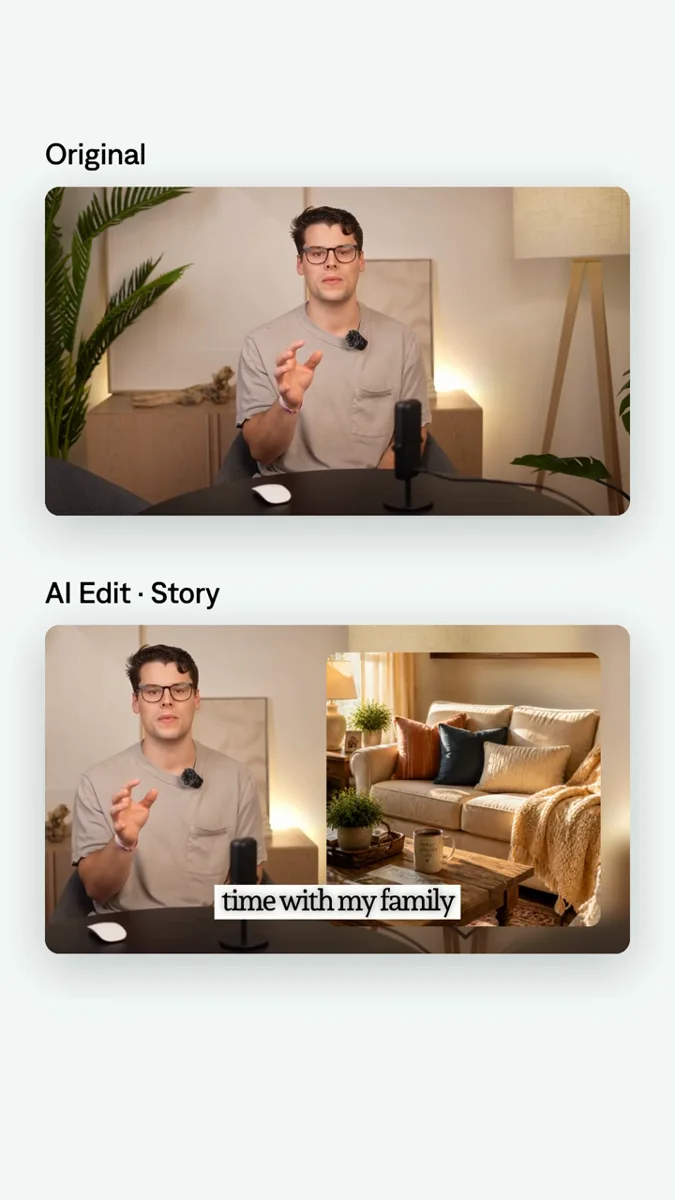
See a tool in action.
Give a video a custom silhouette without baking it into the footage. Your agent can reshape the mask and animate the reveal while keeping the video layer intact.
Bring the idea.
Direct the details.
Adapt this brief to your media and the result you want. Review the preview with your agent, then make a focused revision.
A prompt to start from
Use Tesseract to build a product demonstration from this footage and screen recording. Put the recording inside a clean graphic layout, add editable labels, and use a mask to reveal it. Apply a subtle adjustment treatment to the composition and show me the before-and-after.
Explore the tools behind the work.
All Tesseract features →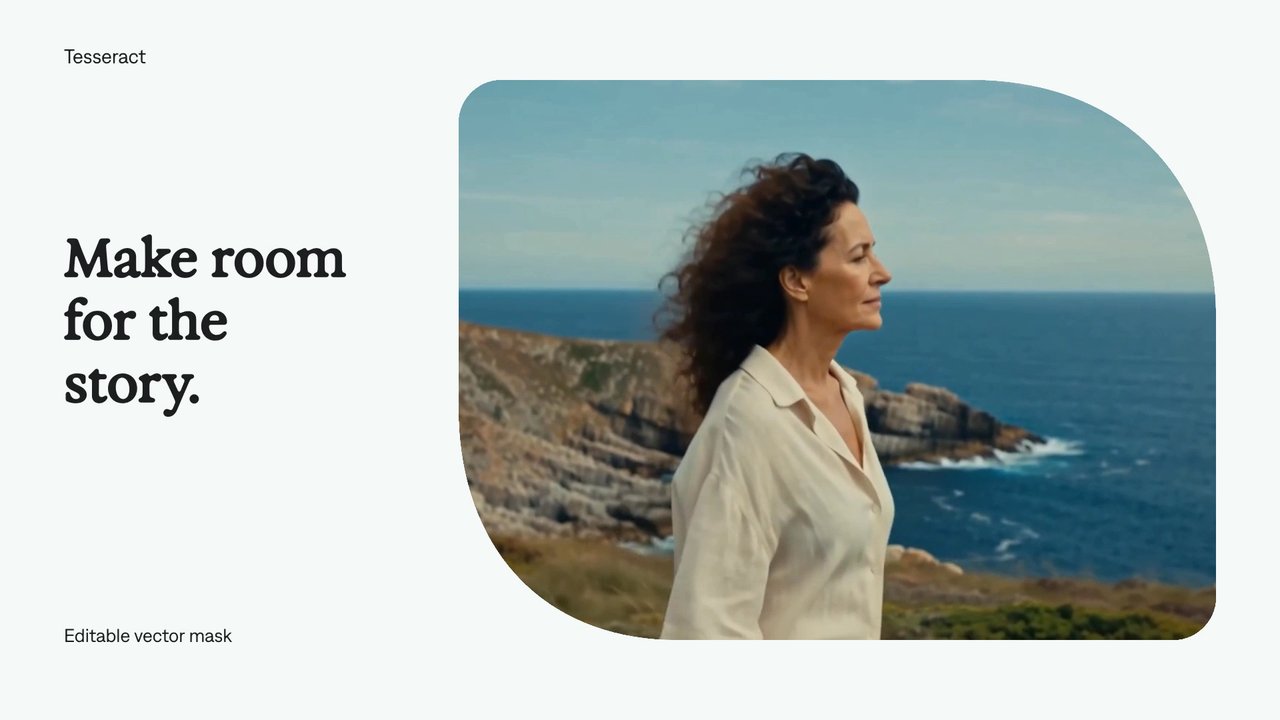
Vector masks
Give a video a custom silhouette without baking it into the footage. Your agent can reshape the mask and animate the reveal while keeping the video layer intact.
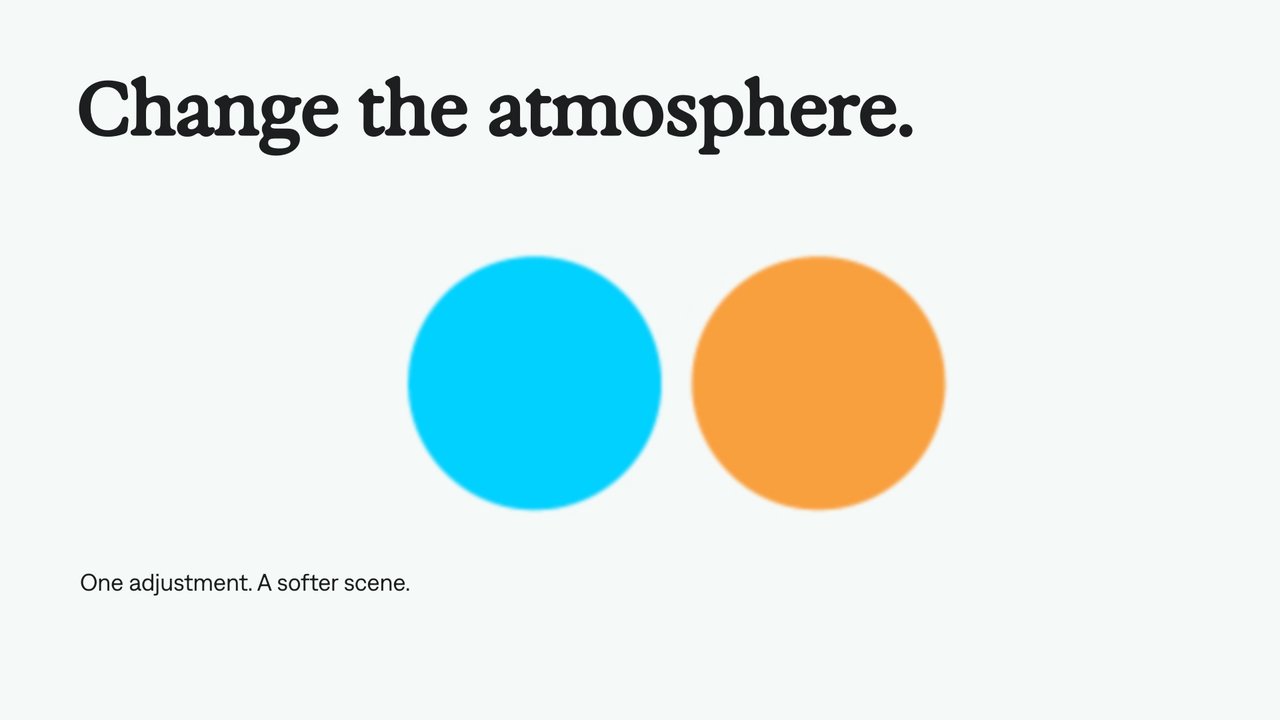
Adjustment layers
Use an adjustment layer to change the look of the layers beneath it. Keep the treatment separate from the footage, text, and graphics so your agent can revise it in one place.
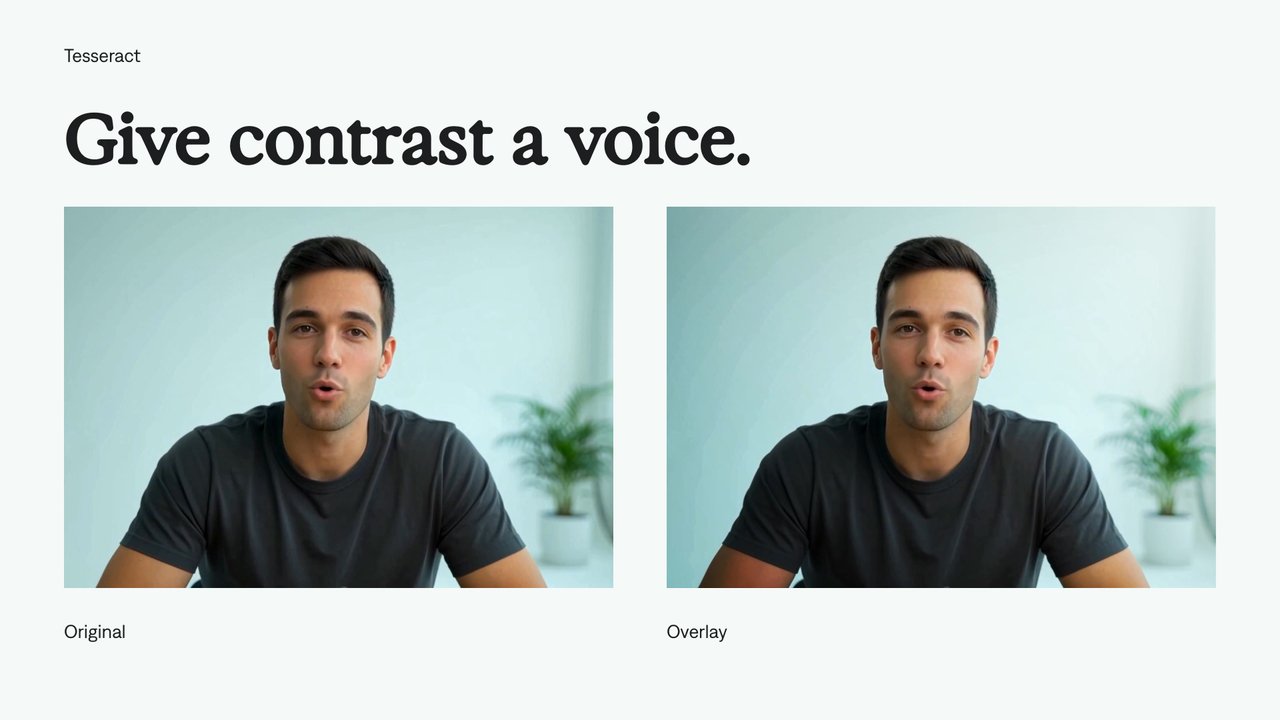
Overlay blending
Combine contrast with underlying tones.
A few useful details.
Does the work stay editable?
Yes. The elements authored in Tesseract remain part of the project. Ask your agent to revise timing, layers, graphics, or audio without starting the full composition again.
Do I need to provide media?
Bring your recordings, screen captures, images, logos, music, and effects. Tesseract can author native text and graphics. Footage and voice generation are separate tools.
Can I try this without an Adobe subscription?
Yes. Tesseract previews and renders locally on macOS, Windows, or Linux without Adobe software. The local engine is free; your agent’s subscription or usage costs are separate.
Your next video.
Made with your agent.
Professional creative tools for your AI agent.
Free on Mac, Windows, and Linux. Your agent’s costs are separate.
Read the prompt
Set up Tesseract by Mirage so you can create editable designs, edit videos, and make motion graphics in this agent’s environment. Read https://github.com/mirage-hq/Tesseract and check the requirements for this local or hosted environment. If it is supported, follow the official plugin or skills installation guide, use its required runtime version, verify the download checksum, and confirm a short preview renders correctly. Then ask what I want to make and which brand references or source assets I have. Keep the editable project and source assets with the finished render.