

AI video translator
Reach audiences all over the world with localized videos. Tools like Captions automate translations so it’s easy to reuse the same content for multiple markets. Pacing, timing and messaging all stay intact, no matter the language.
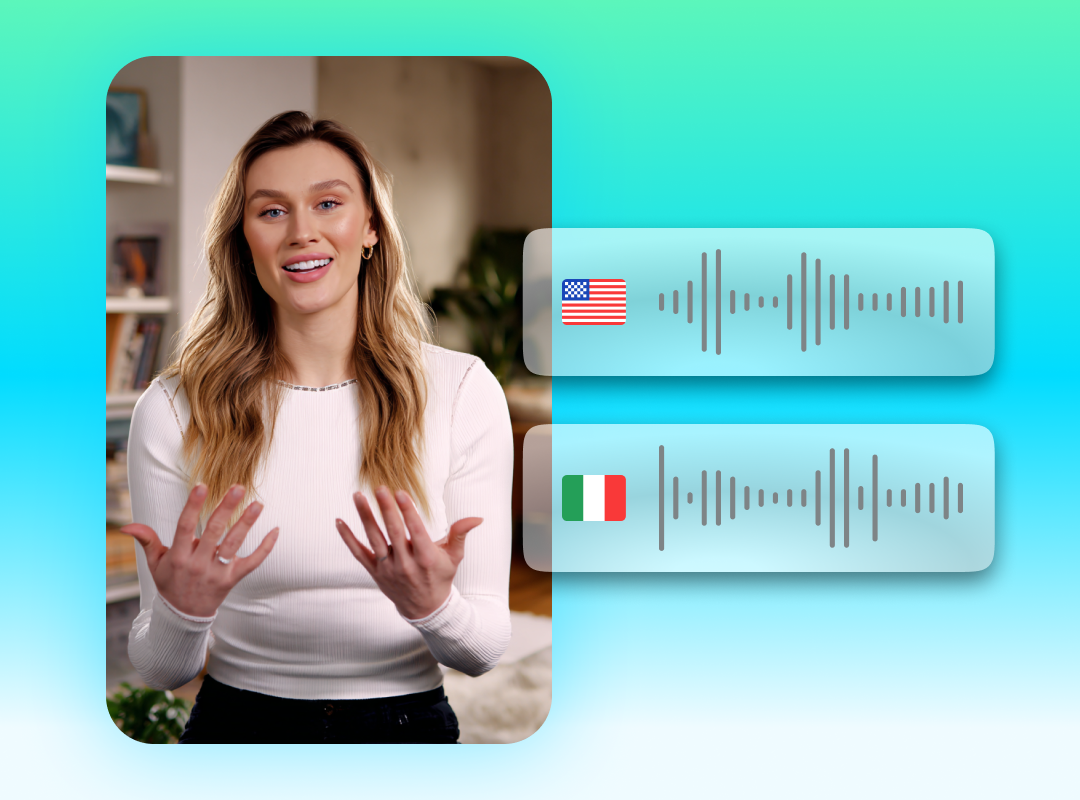
Go global with just a couple clicks
Talk to people in their own language
Build deeper connections, no matter the distance. Translated audio is more compelling and feels more personal than simply using subtitles.
Keep your voice
Your content should sound like you, no matter where it’s shared. AI video language translators keep your core message consistent, so every version reflects your brand’s personality.
Speed up localization
Creating for global audiences doesn’t have to slow you down. Video translation tools, like Captions' AI lipsync, instantly translate your videos so there is no need to record new footage or spend time manually syncing audio.
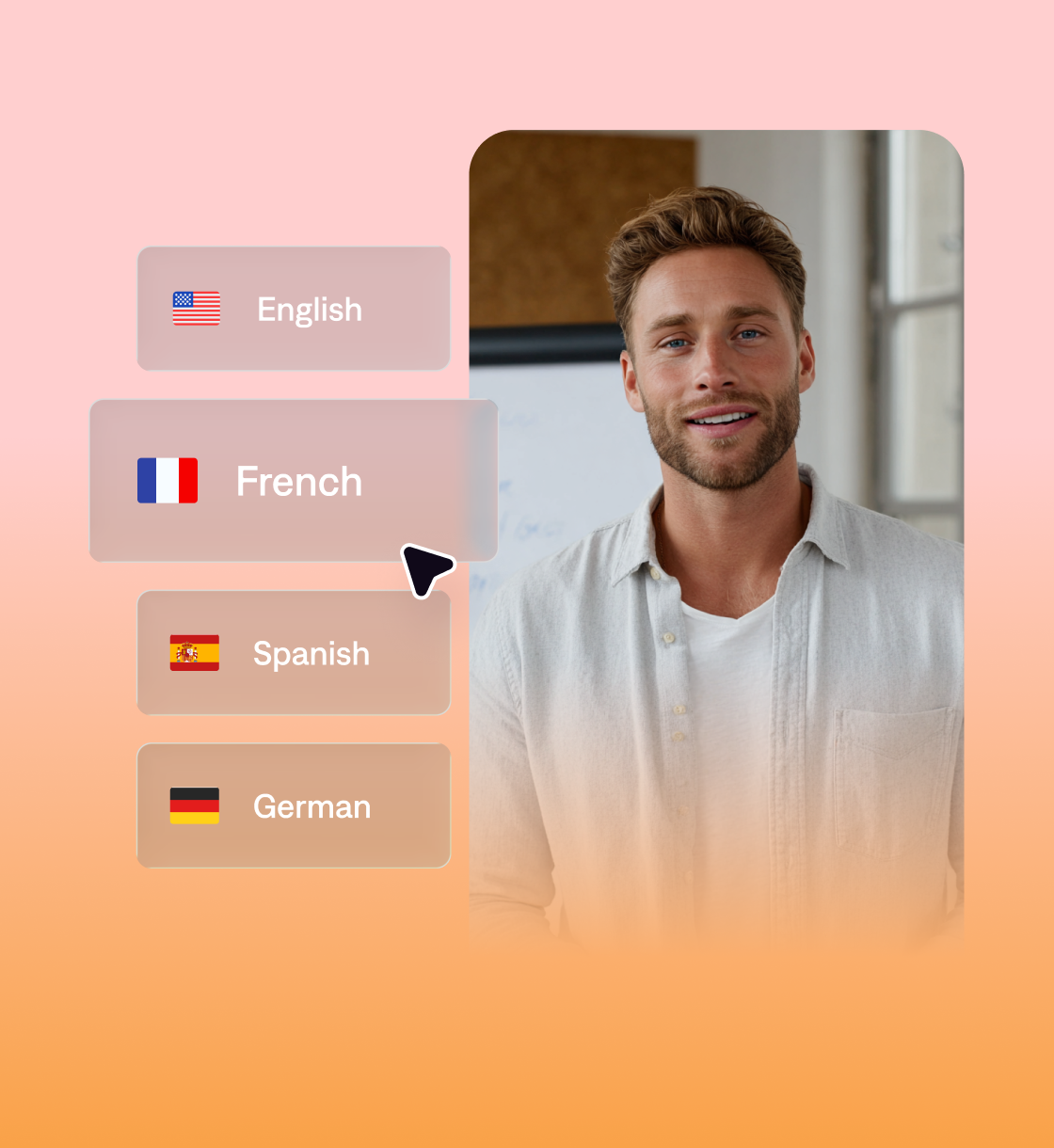
Scale video translation with Captions
One video, multiple languages.
Captions can automatically translate your content into more than 30 languages so content feels personal, wherever it’s watched. There’s also a built-in editor where you can fine-tune translated scripts or add subtitles. Make an on-brand video in every language, ready to publish anywhere.
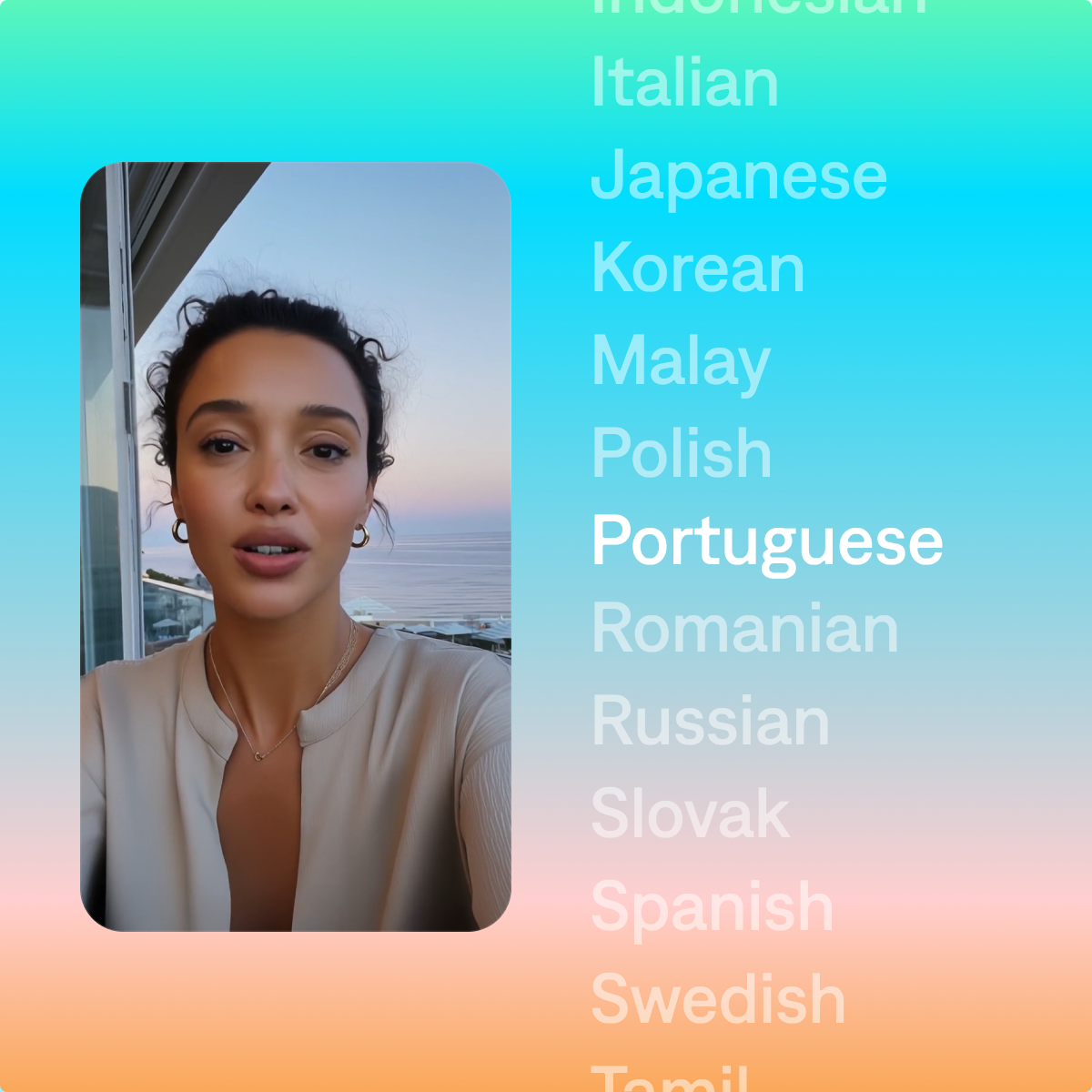
Start your next video

Frequently asked questions
How do I translate videos into different languages?
With Captions, translating videos into different languages only takes a few steps. Just upload your video to the editor, select the spoken language, then choose which language you'd like your video to be in. Captions will use AI to generate a translated voiceover to sync up with your visuals. You can also add translated subtitles for extra clarity. Give your video a few minutes to render – and that’s it!
How accurate is AI video translation?
AI video voice translation does a great job at keeping your message clear across languages. Captions delivers highly accurate video translations that keep the tone and timing intact. While some slang or cultural references might benefit from light editing, most videos are ready to share right out of the editor.
How does Captions handle video translation?
Captions uses AI to translate your video with natural voiceovers and accurate subtitles. The built-in editor lets you adjust pacing, tweak the script, and fine-tune captions so every translated version feels polished. Whether you need a video language translator or a video voice translator, Captions keeps your message consistent and clear.