
Add captions to any video
Generate and stylize video captions, all from your phone. Use the automatic caption generator to start, then customize details to match your brand or tone.
Sign upGet started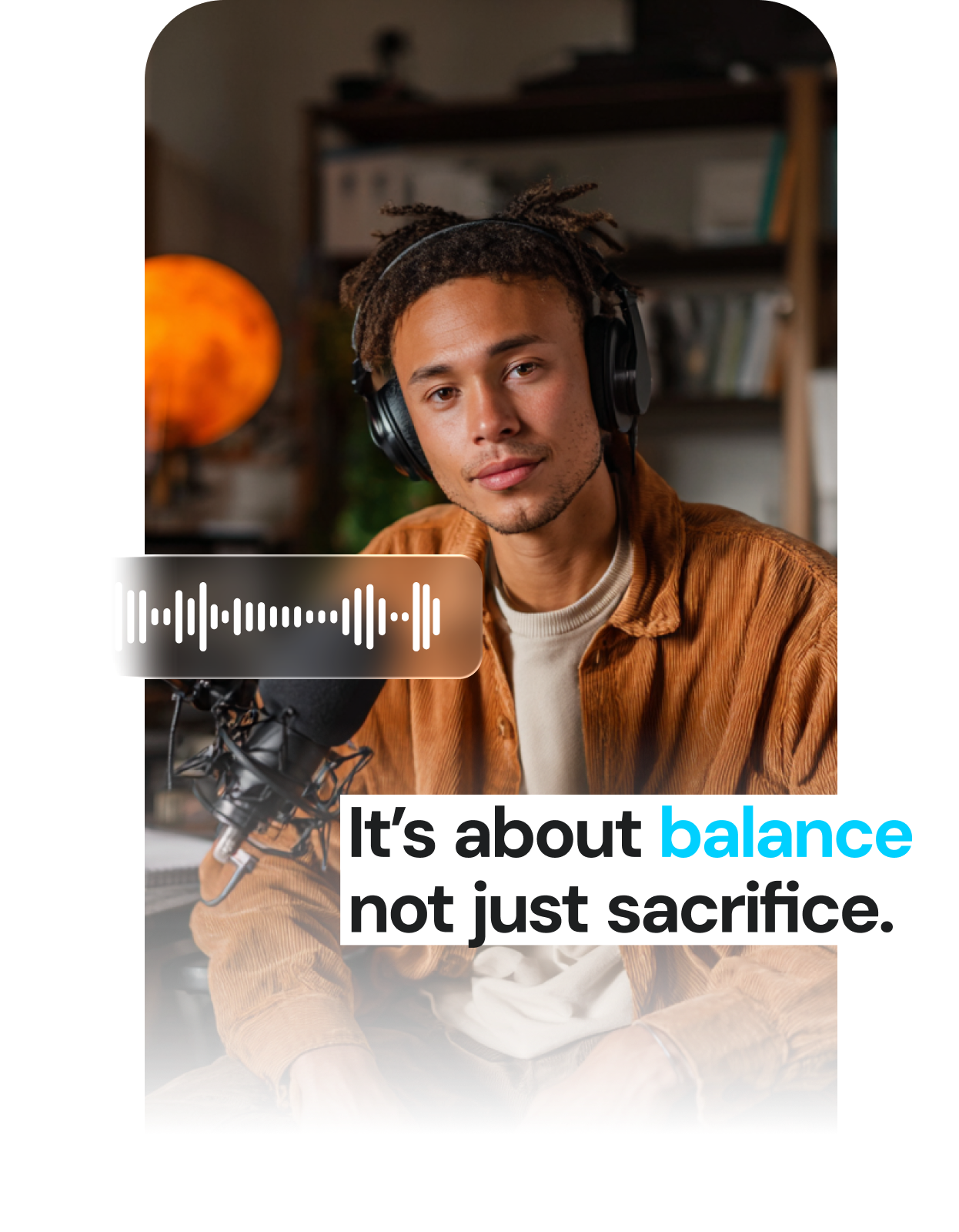
Why you need video captions
Deepen engagement
Captions pull viewers into the story, and catchy styling can help you stand out. You can also emphasize or supersize specific words to make sure your biggest points stick.
Broaden your reach
Many social platforms use information like captions to inform distribution. Including better on-screen content can help your video go further.
Improve accessibility
Captions make sure anyone can understand your content, even if the sound is off or they use screen readers to consume information.

Top features of our automatic caption generator

Accurate transcription
Captions detects audio with unparalleled accuracy, so the words and pacing always match.

Global options
Automatically add Captions in more than 100 languages, instead of manually editing each language on its own.

Built for performance
Captions are timed, styled, and formatted for social performance.

Stylized templates
Choose from popular styles to move faster and get content done fast. You can also enable auto emojis to emphasize specific words.

Customize as needed
Adjust fonts, colors or layouts to make sure content feels true to your brand identity.

Add animations and effects
Make your subtitles move with your story. Easily animate for rhythm, impact, or creative flair.
Add captions in three easy steps
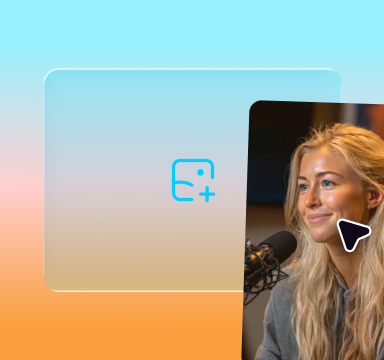
Upload your video
Import directly from your camera roll or record within the Captions app.
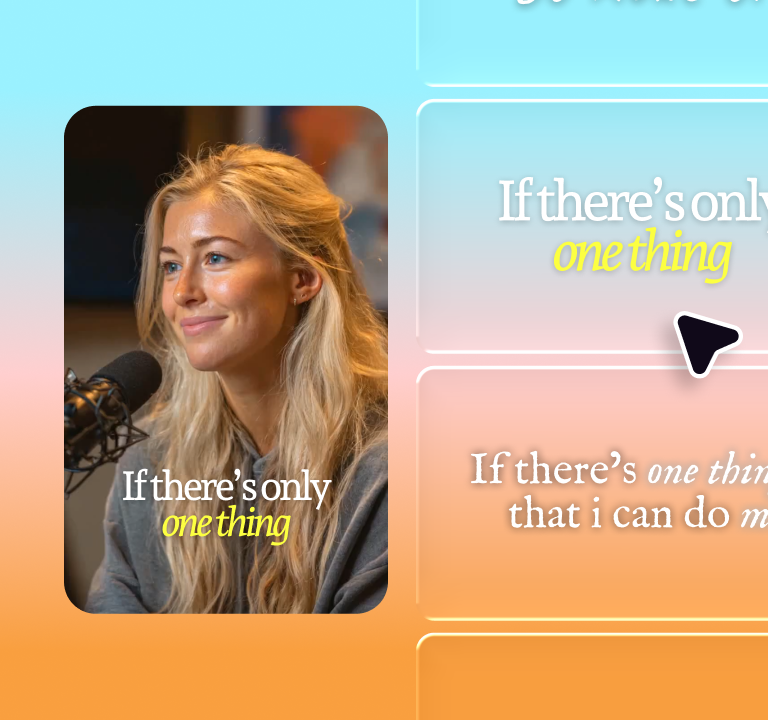
Add captions
Captions auto-generates subtitles in seconds. Edit or restyle to fit your brand.
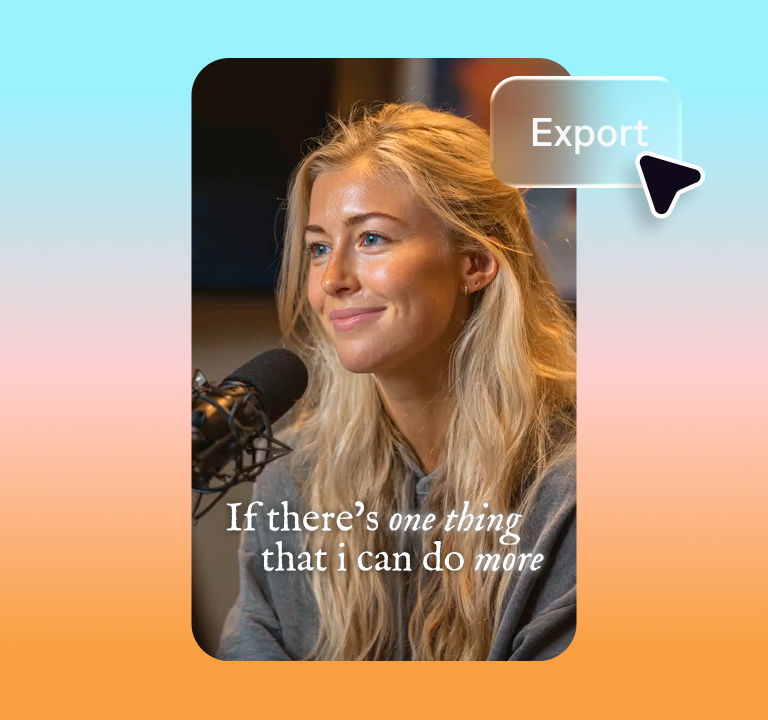
Share
Export and post directly to any social platform—all optimized for the right format.
Start creating

Frequently Asked Questions
How accurate are Captions’ subtitles?
Captions uses AI-powered speech recognition to generate precise subtitles automatically. You can review and adjust timing or wording before publishing.
Can I edit or style the captions?
Yes. Choose from templates or customize fonts, colors, and animations to match your brand.
Can I add captions in multiple languages?
Absolutely. Captions supports translation in over 100 languages. Just select your desired language, and translate your video with one click to make your content global.
Do I need to manually sync subtitles?
No. Captions automatically aligns your subtitles with your audio, saving hours of manual work.
Can I use captioned videos for commercial content?
Yes. You own all the videos you create with Captions. You can review our terms here.
What are closed captions?
Closed captioning is controlled by a video viewer or social media user. They can decide whether to turn captions on or off, depending on their needs.
What are open captions?
Open captions are fixed, and can’t be turned off or hidden. They’re burned in during the editing process and can be beneficial if you want to ensure every viewer sees consistent captions.