
AI that edits like a professional editor.
Captions is an all-in-one video generator and AI editor. Transform footage into edited videos, make videos from prompts or use AI to automate captions, subtitles and more.
Download CaptionsSign up
Great videos, no matter your skillset.
Look like a pro.
Create videos you're proud of, from day one.
Post more often.
Quicker workflows help you pick up the pace.
Grow your audience.
Build momentum and reach more people.
Instant edits, for any style.
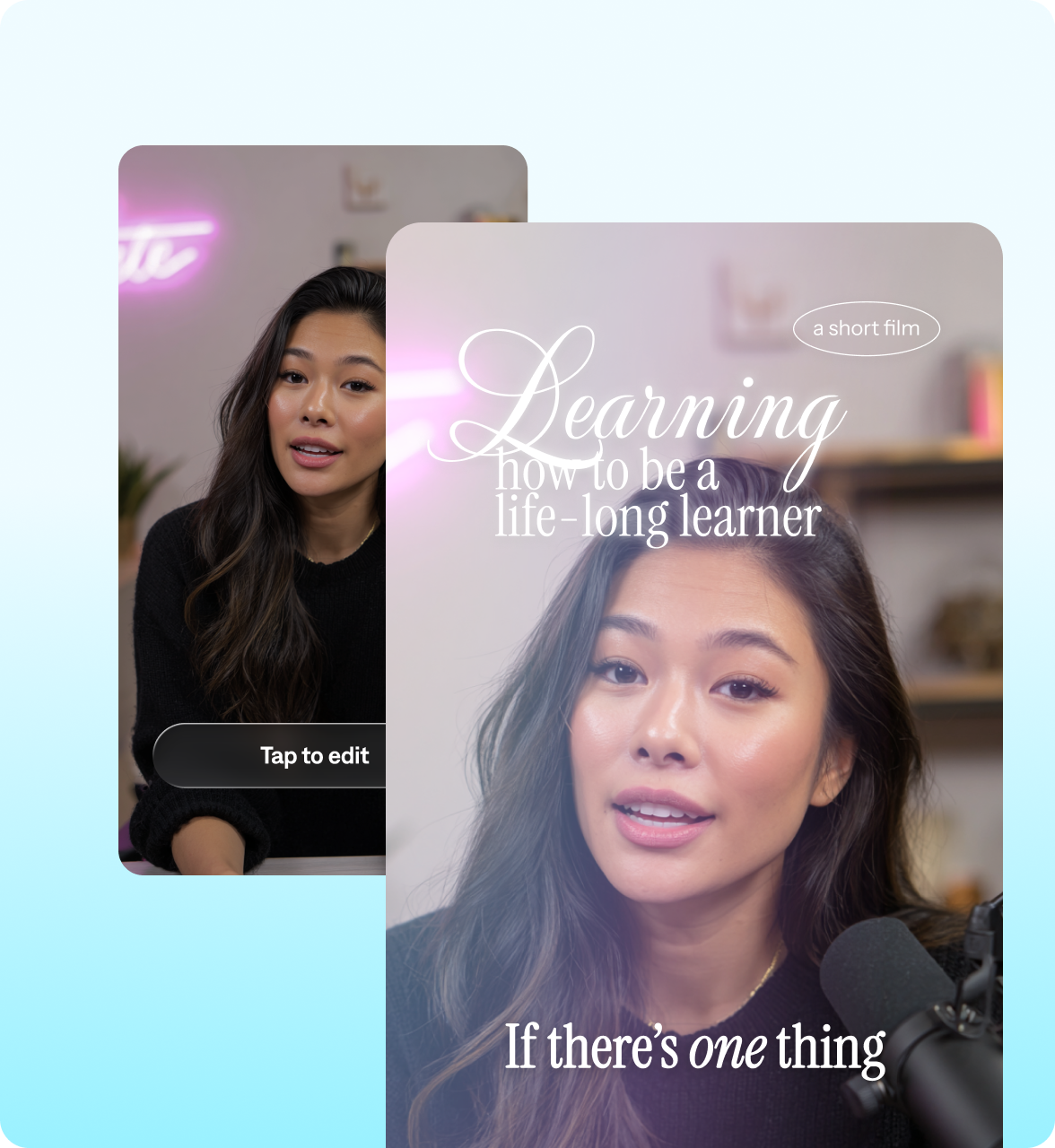
Turn footage into finished videos
AI Edit transforms your footage into a finished video that’s ready to share. Just pick a style, and our AI will cut scenes, add B-roll, insert sounds and more.
Edit like you text
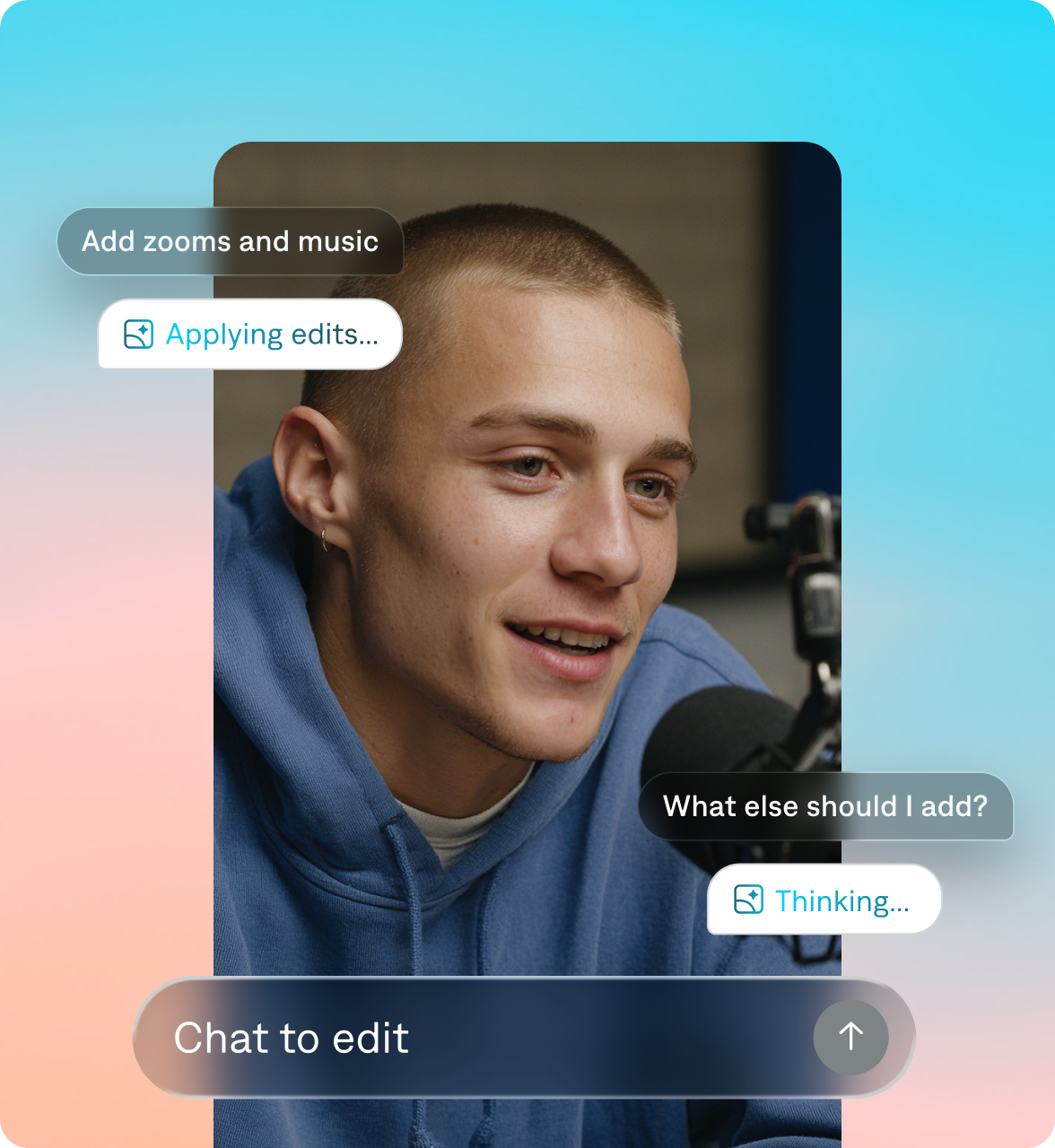
Captions’ chat-based editor can handle a wide range of changes, from smaller swaps to abstract requests. Just write a prompt, and let AI do the rest.
Never record a video again
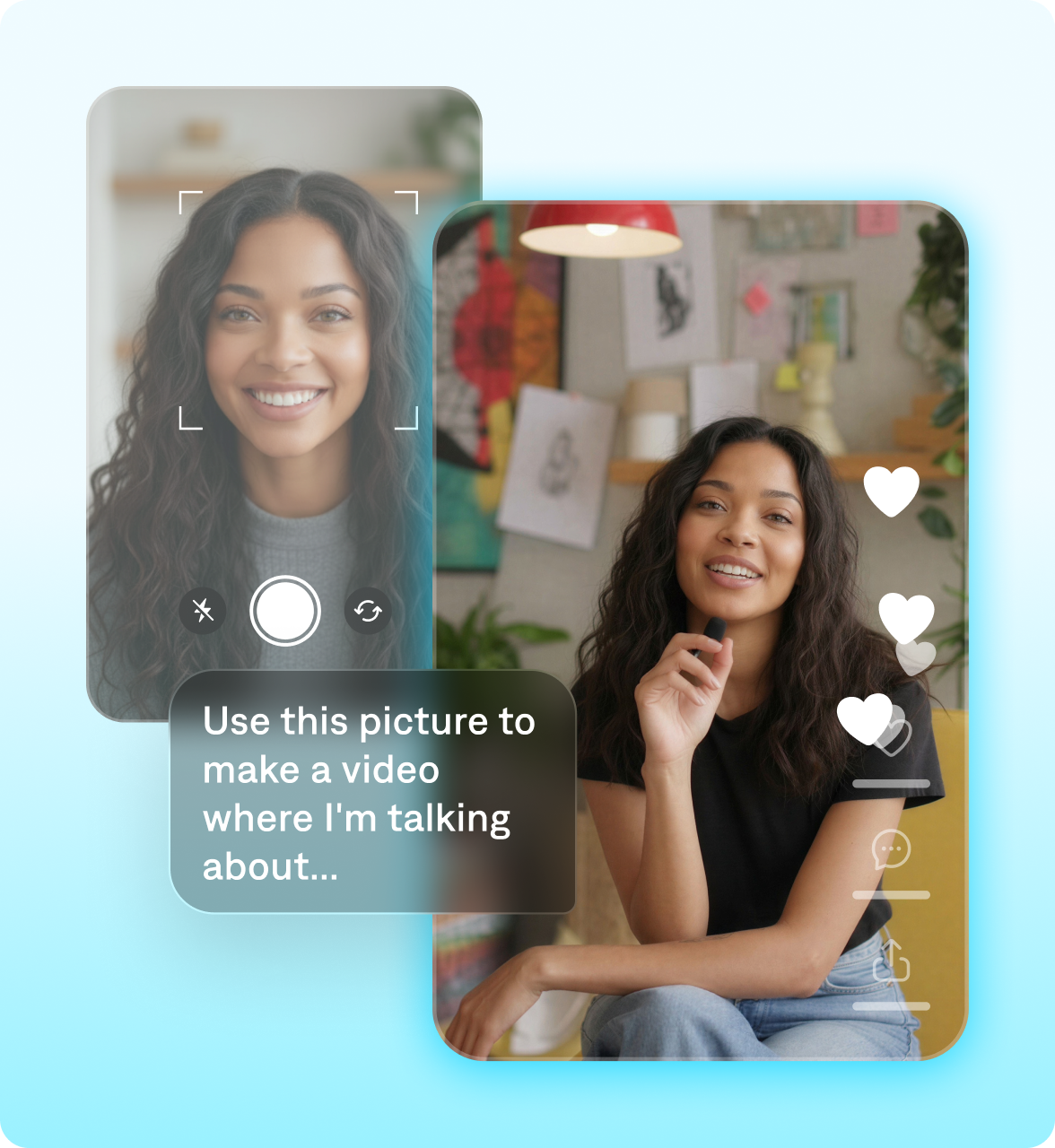
Turn a selfie into a video or create a spokesperson from scratch. Then, use prompts to customize their looks or background.
Improve accessibility
Use the caption generator to add stylized, accurate captions in more than 100 languages. You can also dub voiceovers into more than 30 languages.

Everything you need to make better videos.

Mirage video
Our proprietary AI model delivers realistic footage.

AI Editing
Explore a library of diverse, engaging styles.

Chat-based editor
Use simple prompts to direct changes and updates.

Realistic actors
Generate new characters or make a digital twin.

AI fast fixes
Correct eye contact, remove background noise and more.

Automatic captions
Generate captions in trending styles or custom colors.

Dubbing
Localize videos into 30+ languages.

Audio
Generate audio or add enhancing sounds.

Creative control
Shape pacing, structure, and flow your way.
What users are saying:
“I love it. Easy, simple but the results are complex and professional.”
Dylan G.
“When it comes to videos and editing, this is the best editor I have ever seen.”
Yuri B.
“Reels with captions are a must… This app is a lifesaver.”
Marina G.
Start creating.
It’s free to sign up for Captions, but you’ll want a subscription to access the best features. Explore our plans to pick the right one for you.

Made with Captions
AI-generated
AI-generated
AI-generated
AI-generated
AI-generated
AI-generated
AI-generated
AI-generated
AI-generated
AI-generated
AI-generated
Frequently asked questions
How do I get Captions?
Captions is made for your phone. Download the app from the App Store or Google Play.
Is Captions free to use?
Captions is free to download, and you can access some features without a subscription. To unlock all capabilities and get professional quality videos, you’ll want to sign up for one of our paid plans.
What’s the best AI video editor for content creators?
The best AI video editor helps you create professional-quality content fast, without advanced editing skills—and that's exactly what Captions is built for. Unlike traditional editors, Captions uses AI to handle time-consuming tasks automatically, editing your entire video in just a couple of taps. Whether you're making short-form social videos, ads, tutorials, or promotional content, Captions delivers studio-quality results in minutes, making it a top choice for creators who want speed, quality, and accessibility all in one app.
How can I add subtitles to my video?
Just upload your video to Captions and subtitles are automatically generated. Captions transcribes your audio with high accuracy, then syncs the text perfectly with the video timeline. You can customize the style, color, font, and placement of your subtitles to match your brand or content style. Captions also supports multiple languages, so you can translate your subtitles instantly for a global audience. Whether you’re making social media clips, tutorials, or podcasts, adding captions can boost engagement, accessibility, and watch time.
What's the Captions app?
Captions is an AI video editor that produces fully-edited videos. You can upload existing footage and use easy AI editing tools to finish the project. Or, use Captions to generate entirely new footage, without having to record on your own. Captions guides you through suggested edits with its AI editor, empowering you to make any video you want, regardless of expertise.
Does Captions edit my whole video for me?
Yes! Captions is designed to remove the heavy lifting so you can do the entire video all in one app. It handles everything from start to finish so you never have to edit by hand again. Once you upload or record your video, Captions automatically edits and stylizes your video with custom zooms, B-roll, music, transitions, and more. You can use our simple editor for any tweaks you want, but the time-consuming and specialized tasks are handled for you.
How does the Captions chat-based editor work?
The chat-based editor lets you edit videos completely through text prompts and simple commands. Just open a project in the Captions app, and you'll see the option to type into a chat box at the bottom of the editor view. Describe your changes, and Mirage's AI will do them for you.
What happened to Mirage Studio?
We recently merged Mirage Studio with our other product, Captions. If you were a Mirage Studio subscriber, you can now access your account at captions.ai. Once you log in, you'll see your existing projects and actors from your previous workspace. With this change, you will also gain access to new editing features within the Captions experience.
What types of videos can Captions edit?
You can edit a wide range of video types and formats, including vertical and horizontal video. Captions works well for social content, video ads, podcast clips, training videos, product assets, and more. Whether you’re creating talking-head footage or something more dynamic, Captions AI tools help you make videos you’re proud to share.