

AI lip sync for videos
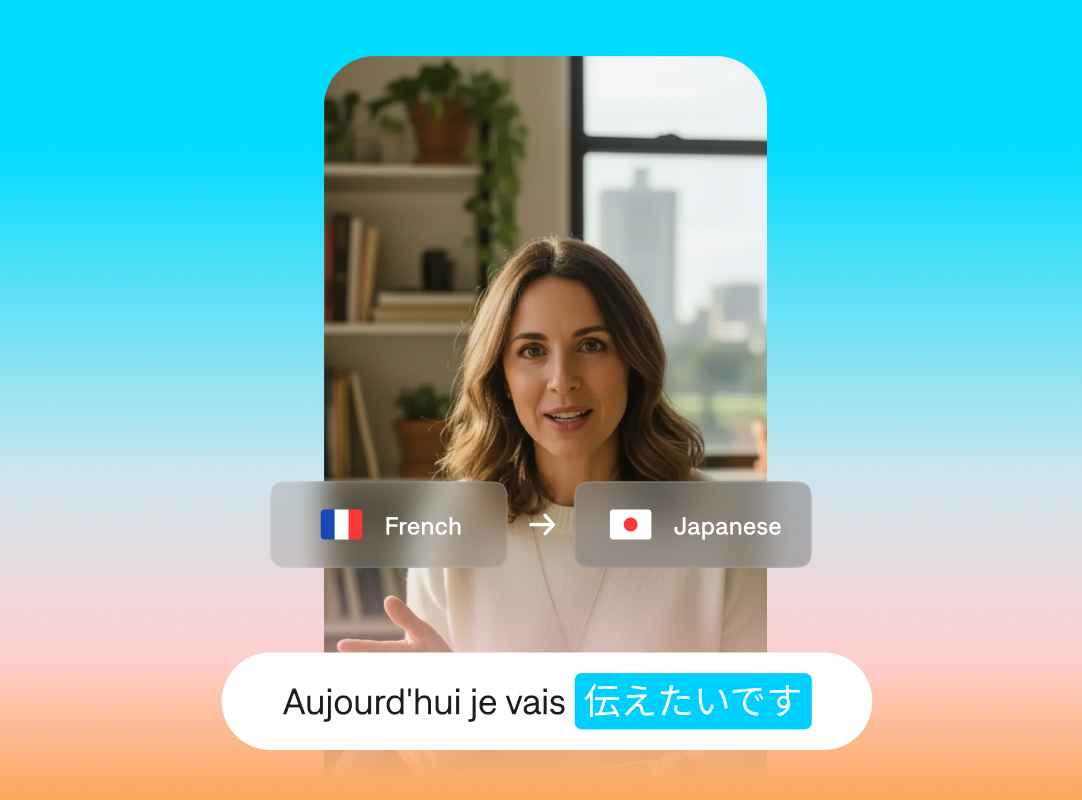
Make your videos shine in any language with AI lip sync. Stop distracting viewers with clumsy dubbing and bad voiceovers. Lip syncing makes translated videos feel natural, with smooth mouth movements and organic expressions.
Look as good as you sound
Delivery matters
It’s hard to sync audio with video, especially when you’re applying translated voiceovers. AI lip sync keeps mouth movements and pacing aligned with the original audio, so everything looks smooth. Viewers can focus on what you’re saying, not the editing.
Keep it natural
Translated versions stay true to the original speaker’s cadence and tone. When you choose a new target language, AI automatically resyncs the speaker’s movements to match that translation.
Localize for lower costs
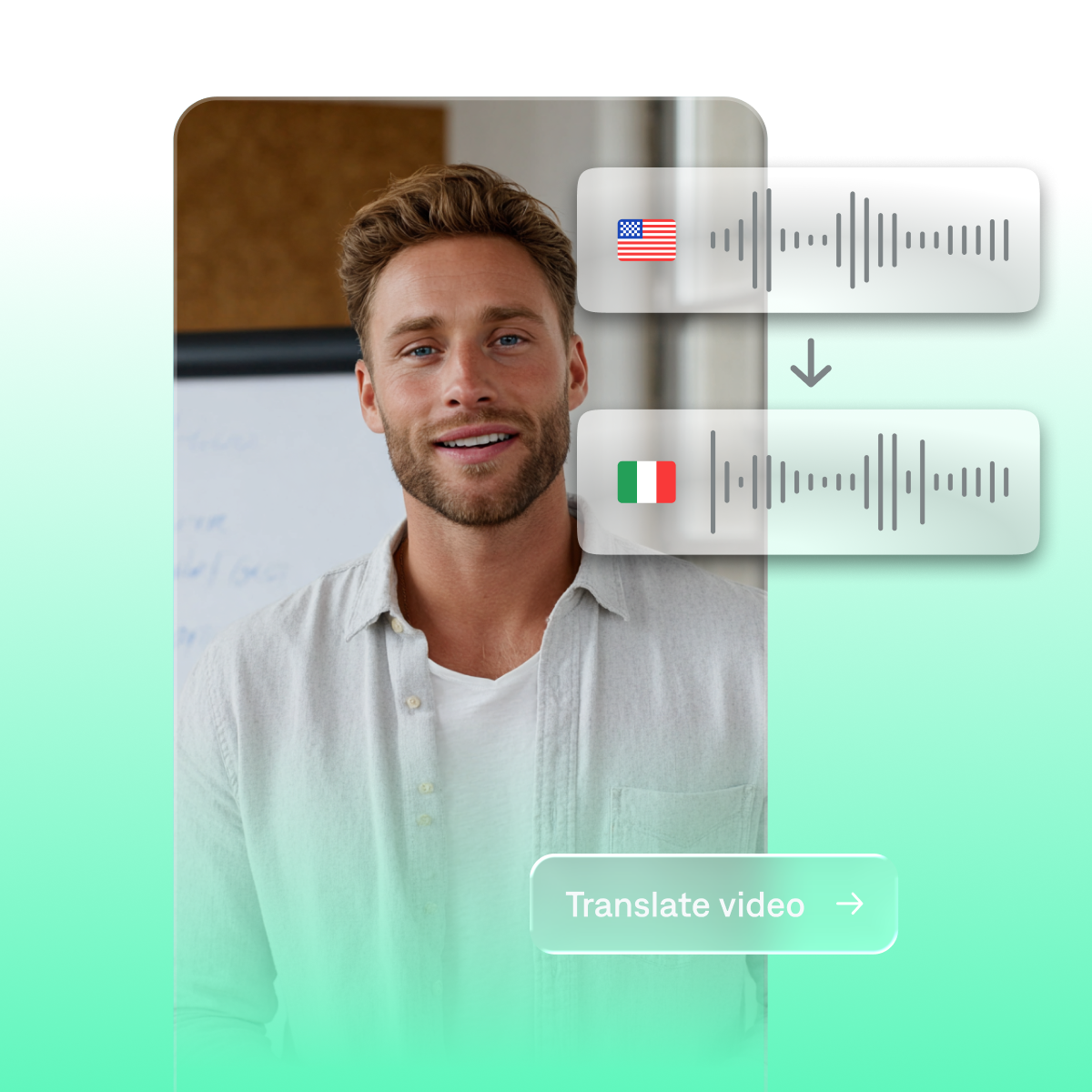
You don’t have to film again or bring in new talent. AI lip sync makes it easy to localize videos in multiple languages, with high-quality output.
Use Captions for lip sync
In-sync, every time
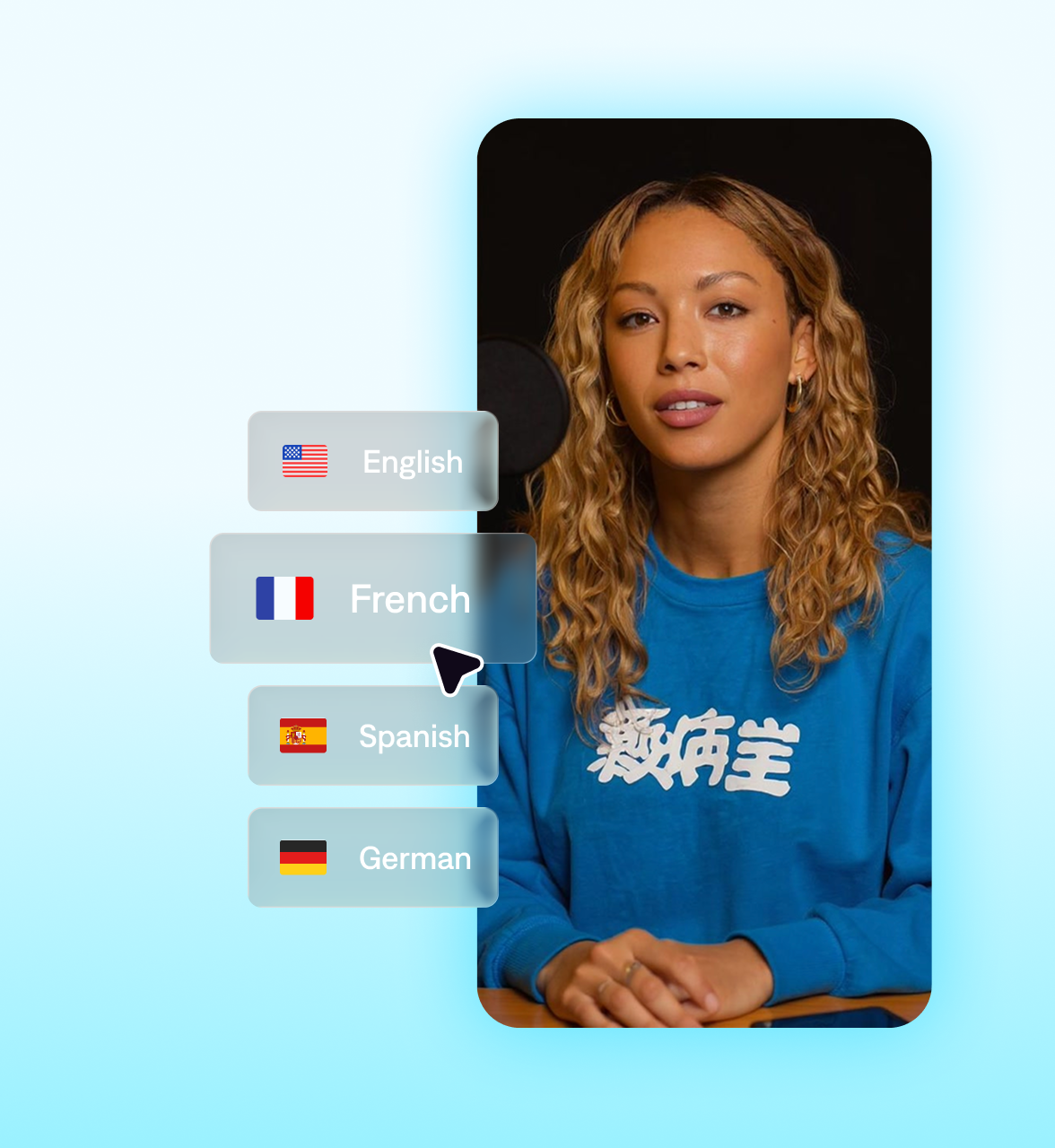
In the Captions app, you can translate or dub a video and sync it right away. Captions adjusts the audio and mouth movements together so it always looks like original footage.
Start your next video

Frequently asked questions
How does AI lip sync improve videos?
AI lip sync gives video clips a smooth, natural flow. You can use it for translated videos or even to update audio in older clips. AI tools create mouth movements and expressions that match your voice tracks. Maintain great quality while reducing your effort—no editing or reshoots, just results.
Can I use Mirage to sync translated voiceovers?
Yes, Mirage makes it easy to learn how to sync audio and video with any translation. Upload your original video to the Captions app, select the language you want, and our AI feature will create a synchronized voiceover in seconds. It automatically adjusts lip movements and expressions to fit the native-sounding voiceover, so your video flows authentically.
What types of videos benefit from lip sync?
AI lip sync is great for anytime you need seamless harmony between audio and visuals. Natural timing makes your message easier to follow no matter the content, from short-form ads to how-to videos. Some creators use it to repurpose older videos for updated audio, while others use it to sync their mouth to translated audio.
How does Captions ensure lip sync accuracy?
Mirage uses AI lip dub technology to align mouth shapes, timing, and expression with the audio you provide. When you upload or record a voice track, our system matches the visual performance to the pacing and delivery. This includes emphasis and small facial changes that make the speech feel natural. Because Captions generates each clip with these details in mind, the final video stays realistic and enjoyable to watch.
Do I need video editing skills to use lip sync in Captions?
No, you don’t need any video editing experience to create lip synced videos in Captions. Just upload or record your audio, and the AI handles the sync and visual performance for you.