

How AI is changing video production
Take a closer look at how AI can help improve traditional video production workflows.
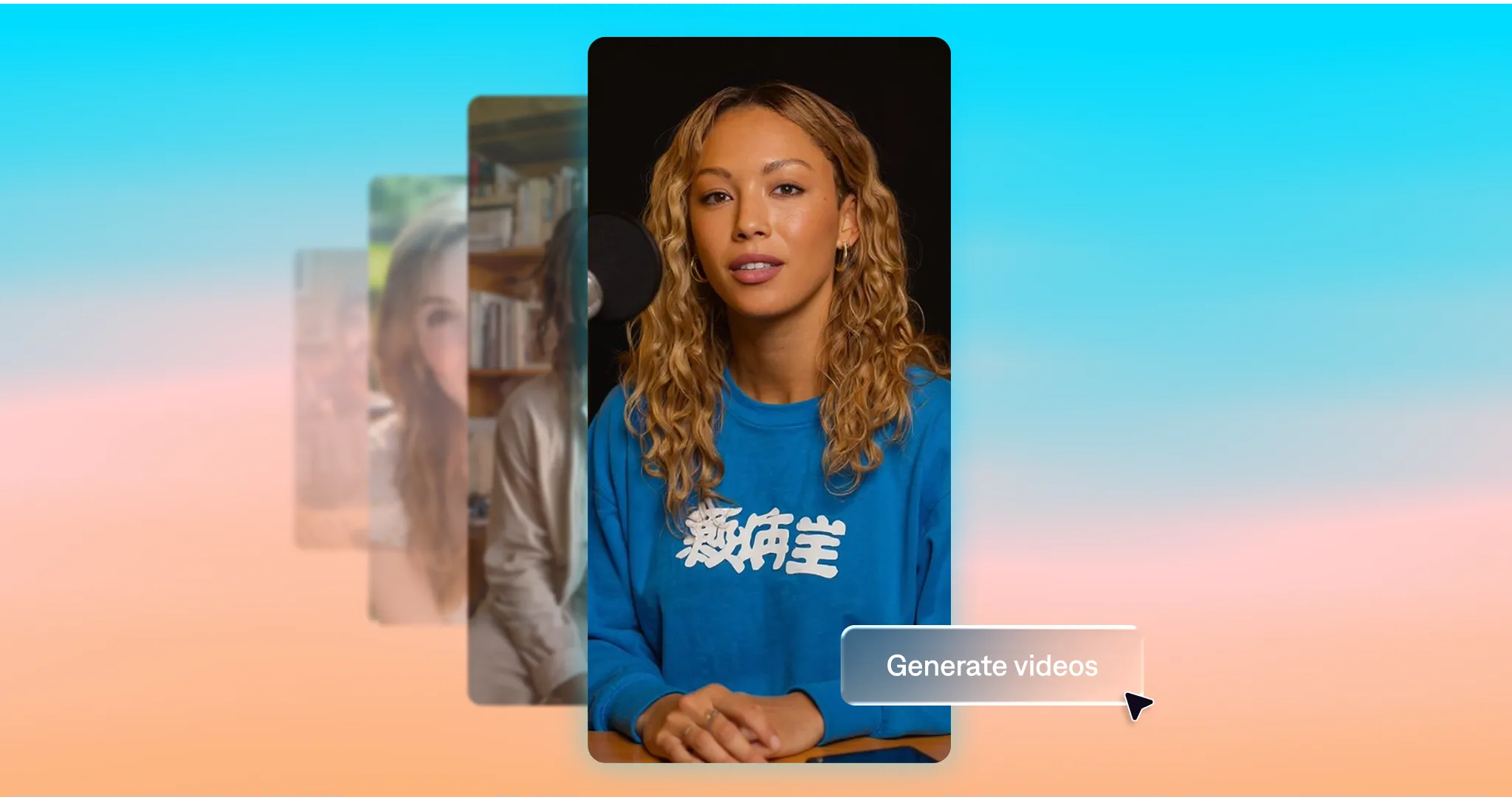
Not that long ago, video production required a studio-level budget, a full crew, and days in the editing room. AI is changing that. With the right tools and a strong idea, anyone can create high-quality video content, with much simpler workflows.
AI production tools totally change the game. They’re reshaping not only how video gets made, but how you can use it. Video is no longer something you have to save for big moments. Read on for a closer look at what that looks like in practice.
How AI fits into video production
AI doesn’t take away your creative control. You can still set the tone, decide the topic, and edit as you want. What AI production tools help with is automating the tedious parts of the process that usually eat up time.
Tasks like editing, captioning, re-shooting, and formatting can now happen automatically. You no longer have to stitch together multiple tools or plan around long production timelines. You can do things like create videos from text, turning a script into a finished video with far fewer steps in between.
When production becomes easier, you start to use video differently. You make more of it. You try new formats. You use videos in places you might have skipped before because it felt like too much work.
Ways AI can improve video production
AI makes a huge difference for workflow improvements and budget management. Here are some of the main ways people are using AI for video production and improving how they work:
Cleaning up footage
AI can significantly speed up your cleanup. Instead of scrubbing through every second of footage or making tons of manual changes, AI tools automatically apply an editor’s eye to the footage. It removes awkward pauses, filler words, and dead space with automatic trimming and clipping. Even if you only use AI for cleanup, your videos will feel tighter and better-paced, right away.
Fixing quality issues
Tiny mistakes used to mean reshoots or time-consuming fixes. With AI, it’s super fast to make high-impact quality improvements. Tools like Captions can fix correct eye contact, stabilize footage, and generally improve on-camera presence after the fact.
That makes it easier to record quickly and optimize later, instead of worrying about getting everything right from the moment you hit record.
Adding captions
In a social-first world, captions are essential. Many people watch with sound off, and manually adding and syncing captions can be tedious. AI can generate captions automatically and match them to your video’s timing. You can even upload your brand colors and fonts to keep your captions aligned with your personal style.
Improving audio
AI is also proving helpful with audio quality and correction. Background noise can be removed automatically with denoise tools, so it’s easier to hear the main audio track. You can also add music or sound effects that match your footage.
Editing from start to finish
Instead of editing every video from scratch, you can apply ready-made styles or edit quicker with AI editing features. For example, Captions includes AI Edit styles that instantly transform your entire video. Or, you can choose to use AI for specific changes, like adding transitions, zooms or B-roll footage. These editing tools help make your videos look more compelling and engaging, even when you’re producing a lot at once.
Generating video from text
One of the most compelling ways AI shows up in video production is its ability to generate actual footage, not just edit what already exists. Instead of starting with raw clips, you can create visual scenes from a text prompt. This can include B-roll, missing shots, or even the main footage itself. Rather than filming or reshooting to fill gaps, you can build and edit an entire video without any extra equipment.
Creating on-screen talent
In addition to generating footage, AI can also generate actors to star in your videos. Using a prompt of reference image, you can create realistic AI avatars to deliver your script without ever needing to film. Tools like Mirage Studio let you adjust their appearance, clothing, hairstyle, and background so everything stays on brand. Because avatars can be saved and reused, you can update their script as messaging changes instead of relying on reshoots, making them especially useful for UGC-style content.
Choosing the right AI video tools for your workflow
When you’re looking at AI video tools, it helps to start with how you actually work. Think about the kinds of videos you’re trying to make and where things tend to slow down. Is it getting from a script to a finished video? Adding in different visual effects? Cleaning up the audio or preparing videos for different platforms?
Once you’re clear on that, it’s easier to spot the tools that will actually help. The right AI tools should fit into your existing process and how you naturally work, without adding complexity.
If you’re looking for help with the entire end-to-end editing process, Mirage is worth exploring. Mirage Studio and Captions offer tools where you can generate customizable avatars from a prompt, edit videos through text, and get publish-ready content in just a few minutes.
When your tools work the way you do, video stops feeling like a heavy lift. It becomes something you can use more often, experiment with more freely, and rely on as part of your everyday workflow.