

Find your video style with AI Edit
Styled edits. Stellar results. Here's your official guide to Captions' AI Edit library.
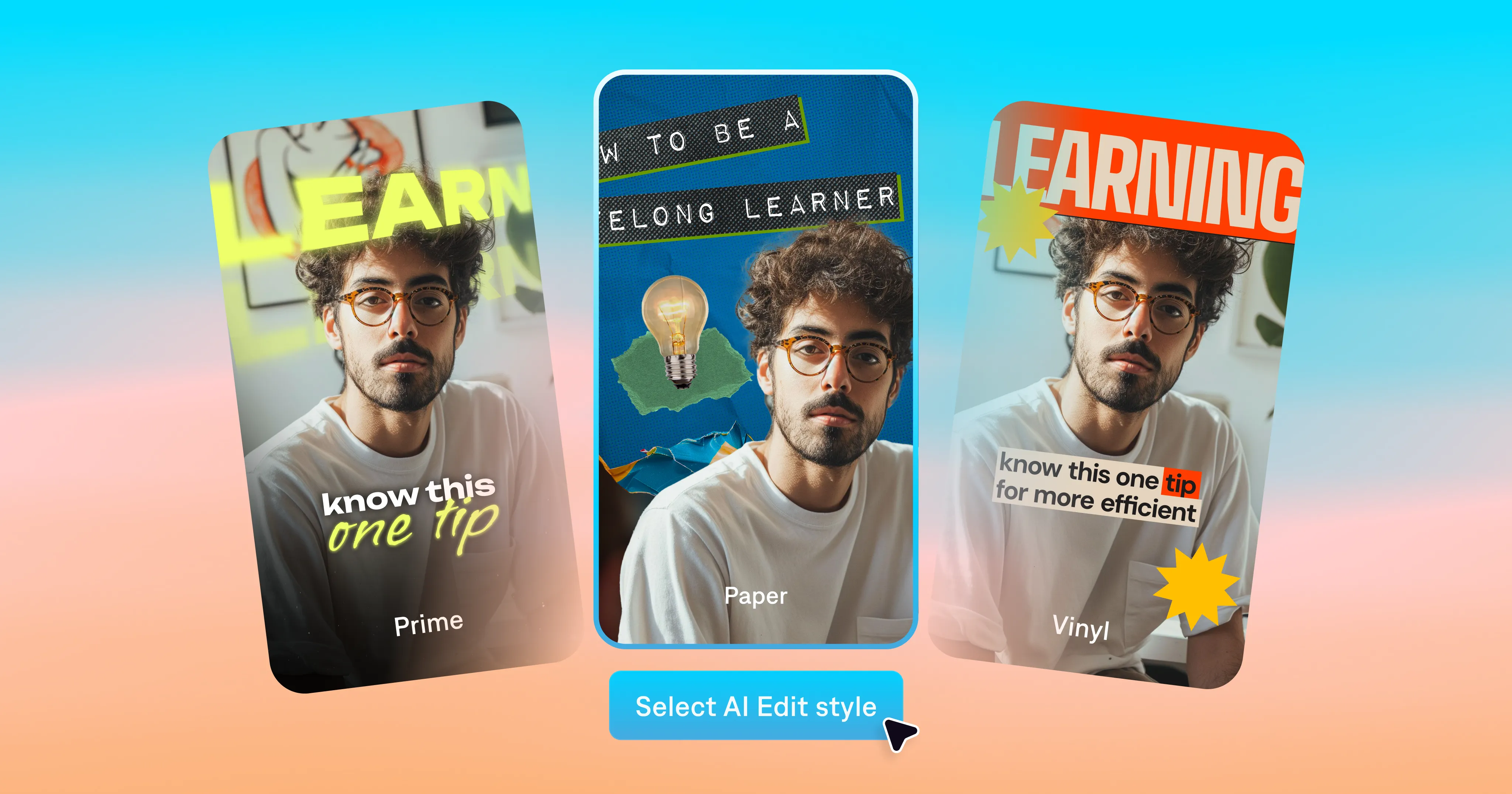
Everyone's feeds are cluttered. Videos that win make their mark fast, with strong hooks, solid pacing and engaging storytelling. The edit shapes how the video feels, bringing viewers in and inspiring them to keep watching.
That may sound daunting to pull off, but the Captions app has a secret weapon. Our AI Edit feature turns your footage into a fully-edited video. Explore the library to find styles you like, then apply them to your original footage. AI Edit adds transitions, subtitles, visuals and even music. It'll look like the professionally edited videos you see on social—but the app edits the video for you.
Explore the AI Edit style library
Our team has developed a full library of styles to complement different video topics and aesthetics. Every style shapes your story differently, so you might want to test a couple to see what you like best. You'll find the styles organized by theme in the Captions app, with some styles listed under multiple themes.
Here's a guide to available themes and how they'll look:
Hollywood
The vibe:
Cinematic, soft, and story-driven.
What to expect:
Warm color grading, vintage textures, soft transitions, and a film inspired finish.
Best for:
Telling a story, sharing a personal moment, or creating an emotional hook. For example: wellness content, personal reflections, travel recaps, and lifestyle tips.
Styles include:
Cinematic II, Elevate, Film, Sonnet
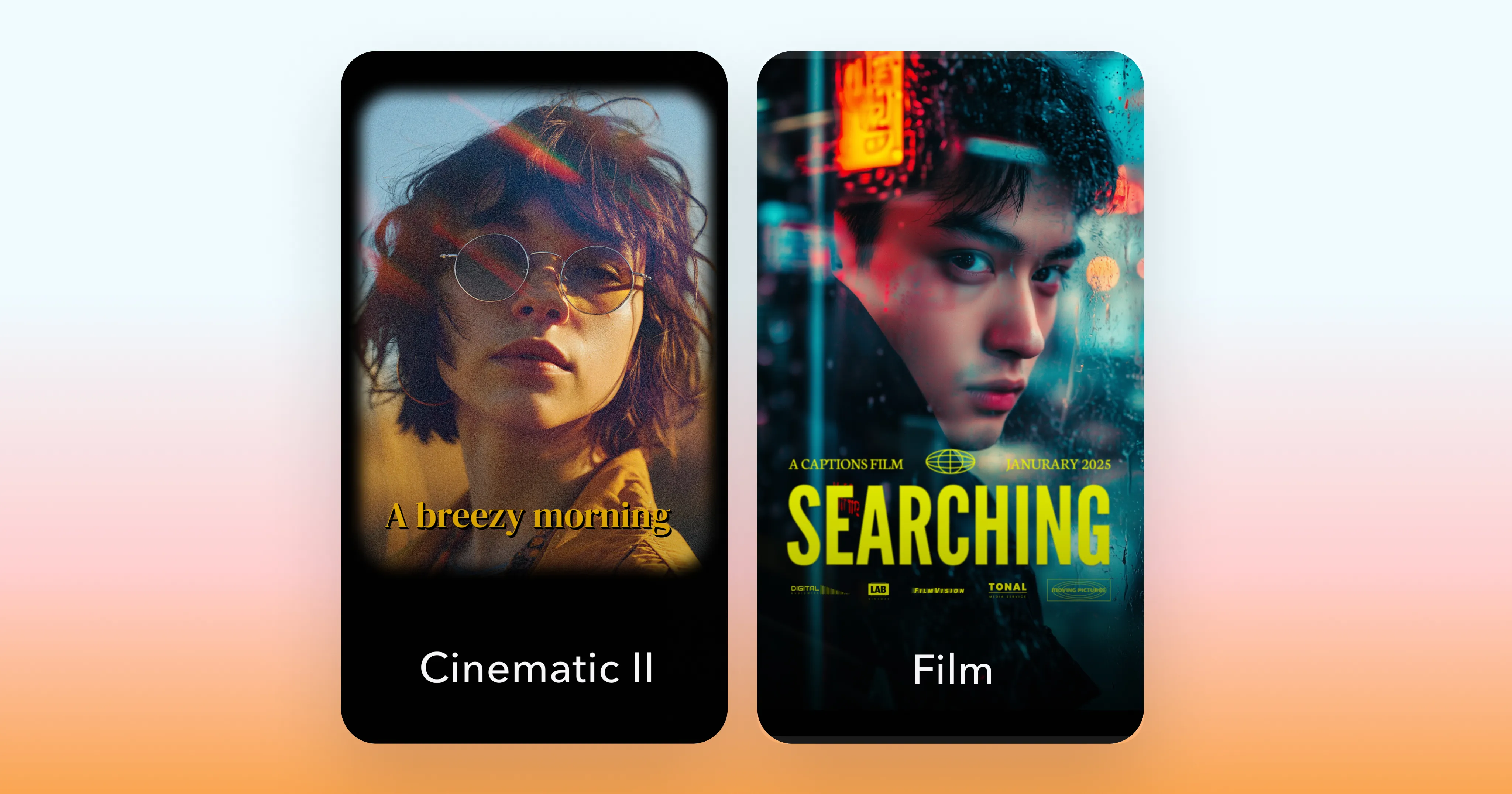
Retro
The vibe:
Nostalgic, handmade, artistic, and full of personality.
What to expect:
Textures, cutouts, expressive fonts, bold colors, and playful visuals.
Best for:
Making your video feel expressive and visually distinct. Think trendy lifestyle content, fashion, cooking videos, and creative montages.
Styles include:
Analog, Cinematic II, Neon, Recess, Vinyl II
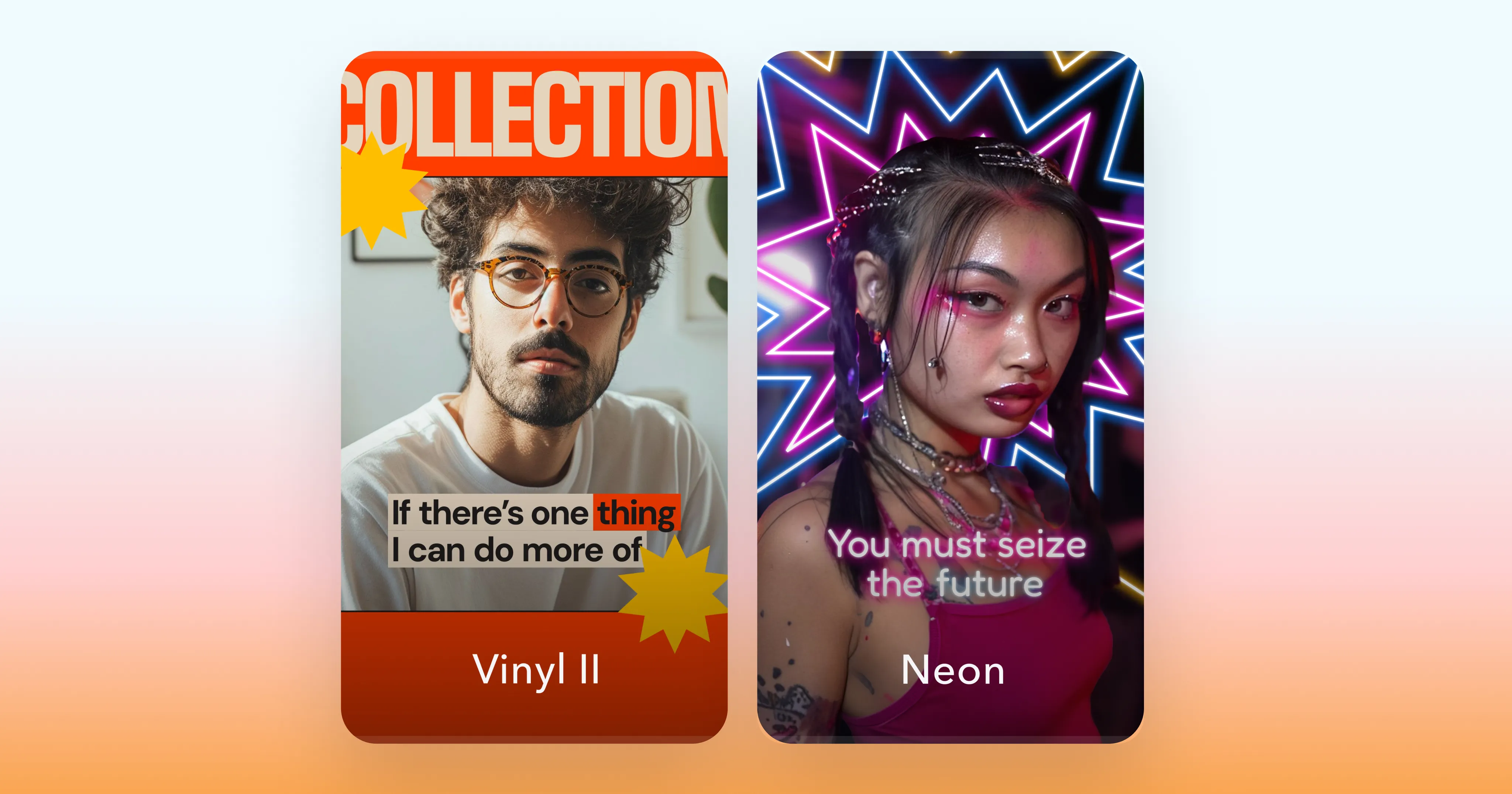
Business
The vibe:
Sharp, professional, energetic, and built for high retention.
What to expect:
Quick zooms, camera shakes, clean transitions, bold sound effects, and supportive B-roll that keeps attention on your message.
Best for:
Teaching something or persuading your viewers. Works well for coaching, podcast highlights, business advice, and fitness content.
Styles include:
Align, Archive, Blueprint, Clarity, Core, Growth, Ignite, Impact II, Rocket, Velocity
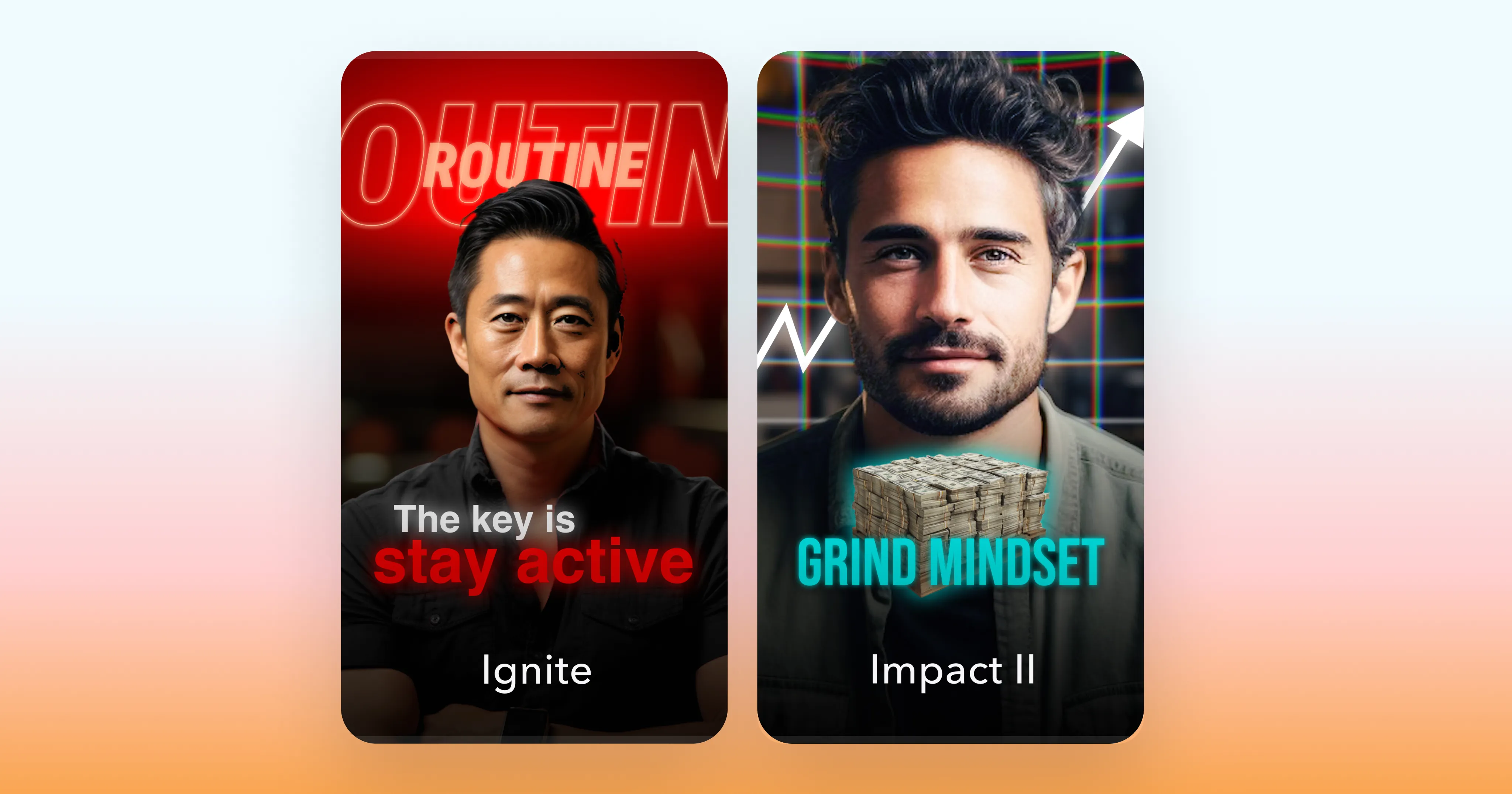
Motivation
The vibe:
Intense, energetic and dramatic.
What to expect:
Powerful zooms, momentum, bold filters, and exciting visuals.
Best for:
Inspiring people to take action or make a change. Motivation works well for gym edits, before-and-after content, and sales enablement videos.
Styles include:
Clarity, Ignite, Impact II, Prime, Pulse, Rocket, Velocity, Volt
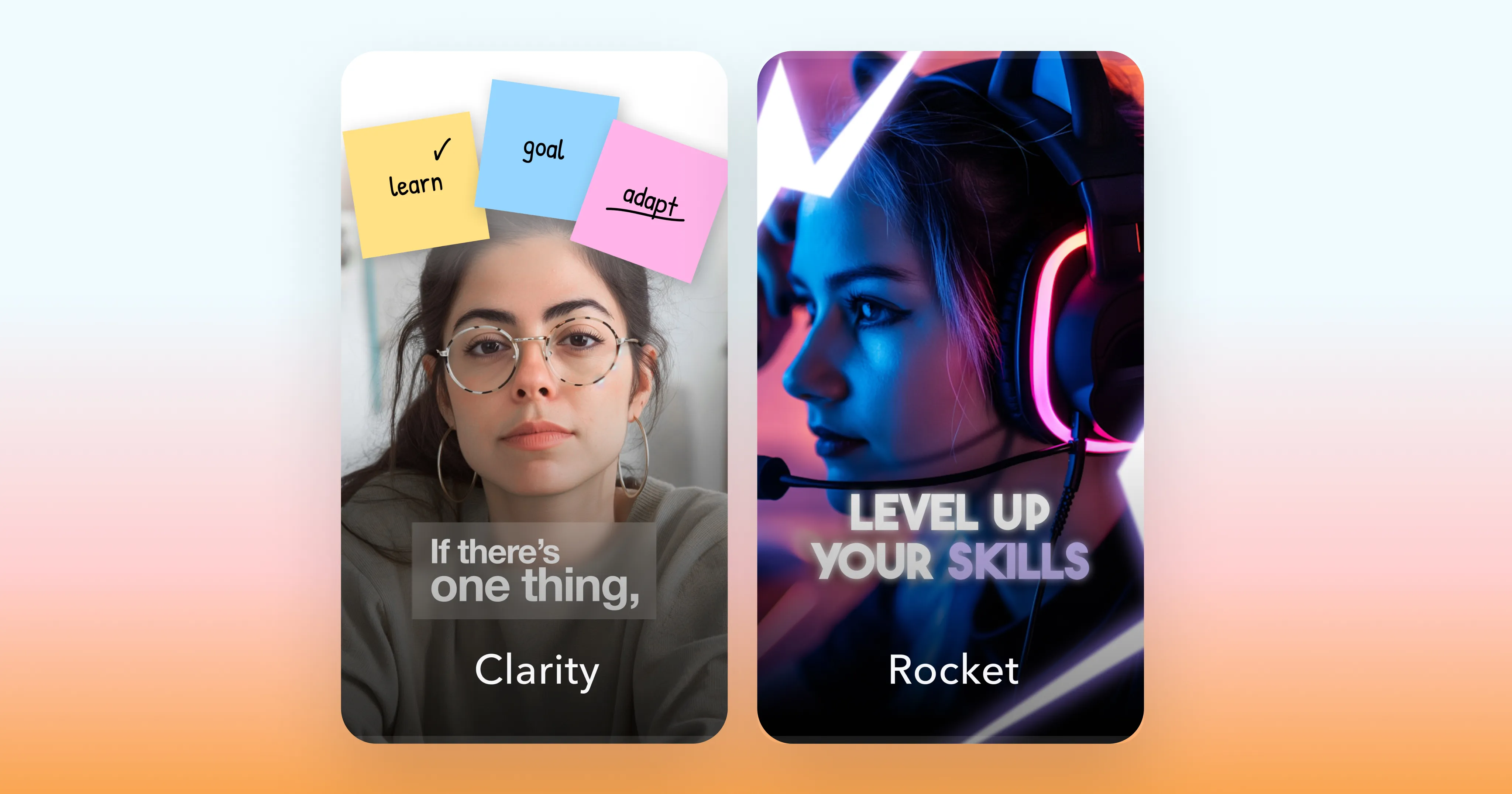
Contemporary
The vibe:
Clean, modern, neutral, and understated.
What to expect:
Simple transitions, clean layouts, clear labels, helpful graphics, and minimal typography.
Best for:
Giving your video polish and structure. Contemporary styles are popular for how-to videos, branded content, product demos, and cooking videos.
Styles include:
Archive, Analog, Core, Elevate, Ember, Film, Story, Vinyl II
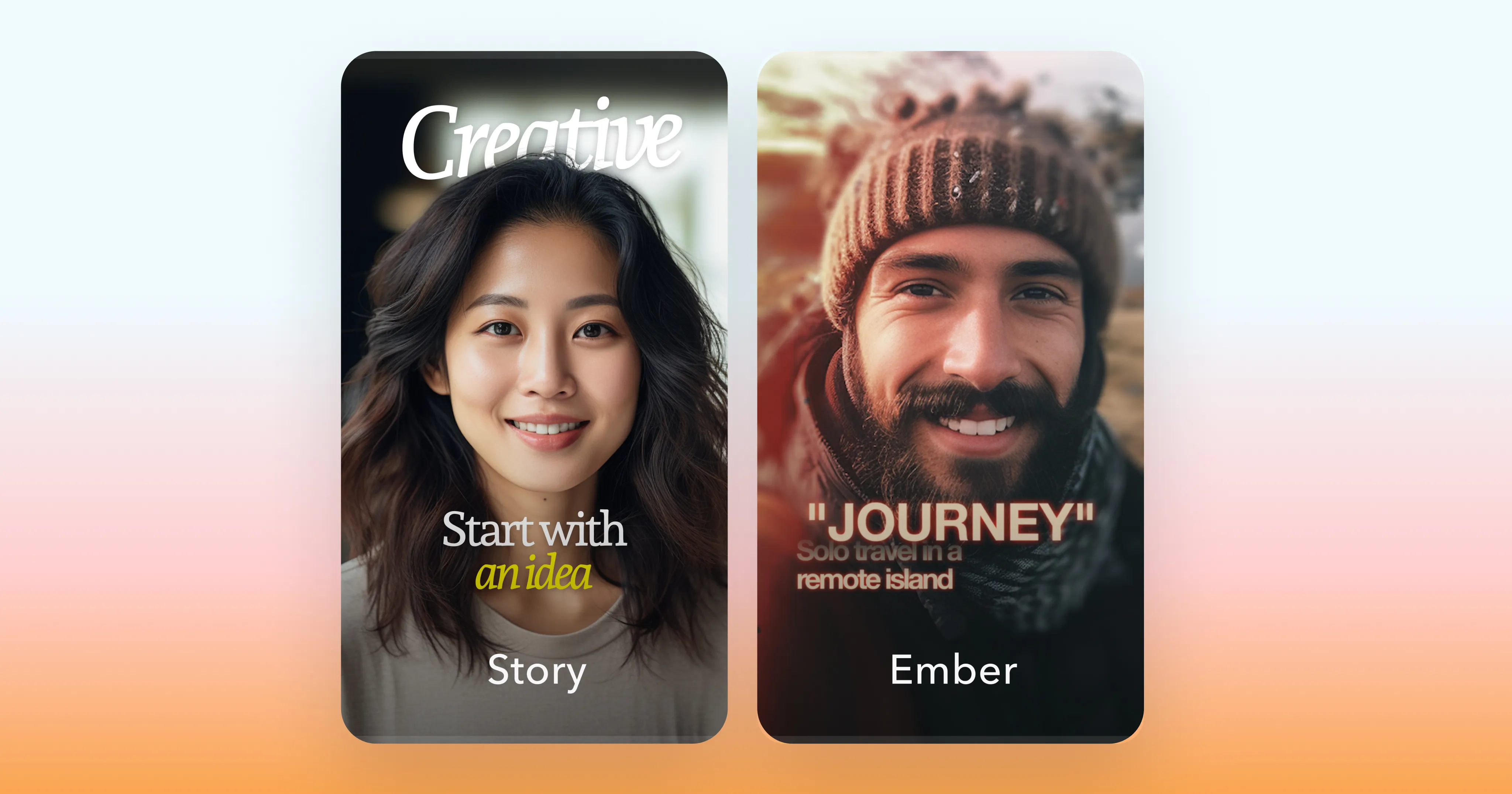
Scrapbook
The vibe:
Editorial, stylish, curated, and design-forward.
What to expect:
Collages, frames, handwritten lettering, and layered visuals that create a premium, magazine-like feel.
Best for:
Bringing a luxury-inspired, designer element to your videos. We love Scrapbook styles for fashion and beauty content, aesthetic lifestyle videos, and personal branding.
Styles include:
Magazine, Paper II, Rebel, Zine
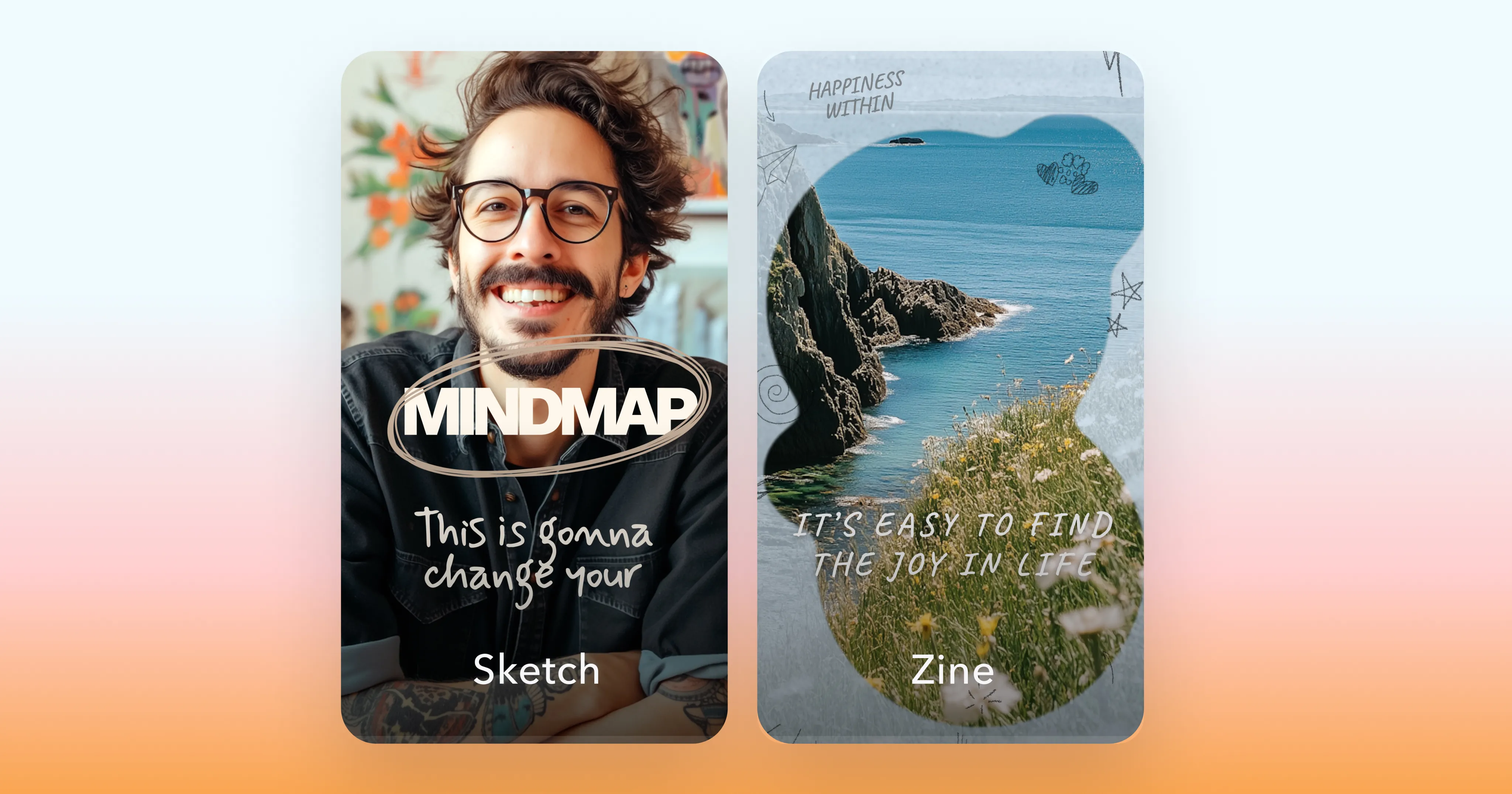
How to get the most out of AI Edit
Every AI Edit style brings its own rhythm and personality, so it’s worth experimenting a bit. Try running the same clip through a few styles to see how it impacts tone and pacing. And if a style gets you close to your vision but not quite there, you can always adjust the media, colors, or audio using Captions' other AI editing tools or the chat-based editor.
If you need more inspiration, check out the “New” and “Trending” categories in the style library. They highlight our latest drops and the styles people are loving most. No matter what you try, your videos will be ready for their closeup.