

Add video subtitles with AI
Speed up video production with automatic subtitles and captions.
Move fast, no matter your needs
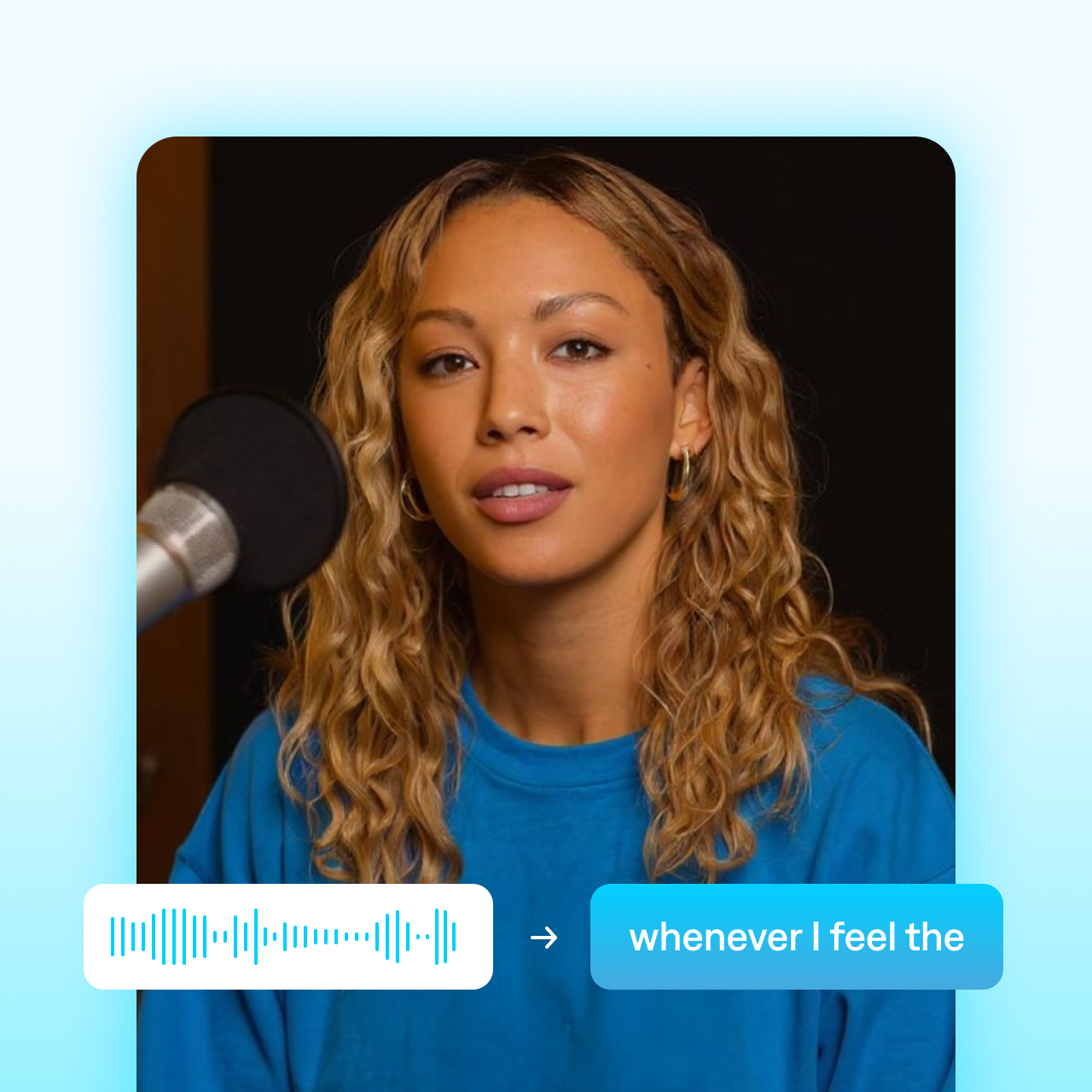
The Captions app generates subtitles in minutes with unmatched accuracy. It analyzes your video's audio to convert speech to text, then stylizes subtitles so they're easy to read. No need for manual typing or tedious transcribing.
Improve accessibility and engagement
Grow your audience like never before. Subtitles make it easier to reach people who speak different languages or need more accessible content. They also improve engagement for people who watch with the sound-off and rely on text to follow along.

Customize to match your style
Enhance aesthetics with dynamic styles and personalized details. You can apply AI Edit styles that instantly adjust colors, fonts and more. If you prefer hands-on editing, you can also adjust sizing, colors and fonts yourself.

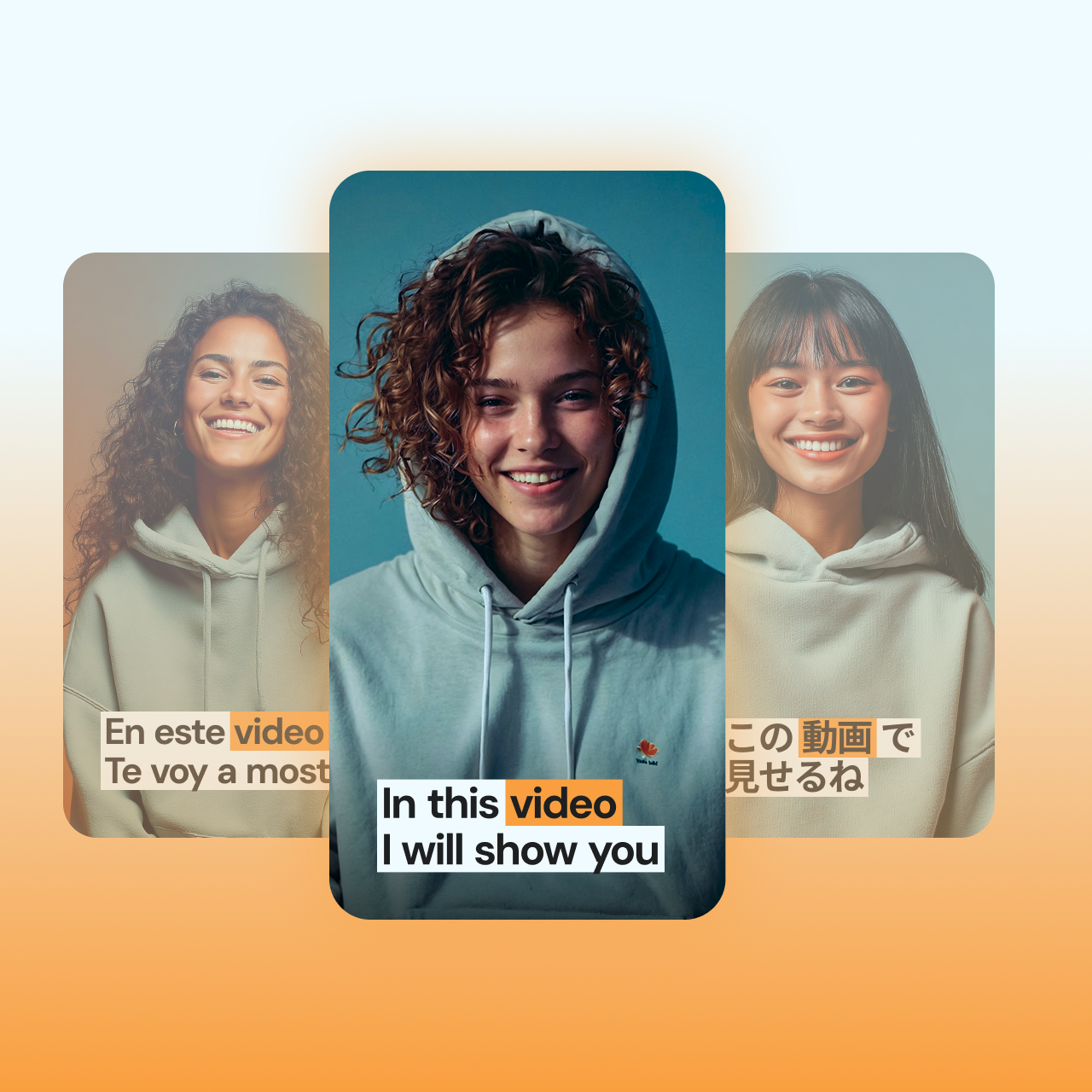
Caption in any language
Create multiple versions of the same video so your content goes further. Generate captions right in the app, then export individual videos for targeted marketing needs.

Get started
Frequently asked questions
What are the best ways to add video subtitles and captions?
Many teams use AI tools to automatically transcribe speech and instantly apply subtitles. This helps save time and production costs compared to traditional editing methods.
Can auto-generated subtitles be edited?
Yes. Many tools generate subtitles as a starting point, but you can take over to make quick adjustments. Scan the transcript to change any words you prefer to display differently, like branded terms or specific style guide choices. You can also tweak the timing or change visual elements like position and sizing.
What’s the best app to add subtitles to videos?
The best apps are intuitive and simple. Subtitles are quickly becoming a must-have, so the process should be easy for everyone. Look for an app with an approachable interface and high-quality results. Your on-screen text should be clear, readable, and visually appealing.
What's the difference between subtitles and captions?
Subtitles display spoken dialogue. They’re typically for viewers who speak another language or want to watch videos without sound. Meanwhile, closed captions include both dialogue and non-speech audio cues, like music or sound effects. They can be used to add emphasis and more dramatic storytelling than subtitles on their own.
Do I need to create my own subtitle styles in Captions?
You can build custom subtitles, but you don’t have to. If you’re looking to add some color and personality to your video, check out the AI Edit style library to apply preset aesthetics. Or, use the chat-based editor to describe the vibe you're going for and evaluate various options from there. Whether you're looking for minimalist subtitles or bold, vibrant fonts, you'll find it easy to bring your vision to life.