

Create product demos in minutes with AI
Need to make your products stand out? Demos can help. Product demo videos illustrate key features with formats like walkthroughs or UGC-style talking head videos. Showcase your products, land differentiators and find new customers.
Let your product do the talking
Show, don’t tell
Static images and feature lists can only go so far. Product demo videos give people a better sense of how things actually work. Use the power of sight, sound and motion together to land a richer story.
Flex to different goals
Demos are helpful at every stage of the customer lifecycle. Whether you’re launching a new product or showing people how to use something they purchased, demos solve information gaps.
Drive faster decision-making
With more compelling content, you can shorten the purchase cycle. Get people excited about what you’re offering and inspire faster action.
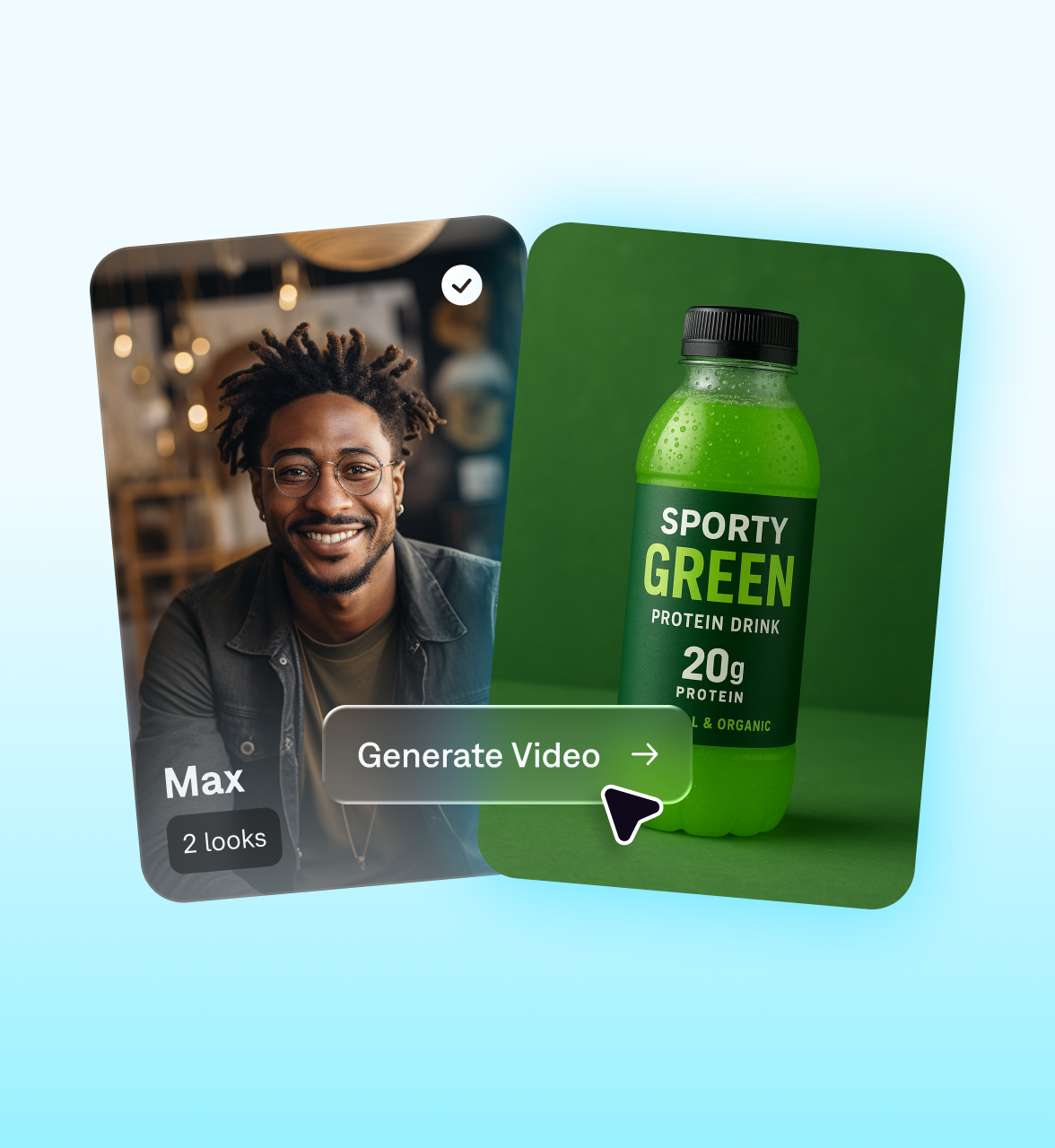
Make demo videos faster with Mirage
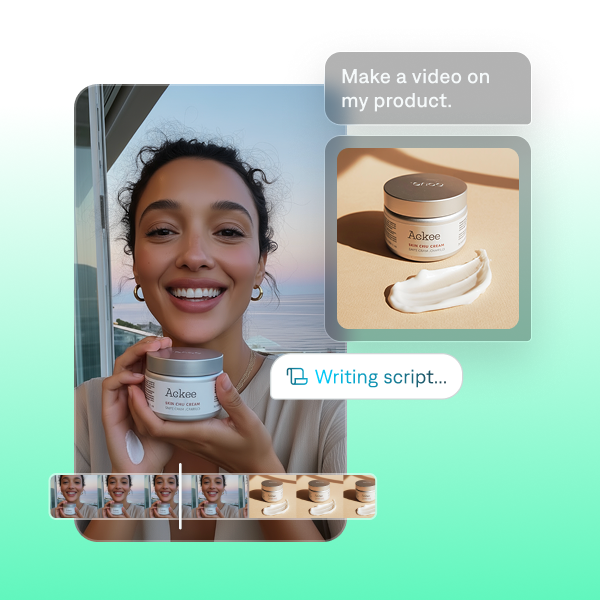
Fully edit videos
In the Captions app, you can make a complete product demo from simple prompts. Just explain what you want to show, upload any products you want to reference and let Captions do the rest. Use the text-based editor to finalize details, then export videos ready to share on social platforms.
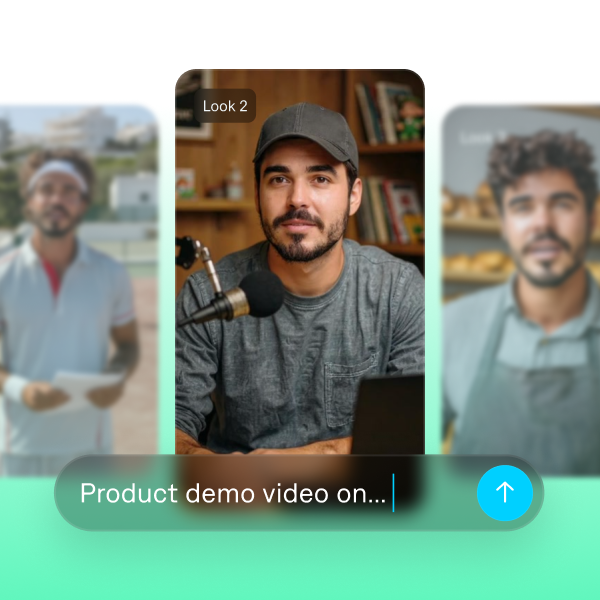
Scale demos
Captions is designed for fast-moving teams that need a lot of videos. Create demos from videos and simple reference prompts, then iterate fast to make more variants. You can even swap in alternate products or change your AI actor’s look.
Start your next video

Frequently asked questions
What are demo videos?
Demo videos show how a product functions in real-world scenarios. They’re widely used across industries — from e-commerce videos to SaaS. Unlike static images, videos help people get a better sense of what they’re actually buying and how it would fit into their life or business workflow.
What makes a good product demo video?
A strong product demo is clear, focused, and easy to follow. The best demos show how your product works in real situations rather than listing features on their own. It also helps to create different versions for different audiences so each viewer sees what matters most to them. Tools like Captions make this simple by letting you adjust presenters, visuals, and messaging quickly, so every demo feels relevant and purposeful.
How can I create a demo video using Captions?
Use Captions to quickly turn a prompt into a fully edited, social-ready asset. Or, generate realistic AI actors who can hold, use, or talk about your product. Once your demo is finished, export and adapt it for anything you need, including websites, sales decks, and email campaigns.