

Easy tools for content clipping
Clip your way to more visibility. Learn what content clipping is, and how to do it.
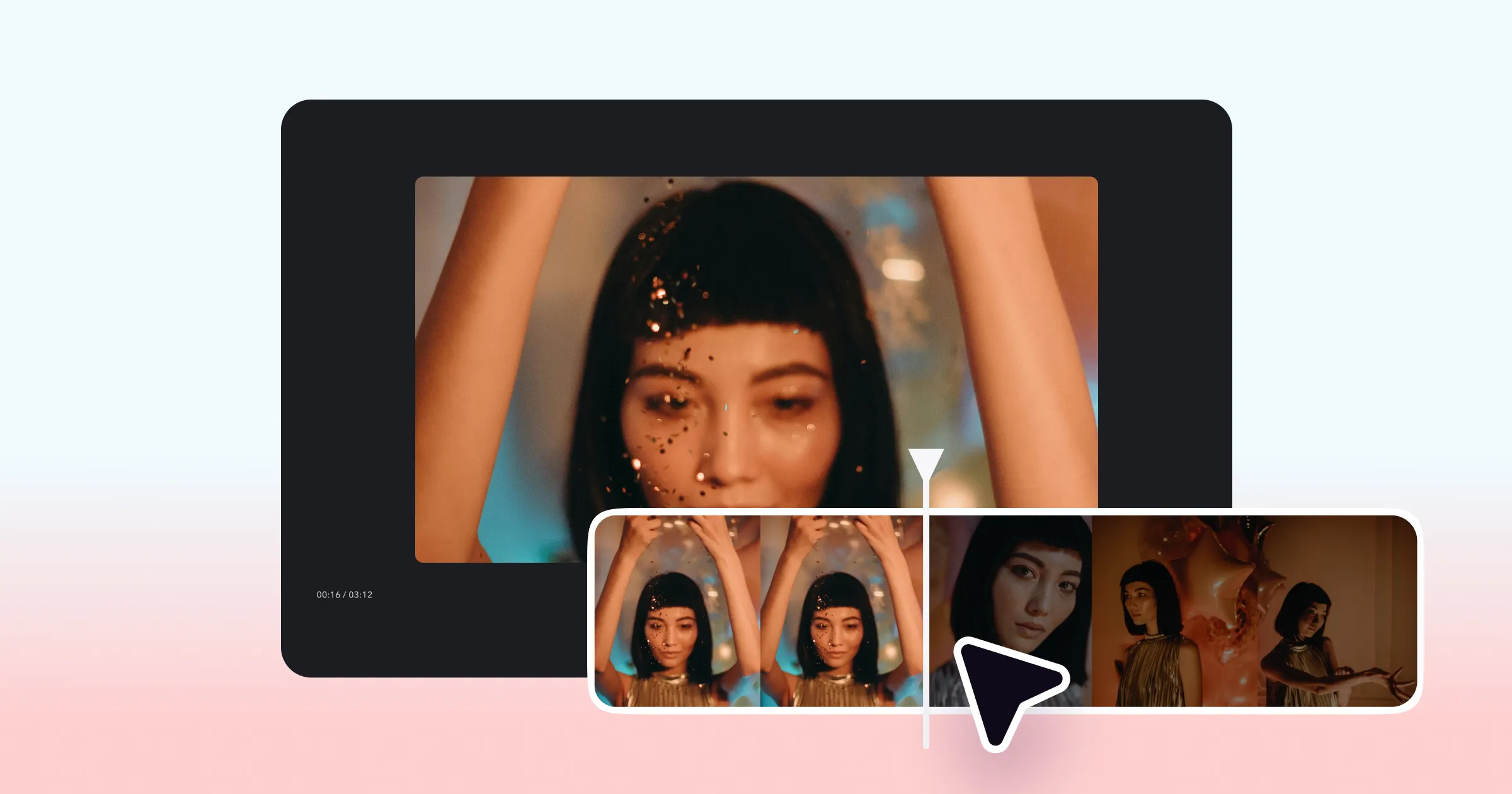
Content clipping has become a top strategy for online video. Scroll your feed, and you’ll see short, captivating clips pop up from creators, brands and even entertainment studios.
Short clips pulled from longer interviews, podcasts or shows are the ultimate hook. They pull people in with juicy quotes or intriguing commentary. The best case scenario is that someone clicks to watch the rest of the video in its full length. But even if they only ever watch the video clip: You’ve made an impression, and can benefit from it.
How clipping works
Clipping works best if you can isolate a part of your video that will cause an immediate reaction. You’re looking for the most interesting part of an interview, a quote that will inspire emotion or a joke that feels extra shareable. The most popular clips can get shared broadly, both through public reposts and people’s individual DMs. You want to find clips that cause an immediate reaction and make someone want to pass it on.
The best thing about clips? You already have the content waiting for you. It’s low effort to take a longer video, and repurpose it into something smaller. You already did the hard
If you’re looking for more ways to show up online without adding a lot of extra effort, video clipping is worth trying. For many, it can start with something straightforward, like learning how to clip a YouTube video, or pulling moments from longer content they already have.
Easy ways to clip videos
The best approach depends on how much time you have, and how hands-on you want to be when deciding how to clip a video. Here are some easy ways to get started with video clipping, along with best practices to keep in mind as you go.
Manual content clipping
Manual clipping works well when you want to be precise about what moments you’re trimming and how those moments come across. It takes more time than other approaches, since you are actively reviewing footage and making decisions yourself, but that tradeoff comes with more control.
Start by watching the video with fresh eyes and thinking about how someone who hasn’t seen the full piece would experience it. Look for moments that feel clear, compelling, and worth pulling forward: the parts someone would pause on even without the rest of the video. You should also consider moments that would inspire a strong reaction in your audience, whether that’s humor or healthy debate. Those kinds of moments make videos more sticky, so they’re shared more.
To actually make the clips, use a video editor or clipping tool, like Captions. In the manual editor, trim the clip so it starts where the idea actually begins and ends cleanly. You can make multiple clips from the same video, saving your edits as different projects.
Using AI to clip content faster
You can also try using AI to clip your videos. Instead of spending time to find clips, an AI video clipping tool can scan the footage and recommend moments that are most likely to work as shorter snippets.
To try this, check out the AI Shorts feature in the Captions app. Upload a video or paste in a YouTube link, and the tool pulls a set of suggested clips based on pacing, natural breaks, and moments that tend to hold attention. Instead of guessing where to start, you begin with moments already worth reviewing.
AI handles the first pass. You decide what to keep, make any edits you want, and format each clip for the platforms you post on.
Important things to keep in mind when clipping content
Trimming down is only part of the process. As more clips compete for attention in the same feeds, how your clips show up, where they live, and how they’re experienced matters just as much as the cut itself. Keeping a few key ideas in mind can help your repurposed videos feel intentional and worth watching.
Start with the feed, not the file
Before you clip anything, it helps to think about where it’s going to live. Spend time scrolling the platforms you post on and notice what formats, pacing, and topics perform well. This makes it easier to spot moments in your content that will fit right in.
Find your niche
If you’re already creating longer footage, you may have already nailed down what your general focus is. The same applies when you start clipping. Short clips work best when they reinforce a clear theme or point of view.
Each clip should stand on its own
A good clip shouldn’t feel like it’s missing something. This is especially important in short-form feeds, where viewers often see a clip without any surrounding context. When you are pulling clips, look for moments with a clear beginning and end, even if they come from the middle of a longer recording.
Make it worth watching
A clip can also do more than stand on its own. It can act as a teaser that sparks interest and encourages someone to visit your profile or explore more of your channels.
Good editing plays a big role in that. When a clip is well edited, it feels easier to watch and more inviting. That makes it more likely to draw someone in, whether they stop there or continue exploring. Tools like Captions make it fast to apply those finishing touches, from clean cuts and tighter pacing to adding clear subtitles that help the clip land.
Think in batches
Repurposing works best when it’s a system. Instead of clipping one video at a time, treat your long-form content like something you can keep pulling from. Pull multiple clips in one session so you always have content ready to go and aren’t starting from scratch every time.
Making content go further
Leaning into clipping is a simple way to take advantage of what’s already working online. It builds on formats people are already engaging with, without requiring you to rethink your entire content strategy. By pulling short moments from longer videos, you can show up more often, stay relevant in fast-moving feeds, and get more mileage out of the work you’re already doing.