Strata vs. Adobe computer use
Give your agent direct access to the creative engine.
An agent can operate an editing application through its interface. Strata takes another approach: the agent works directly with a native creative project and renders it locally.
Free on Apple Silicon Mac. Your agent’s costs are separate.
Read the setup prompt
Help me set up Strata by Mirage so you can edit videos and create motion graphics locally. Read the official setup guide at https://mirage.app/strata/install. Check whether my computer and this agent support the local plugin, and use only Mirage’s official release links. If the appropriate release link is not available, tell me rather than guessing an install command. Once Strata is ready, ask me for my footage or the video I want to make.
An agent operating creative applications
Application controls and menus
Projects across specialist tools
The installed application renders
A native creative project
Video layers and compositions
Keyframes and adjustment layers
Native local preview and rendering
What changes in practice.
| Compare the approach | Adobe computer use | Strata |
|---|---|---|
| How the agent works | Computer use operates the application’s visible controls. | The agent calls Strata’s documented interfaces directly. |
| Project structure | Work is organized in the projects and tools of the chosen Adobe applications. | Editing, graphics, motion, and audio live in a connected Strata project. |
| What you need | The relevant installed applications, licenses, and compatible agent environment. | The free local Strata engine and an agent that can run local tools. |
| When it fits | An established Adobe workflow that depends on its specific tools or project files. | Creating and revising video through an agent without opening a traditional editor. |
Based on Adobe computer use documentation, reviewed September 16, 2026.
Choose for the work you want to make.
Choose Strata for direct, local creative work through your agent. Stay with Adobe when your delivery depends on its project formats, specialist tools, or existing production pipeline.
Explore the tools behind the work.
All Strata features →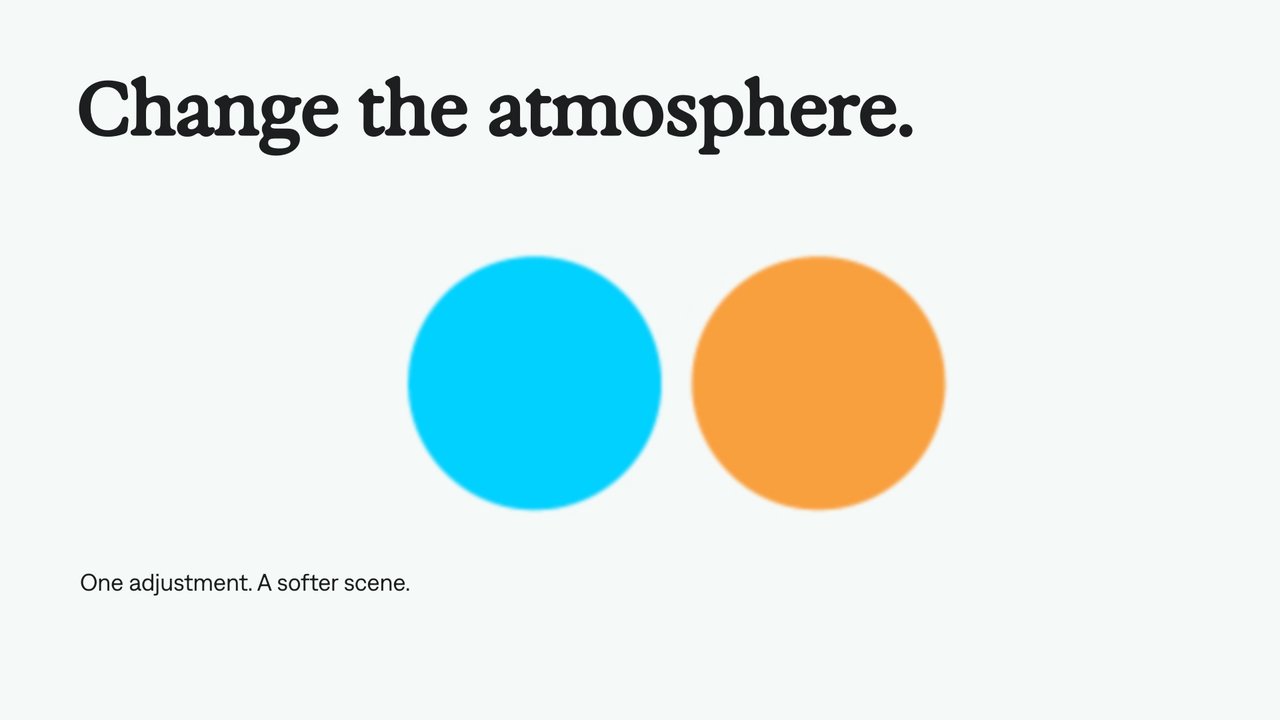
Adjustment layers
Use an adjustment layer to change the look of the layers beneath it. Keep the treatment separate from the footage, text, and graphics so your agent can revise it in one place.
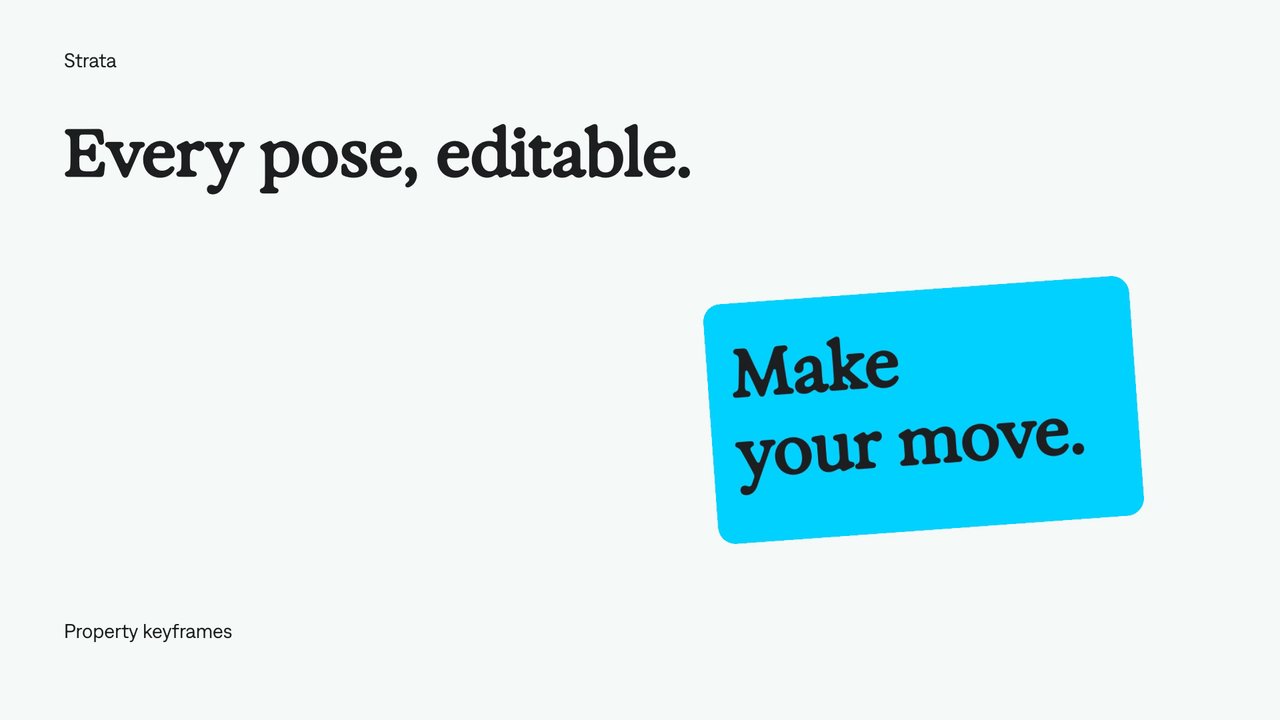
Keyframe animation
Set values at specific moments and let Strata animate between them. Your agent can refine the timing, positions, and easing while keeping the animation editable.
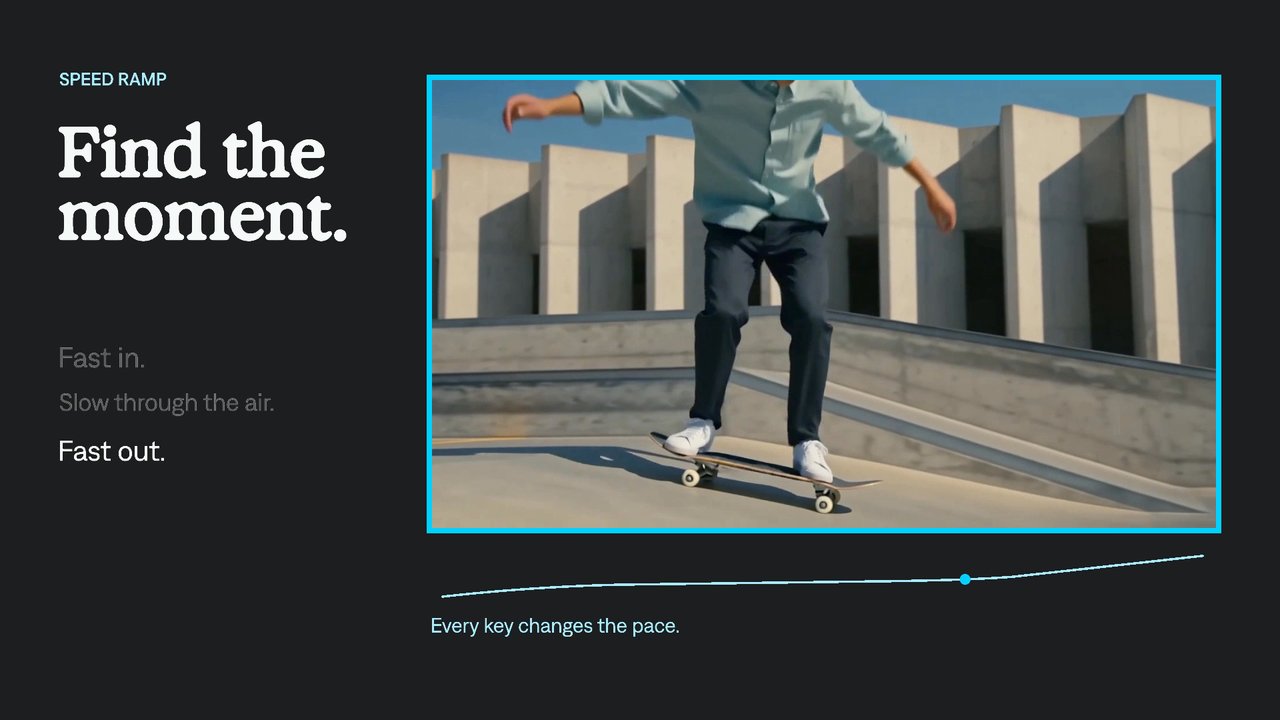
Speed ramps
Move from fast action into a slower moment, then accelerate again. Strata gives your agent an editable time-remap curve to control which source frame appears at each point.
A few useful details.
Does Adobe also offer APIs and scripting?
Yes. Adobe supports programmatic workflows as well as its user interfaces. This comparison concerns computer use specifically; it does not claim that clicking is the only way to automate Adobe.
Does Strata replace every Premiere or After Effects feature?
No. Strata has its own native tools and project model. Check the feature library against your workflow. Premiere project import and export are not included in this local launch.
Is Strata open source?
The local release provides a free binary with documented interfaces and examples. It does not publish the engine source. Refer to the official release license for deployment and embedding terms.
Explore another approach.
Strata and Hyperframes
Compare Strata with Hyperframes: authoring model, editing workflow, revisions, and local rendering. Find the approach that fits your creative work.
ExploreStrata and Remotion
Compare Strata with Remotion: authoring model, editing workflow, revisions, and local rendering. Find the approach that fits your creative work.
Explore
Your next video.
Made with your agent.
Professional creative tools for your AI agent. Free on your Mac.
Free on Apple Silicon Mac. Your agent’s costs are separate.
Read the setup prompt
Help me set up Strata by Mirage so you can edit videos and create motion graphics locally. Read the official setup guide at https://mirage.app/strata/install. Check whether my computer and this agent support the local plugin, and use only Mirage’s official release links. If the appropriate release link is not available, tell me rather than guessing an install command. Once Strata is ready, ask me for my footage or the video I want to make.