

Video editing tips for beginners: 2026 guide
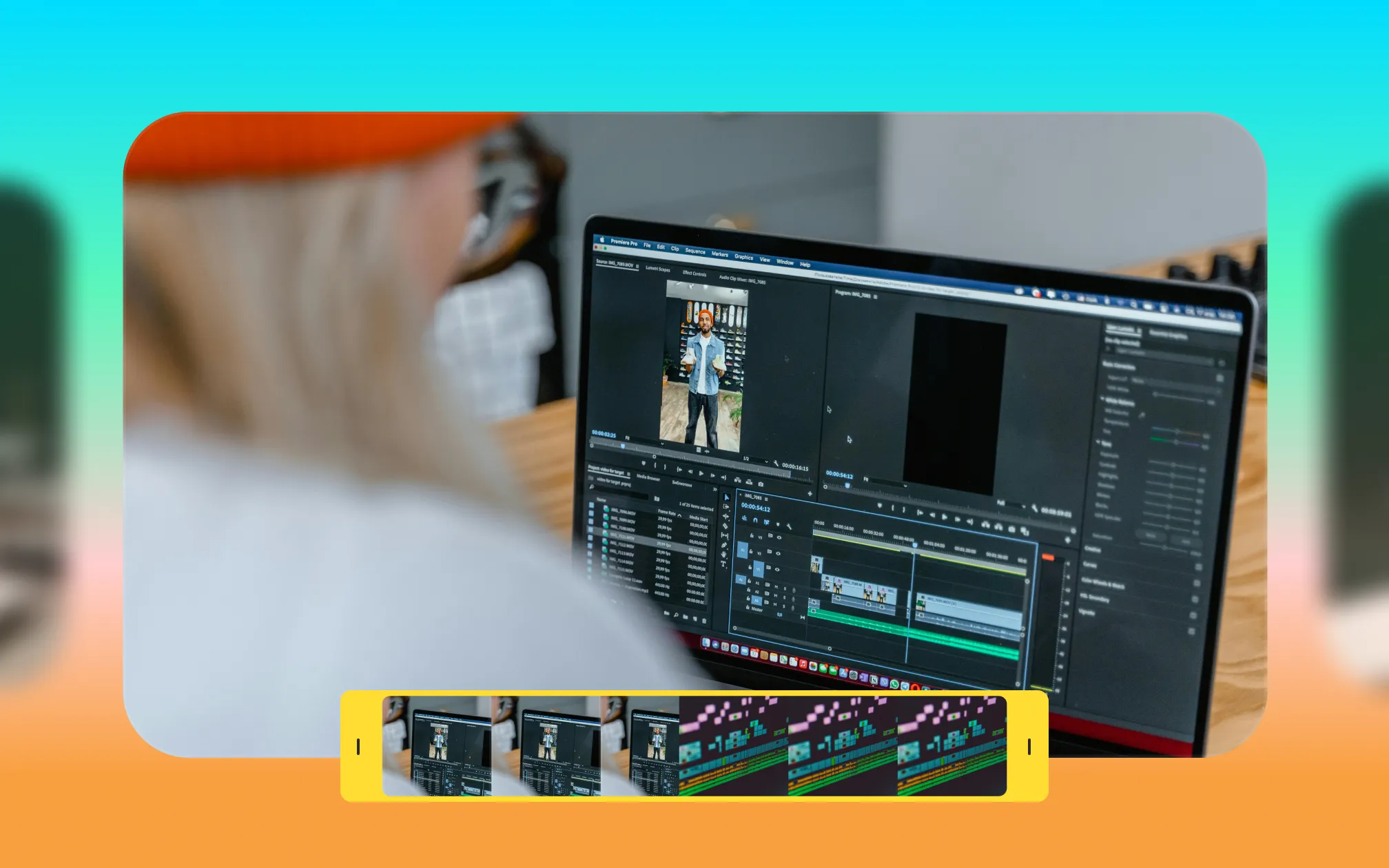
With the right edit, you can turn a basic video clip into high-performing content. It can sound daunting to start editing videos, but even a few small changes can make a big difference.
This guide focuses on video editing for beginners, with simple tips and practical advice. Learn how to prep your footage, how to choose the right edits and how AI tools can make editing easier than ever.
Why video editing matters
Video editing shapes how your content feels and how audiences connect to it. Even great footage can lose impact if the pacing is off, cuts feel awkward, or audio is inconsistent. With strong editing choices, you can tell a better story and deeper engagement.
Three elements drive video engagement more than anything else:
Pacing: Tight edits keep attention high and prevent drop-off.
Flow: Clean transitions and logical sequencing make your message easy to follow.
Sound quality: Clear, consistent audio builds trust and keeps viewers watching longer.
Especially on social platforms where viewers are multitasking and distracted, editing is what turns “watchable” into “scroll-stopping.”
8 top editing tips for social media videos
These tips focus on what to do—and why it matters—so you can edit faster without sacrificing quality. First we’ll share our best tips for manual editing with traditional video tools. Then, we’ll share how to use AI video editing tools to speed things up.
1. Organize your footage
Label clips, group takes, and remove unusable footage upfront. A clean timeline reduces mistakes and speeds up decision-making later.
2. Make a quick edit plan
You don’t need a full storyboard, but knowing your hook, main beats, and ending prevents over-editing and keeps your message focused. Even if you don’t have a full vision for the video, it helps to know your goal: What do you need viewers to think, feel or do?
3. Choose the best takes and angles
Not every take deserves to stay. Prioritize clarity, energy, and framing—especially in the first few seconds.
4. Cut unnecessary pauses
Dead air, repeated phrases, and unnecessary pauses kill momentum. Trim these from your footage to keep things tighter.
5. Balance the pacing
Find the right rhythm between slower and faster segments. Let important moments breathe so they stick. Balance those slower moments with tighter cuts in other spots where you want to keep energy flowing.
6. Use cutaways and B-roll to add dynamics
B-roll breaks up dialogue, adds context, and covers jump cuts. It’s one of the simplest ways to increase visual interest.
7. Don’t neglect sound and mixing
Normalize audio levels, reduce background noise, and keep music subtle. Inconsistent sound is one of the fastest ways to lose viewers.
8. Use transitions intentionally
Simple cuts usually outperform flashy transitions. If you use effects, make sure they support the story instead of distracting from it.
How to use AI for video editing
AI has fundamentally changed the mechanics of video creation and production. Instead of spending hours on complicated, manual tasks, AI video editors can transform your entire video in minutes.
These tools can easily tackle common quality fixes and even complex editing, all with a few clicks. For example, you can use AI to:
Correct eye contact
Remove background noise or balance sound levels
Sync captions accurately to speech
Apply consistent formatting for all your videos
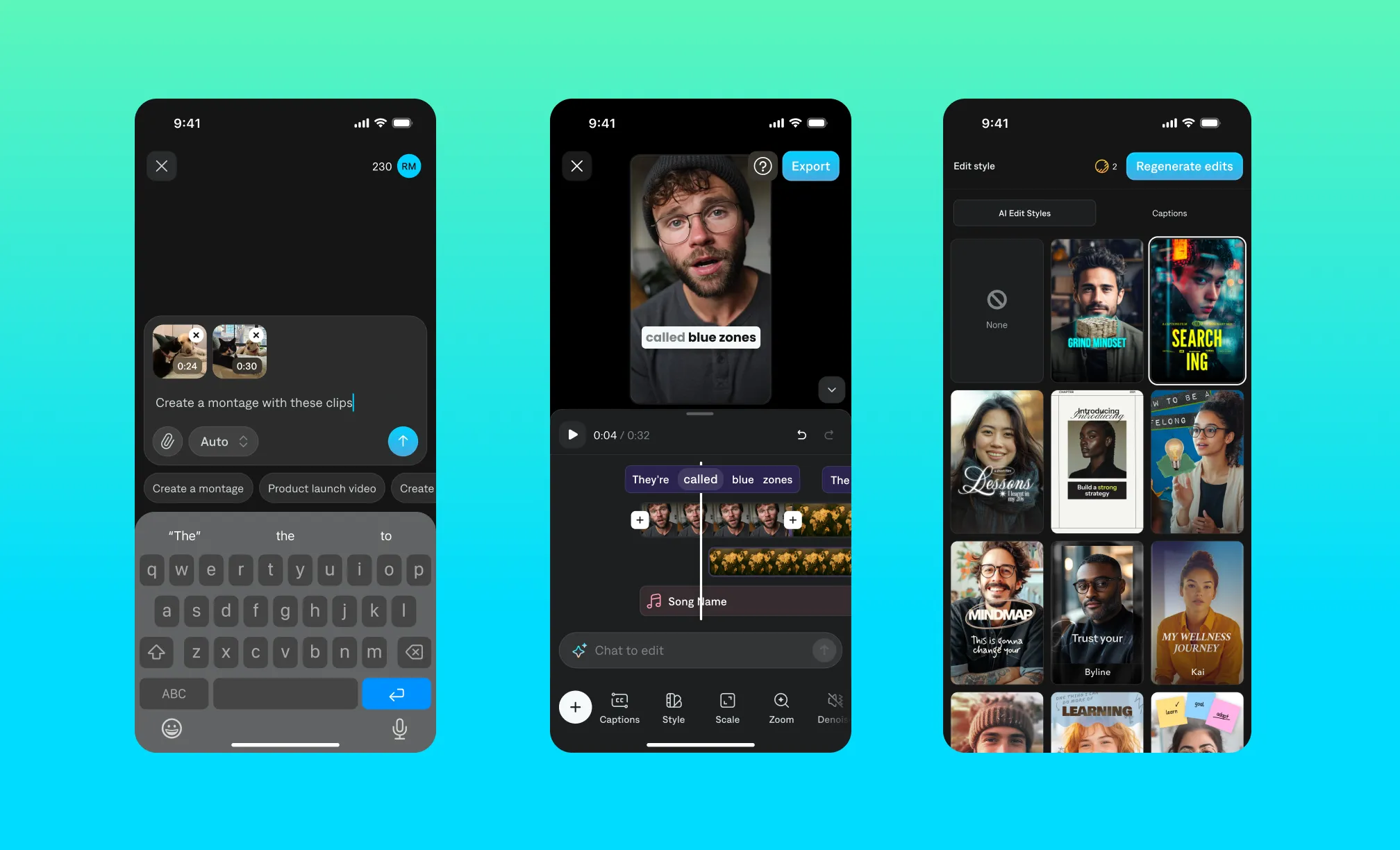
The best AI video editors take it one step further, helping you edit entire videos. For example, Captions has a feature called AI Edit that applies stylized effects and edits to your entire video at once. Just pick the style you want, and you’ll see transitions, B-roll, sounds and more. This helps even beginner video editors produce high-quality, smooth videos, without having to learn new skills or hire costly teams.
Production best practices
Whether you’re making manual edits or using AI, you’ll want to follow these best practices to keep workflows clean and content safe.
Protect your footage with the 3:2:1 rule
The 3:2:1 rule is a content safety and flexibility guideline: Keep 3 copies of your footage, stored on 2 different types of media, with 1 copy backed up off-site or in the cloud. While often associated with storage, it’s especially useful for editors working with social content at scale—protecting against lost files, corrupted exports, or last-minute changes.
Check your specs before you begin
Always edit for the platform. Every platform has its own guidelines, and following them can help improve your performance.
Look at each platform’s recommended specs to make sure you’re creating with the right dimensions in mind. Sometimes it’s just a matter of orientation (i.e. horizontal vs. vertical video) and sometimes specs can be more complex, like run times or sizing. You can usually find this information on social media platforms’ websites for businesses or creators, typically labeled as “creative specs” or “creative best practices.”
How to improve your editing over time
As you work on more videos, you’ll start to get a feel for what works best for your specific topic and style. Experiment with different kinds of pacing and tone to see what resonates with your audience and feels right for you.
We also recommend studying top videos on your favorite platforms. See if you can figure out what made other videos so successful. Over time, you’ll start to see patterns in videos that go viral or drive strong engagement.
Remember, editing is an art, and your eye will get sharper for it over time. You don’t need to be a pro to make great videos: You just need the right tools, and a great idea.