Recreate from a reference
Recreate a video as an editable project.
Give your agent a video you love. Rebuild its text, motion, graphics, and sound as a new Strata project—ready for your next idea.
Free on Apple Silicon Mac. Your agent’s costs are separate.
Read the setup prompt
Help me set up Strata by Mirage so you can edit videos and create motion graphics locally. Read the official setup guide at https://mirage.app/strata/install. Check whether my computer and this agent support the local plugin, and use only Mirage’s official release links. If the appropriate release link is not available, tell me rather than guessing an install command. Once Strata is ready, ask me for my footage or the video I want to make.
Captions Direct ad
Animated before-and-after cards, a moving phone interface, a style picker, and a finished-video carousel. Compare the original with the new Strata render.
Captions Narrative ad
A business owner’s story, animated headlines, phone interfaces, and a final brand reveal. Motion graphics and interfaces were rebuilt in Strata. Footage was generated separately with H3 Max, and the original soundtrack was reused.
The result goes far beyond a finished video.
The Direct ad is a connected project: 13 visual compositions, nested graphics, moving phone interfaces, and audio. Each part can be revised.
Direct ad / editable project
0 seconds → 15 seconds · Composition timing from the actual project
Illustrated from the actual Strata project. Nested layers are collapsed to show the full sequence.
Even the phone screen is built from layers.
The style picker contains editable labels, video thumbnails, a selection outline, masks, and animated scrolling. It is composited into the moving phone shot.
27 text layers. 13 video layers. 79 objects in total, including six groups.
Change one detail
Change the selected style to my brand colors. Keep the phone movement and the rest of the sequence.
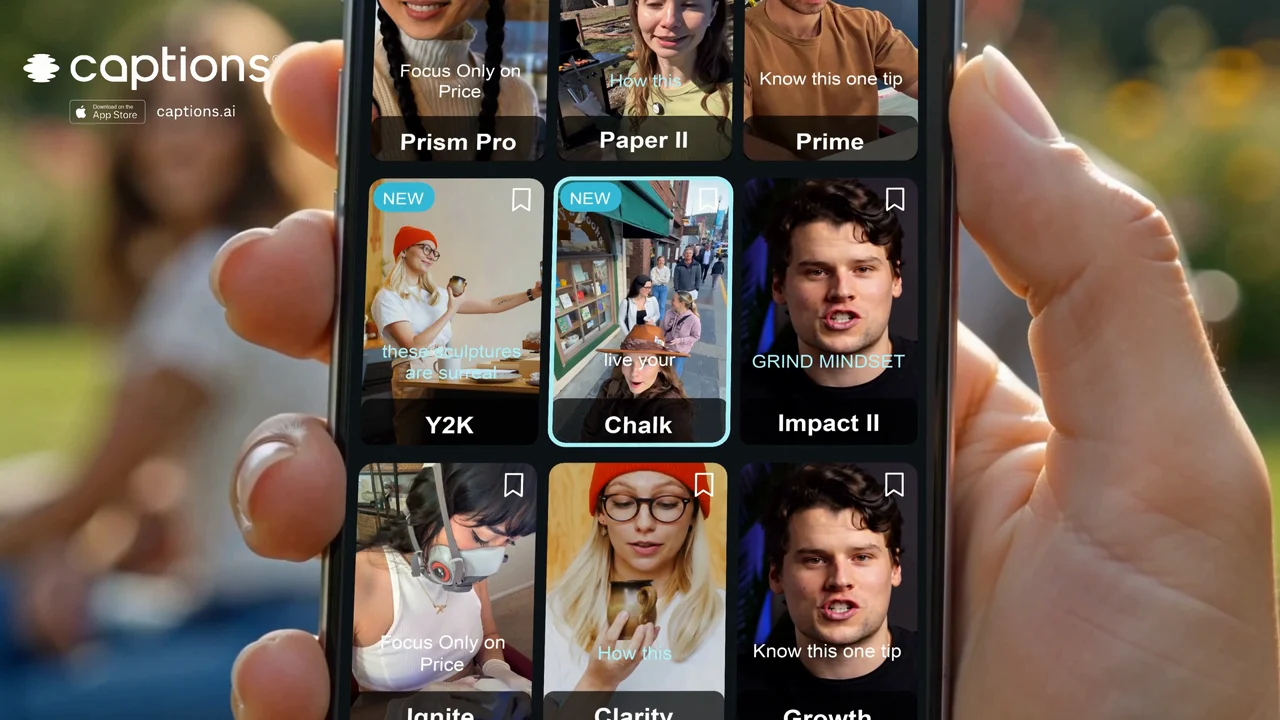
Phone screen / expanded layers
Choose an editing style · 4.33–6.21s
- Phone screen design
- Editable interface artwork
- Scrollable style gallery
- Selected Chalk style outline
- Chalk
- live your
- direct-friends
27 text layers · 13 video layers · 79 objects
Selected layers and animation control points from the actual style-picker composition. The 79 objects include six groups.
Try recreating this ad.
Download the Direct ad, attach it to your agent with Strata installed, and paste this prompt. Review the first render together, then refine the details.
Captions Direct ad
Reference video · MP4
A prompt to start from
Recreate the attached 15-second Captions Direct ad in Strata as a new editable project. Match the shot order, pacing, layouts, typography, colors, and transitions. Rebuild the before-and-after cards, moving phone interface, style picker, progress messages, video carousel, and end card with native editable layers. Keep the text, graphics, masks, and motion editable. Use the media I provide and keep the reference soundtrack. If footage is missing, identify the shots needed and use my connected video-generation tools after we agree on a budget. Compare rendered frames and transitions with the reference, refine the differences, and deliver the final video plus the editable Strata project.
For another video, attach your own reference and replace the ad name and scene list in the prompt.
A starting point for work you already need to make.
Follow a trend with your own content.
Recreate the rhythm, animated type, or visual treatment that caught your eye. Use your own story and footage.
Rebuild a project when only the export remains.
Turn the surviving video into a new editable starting point, so you can update the message, branding, or timing.
Adapt the ideas behind a competitor’s ad.
Use its hook, pacing, or product demonstration as a reference. Build your version around your brand and offer.
Turn a reference into a repeatable campaign.
Keep the reconstructed compositions. Swap the message and media to create the next variation.
Explore the tools behind the work.
All Strata features →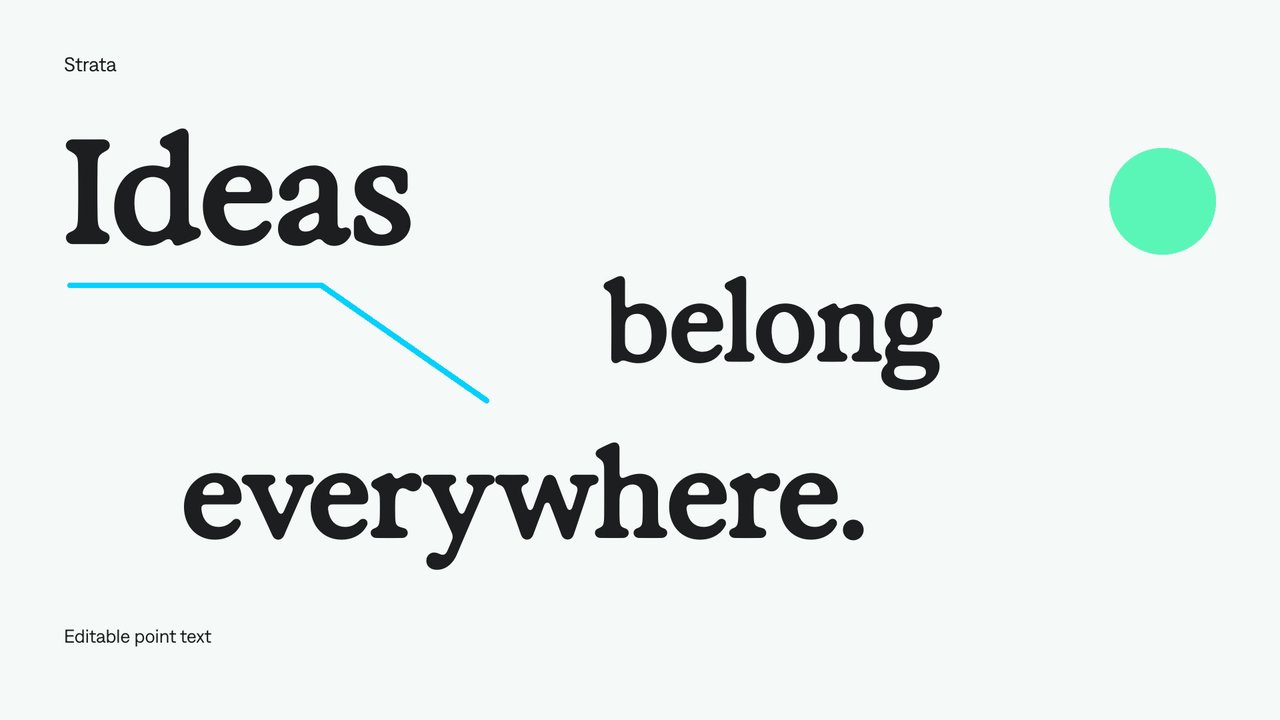
Editable text
Add freely positioned titles and short labels.
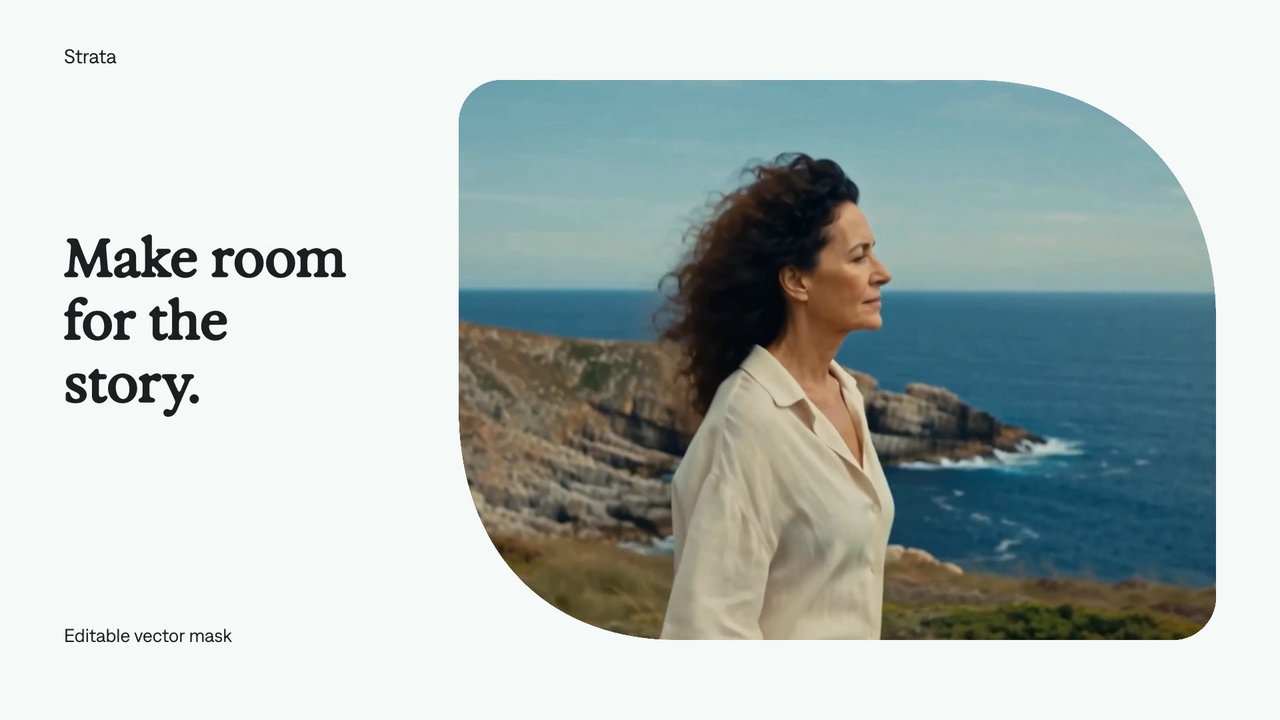
Vector masks
Give a video a custom silhouette without baking it into the footage. Your agent can reshape the mask and animate the reveal while keeping the video layer intact.
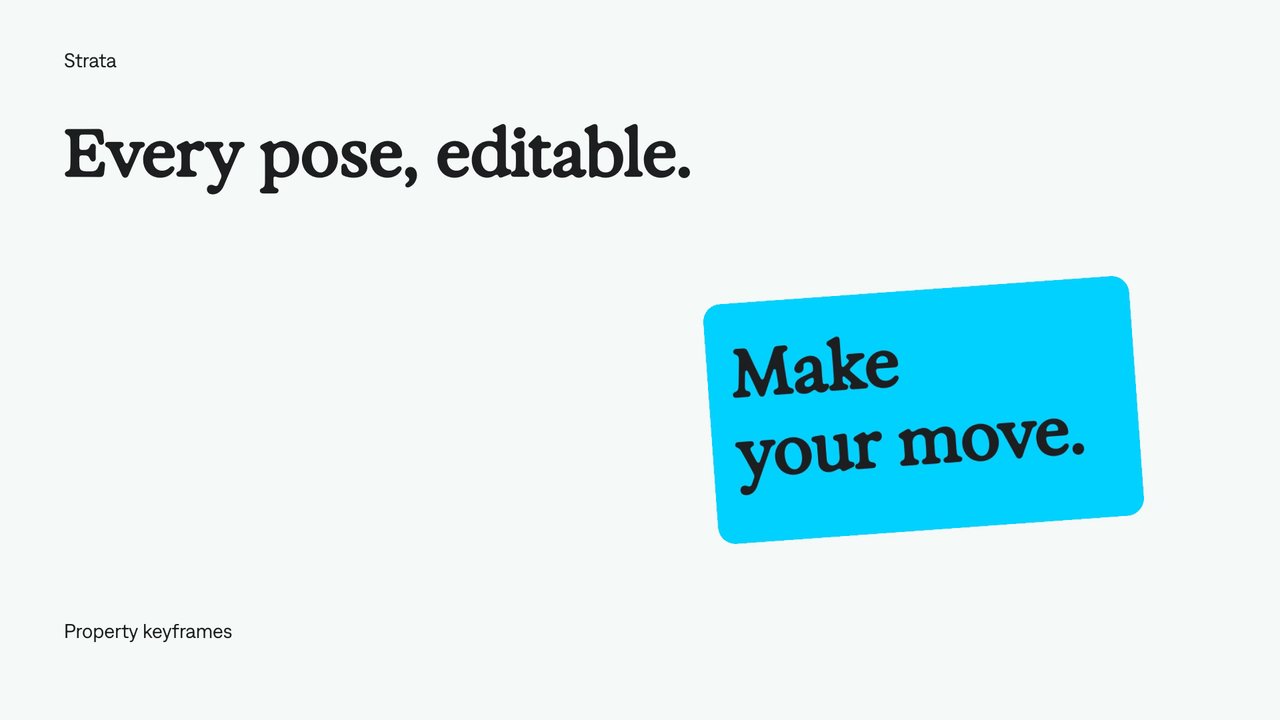
Keyframe animation
Set values at specific moments and let Strata animate between them. Your agent can refine the timing, positions, and easing while keeping the animation editable.
A few useful details.
Can I turn an MP4 into an editable video project?
Give your agent the MP4 and ask it to reconstruct the edit in Strata. It can rebuild text, graphics, layouts, motion, and timing as editable elements, using supplied or separately generated media for the footage.
Does this recover the original project file?
It creates a new Strata project from what is visible in the finished video. The original application’s layers, hidden elements, and effects settings are not stored in an MP4 and are not recovered.
How closely can it match the reference?
The two Captions ads above show the results. Their sequence, typography, layouts, and motion were reconstructed and refined against the originals. Generated footage and some interface details differ; the page lets you compare the actual videos.
Can I use a competitor’s ad as inspiration?
Use the reference to explain the opening, pacing, layout, or product story you want to explore. Ask the agent to apply those ideas to your own brand, message, and media so the result becomes your campaign.
What stays editable afterward?
The elements rebuilt in Strata remain editable: text, cards, layers, compositions, motion, and audio placement. Recorded or generated footage remains media inside the project; objects within that footage do not automatically become separate layers.
Do I need all the original assets?
The reference video is the starting point. Original footage, fonts, logos, and audio help the agent match it more closely. If those are unavailable, supply replacements or connect a separate media-generation tool.
Does Strata generate the replacement footage?
Strata edits and composites media. In these examples, H3 Max generated footage separately, while Strata rebuilt the graphics, interfaces, and motion. The supplied soundtrack was reused. External generation is separate from the free local engine.
How do I try this with my agent?
Install Strata in a supported local agent environment on an Apple Silicon Mac. Provide a reference video and describe what to match or change. Review the first reconstruction, refine it, and render locally. Agent and external-generation costs are separate.
Your next video.
Made with your agent.
Professional creative tools for your AI agent. Free on your Mac.
Free on Apple Silicon Mac. Your agent’s costs are separate.
Read the setup prompt
Help me set up Strata by Mirage so you can edit videos and create motion graphics locally. Read the official setup guide at https://mirage.app/strata/install. Check whether my computer and this agent support the local plugin, and use only Mirage’s official release links. If the appropriate release link is not available, tell me rather than guessing an install command. Once Strata is ready, ask me for my footage or the video I want to make.