Mask inversion.
Swap the revealed and hidden regions.
Try it in your agent.
Use this prompt as a starting point. Review the result, then ask for the details you want to change.
A prompt to start from
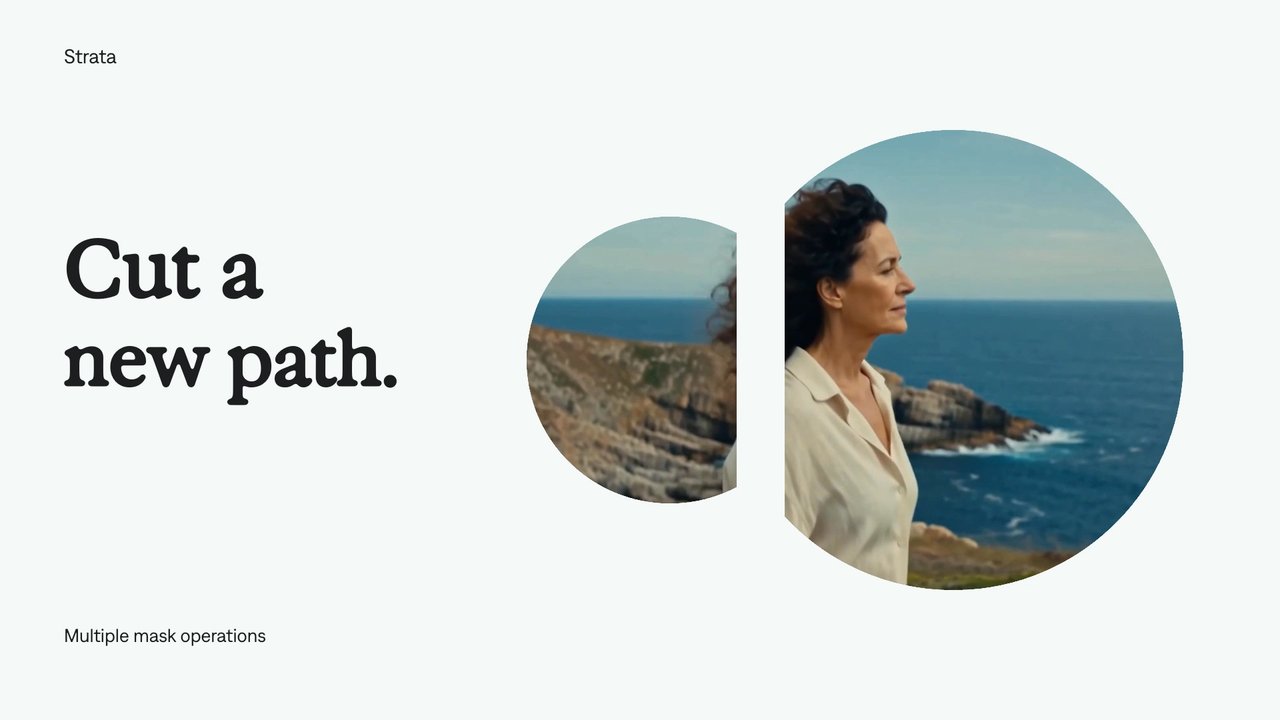
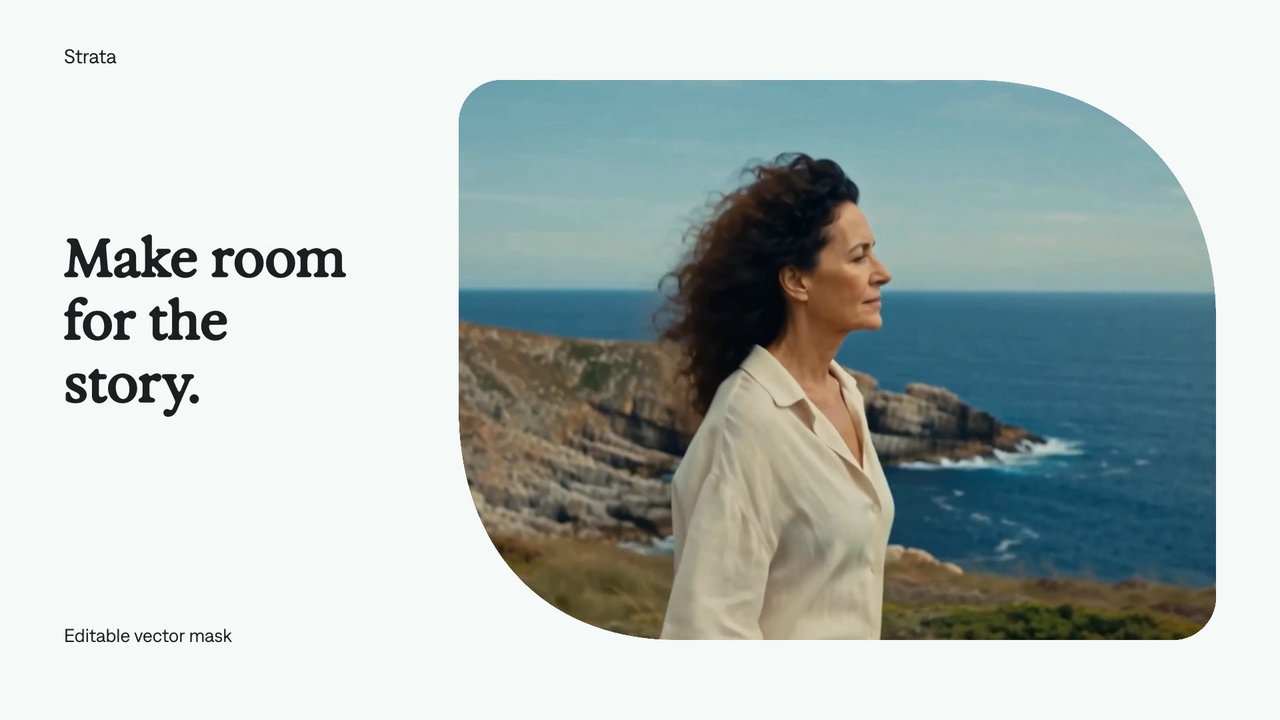
Use Strata. Create an eight-second silent Strata negative-space composition. Keep a moving coastal film in a large rectangular window on the right of a Bone canvas, with “Outside / the lines.” in neutral Exposure[-30] at left. Invert a circular path mask so the film is visible outside the circle and the circle itself is transparent. Move the circular opening gently rightward while protecting the person’s face. Keep the outer rectangular crop clean. Preserve the actual inverted flag on the circle mask.
A few useful details.
How do I try this with my agent?
Copy the prompt into your supported local agent with Strata installed. Review the preview, then ask for the changes you want. The composition stays editable as you refine it.
Where does the video render?
Strata previews and renders locally on an Apple Silicon Mac. The local engine is free; your agent’s subscription or usage costs are separate.
Try these next.

Find your next creative tool.
Explore the tools for editing footage, creating motion graphics, and shaping sound with your agent.
Free local rendering on Apple Silicon Mac. Your agent’s costs are separate.