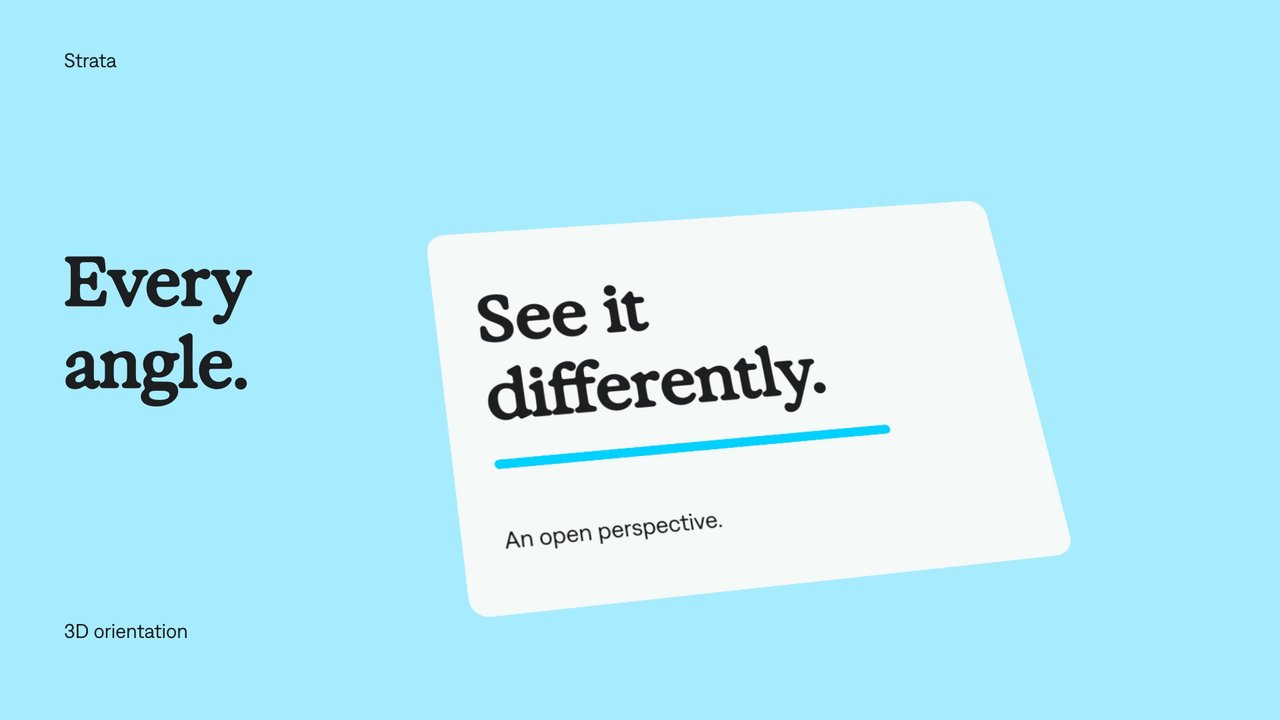
3D card tilts.
Tilt a flat card around its horizontal or vertical axis while keeping its content editable.
Try it in your agent.
Use this prompt as a starting point. Review the result, then ask for the details you want to change.
A prompt to start from
Use Strata. Create an eight-second silent landscape Strata 2.5D card demonstration. Use a Sky #A6ECFF canvas and a centered neutral Charcoal Exposure -30 headline, “New perspective.” Place the included moving workshop clip inside a large Bone photographic card below the headline. Add a small Denim INK caption within the card’s lower border. Keep the card, moving video and label as editable children of one group. Anchor the group at its center and slowly turn it from Y=-44°, X=-8° to Y=26°, X=6° between 0.4 and 5.2 seconds. Use the fixed-camera perspective; do not fake the movement by resizing the video or generating a tilted shot. Maintain 96 px canvas safe margins, a consistent 24 px card inset, and space between the card and headline through the complete turn. Required inputs: the included workshop clip and brand fonts. Inspect the extremes of the turn and refine placement after rendering.
A few useful details.
Can I move a virtual camera through the scene?
This treatment rotates flat layers under the runtime’s fixed perspective. It does not require or provide an authored camera rig.
How do I try this with my agent?
Copy the prompt into your supported local agent with Strata installed. Review the preview, then ask for the changes you want. The composition stays editable as you refine it.
Where does the video render?
Strata previews and renders locally on an Apple Silicon Mac. The local engine is free; your agent’s subscription or usage costs are separate.
Try these next.
Find your next creative tool.
Explore the tools for editing footage, creating motion graphics, and shaping sound with your agent.
Free local rendering on Apple Silicon Mac. Your agent’s costs are separate.