Build your own editor
Your project deserves an editor that fits you.
Ask your agent to build controls around the project it just created. Adjust the timing, typography, color, or framing yourself, then let the agent continue the work.
Build controls for the way you work.
A creator may want a few brand controls. An editor may want precise timing. Your interface can expose the decisions that matter to you, while Strata keeps the creative project underneath.
The controls beside this text are an interactive UI illustration. They show how a small interface can adapt to the project; this page does not run Strata or render a video.
Example controls · Browser illustration
Manual changes and agent edits. One project.
The custom interface should change the same source project the agent uses. A hand-adjusted title stays part of the project when you ask the agent to revise the next scene.
A prompt to start from
Build a small local editing interface around this Strata project. Give me controls for the headline, brand color, title timing, and framing. Use the documented Strata interfaces to save each change back to the same project, and provide a preview so I can inspect it. Keep the original project as a backup.
Explore the tools behind the work.
All Strata features →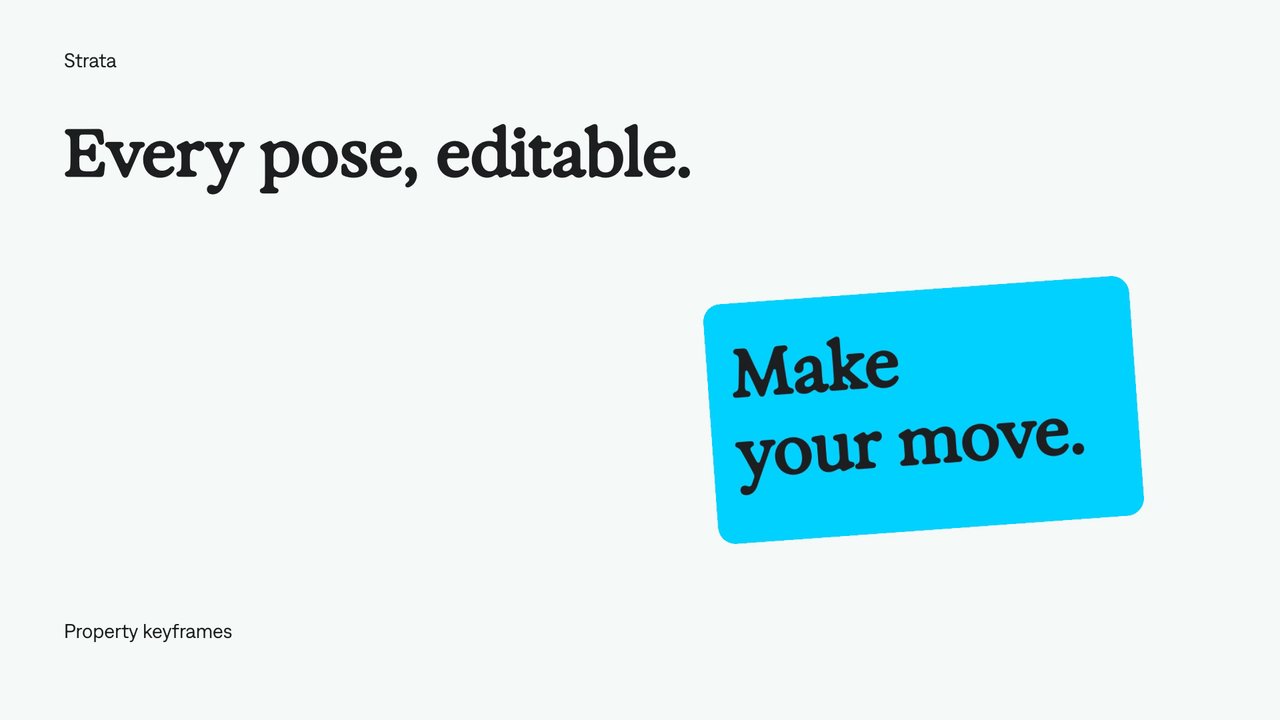
Keyframe animation
Set values at specific moments and let Strata animate between them. Your agent can refine the timing, positions, and easing while keeping the animation editable.
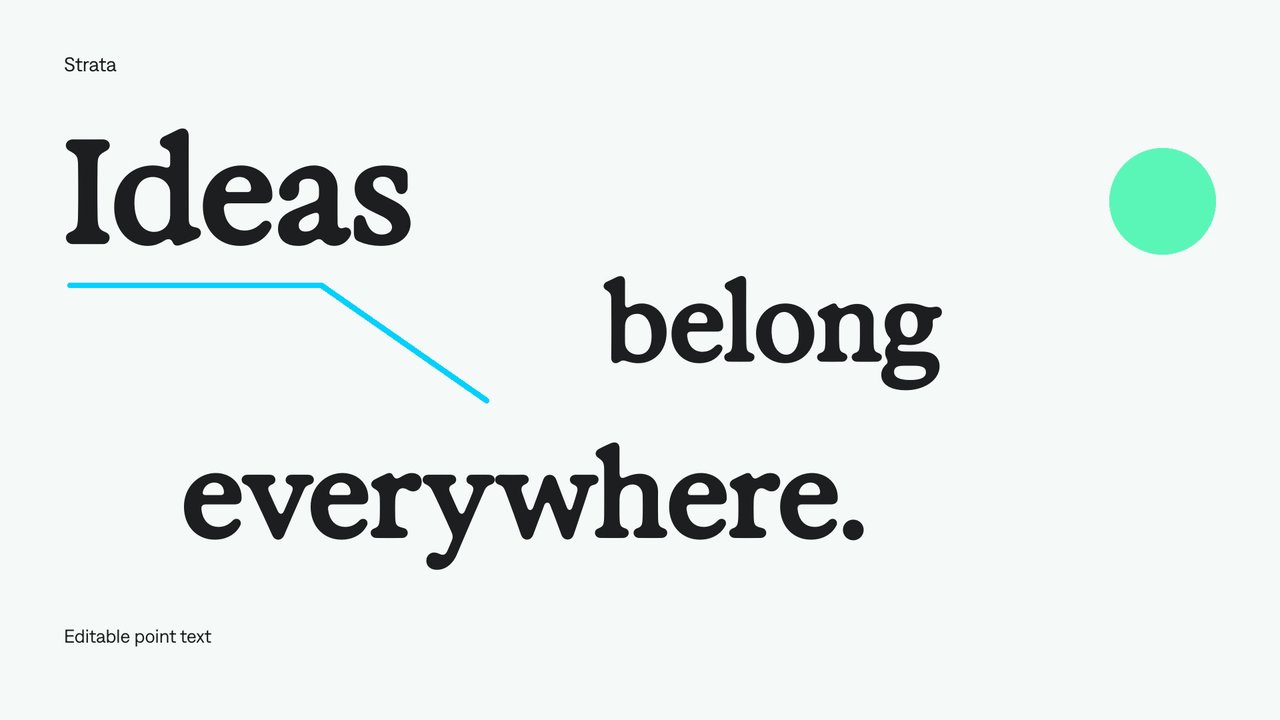
Editable text
Add freely positioned titles and short labels.
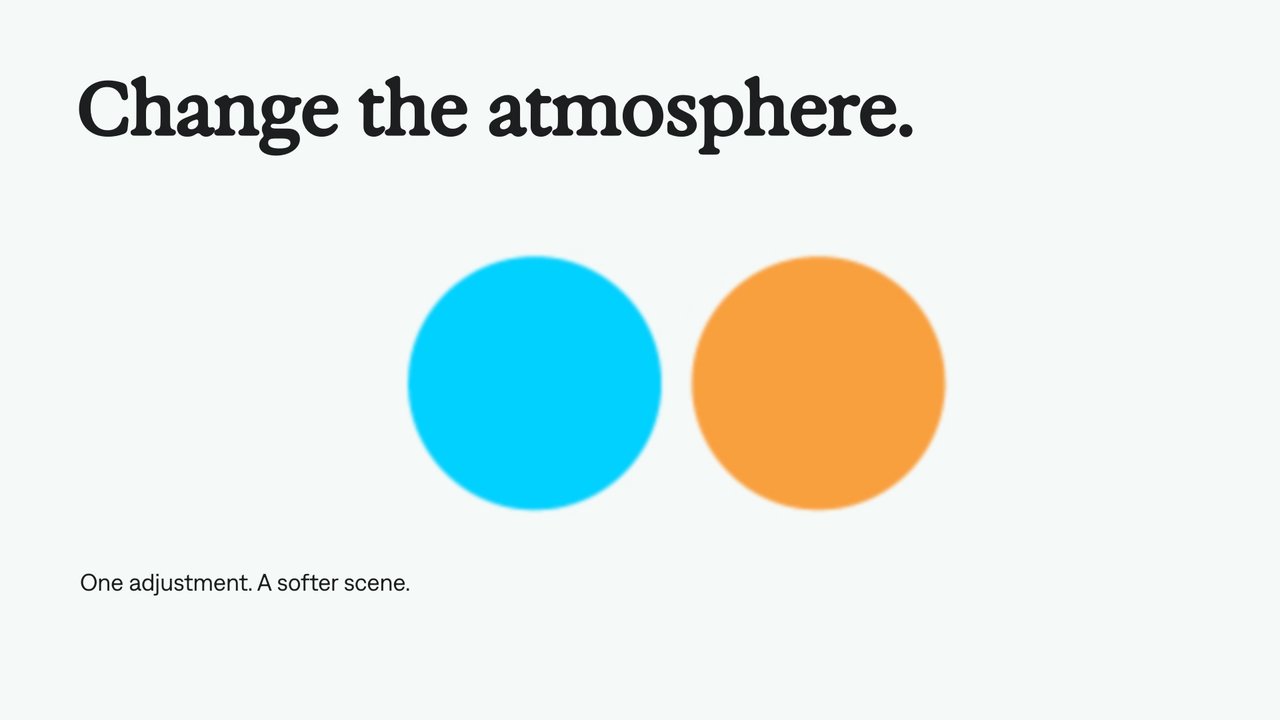
Adjustment layers
Use an adjustment layer to change the look of the layers beneath it. Keep the treatment separate from the footage, text, and graphics so your agent can revise it in one place.
A few useful details.
Can I connect another agent?
An agent that can execute local tools can use the runtime’s documented interfaces and examples. Packaged plugins provide instructions and creative guidance for supported environments.
Is the engine open source?
The release provides a free binary with documented interfaces and examples. It does not publish the engine source code. Refer to the release license for commercial deployment and embedding terms.
Is a custom editor included with the plugin?
The plugin helps an agent create and revise projects. A custom editing interface is something you can build on the runtime; the illustrative controls on this page are not a separate shipping editor.
Where are the exact API calls and install commands?
Use the documentation bundled with the official Strata release. Commands and schemas need to match that runtime version; this page does not substitute guessed commands for the release reference.
Your next video.
Made with your agent.
Professional creative tools for your AI agent. Free on your Mac.
Free on Apple Silicon Mac. Your agent’s costs are separate.
Read the setup prompt
Help me set up Strata by Mirage so you can edit videos and create motion graphics locally. Read the official setup guide at https://mirage.app/strata/install. Check whether my computer and this agent support the local plugin, and use only Mirage’s official release links. If the appropriate release link is not available, tell me rather than guessing an install command. Once Strata is ready, ask me for my footage or the video I want to make.