

How to make an avatar from photos
Go from selfie to video star in a few simple steps.
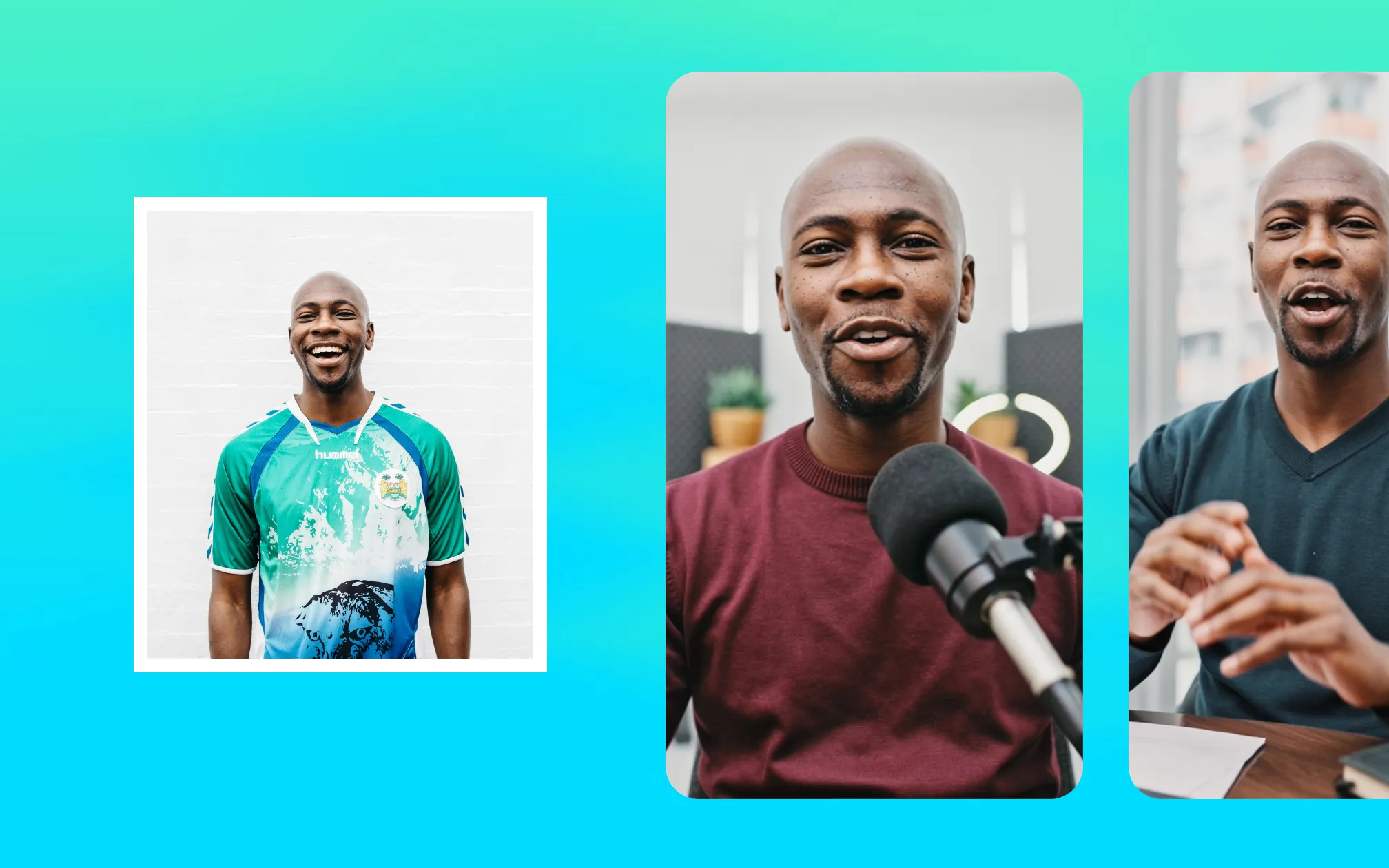
Have the perfect video star... but not enough time to record? Turn their photo into a digital avatar, and start making fresh videos in no time.
Photo-generated avatars aren’t just a novelty. They solve real production problems and unlock new ways to scale video content. Whether you’re trying to grow your personal brand or a business, using the same person in multiple videos can help build engagement and trust. With digital avatars, you don’t need to record fresh footage every time. And all you need to start is a photo of your preferred “actor.”
One photo, unlimited creative possibilities
Avatar generators can use a simple photo to create avatars that look so real most people wouldn’t guess you even used AI. At Mirage, our avatars are powered by an advanced AI model that fine-tunes every detail. Avatars act organically, with natural speech rhythms and realistic expressions. They also closely mirror source photos—so you can feel confident that your digital twin really, truly looks like you.
Create the avatar once, then reuse it for any topic you need. Let’s say you’re a content creator, posting regularly about cooking ideas. You have more ideas than time to record, so a digital twin would help you scale video much faster.
Choose a couple of favorite selfies and see which one produces an avatar that you’re happiest with. Then, use that “actor” for new videos. You can reuse the same avatar over and over, changing details like scenery or clothing to make the content look fresh.
Brands can use photos to speed up campaigns with actors or content creators, too. Just ask for a preferred photo, and use it to generate a digital avatar for your featured talent. Then, use the video generator to create new footage for any topic or situation you need.
Best practices for photo avatars
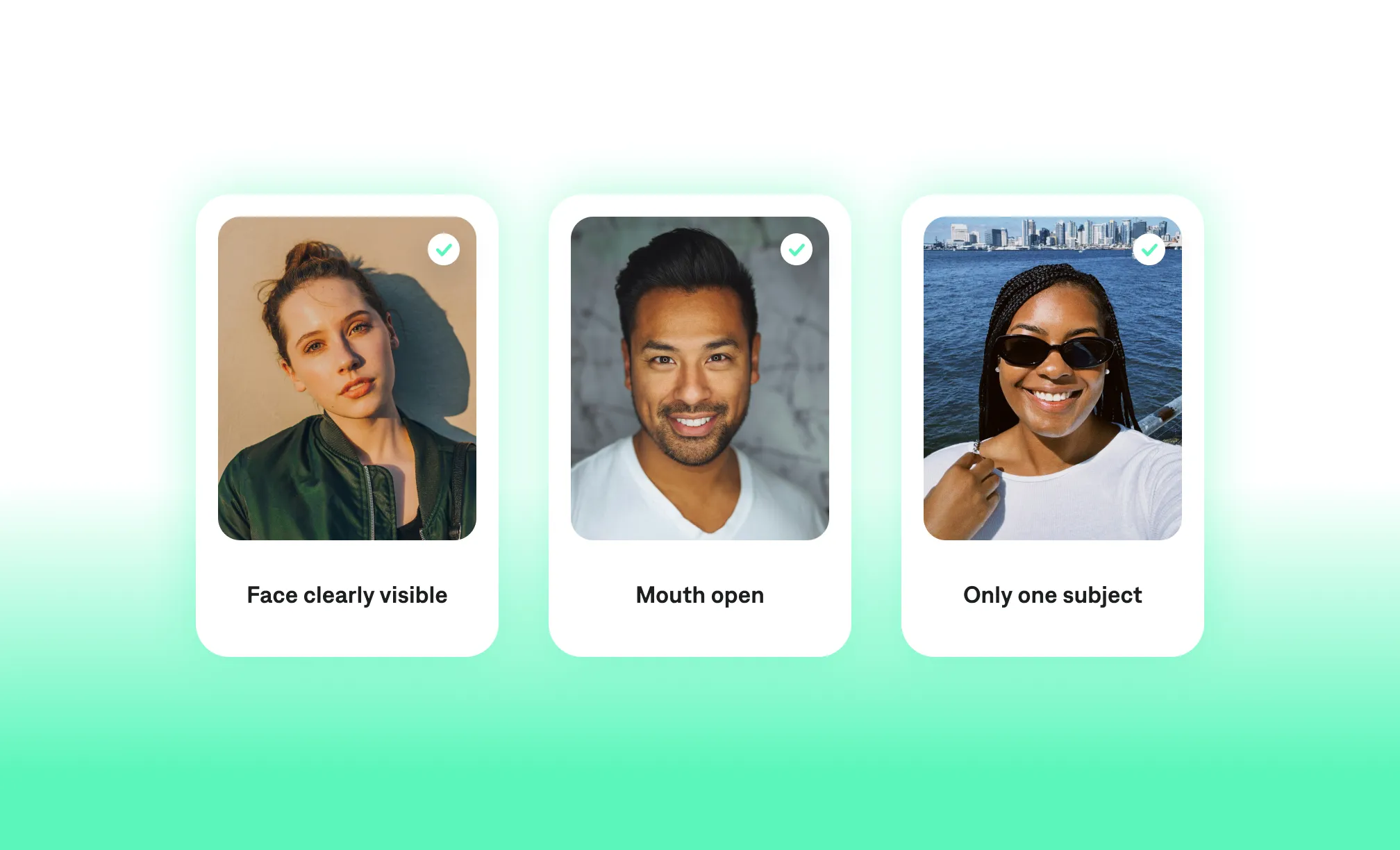
Today’s avatar generators are very advanced, so your photo doesn’t need to be perfect. Still, you’ll get the best results if you keep these tips in mind for your source photo:
Make sure your face is clearly visible. It’s best to use a photo taken straight on so the subject is front and center. It’s also easier for the generator to capture the right details if your shot is mid-range or a close-up.
Try to use a photo where your mouth is open, with teeth visible. This helps the avatar generator turn your photo into a realistic video with natural mouth movements. If you don’t already have a photo like this, use the camera in the Captions app to snap a new one fast.
Avoid photos with multiple people in the frame. It’s easier for avatar tools to detect the right person if there’s only one subject at a time.
How to turn photos into avatars in Captions
Captions makes it easy to turn your photos into realistic, multipurpose digital avatars. While they’re called “Digital Twins” within our products, you can use the same workflow to make digital avatars for featured talent or colleagues. Just make sure you have their permission to use their likeness before you start!
Here are the steps to make a new avatar with your photo:
Pick your photo: In the Captions app, you’ll find this in the section called “AI Twin.” Upload an existing photo or take one in the app. If you’re using Captions on web, you can create new actors from the “Generate video” or “Actors” tabs. Just upload your photo to start the avatar creation process.
Generate your avatar: In the app, you’ll be prompted to record sample voiceover so Captions has associated audio for the avatar. If you’re on web, the actor will go right into your actor library for next steps.
Name your avatar: Make sure to give each avatar a distinct name. This makes it easier to find the same actor for another video later on.
Customize your look: You can change outfits, backgrounds or other details to make your avatar perfect. If you reuse the same avatar over time, changing details also helps your content look fresh.
Start creating
Turning a photo into a digital avatar is just a matter of minutes. You’ll have rights to any avatar you create, and you can reuse them for any number of ideas. Get started today, and see how far your avatar can take you.