Video playback speed.
Make a clip faster or slower using an absolute speed.
Try it in your agent.
Use this prompt as a starting point. Review the result, then ask for the details you want to change.
A prompt to start from
Use Strata. Create an eight-second landscape Strata study using the supplied daylight water-pour video. On a warm neutral Mirage canvas, set “Give time a little room.” in Exposure[-30]. Place two generously separated, equally sized moving panels below it. The left shows the entire eight-second pour at its original pace; the right plays the first four seconds across eight seconds, visibly slowing the same movement. Label them with Denim INK. Keep both silent and preserve the source and timeline durations so the right-hand speed remains editable.
A few useful details.
Does slowing a clip create new frames?
No. Changing playback speed changes the timing of the source frames. It does not generate optical-flow frames.
How do I try this with my agent?
Copy the prompt into your supported local agent with Strata installed. Review the preview, then ask for the changes you want. The composition stays editable as you refine it.
Where does the video render?
Strata previews and renders locally on an Apple Silicon Mac. The local engine is free; your agent’s subscription or usage costs are separate.
Try these next.
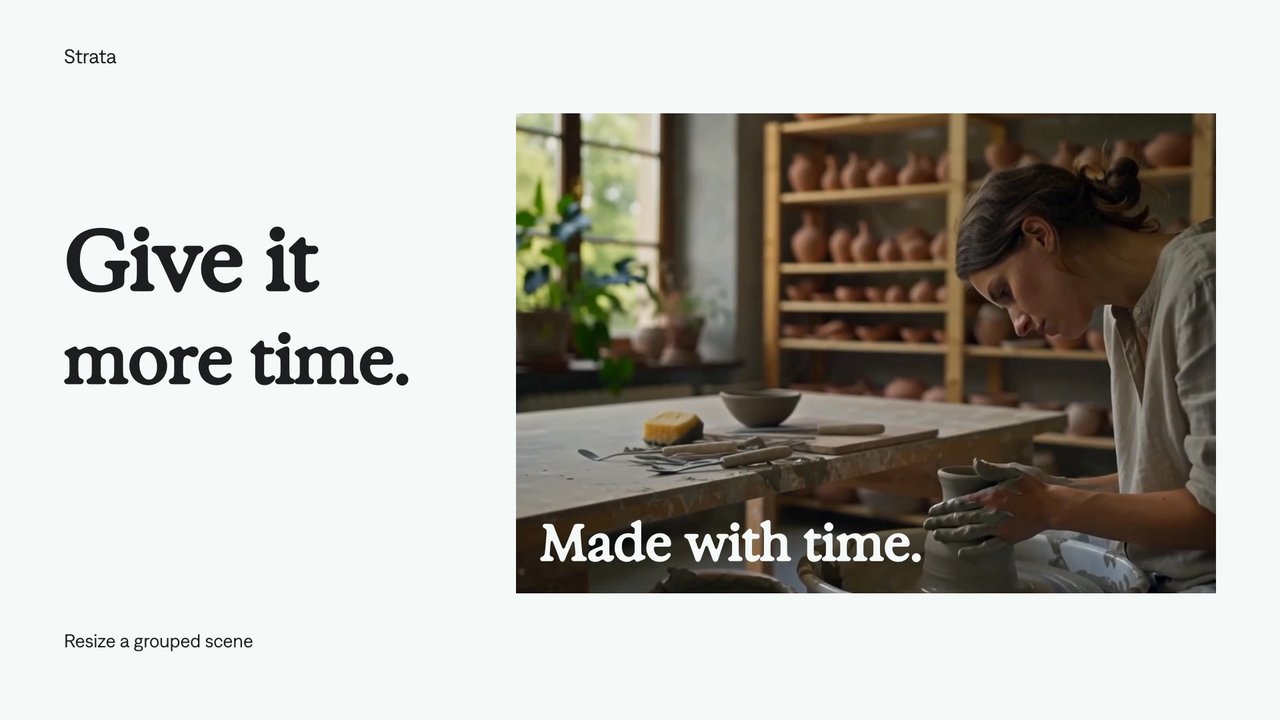
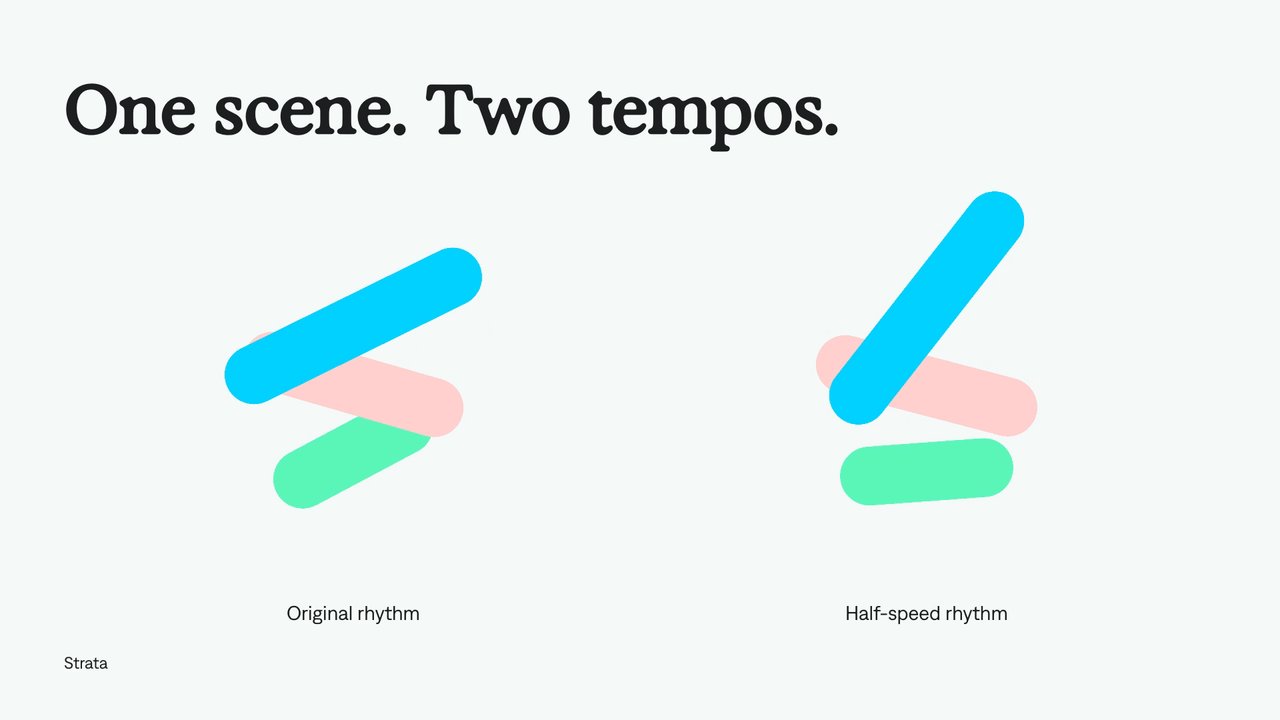
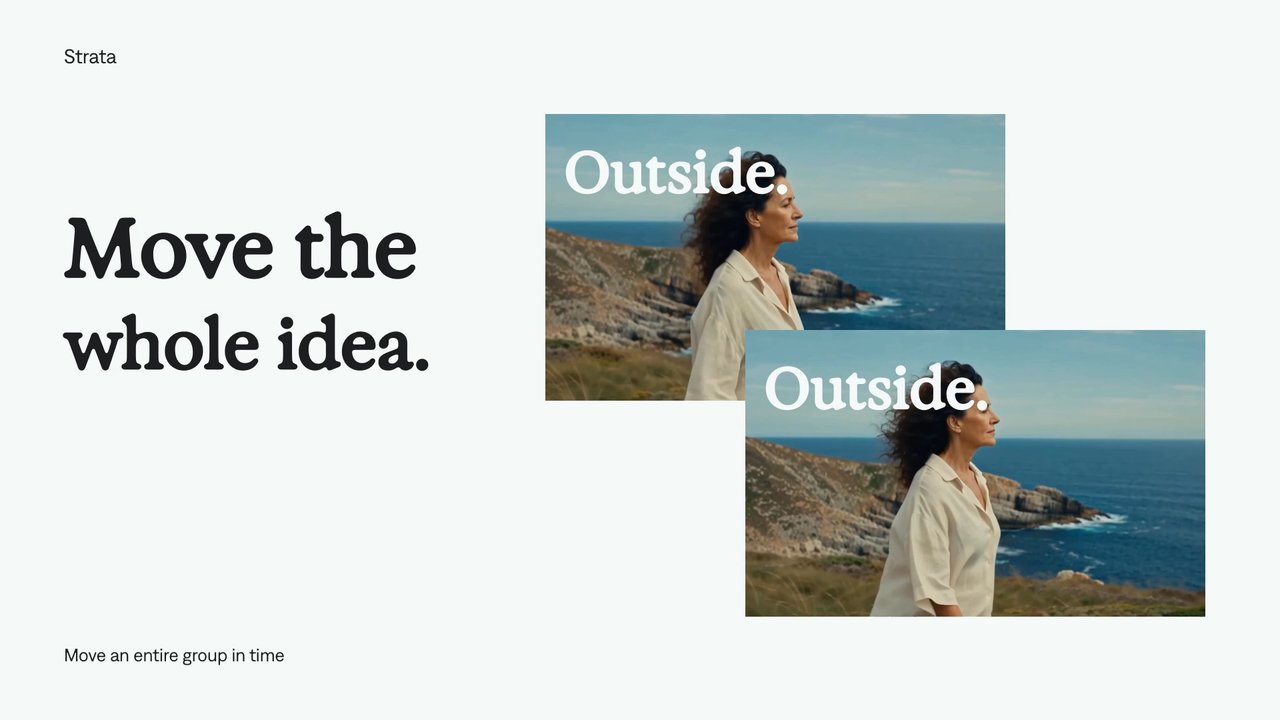
Find your next creative tool.
Explore the tools for editing footage, creating motion graphics, and shaping sound with your agent.
Free local rendering on Apple Silicon Mac. Your agent’s costs are separate.